Authentication is one of the core security features in the postgresql. When using Peer authentication, postgres normally expects the operating system username and the postgres username to be the same. If they are different, the connection is rejected.
The pg_ident.conf file solves this problem by allowing you to map an operating system user to a different Postgres role.
The pg_ident.conf file defines mappings between:
- Operating system usernames
- Postgres database usernames
These mappings are used only when the authentication method in pg_hba.conf is peer or ident, and a mapping is explicitly specified with the map option.
We can check the path of the ident file inside the psql terminal like this
show ident_file ;
Result :
              ident_file
---------------------------------------
 /etc/postgresql/18/main/pg_ident.conf
(1 row)
The pg_hba.conf file (host-based authentication ) controls who is allowed to connect to postgres, from where they can connect, to which databases, and how they must authenticate.
We can see the path of the hba file inside the psql terminal like this.
show hba_file ;
Result :
              hba_file
-------------------------------------
 /etc/postgresql/18/main/pg_hba.conf
(1 row)
Open the ident file, where we can see the space for adding the configuration related to the user mapping at the end of this file.
sudo nano /etc/postgresql/18/main/pg_ident.conf
Result :
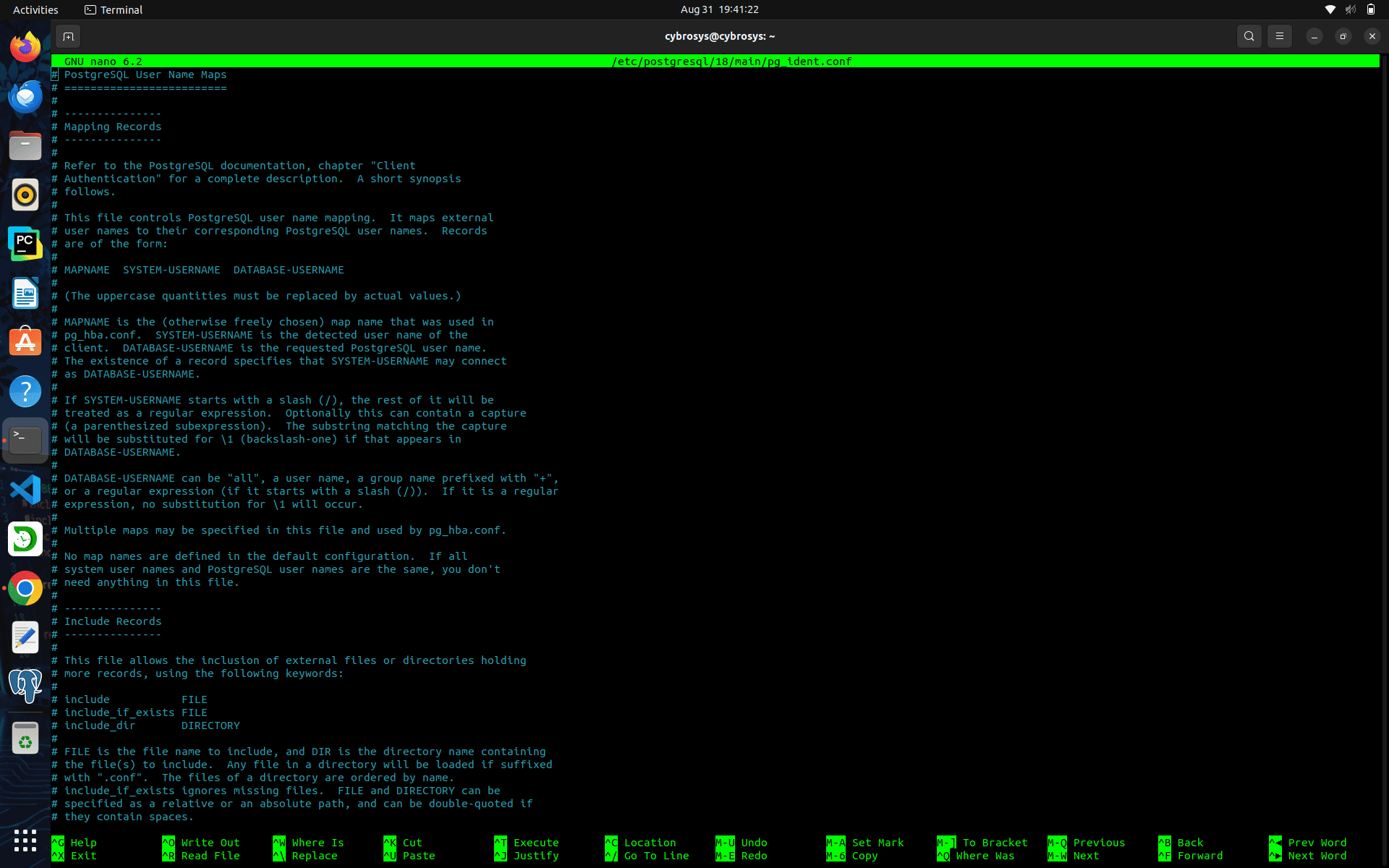
At the end of this file, we can see the space for adding user mapping configuration like this.
# Put your actual configuration here
# ----------------------------------
# MAPNAME       SYSTEM-USERNAME         DATABASE-USERNAME
Before setting this configuration, check the current Linux user using the command below.
Whoami
Result :
cybrosys
Now, when you try to log into the psql terminal as the Linux user, you get an error like this.
cybrosys@cybrosys:~$ psql -U postgres
Result :
psql: error: connection to server on socket
"/var/run/postgresql/.s.PGSQL.5432" failed: FATAL:  Peer authentication failed for user "postgres"
Now, open the ident file and add the user mapping configuration like this.
sudo nano /etc/postgresql/18/main/pg_ident.conf
Map the Linux user as the postgres user.
# MAPNAME       SYSTEM-USERNAME         DATABASE-USERNAME
  custom        cybrosys                postgres
Now, open the hba file and add the map name to the postgres user like this
sudo nano /etc/postgresql/18/main/pg_hba.conf
This is the default configuration of postgres from the pg_hba file
# Database administrative login by Unix domain socket
local   all             postgres                                peer
Now, add the map name here like this
# Database administrative login by Unix domain socket
local   all             postgres                                peer map=custom
Now, restart the postgres server like this
sudo systemctl restart postgresql
Check the postgres cluster status for checking any issues after setting the user mapping configuration.
pg_lsclusters
Result :
Ver Cluster Port Status Owner    Data directory               Log file
18  main    5432 online postgres /var/lib/postgresql/18/main  /var/log/postgresql/postgresql-18-main.log
Now, in the Linux user, try to login psql terminal like this.
cybrosys@cybrosys:~$ psql -U postgres
psql (19beta2, server 18.4 (Ubuntu 18.4-1.pgdg22.04+1))
Type "help" for help.
postgres=#
Now, we can see that the user mapping works as expected. Although we are logged in to the operating system as the cybrosys user, PostgreSQL maps it to the postgres database user using the configuration defined in pg_ident.conf, allowing the connection to succeed.
How the Mapping Works
The authentication process is straightforward.
- The operating system identifies the logged-in user as cybrosys.
- PostgreSQL checks pg_hba.conf.
- The peer authentication method is selected.
- The map=custom option tells PostgreSQL to consult pg_ident.conf.
PostgreSQL finds the following mapping:
custom cybrosys postgres
When should we use pg_ident.conf?
The pg_ident.conf file is useful when:
- Operating system usernames and PostgreSQL usernames are different.
- Multiple Linux users need to connect as specific PostgreSQL roles.
- Administrative accounts should be mapped to privileged database roles.
- want to continue using Peer authentication without creating matching operating system and postgres usernames.
The pg_ident.conf file provides a simple way to map operating system users to PostgreSQL database users. Instead of requiring identical usernames, PostgreSQL can authenticate users according to the mappings you define.
In this example, the operating system user cybrosys was successfully mapped to the PostgreSQL role postgres by adding a single entry to pg_ident.conf and referencing that mapping from pg_hba.conf. This approach is especially useful in environments where operating system accounts and database roles follow different naming conventions while still allowing secure Peer authentication.