In Odoo 19, inventory valuation determines how stock moving in and out of your warehouse changes your company's accounting records. Odoo 19 offers two distinct methods for tracking this value: Periodic Inventory Valuation and Perpetual Inventory Valuation. The core difference between them is the timing; specifically, when your temporary stock movements are finalized and moved into your permanent accounting entries.
To configure or view your inventory records, open the Inventory Application from your main Odoo dashboard. Go to the Configuration menu and select Product Categories to choose between Periodic or Perpetual tracking for specific item groups.
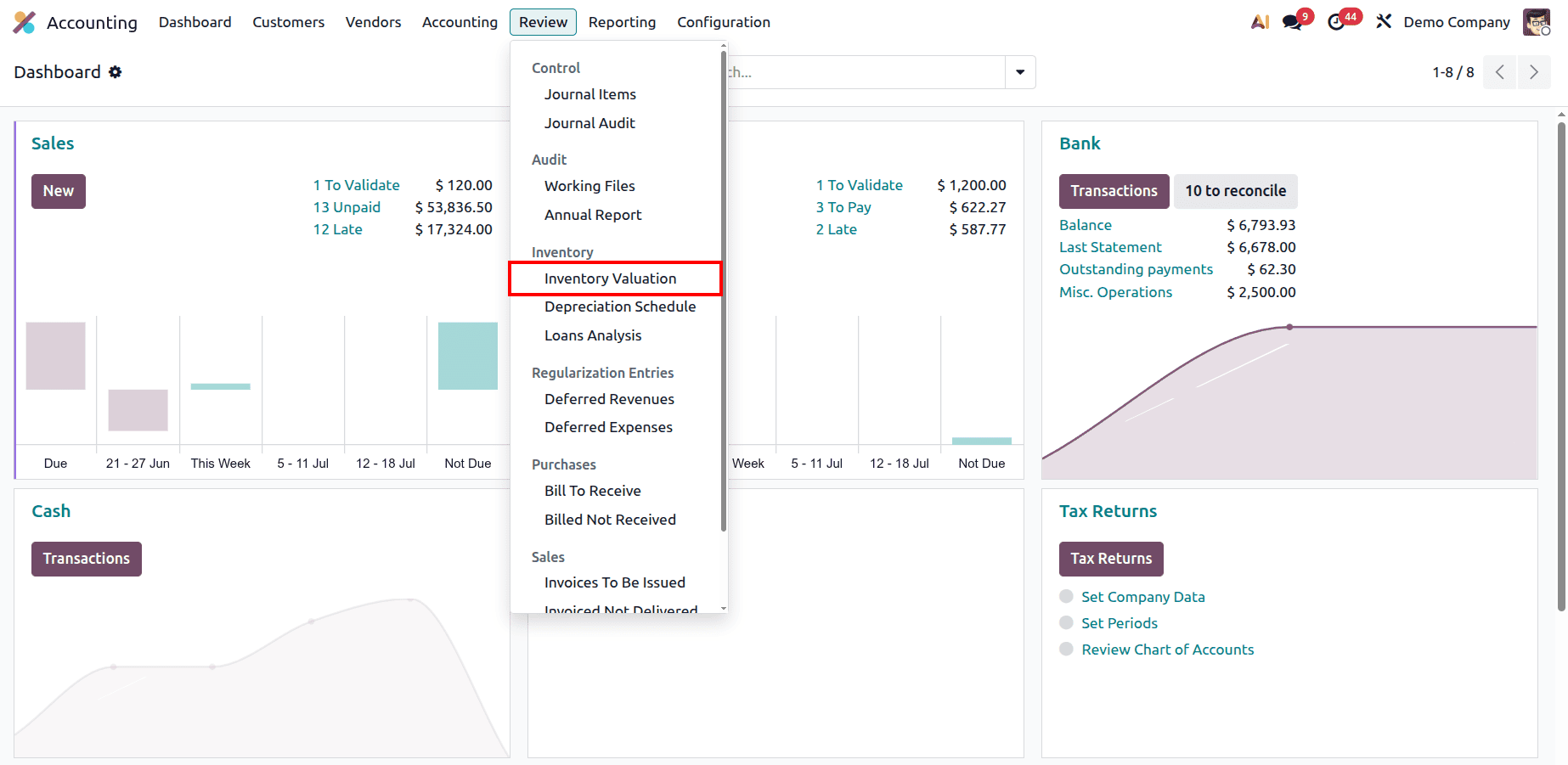
To view the live financial tracking, open the Accounting Module and look under the Review menu to access your dedicated inventory reports and statement screens.
1. Periodic Inventory Valuation:
In Periodic Inventory Valuation, daily stock movements temporarily affect your accounting through temporary balancing accounts. Your final financial records are not updated automatically with every warehouse scan; instead, an accountant must manually finalize the numbers at the end of a period using the Inventory Valuation Report.
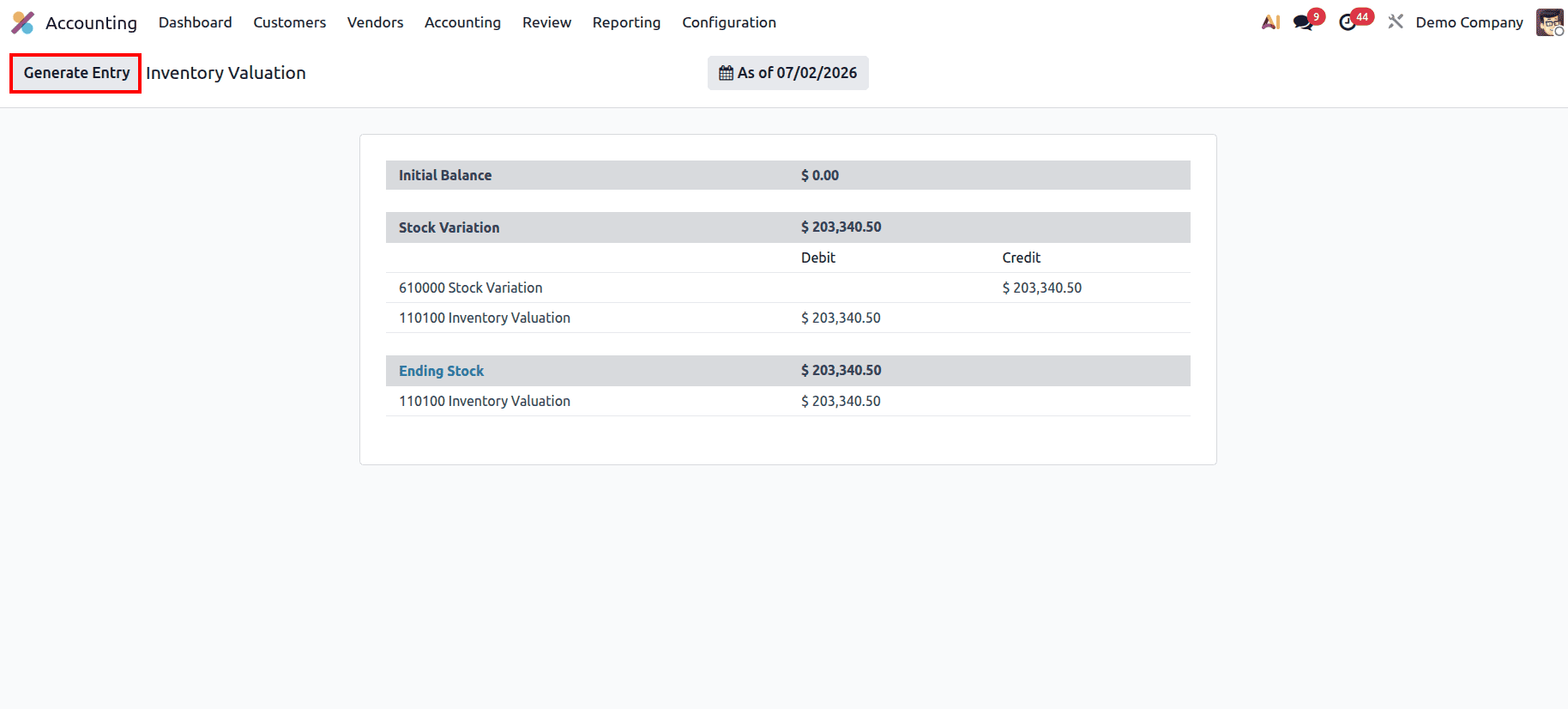
The Inventory Valuation Report under this method is divided into three simple steps:
- Initial Balance: This is the opening inventory value at the start of your reporting period, carried forward directly from the previous period's closing balance. For example, if your opening Stock Valuation account holds $9,930.00, this is your starting point.
- Stock Variation: This section records all the changes, both increases and decreases, that happen to your stock levels during the active period.
- Ending Stock: This is the total value of inventory remaining at the end of your period. It uses a straightforward formula:
{Ending Stock} = {Initial Balance} + {Stock Increases} - {Stock Decreases}
Accounting Entries for Periodic Stock Movements:
- Product Receipt (Purchase): When you confirm a Purchase Order and receive items into your warehouse, your inventory value goes up. Odoo creates this temporary entry:
- Debit: Stock Valuation Account (Increases your inventory asset value)
- Credit: Stock Variation Account (Temporarily holds the balancing value)
- Product Delivery (Sale): When you ship products out to your customers, your warehouse inventory goes down. Odoo creates this temporary entry:
- Debit: Stock Variation Account (Temporarily tracks the reduction)
- Credit: Stock Valuation Account (Decreases your inventory asset value)
Because these day-to-day entries are temporary, your general ledger is not fully updated yet. To complete your books, the accountant must open the report and click the Generate Entry button. Once clicked, this action officially posts the entries, clears out the temporary balances in the Stock Variation account, and updates your final inventory values for that period.
2. Perpetual Inventory Valuation:
In Perpetual Inventory Valuation, inventory accounting is handled automatically in real time. You do not need to wait until the end of the month to push manual entries; Odoo creates and finalizes permanent accounting logs the exact moment financial documents are completed.
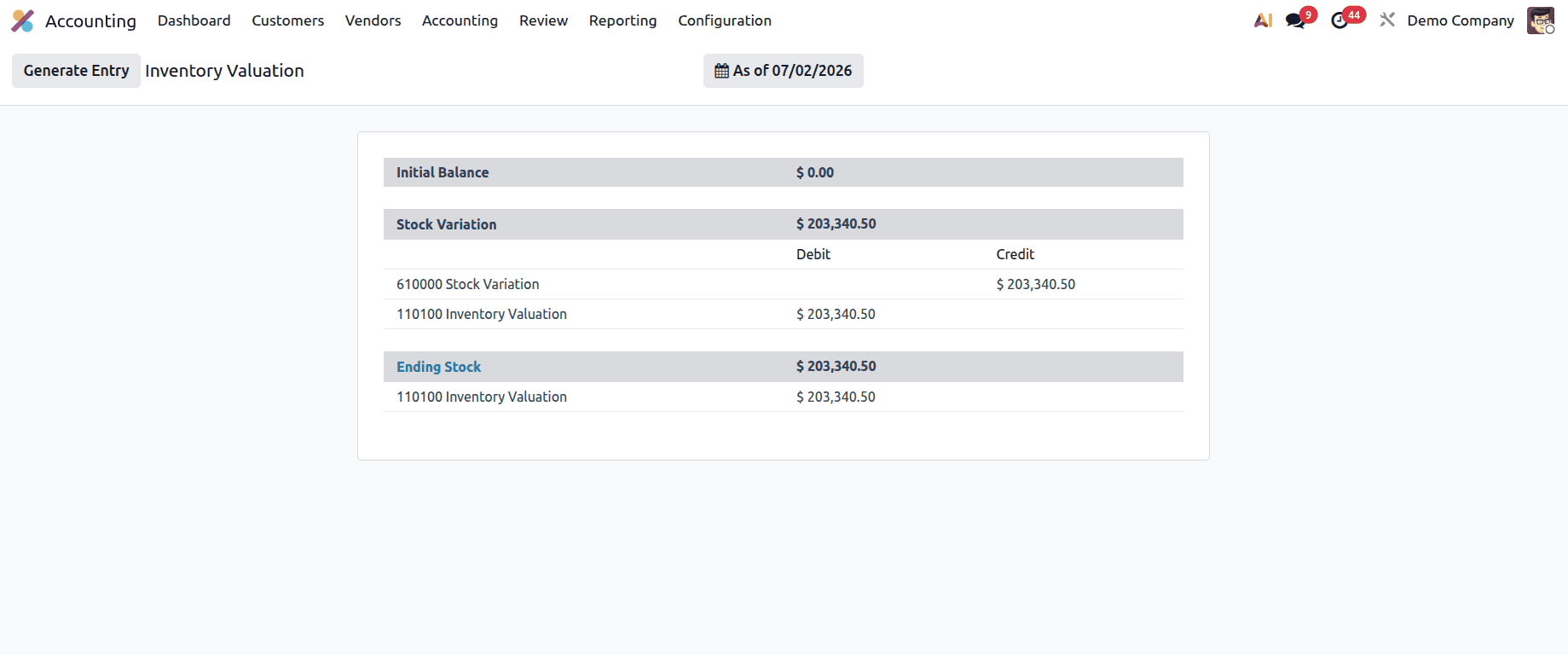
Accounting Entries for Perpetual Stock Movements:
- Product Receipt & Vendor Bill (Purchasing Workflow):
- When goods enter the warehouse from a supplier, Odoo immediately logs an entry debiting Stock Valuation (asset increases) and crediting the temporary Stock Variation account.
- The moment your team creates and approves the official Vendor Bill for that purchase, Odoo automatically clears out the Stock Variation account and transfers the balance to your permanent Accounts Payable. This keeps your warehouse values and supplier debts perfectly synchronized without manual steps.
- Product Delivery & Customer Invoice (Sales Workflow):
- When items are packed and shipped to a buyer, Odoo creates an initial entry debiting Stock Variation and crediting Stock Valuation to show that inventory assets have left your property.
- The moment you generate the customer's Customer Invoice, Odoo automatically processes the transaction background entries. This instantly clears the Stock Variation account and moves the cost of those goods directly into your permanent expense records, ensuring your real-time profit numbers are always up to date.
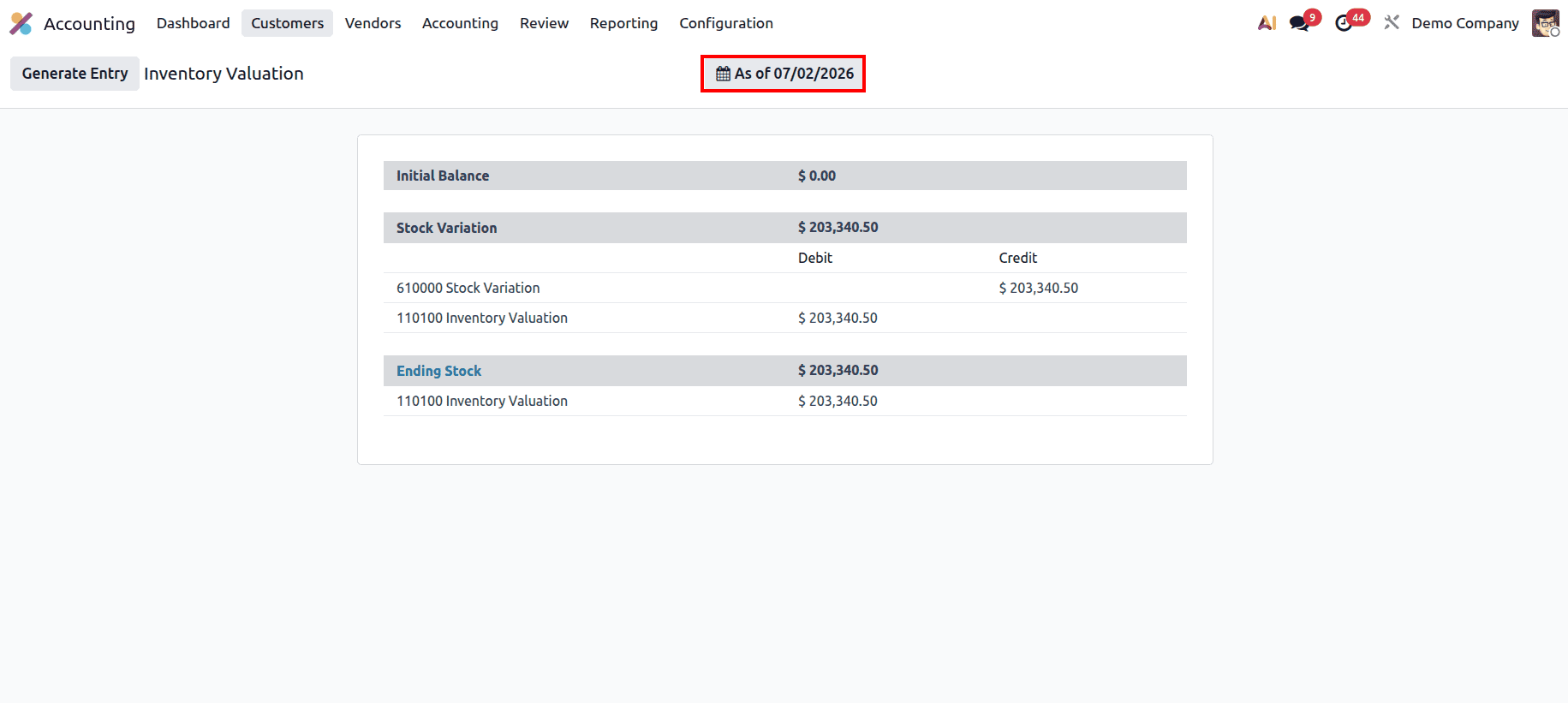
Odoo 19 also gives you an "As of" date filter at the top of the Inventory Valuation report. This lets you view the inventory valuation as it was on any specific date in the past, not just the current date. So if you want to check what your stock was worth at the end of last month or at the close of a financial period, you can simply set the date, and the report will update to show the figures for that point in time. This is especially handy during audits or when you need to match your inventory value with a specific accounting period.
Choosing between periodic and perpetual inventory valuation depends entirely on your business volume and how quickly your finance team needs to see updated asset numbers. Periodic valuation keeps your daily ledger clean and is great for businesses that prefer manual control at month-end. Perpetual valuation eliminates manual spreadsheet work by automating your accounting entries in real time as invoices and vendor bills are created. Utilizing these native Odoo 19 setups ensures your business records stay accurate, your warehouse values match your financial statements, and your general ledger is always ready for tax season.
To read more about A Complete Guide to Inventory Valuation in Odoo 19, refer to our blog A Complete Guide to Inventory Valuation in Odoo 19.