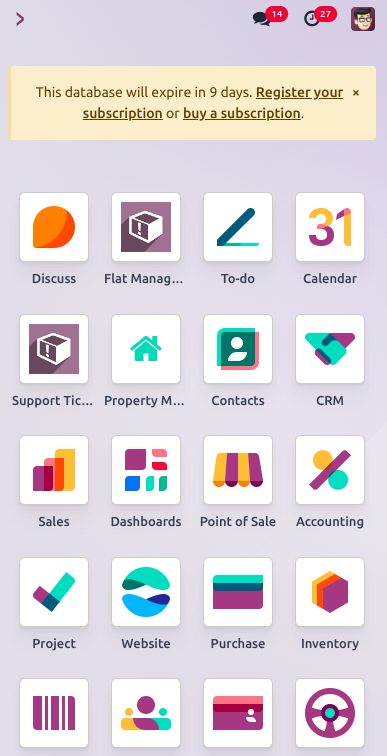
Mobile apps are used to conveniently access details and applications. A custom mobile application that we design on the desktop can also be accessed in mobile view. However, we are limited to creating mobile applications through the desktop interface; we are unable to create them using the mobile view.

By clicking on the Tools menu, you will see an option to create a new application.
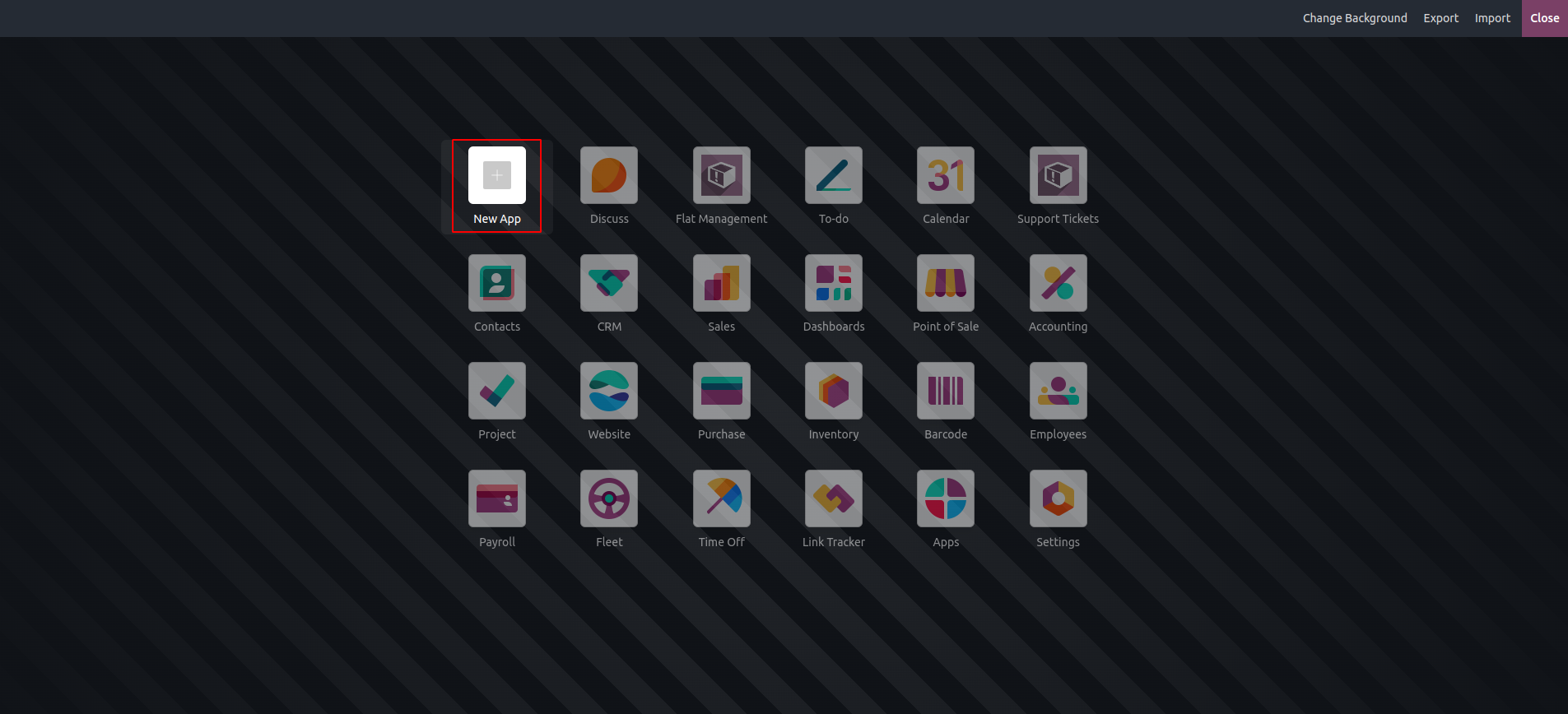
Clicking the "+" button allows us to create a new application, as illustrated in the image below. During the creation process, we can define the views, fields, and menus for the app. Additionally, we have the option to customize the application's icon and color.
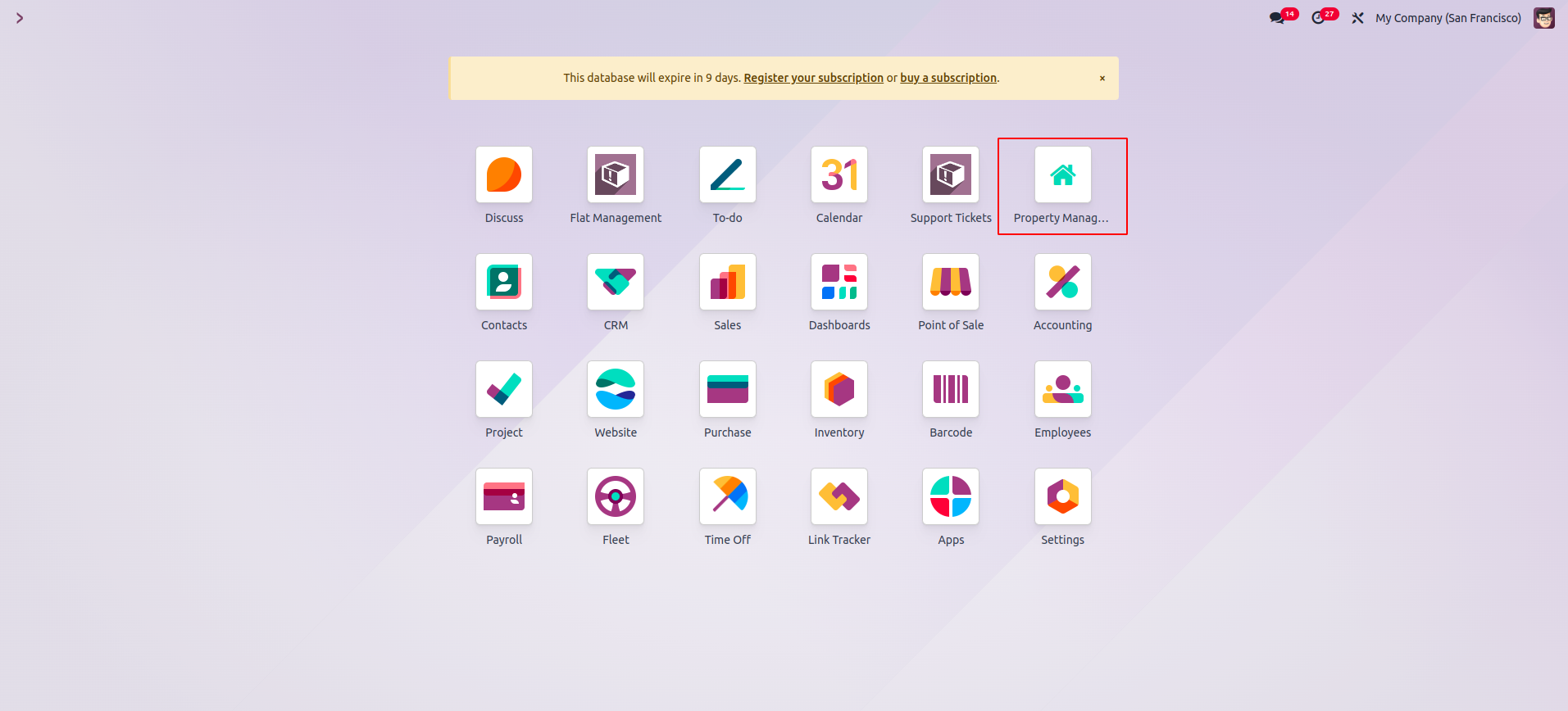
Once the application is created, it is automatically installed on the hosting platform. You can then access and use all its features directly from your mobile device.
When we open the application, we can view all existing records as well as create new ones and edit them. The image below shows the process of creating a new record through the mobile application. Similarly, the following image displays all the created records in a list view.

Similarly, we can create mobile applications using the Studio module.