Odoo Studio continues to offer low-code customization capabilities, and access control remains a core feature. In version 18, some refinements improve how administrators define and manage access rights.
Open the App/Form
- Navigate to the form or model where you want to define access rights.
Enable Studio Mode
- Click the Studio icon (wrench/pencil) on the top bar.
Configure Access Controls
- Click “Access Controls” from the sidebar.
- Choose “Create” to add a new rule.
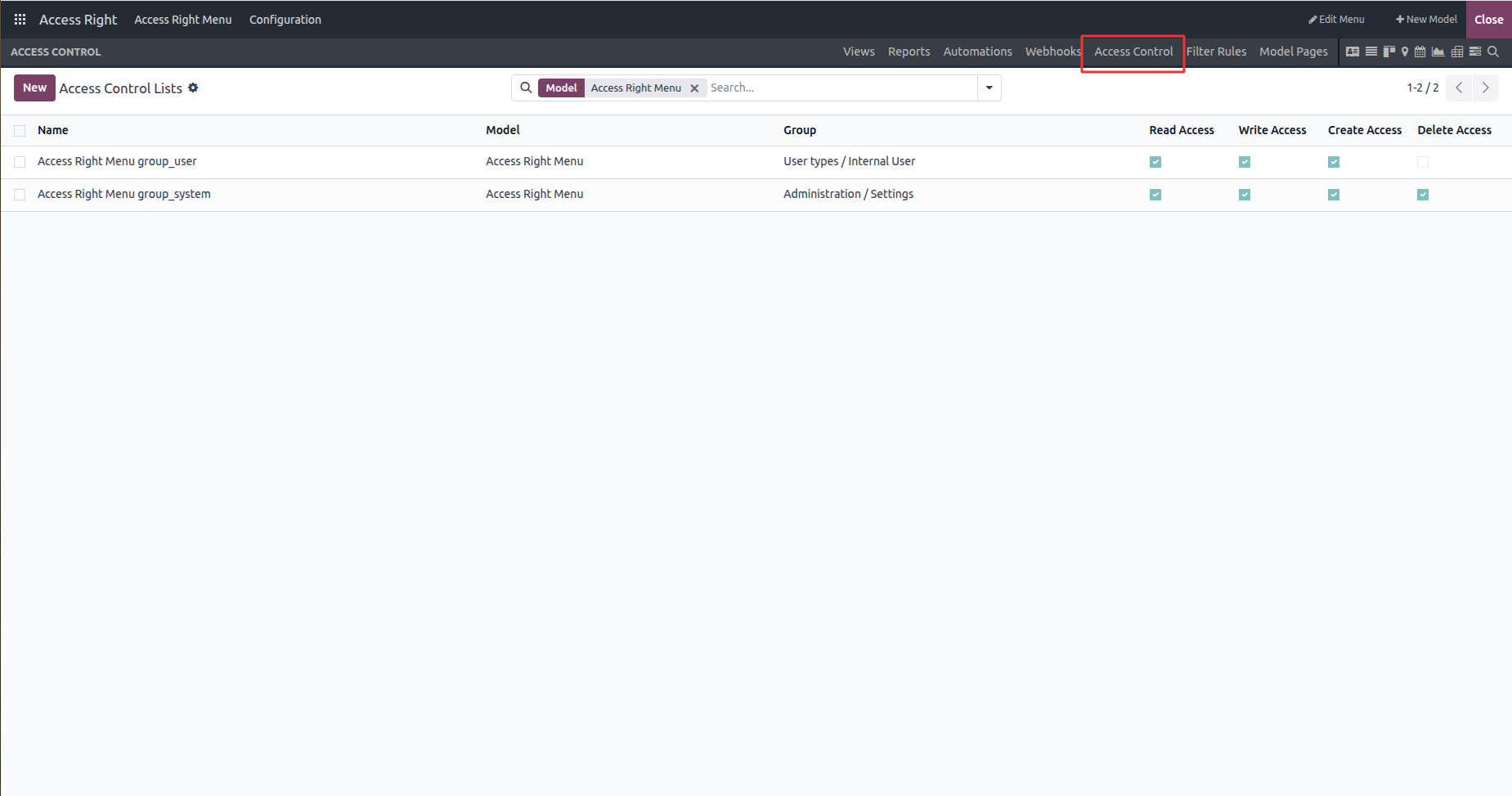
Define Access
- Select the user group(s) the rule applies to.
- Choose the applicable permissions (Read, Write, Create, Delete).
- Optionally, add field-level rules and conditions.
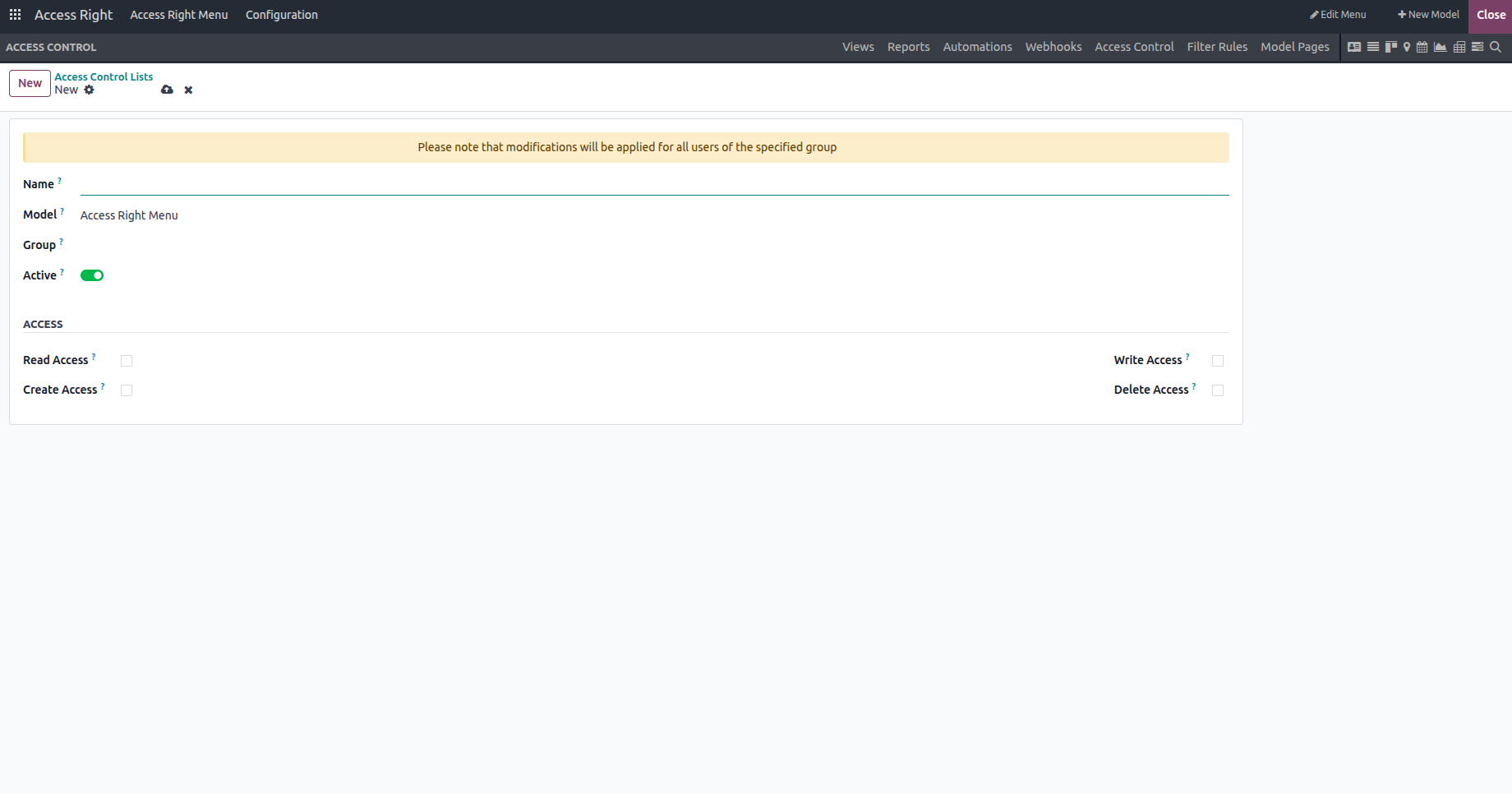
Save and Test
- Save your rule and use impersonation or test user accounts to confirm the settings work as expected.