In the form view, tabs and columns serve as containers to help organize the model’s fields efficiently. Tabs allow related fields to be grouped for easier navigation, while columns help structure the layout within each tab. This arrangement creates a cleaner, more user-friendly interface, allowing users to access information quickly. To add a new tab, click and drag the "Plus" or "Tabs" button to the desired location in the form view.
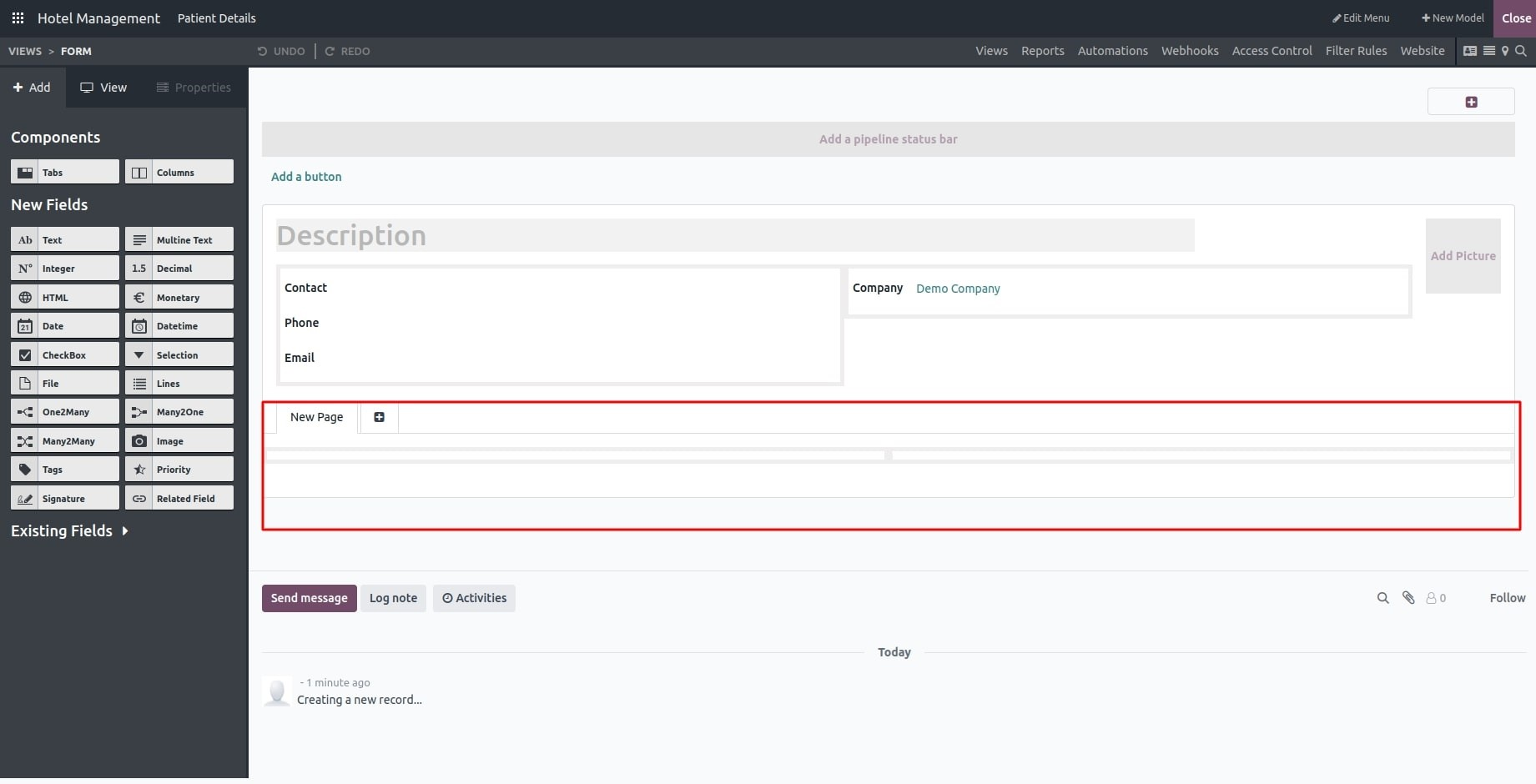
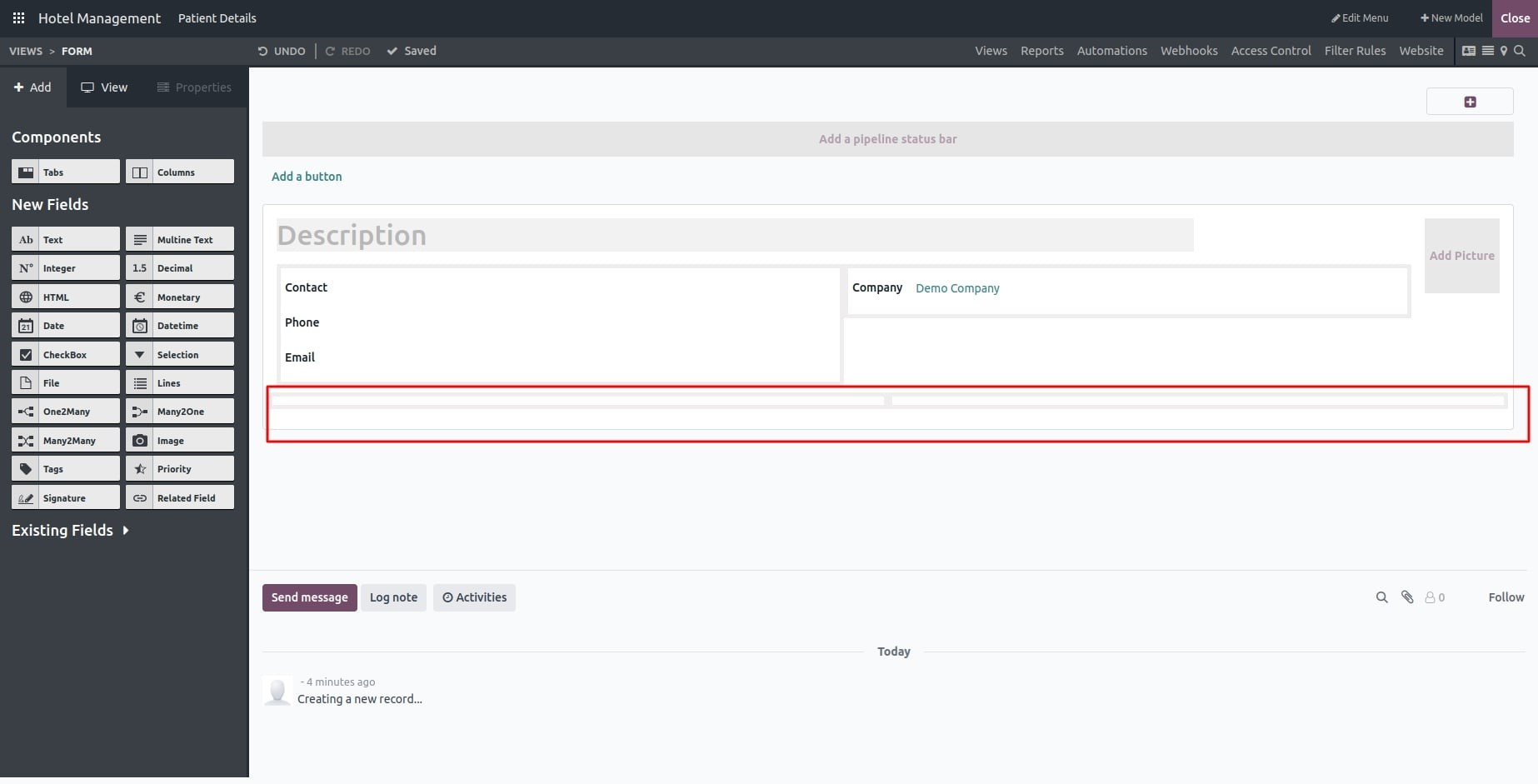
Click the "Columns" button to add a new column, then drag it to your desired location on the form. You can place columns under tabs or even nest them inside other columns.
You can manage component visibility through the Properties tab. By enabling the "Invisible" option, you can set conditions that determine when the component appears. Additionally, the "Limit Visibility to Group" option allows you to restrict visibility to specific user groups, enabling a more tailored and controlled interface.
