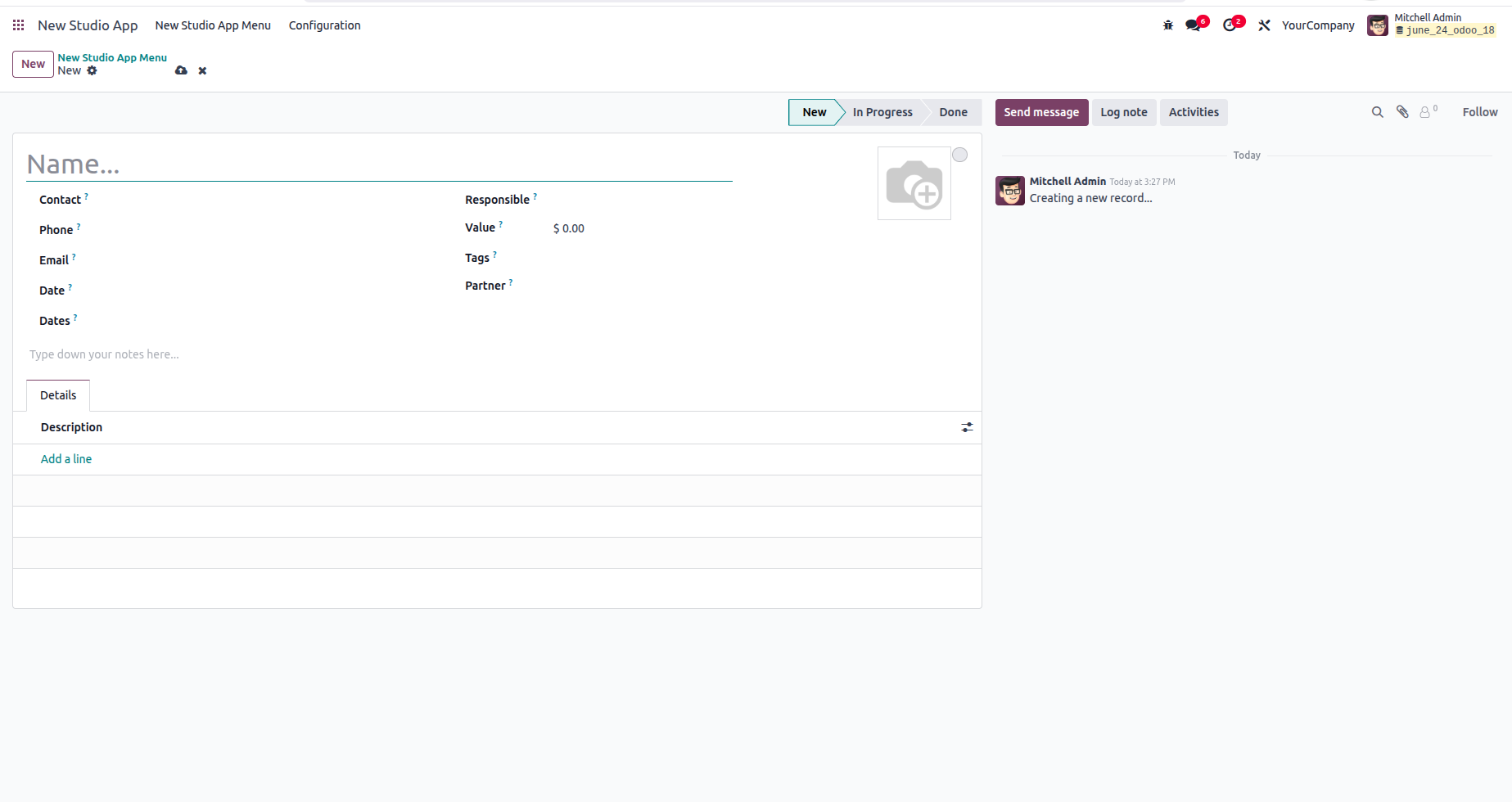
Odoo Studio 18 makes it remarkably simple to create a custom app from scratch, even without technical knowledge, using a guided, visual interface.
Install Odoo Studio
- Ensure the Studio app is installed from the Apps menu.
Open Studio
- Click the Studio button on the top bar of any app or module.
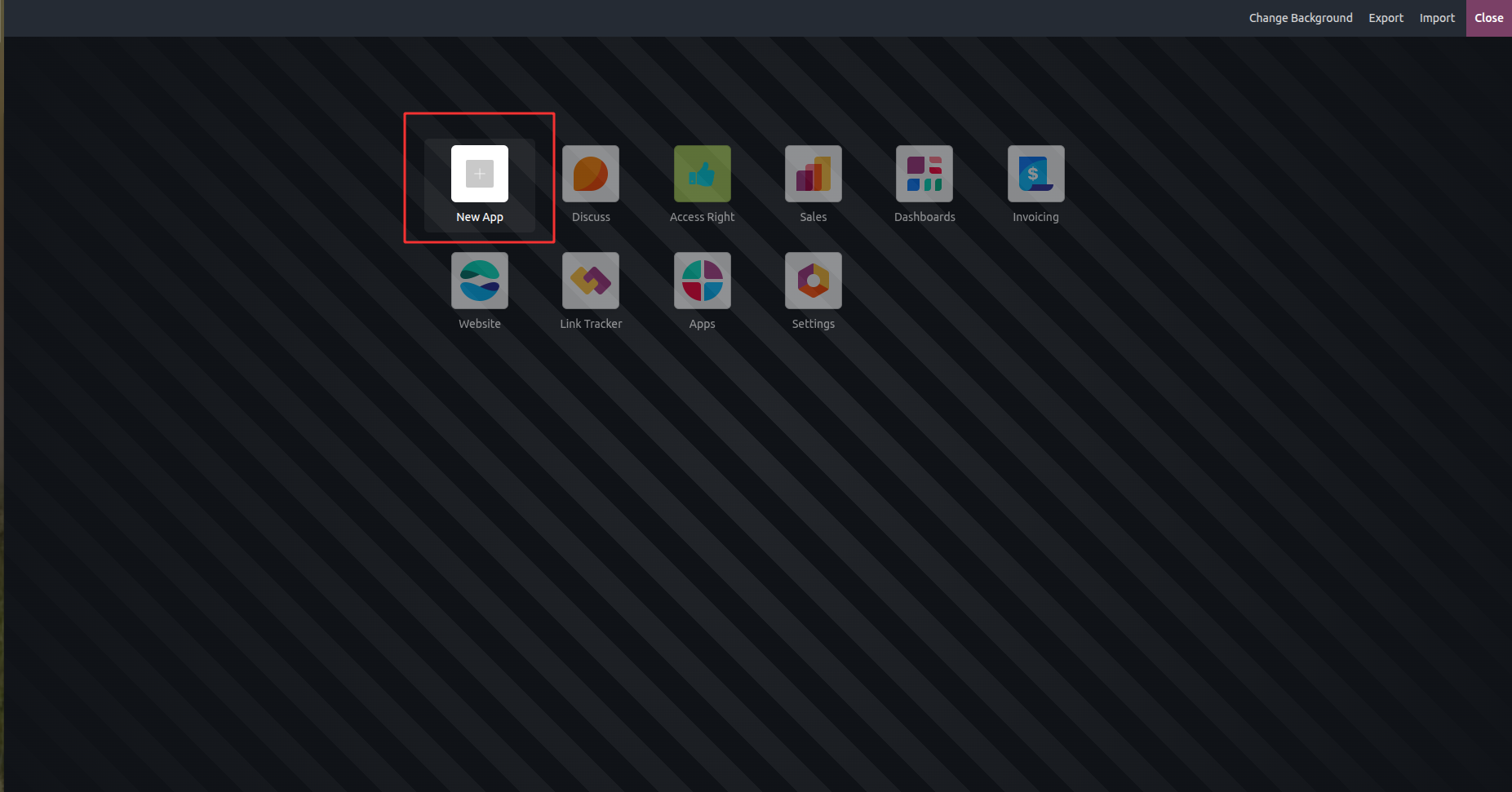
Click “New App”
- From the Studio dashboard, choose New App.
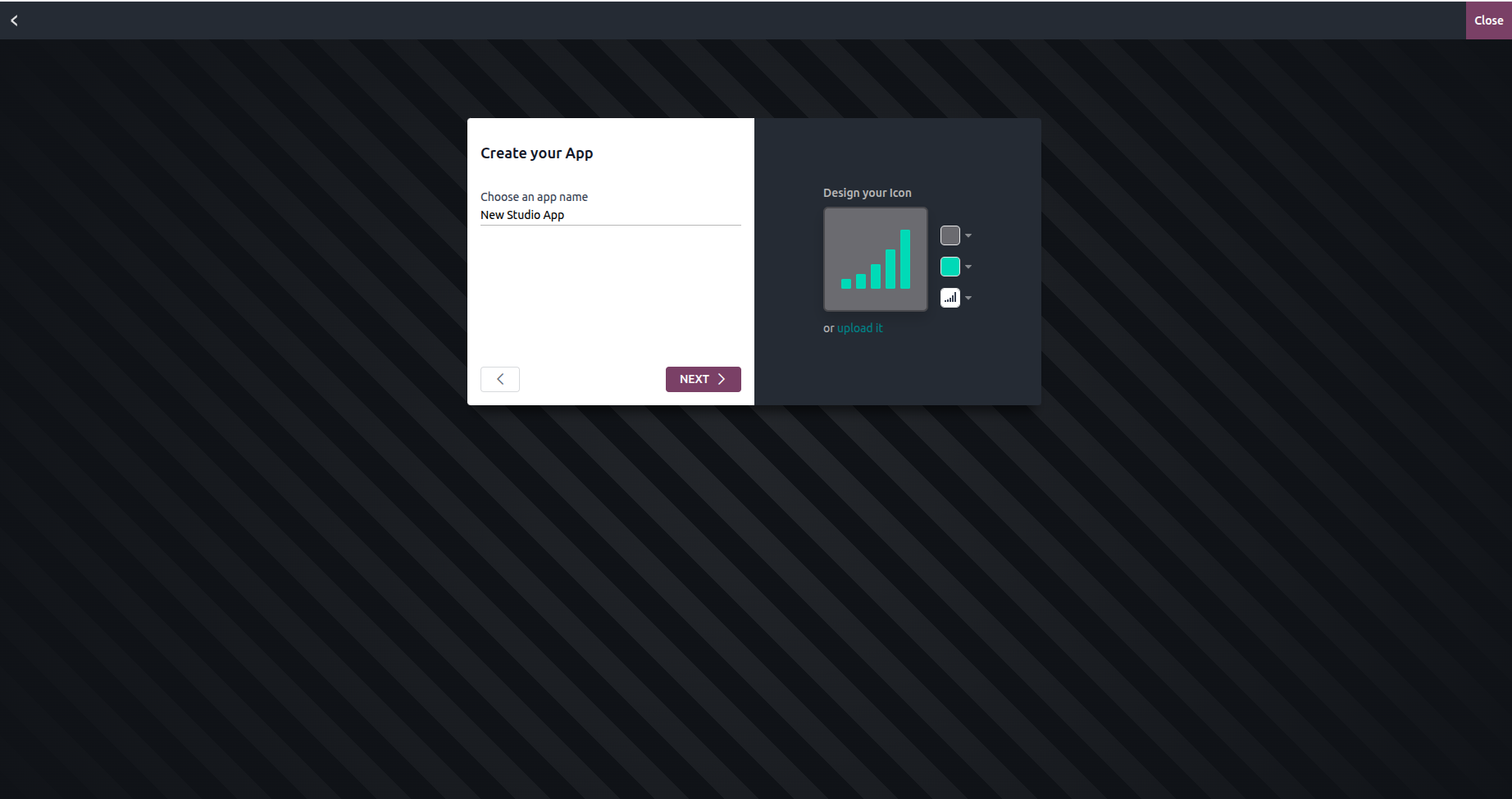
Name Your App
- Enter a name (e.g., “Fleet Maintenance”), pick an icon and color.
- Odoo 18 adds a real-time preview of your app icon.
Define the First Menu
- Choose to base it on:
- An existing model (e.g., Contacts)
- A new model (define your own data structure)
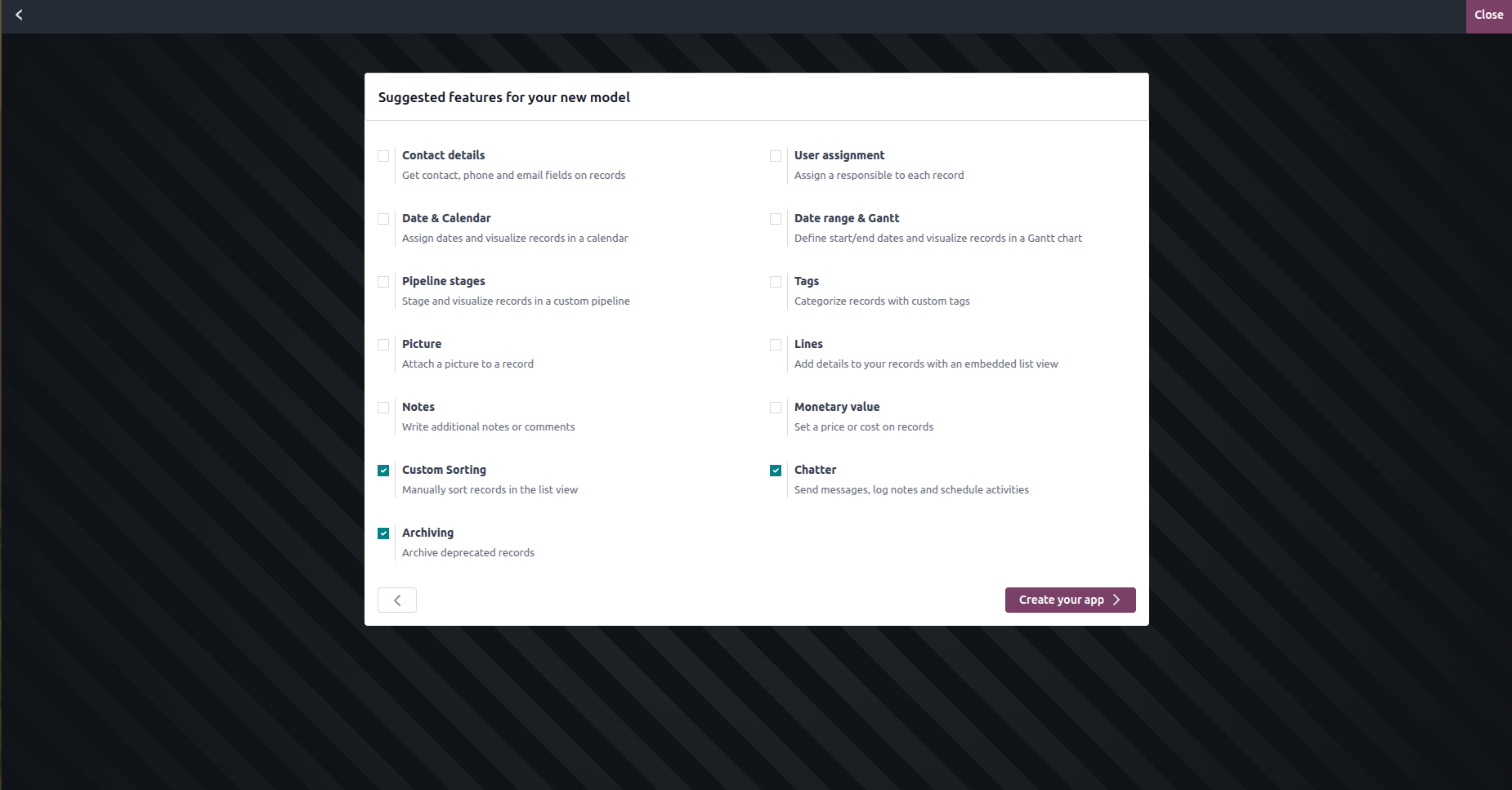
- In Odoo 18, tooltips now describe each model type more clearly.
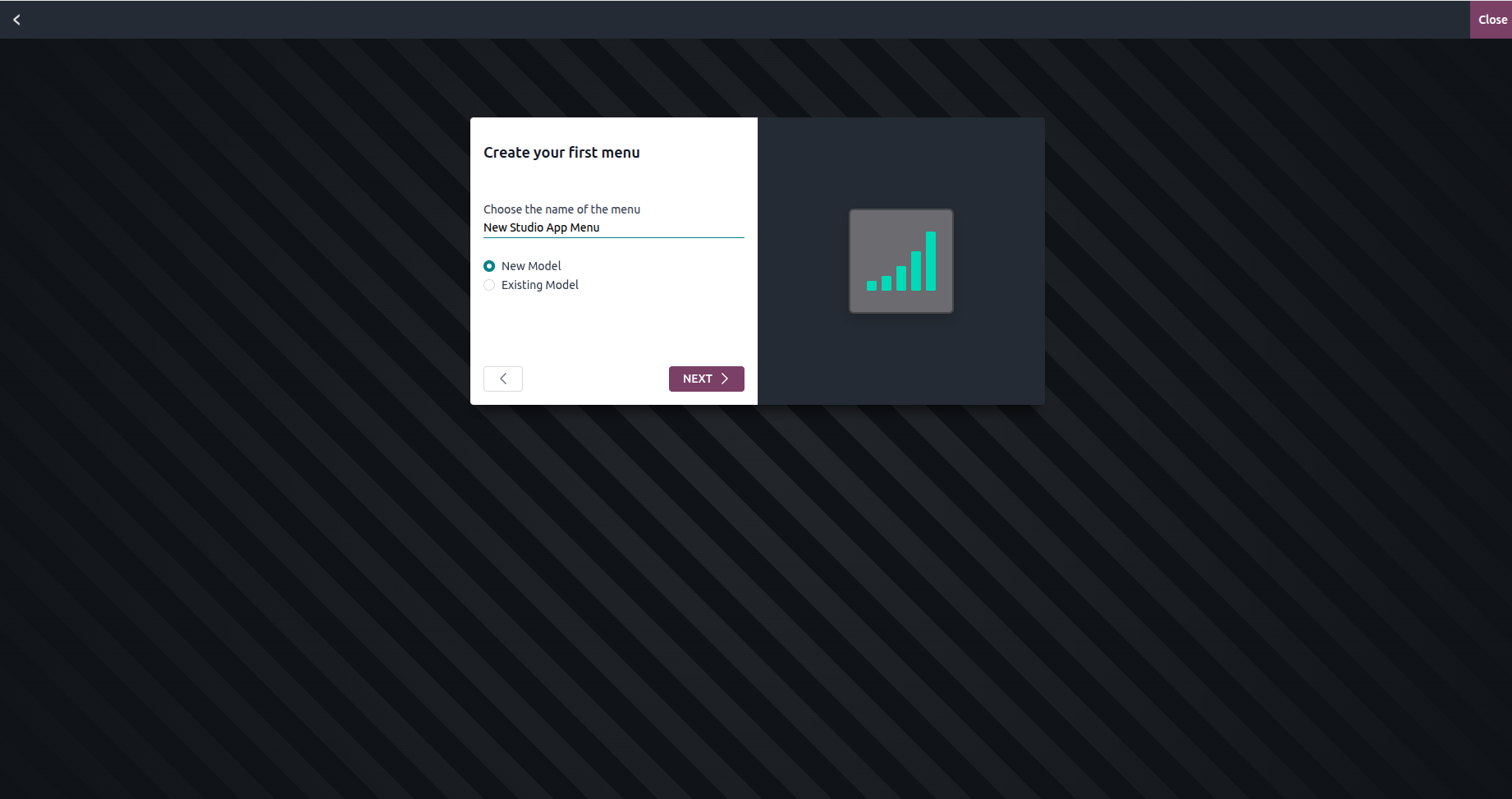
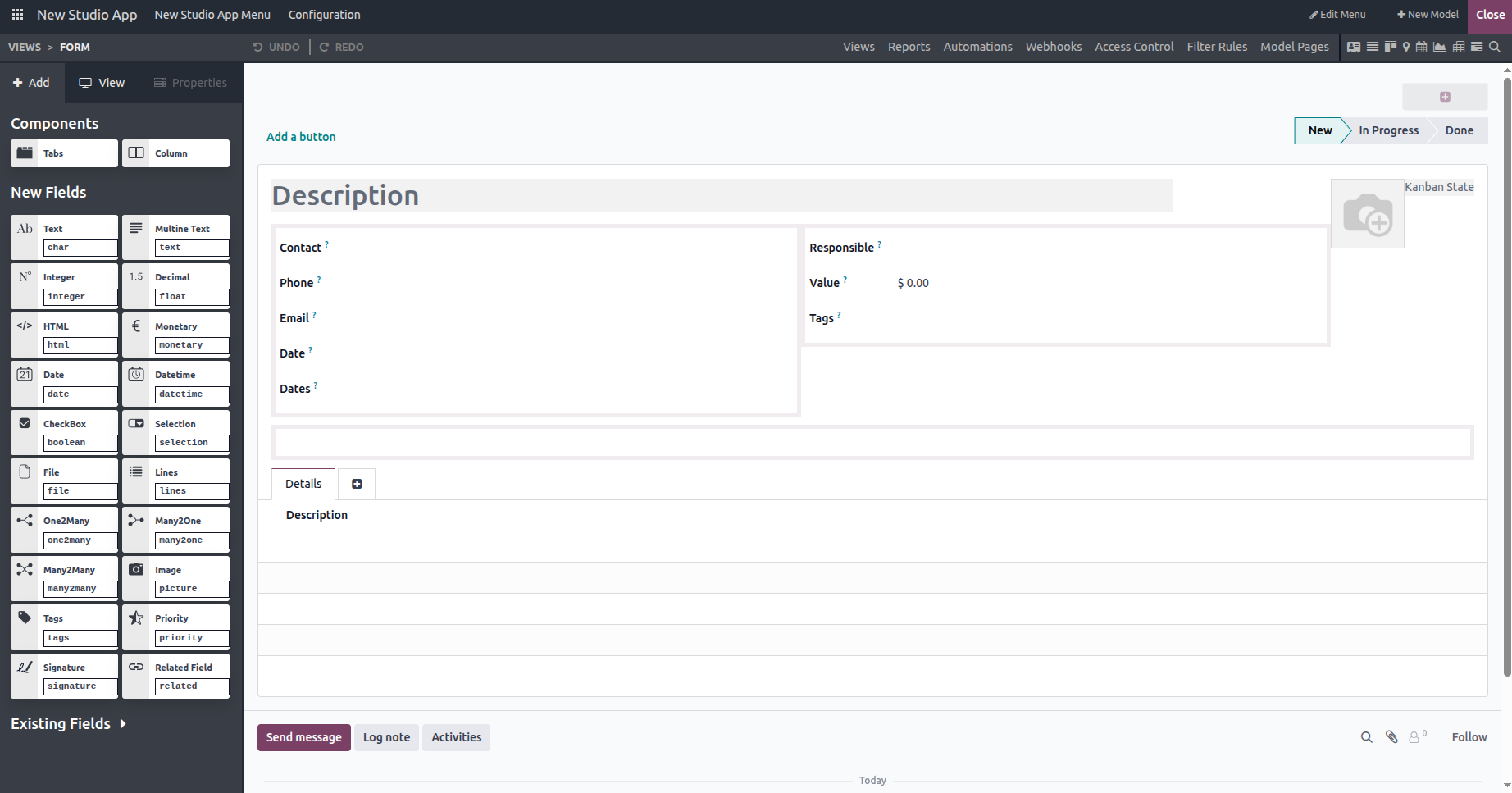
Design Your Model
- Drag-and-drop fields (text, date, selection, etc.).
- Studio 18 now suggests common fields based on app name (e.g., “email” for CRM apps).
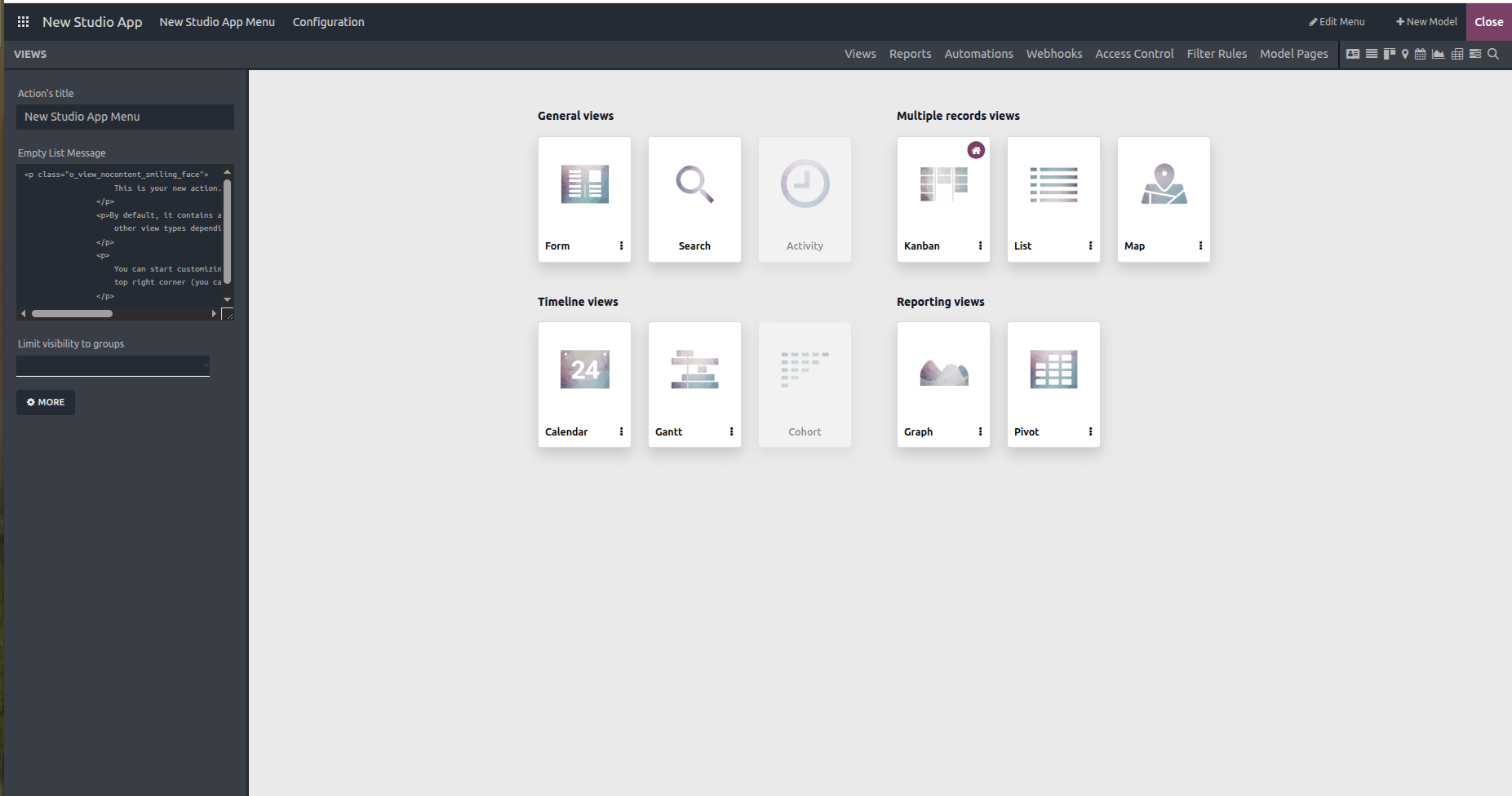
Customize Views
- Add form, list, kanban, or calendar views.
- Odoo 18 includes view templates to help beginners structure data.
Finish & Use
- Click “Close Studio” to activate your app.
- It will now appear in your main dashboard, fully functional.