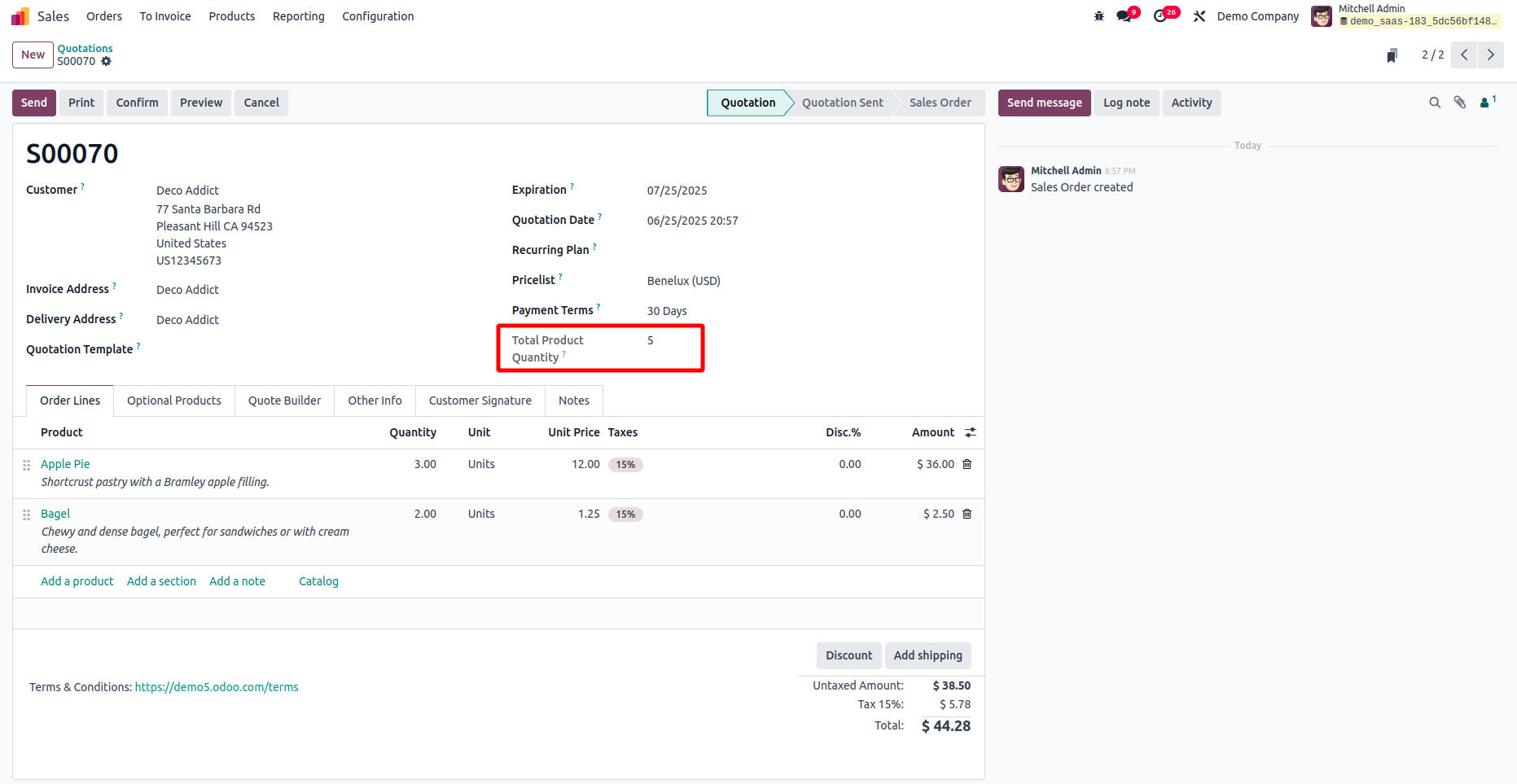
In Odoo, fields can be calculated in two main ways: either based on the values of other fields or independently. In this guide, we'll explore how to define a computed field using the Studio module.
As an example, let’s create a computed field that calculates the total quantity of products in a Sale Order.
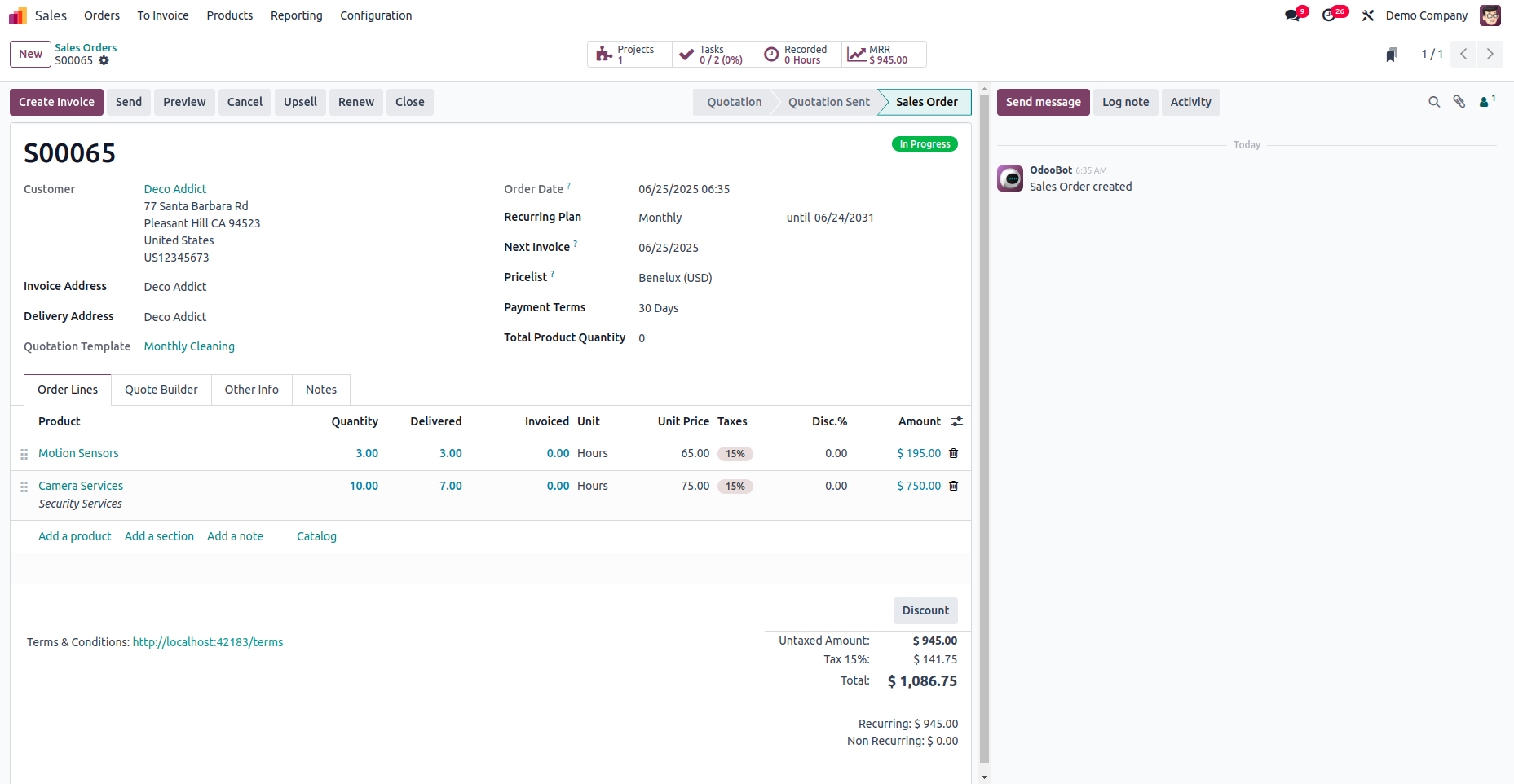
To begin, we first need to add a new field for the total quantity in the Sale Order model.
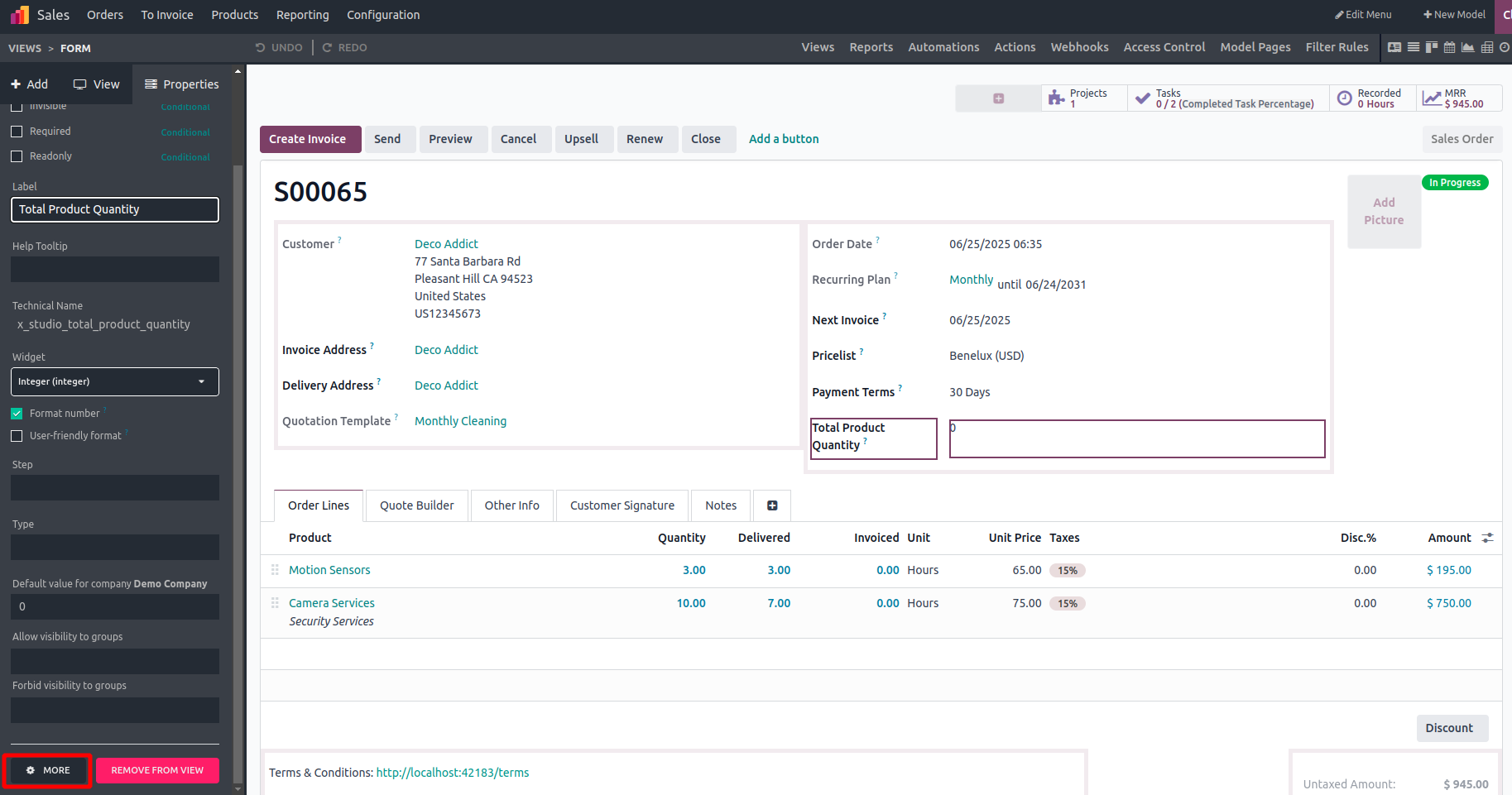
To configure a compute method for the field, open the Studio editor, select the field, and navigate to the "More" option.
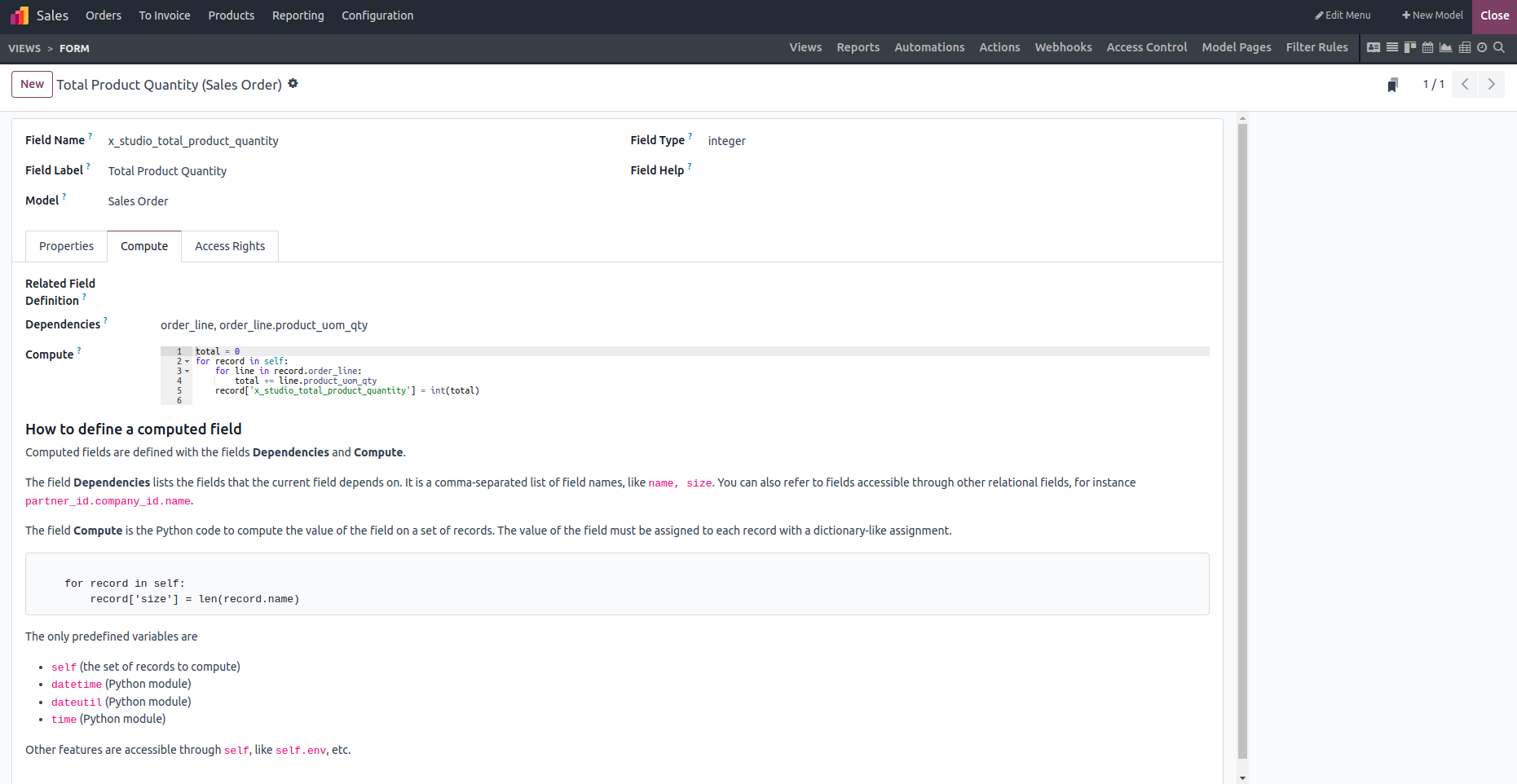
In the configuration view, you can add the fields it depends on and provide the Python code to compute its value.
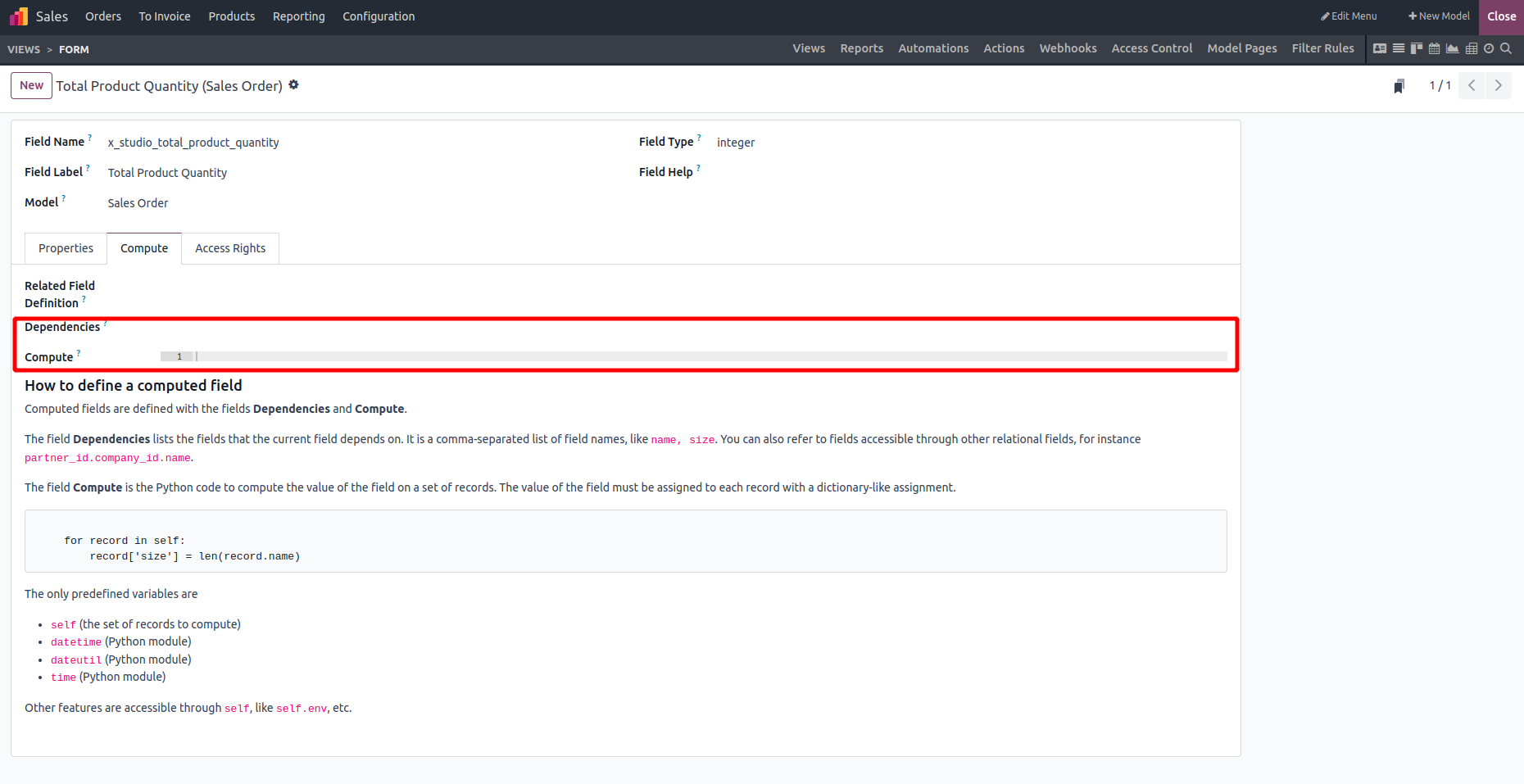
We are setting it up as illustrated in the image below.
In the end, the field will display the total quantity of products.