Odoo Studio includes a built-in menu editor that allows users to easily design and organize application menus. With its drag-and-drop functionality and one-click menu creation, it offers a seamless way to tailor the interface to specific business needs.
When users navigate to the Odoo Studio section within the desired module, they can quickly find and click the edit menu button, as shown in the image provided.
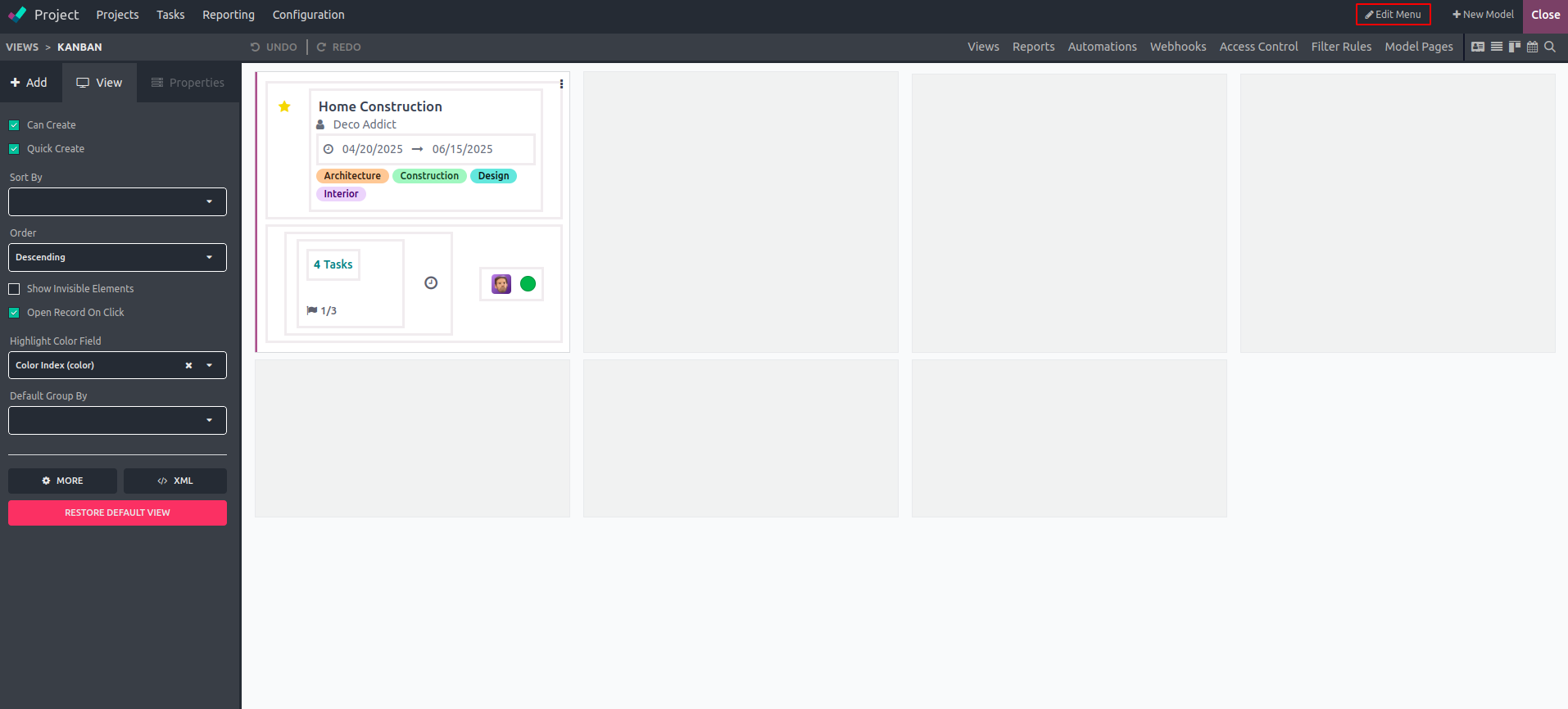
Following this, the menu customization window will be displayed within the same interface, presenting a detailed list of all menus and sub-menus available for user customization.
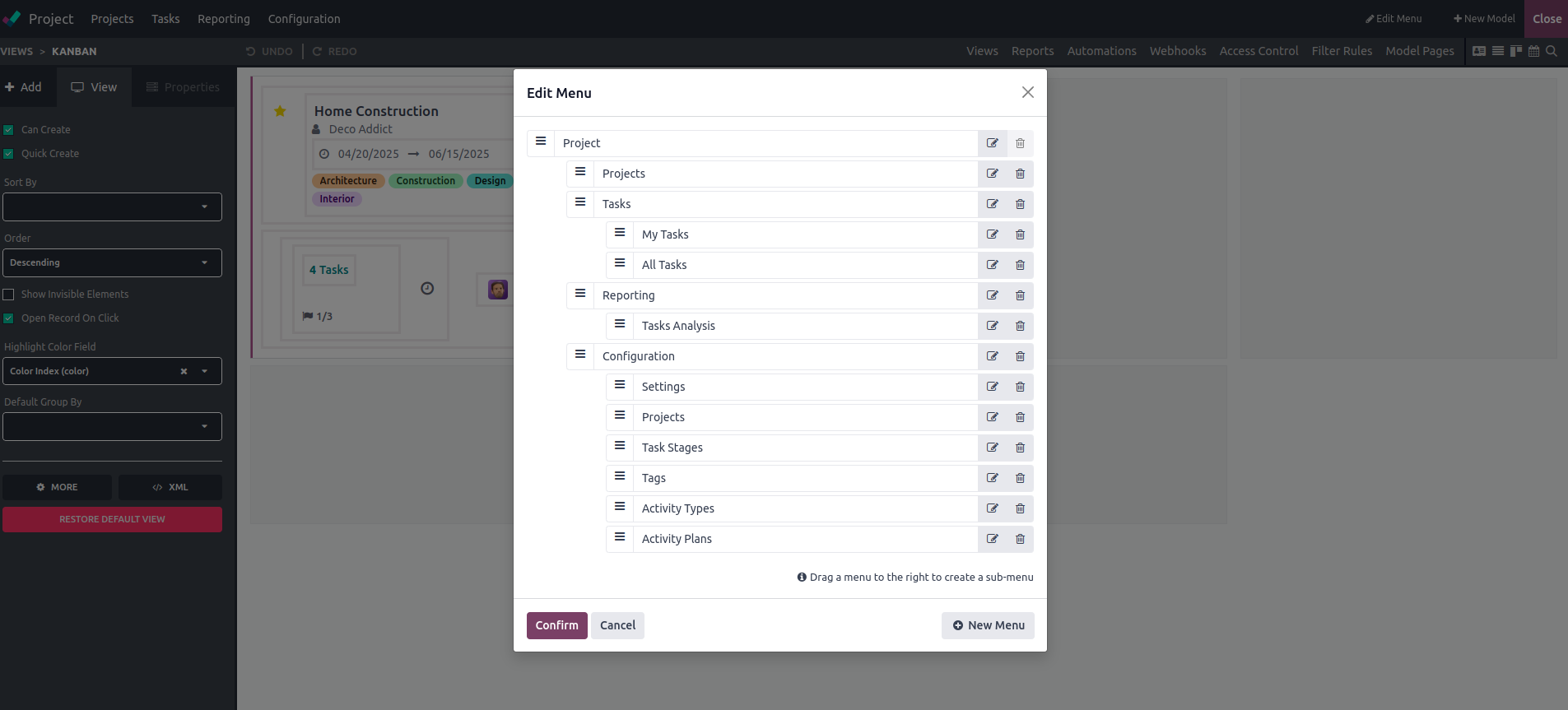
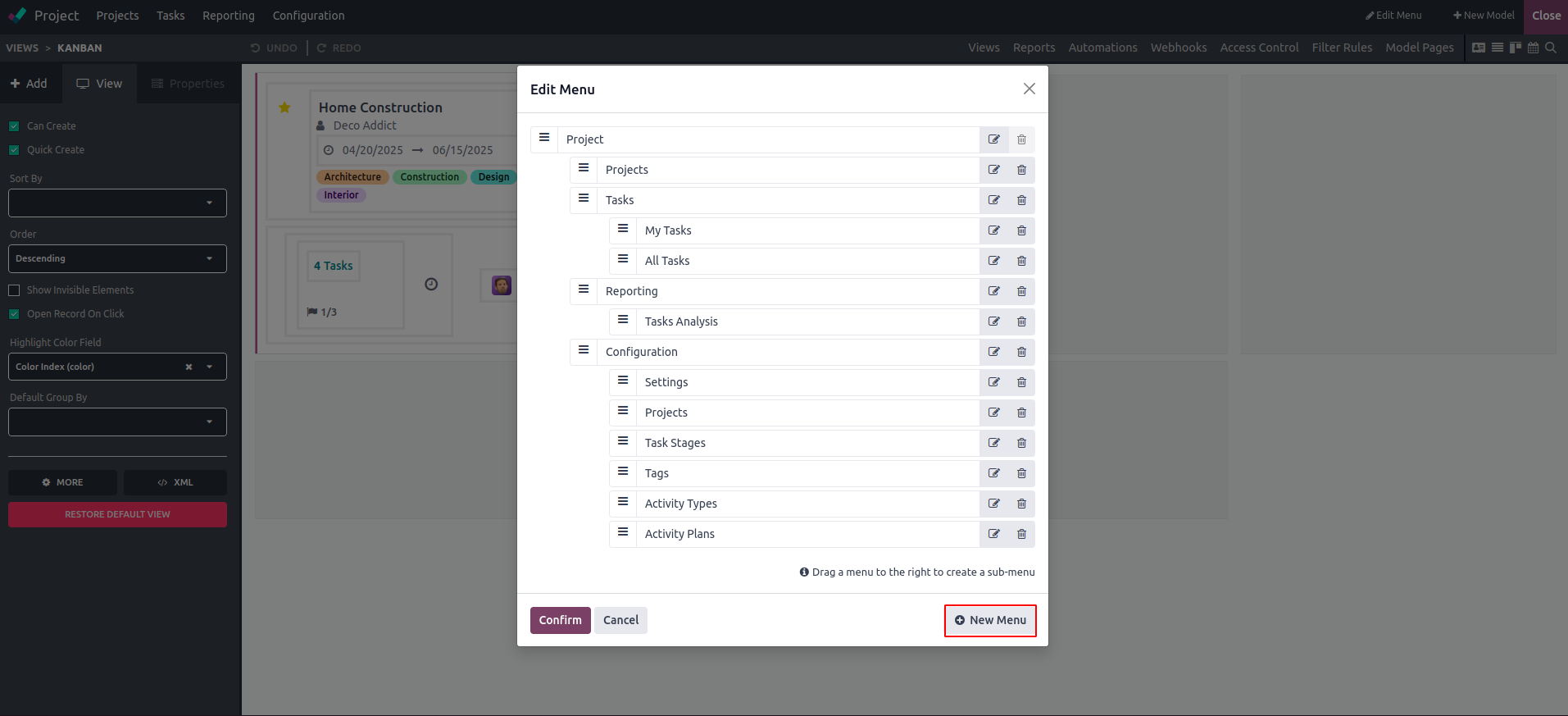
At the initial stage, users can rearrange menus by dragging and dropping them to their desired positions. To remove a menu, they can click on the delete icon. For adding a new menu, users just need to click the "New Menu" button located in the lower right corner, as illustrated in the accompanying image.
The Odoo 18 menu editor makes app menu customization an easy task, allowing users to add new menus with minimal effort. Its intuitive drag-and-drop feature further streamlines the process, providing a smooth and user-friendly experience.