Using the Odoo Studio app, you can easily create statinfo within the current model.
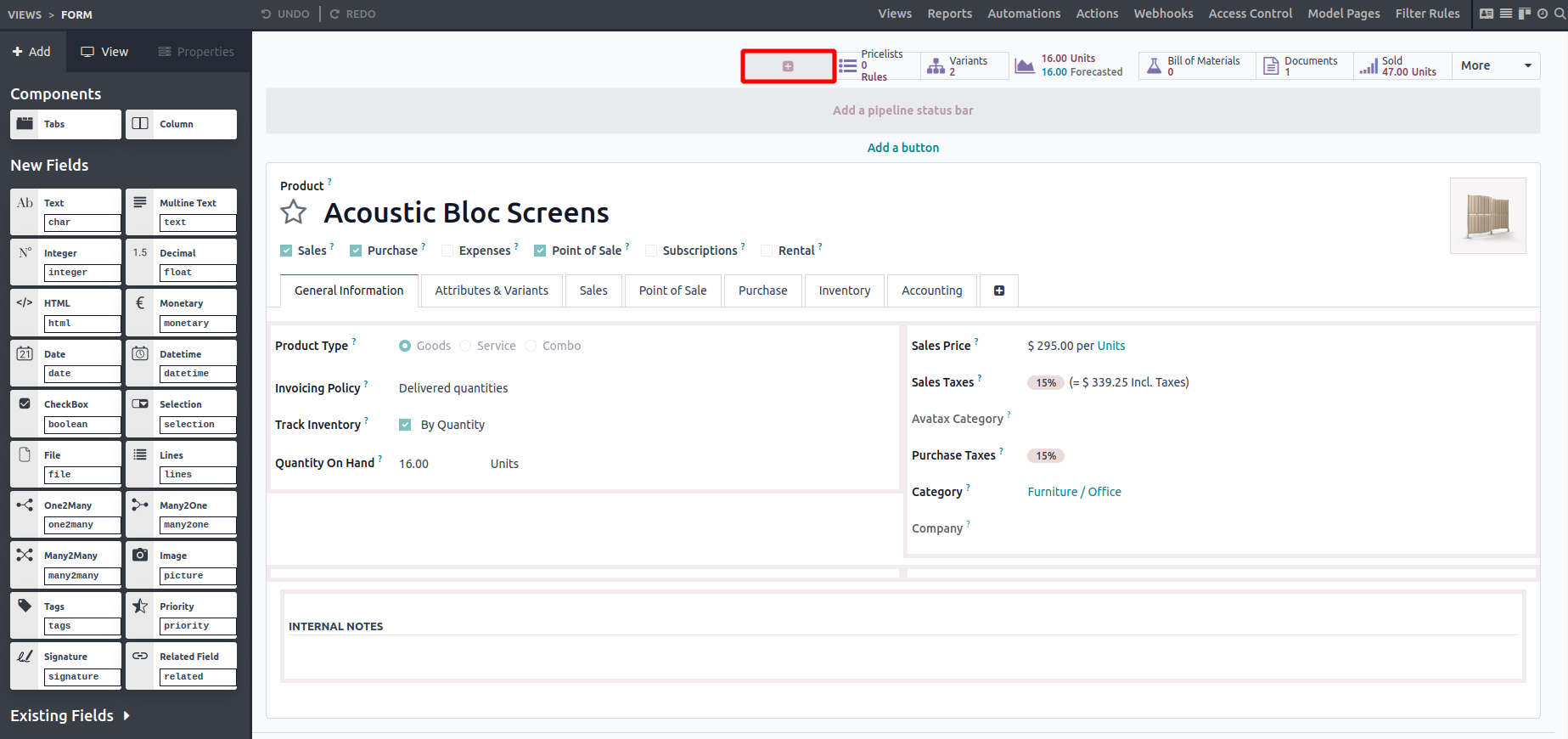
To do this, open the Studio app, hover over the smart button area, and click the '+' icon that appears to open the configuration popup.
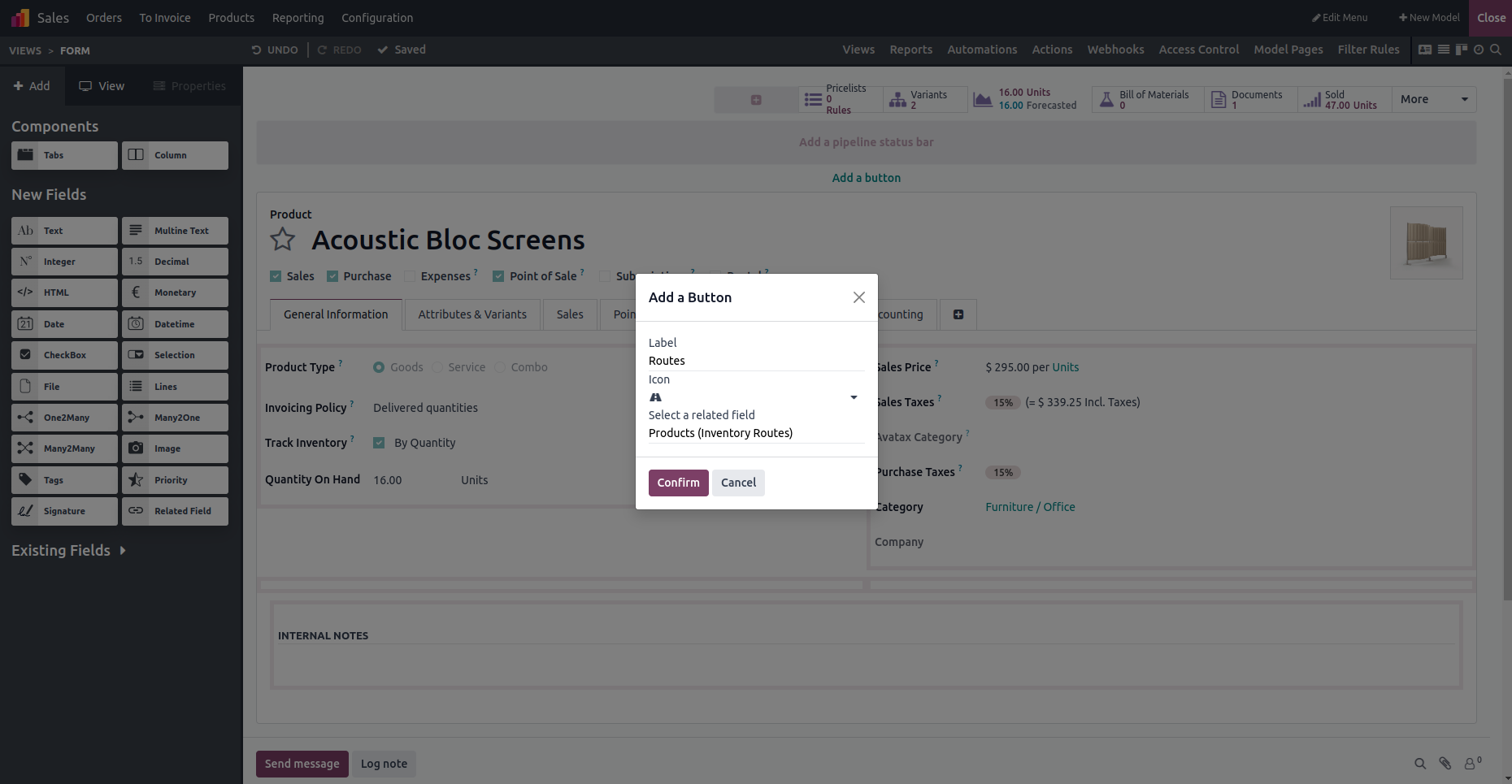
Add a label, choose an icon, and select the appropriate related field. Once done, check the Product form to see the new smart button with the selected icon and name, then exit the Studio app.
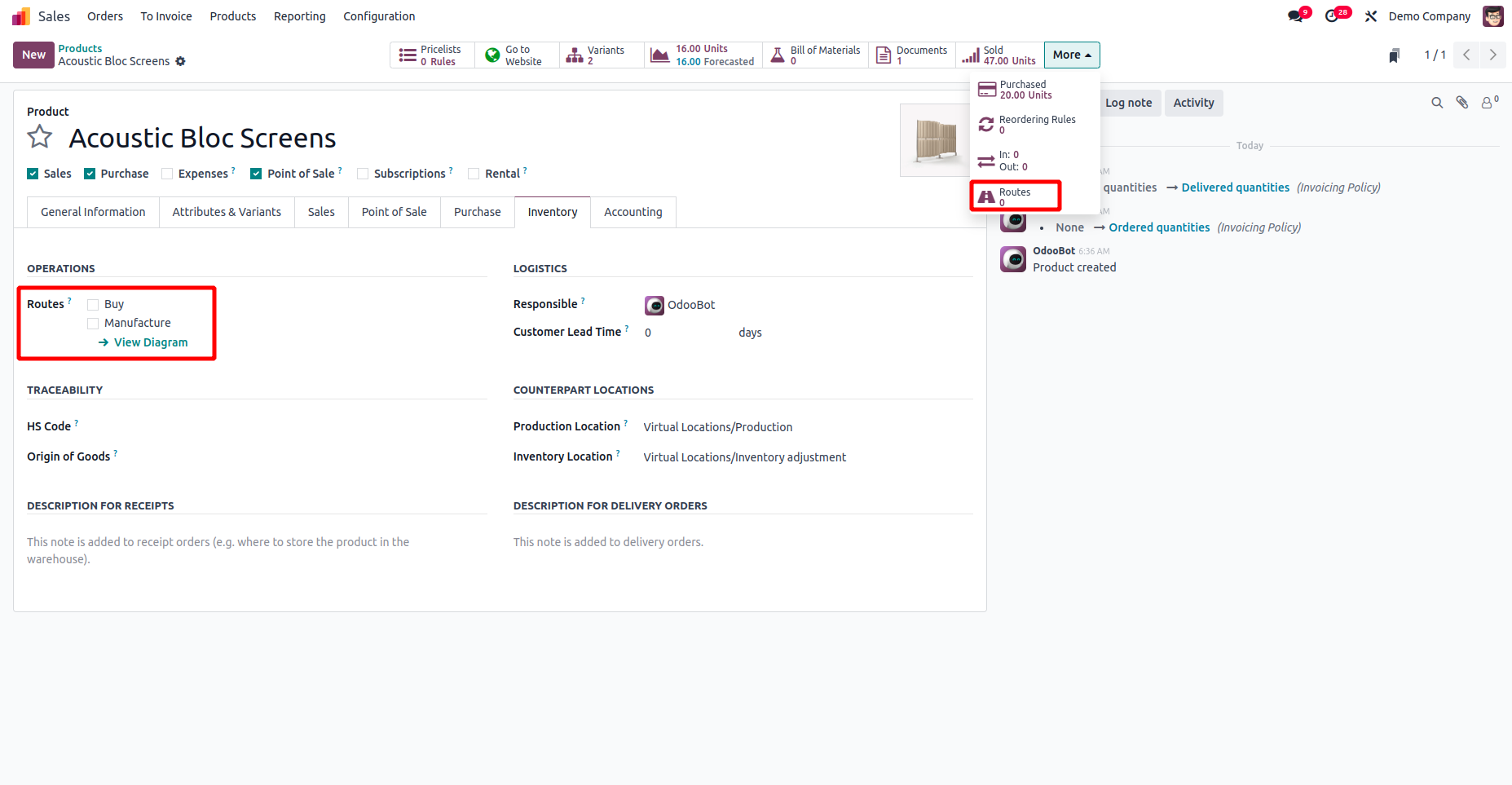
The smart button will display the count of inventory routes assigned to the product, if any exist.
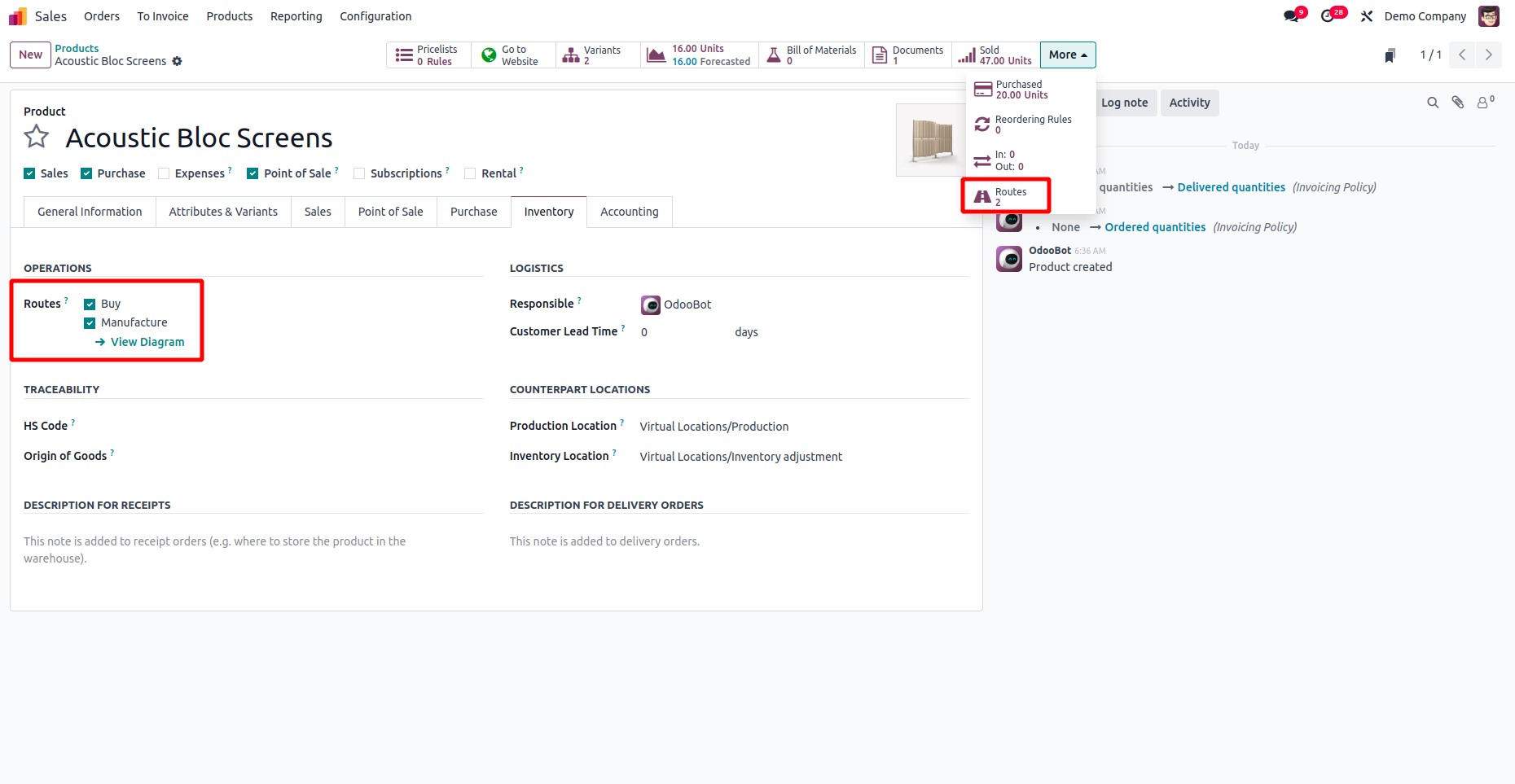
Next, click the smart button to access the related records through the corresponding view.
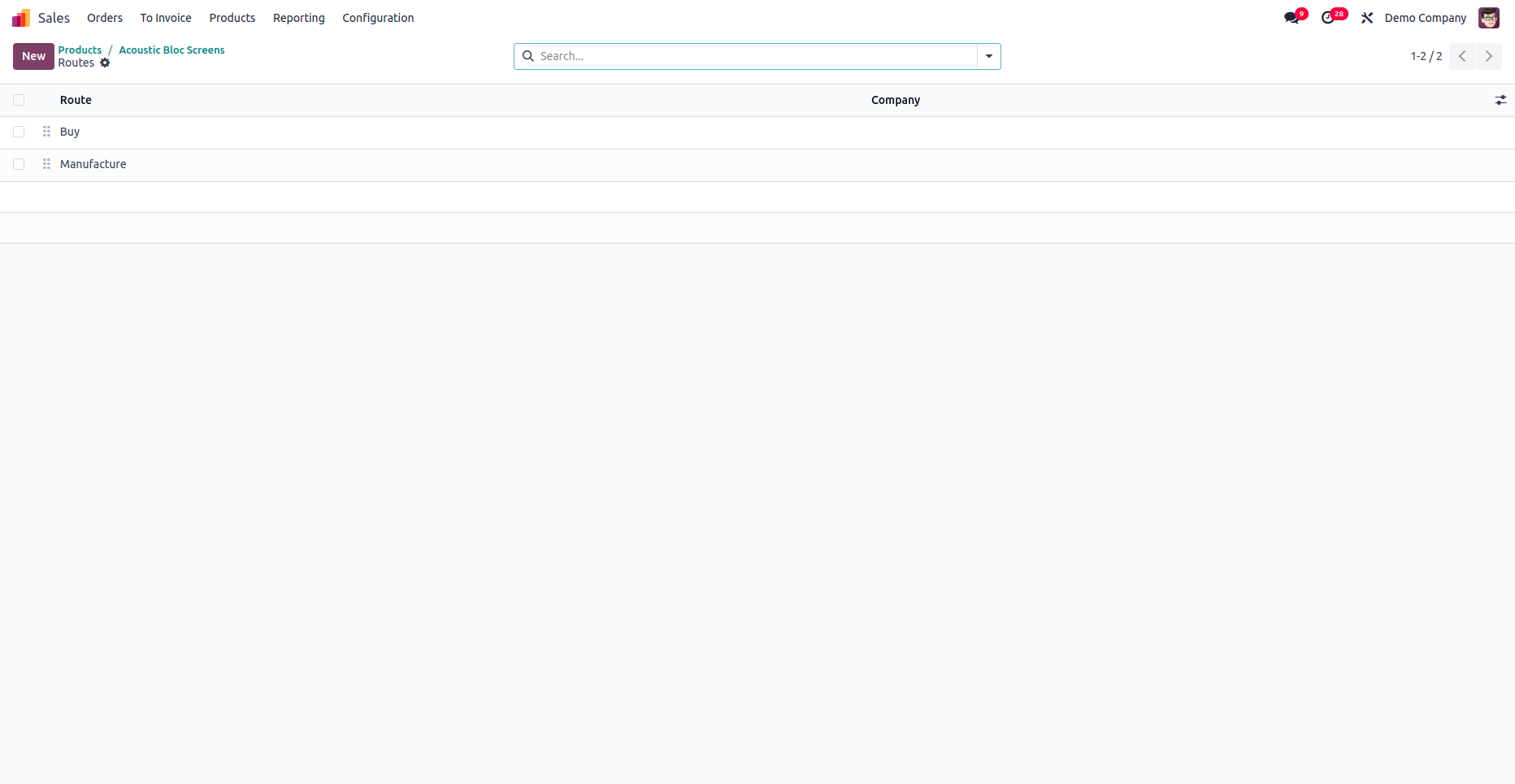
The related records are displayed in a list view, as shown in the image above. These are the steps to add Statinfo buttons to models using the Odoo Studio app.