In certain situations, executing complex logic may be necessary, something that isn't always possible with the standard options under "Action To Do." In such cases, using Python code provides greater flexibility without the limitations of predefined actions.
In this guide, we’ll demonstrate how to create an automation using Python to automatically confirm a sales order if its total amount is less than 500. To begin, open Studio, navigate to Automations, and click the Create button to set up a new automation rule.
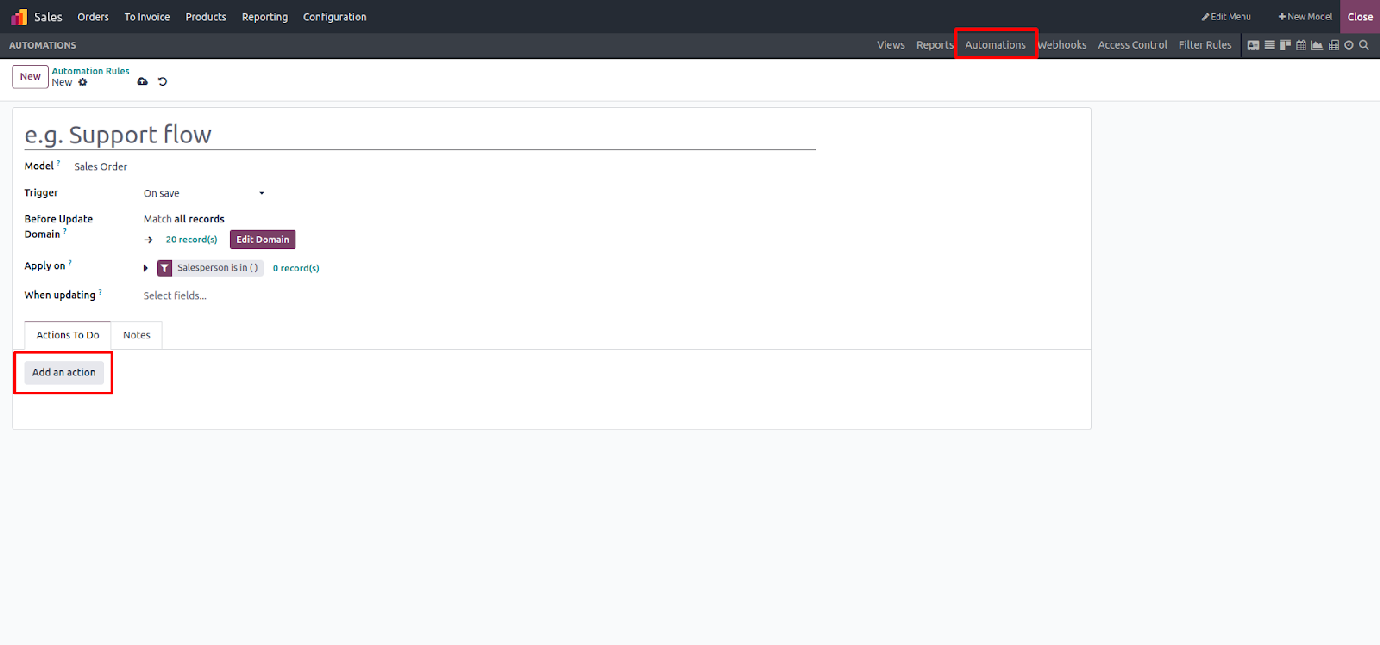
Complete all the mandatory fields, then click on "Add an Action" and choose "Execute Code" as the action type.
This will open the Python code editor, where you can write your custom logic directly.