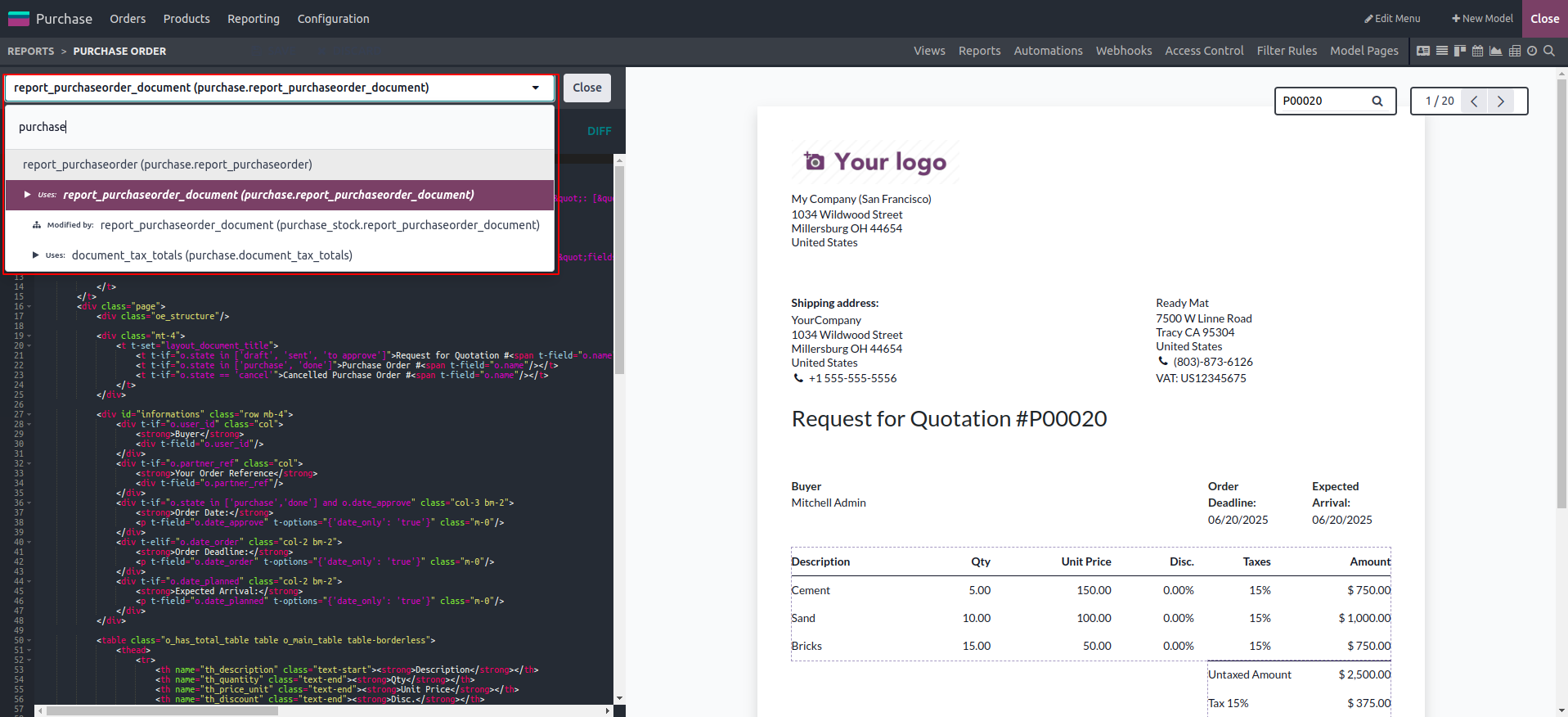
Odoo offers an XML Editor in addition to the block tools available in the Studio module. While the Studio tools are sufficient for adding custom applications and features, the XML Editor is ideal for users who require advanced customization and more complex functionality based on specific requirements.
Automation is a key component of efficient business operations in today’s digital age. Odoo Studio, with its functional block tools and XML Editor, enables you to configure and automate various processes within your custom or modified applications, ensuring seamless workflow management.
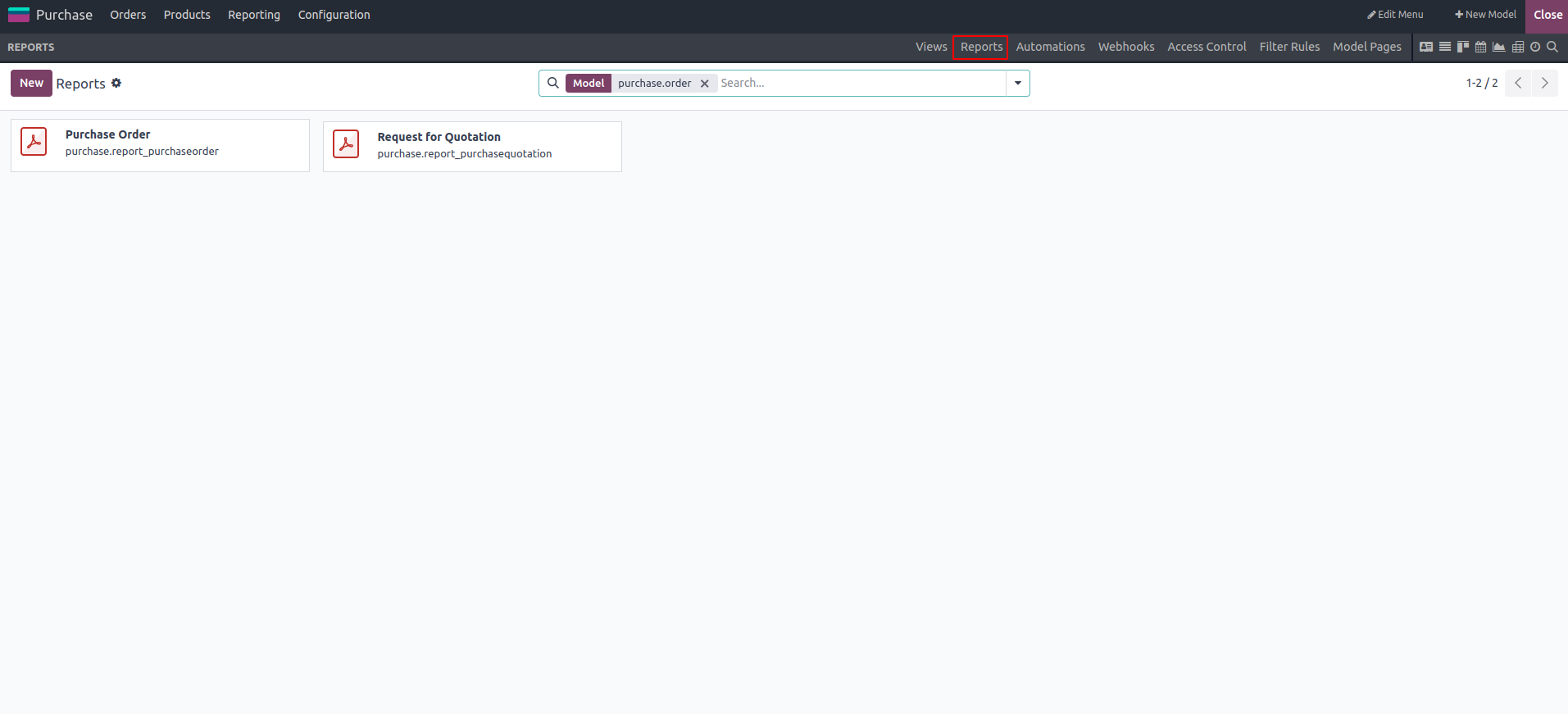
Navigate to the Reports tab and choose the report you want to modify.
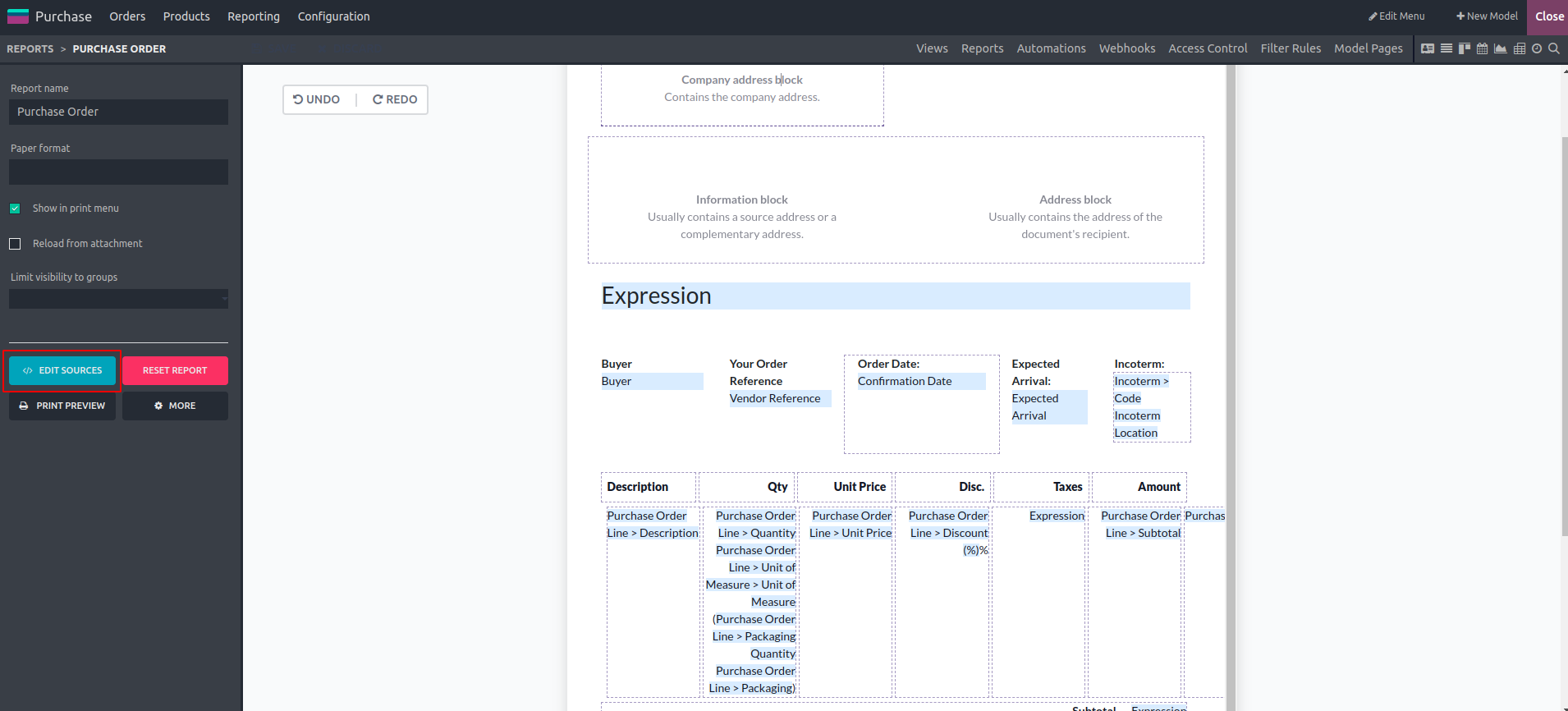
You can modify the XML view by clicking the Edit Sources button.
Once you click on the button, an editing window will appear, as shown below.
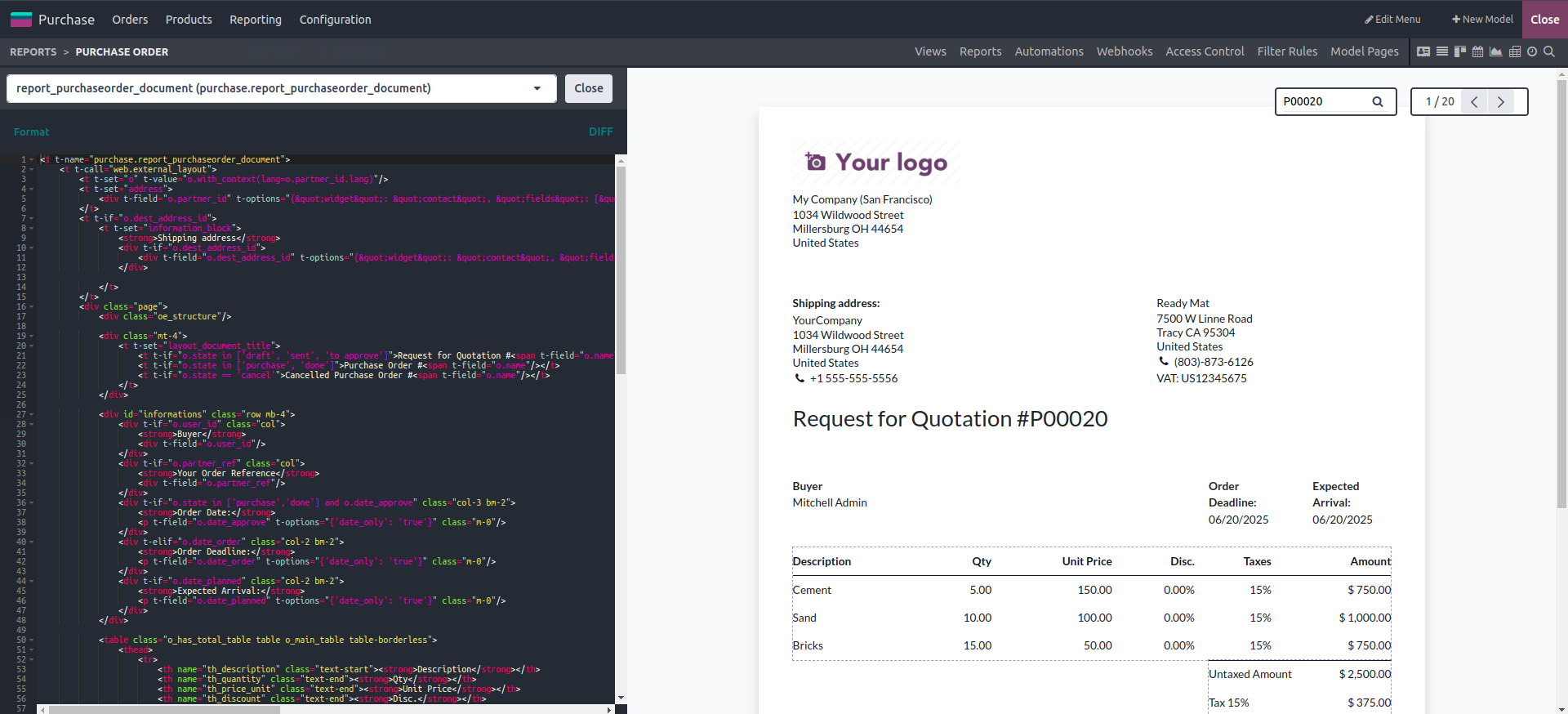
A search box is available for selecting reporting templates; simply type the template name to view its full code in the editing panel. This allows you to modify the report directly within Studio.