The Marketing Card Module in Odoo 19 is designed to simplify and enhance the way businesses manage their marketing activities within an ERP environment. Instead of relying on multiple third-party platforms, users can access essential marketing tools from a centralized dashboard, making campaign planning and execution more efficient. The module supports a variety of marketing functions, including email marketing, SMS campaigns, social media management, event promotion, surveys, and automated customer journeys. Its seamless integration with Odoo's CRM, Sales, Website, and Contacts applications enables businesses to create personalized campaigns using real-time customer data. Marketing teams can streamline their work by automating repetitive tasks, segmenting audiences, tracking campaign performance, and creating insightful reports that support better decision-making. Whether targeting new prospects or promoting existing customers, the Marketing Card Module in Odoo 19 helps organizations streamline workflows, increase customer engagement, and achieve better marketing results through a connected and data-driven approach.
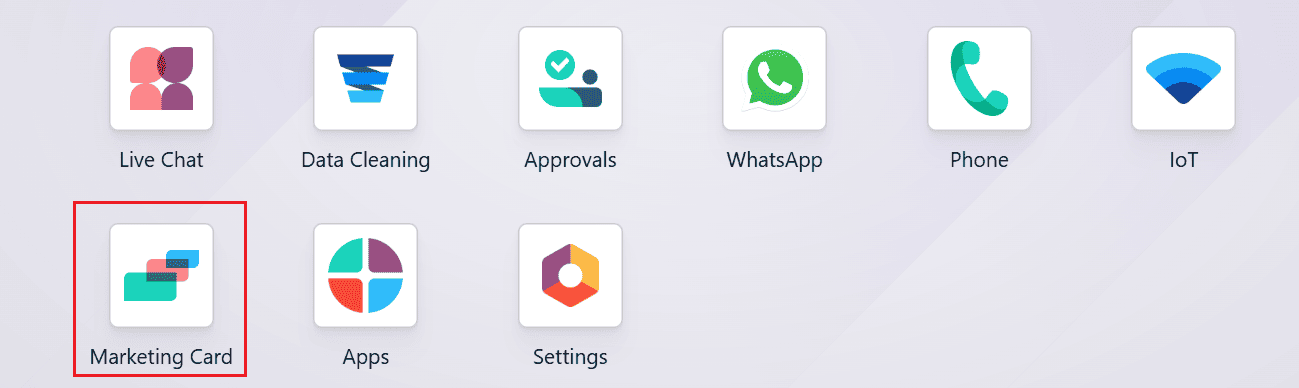
From the Odoo 19 dashboard, navigate to the Marketing Card module to begin the setup process.
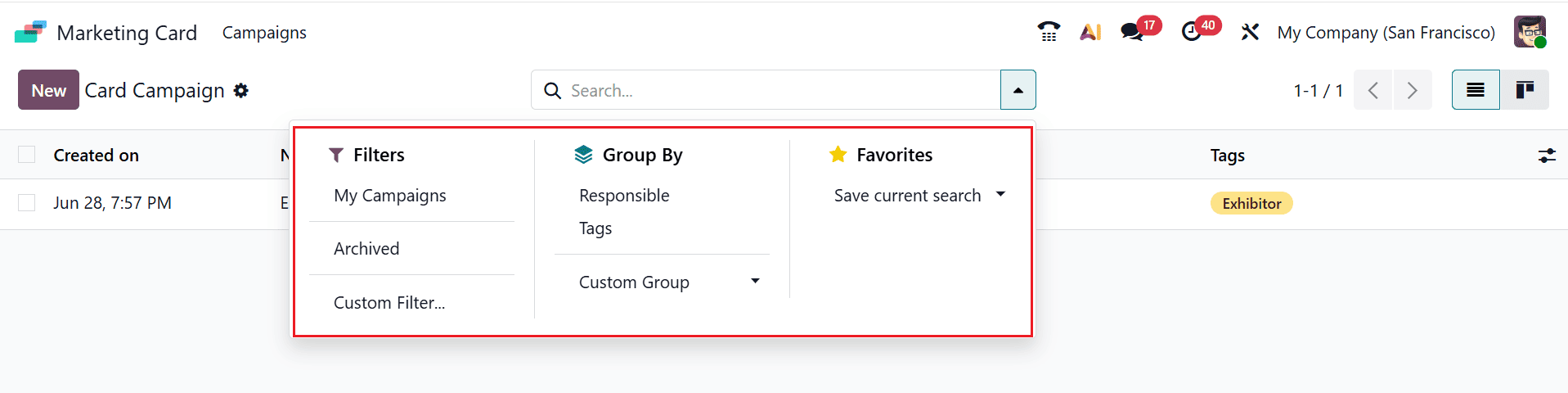
The main dashboard displays the Card Campaign option under the Campaigns menu. By default, the Card Campaign page opens in the List view, displaying key details such as the campaign name, creation date, responsible user, and assigned tags.

You can further organize and manage the records using the Filters, Group By, and Favorites options available from the drop-down menu in the search bar. Use Filters to view specific Card Campaigns, such as My Campaigns or Archived campaigns. You can also create a personalized filter by selecting Custom Filter or use Ask AI for AI-assisted filtering. Use Group By to organize campaigns by Responsible or Tags, or select Custom Group to create a personalized grouping. Use Favorites to save the current filter and grouping configuration for quick access in the future.
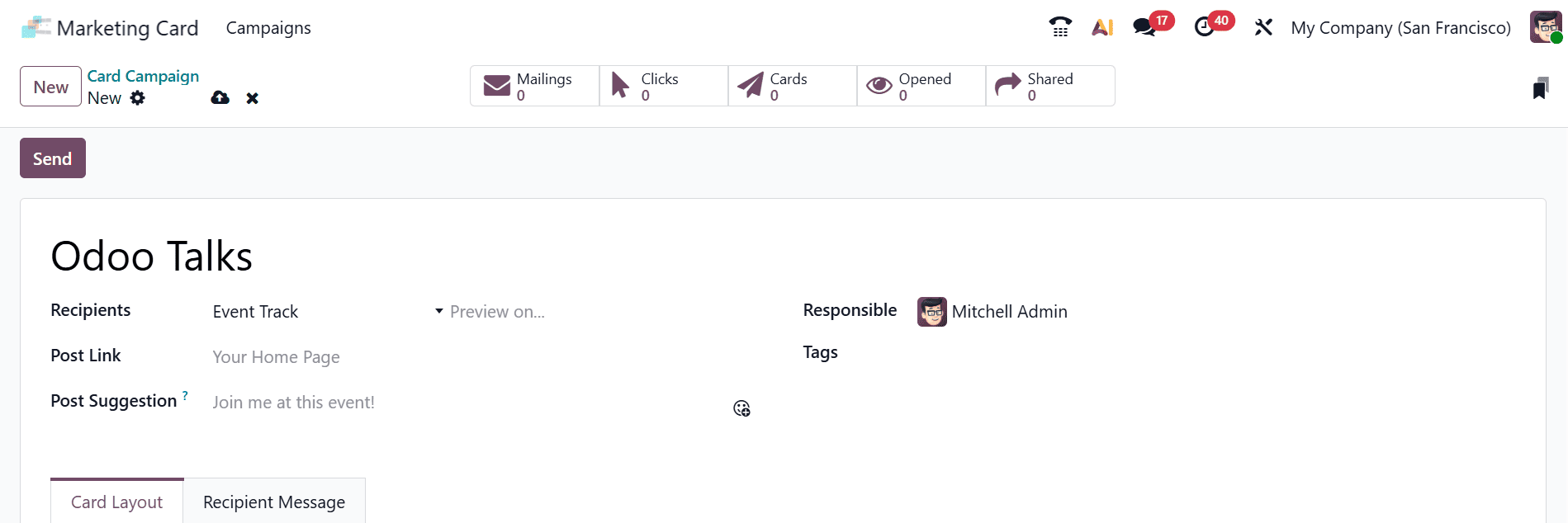
Click New to create a Card Campaign. Once the form opens, enter a campaign name and select the appropriate recipients. You can choose Recipients as Contacts to send the marketing card to selected contacts, Event Booth to send it to exhibitors or companies that have reserved booths, Event Registration to send it to attendees registered for an event, or Event Track to send it to participants or speakers associated with specific event sessions or tracks. In the Post Link field, enter the URL that recipients will be directed to when they click the marketing card. In the Post Suggestion field, provide a suggested message or description to encourage recipients to share the marketing card on social media or other platforms.
In the Responsible field, select the user responsible for managing the campaign. Use the Tags field to assign relevant tags for easier categorization and analysis. The campaign form also contains the Card Layout and Recipient Message tabs.
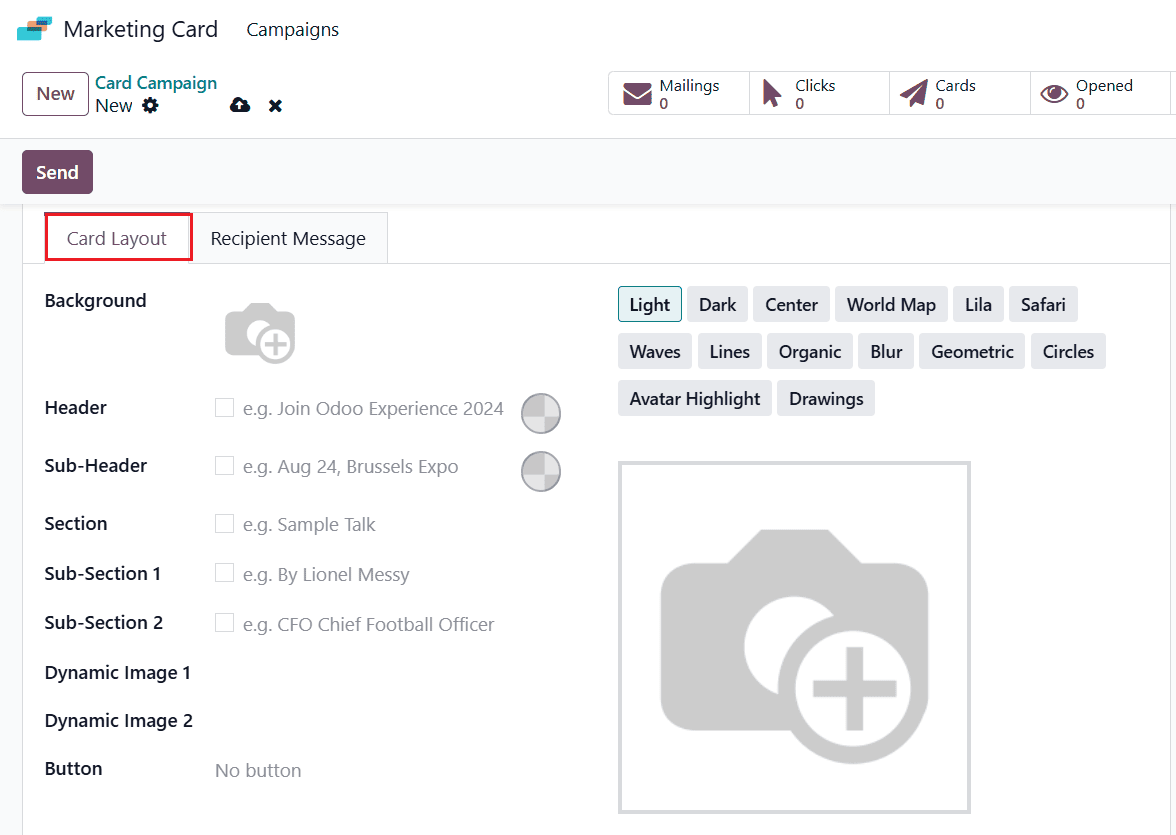
The Card Layout tab allows you to customize the appearance of the marketing card. Choose a background style to define the look of your card. You can select from multiple built-in themes, including Light, Dark, Center, World Map, Lila, Safari, Waves, Lines, Organic, Blur, Geometric, Circles, Avatar Highlight, and Drawings. You can also upload a background image or choose a predefined theme. In the Header field, enter the main title for the card and select a header color that complements the chosen background. Next, add a subtitle in the Sub-Header field and choose a matching color from the color palette. Use the Section field to add the main content of the marketing card, and include additional information in Sub-Section 1 and Sub-Section 2 to further enhance the content. The Dynamic Image 1 and Dynamic Image 2 options automatically generate personalized images for each recipient, making every card more relevant and engaging. Finally, use the Button field to specify the destination URL that recipients will be directed to when they click the button on the marketing card.
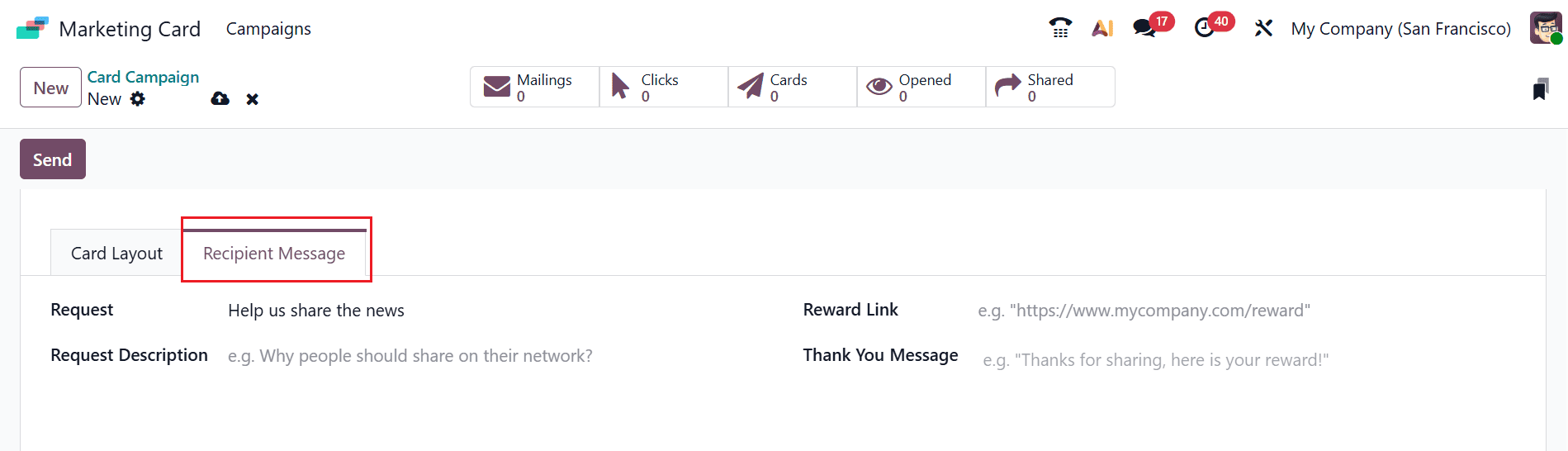
In the Recipient Message tab, add a sharing message in the Request field for recipients to use when promoting the campaign. Use the Request Description field to provide context about the campaign and highlight the value of sharing it. In the Reward Link field, enter the URL where recipients can access reward details, including available offers or points received for sharing the card. Add a personalized appreciation message in the Thank You Message field to acknowledge the recipient’s contribution. Once all the required details are filled in, click Send to share the card with the selected recipients.
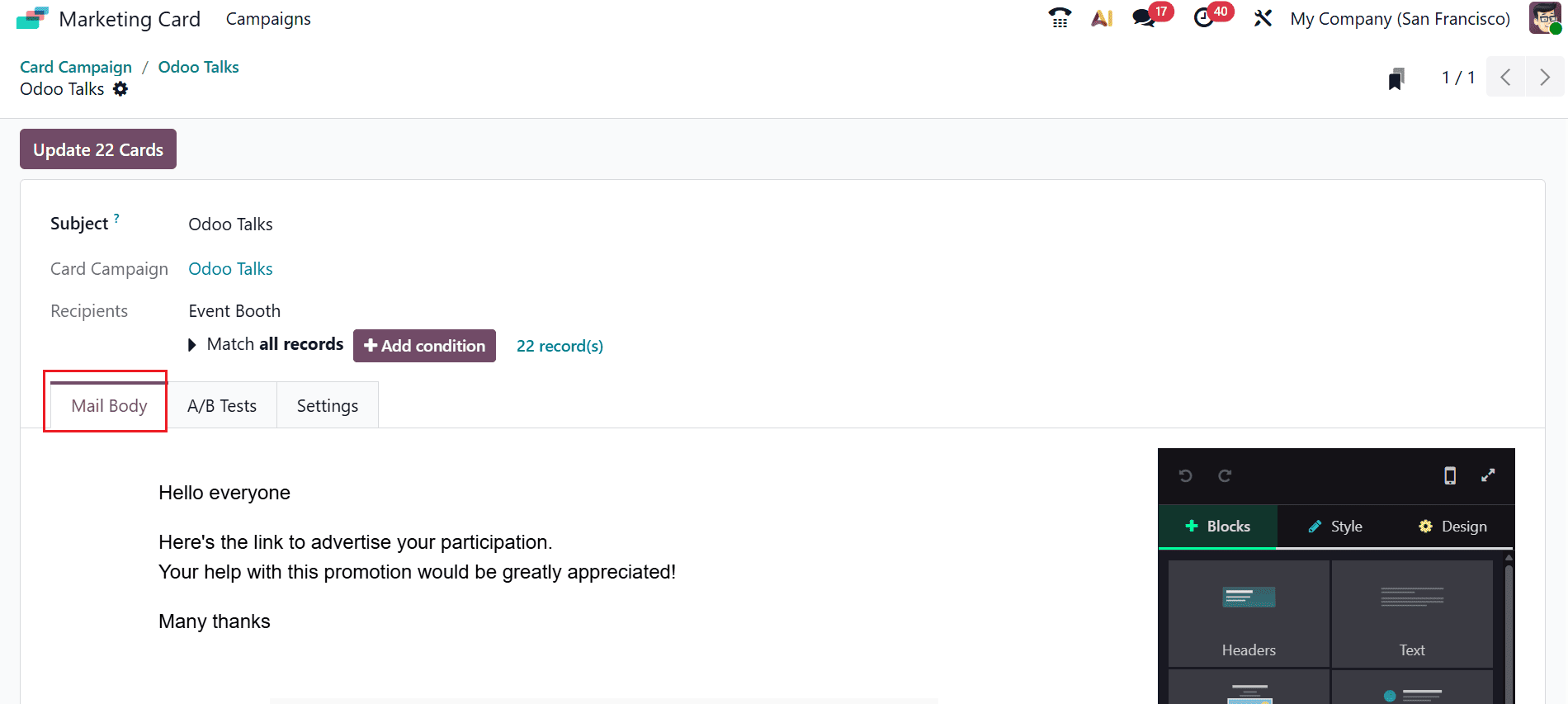
A pop-up window appears, displaying the Subject, Card Campaign, and Recipient details, which are automatically populated. The configuration window is divided into three sections: Mail Body, A/B Tests, and Settings. Under the Mail Body tab, you can create engaging email content by adding and customizing design blocks according to your requirements.
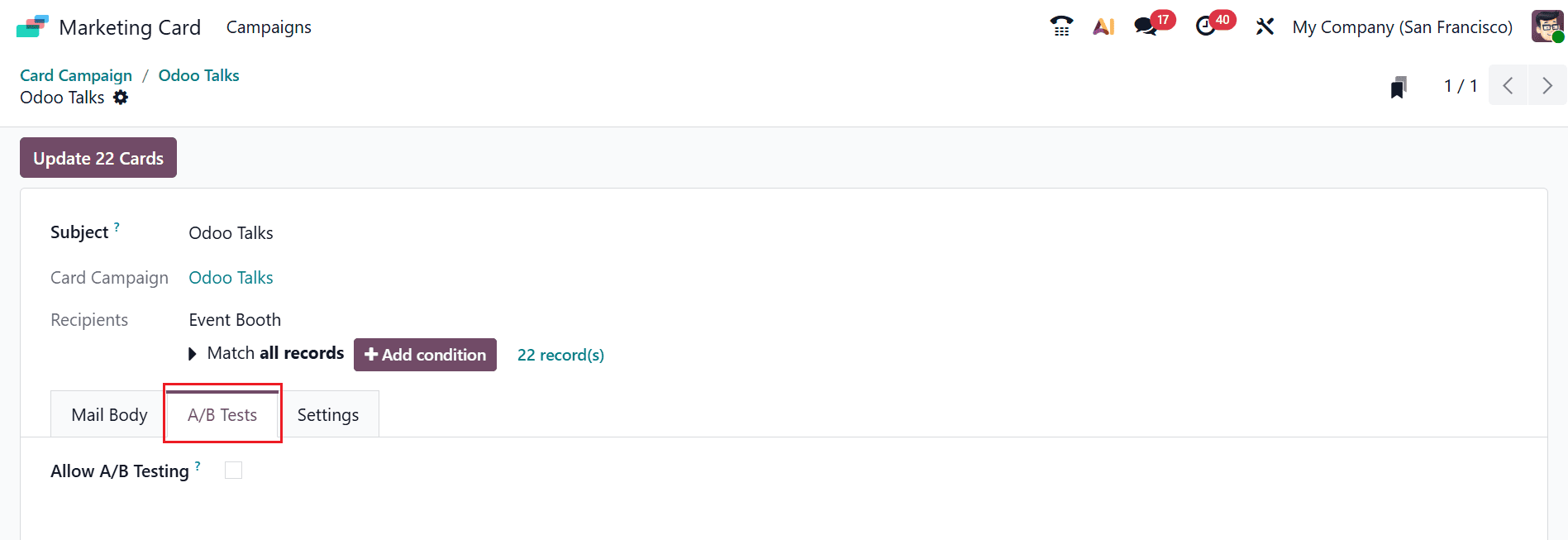
The A/B Tests tab includes the Allow A/B Testing option, which ensures that each recipient is assigned only one email variation during the campaign. This feature helps prevent duplicate messages and allows you to evaluate the effectiveness of different email variations.
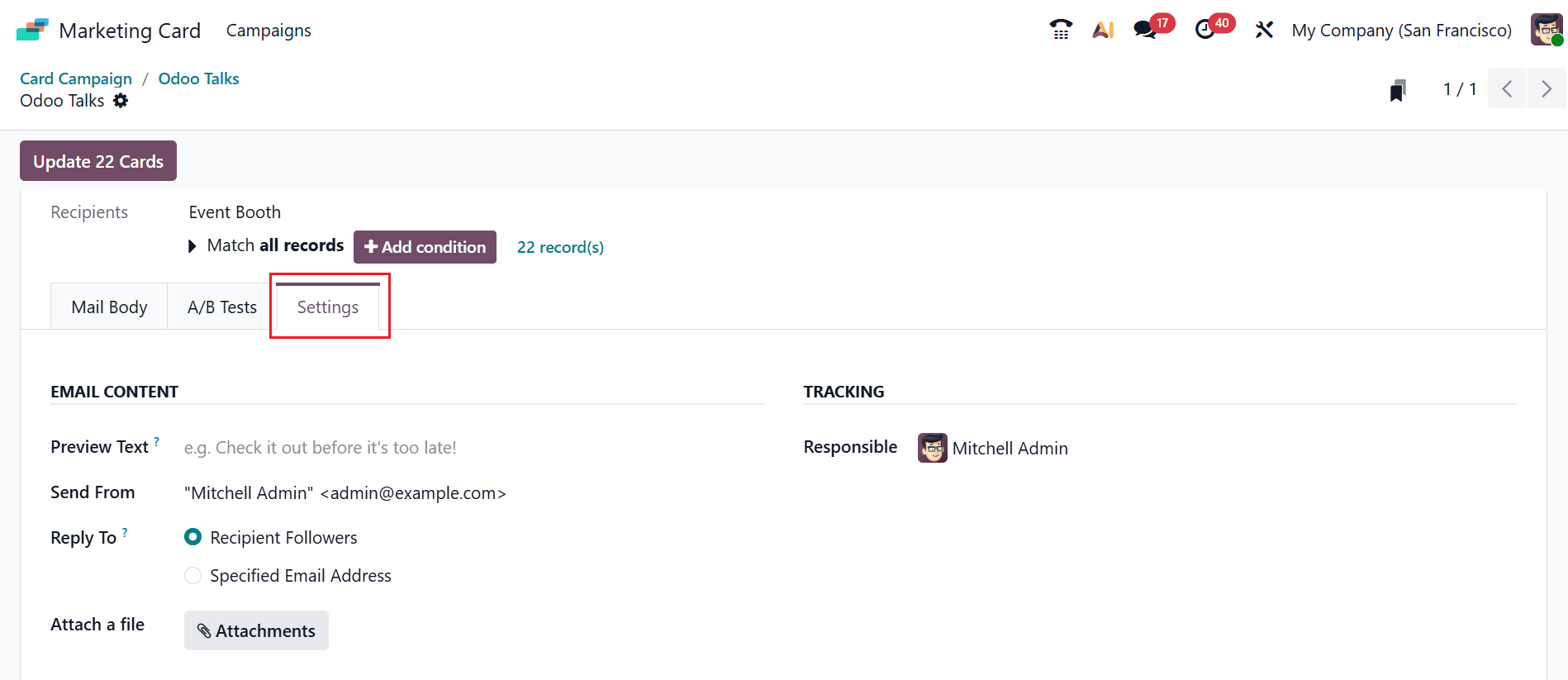
The Settings tab includes two sections: Email Content and Tracking. In the Email Content section, you can add a brief message in the Preview Text field, allowing recipients to get a quick overview of the email before opening it. The Send From field displays the email sender, and the Reply To field allows you to specify the email address for receiving responses. To add a file attachment, click Attachments in the Attach a File field and upload the required file. In the Tracking section, choose a teammate from the Responsible field to assign ownership for tracking the campaign activities.
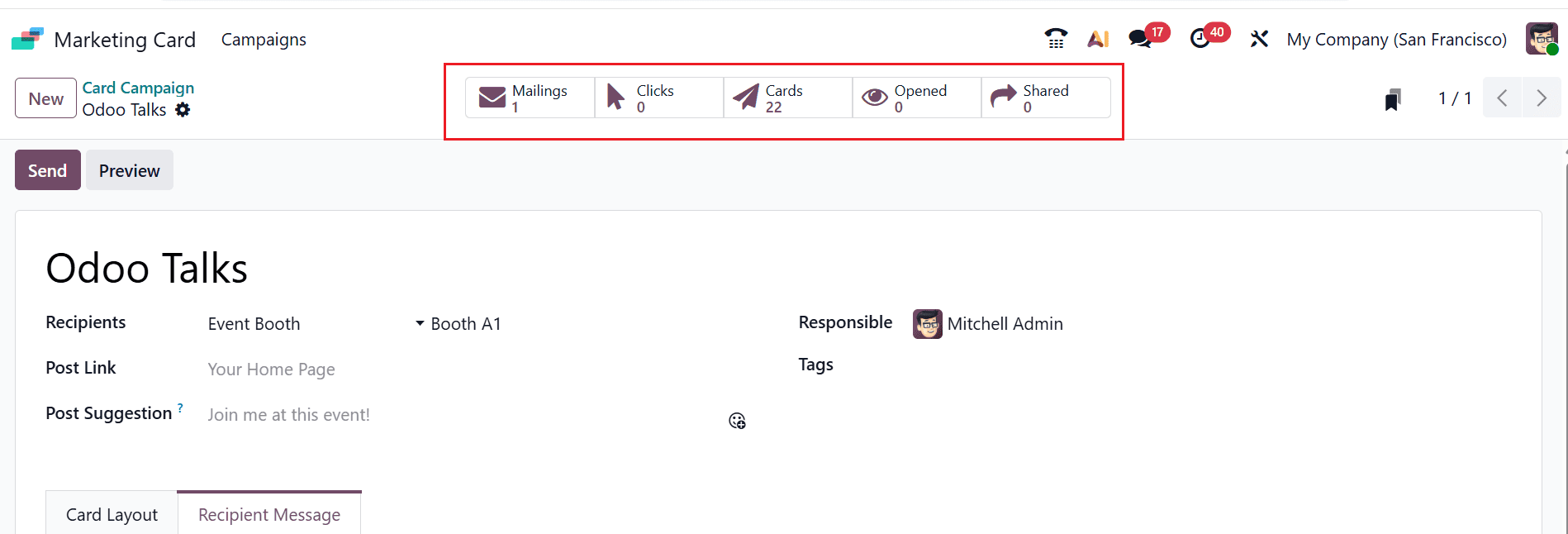
Once the cards are updated, the Card Campaign window displays smart tabs that provide valuable insights into the campaign’s performance and results. The Mailings tab displays the campaigns that have been sent, while the Clicks tab shows the number of times recipients have clicked the card or campaign link. The Cards tab indicates the total number of marketing cards, the Opened tab displays the number of times recipients have viewed the content, and the Shared tab shows the number of times the cards have been shared.
The Marketing Card Module in Odoo 19 provides businesses with a comprehensive solution for managing marketing operations from a single platform. By combining automation, audience segmentation, multi-channel communication, and performance analytics, the module enables organizations to execute campaigns with greater precision and efficiency. Its integration with other Odoo applications ensures that marketing efforts align closely with sales, customer relationship management, and business operations, creating a seamless customer experience. Real-time insights enable marketers to monitor campaign results, make timely adjustments, enhance marketing strategies, and improve overall return on investment. Additionally, the module reduces manual work through automated workflows, helping teams focus on creative and strategic initiatives. Suitable for businesses of all sizes, the Marketing Card Module in Odoo 19 supports scalable marketing processes that adapt to changing customer needs and market trends. It is a valuable addition for organizations looking to strengthen customer relationships, improve operational efficiency, and achieve sustainable business growth.
To read more about An overview of Odoo 18 Marketing Card Module, refer to our blog An overview of Odoo 18 Marketing Card Module.