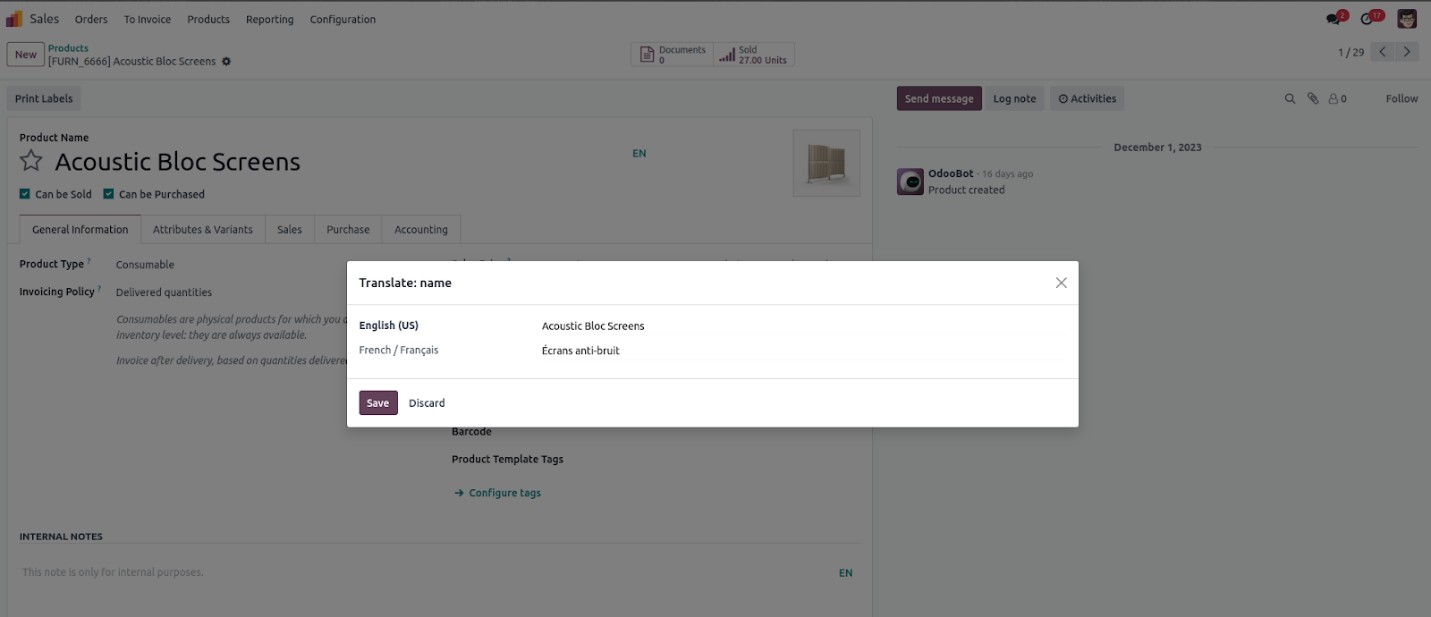
In Odoo 18, adding the attribute translate=True to fields of type
Char, Text, or HTML enables support for translating those fields
into all installed languages.
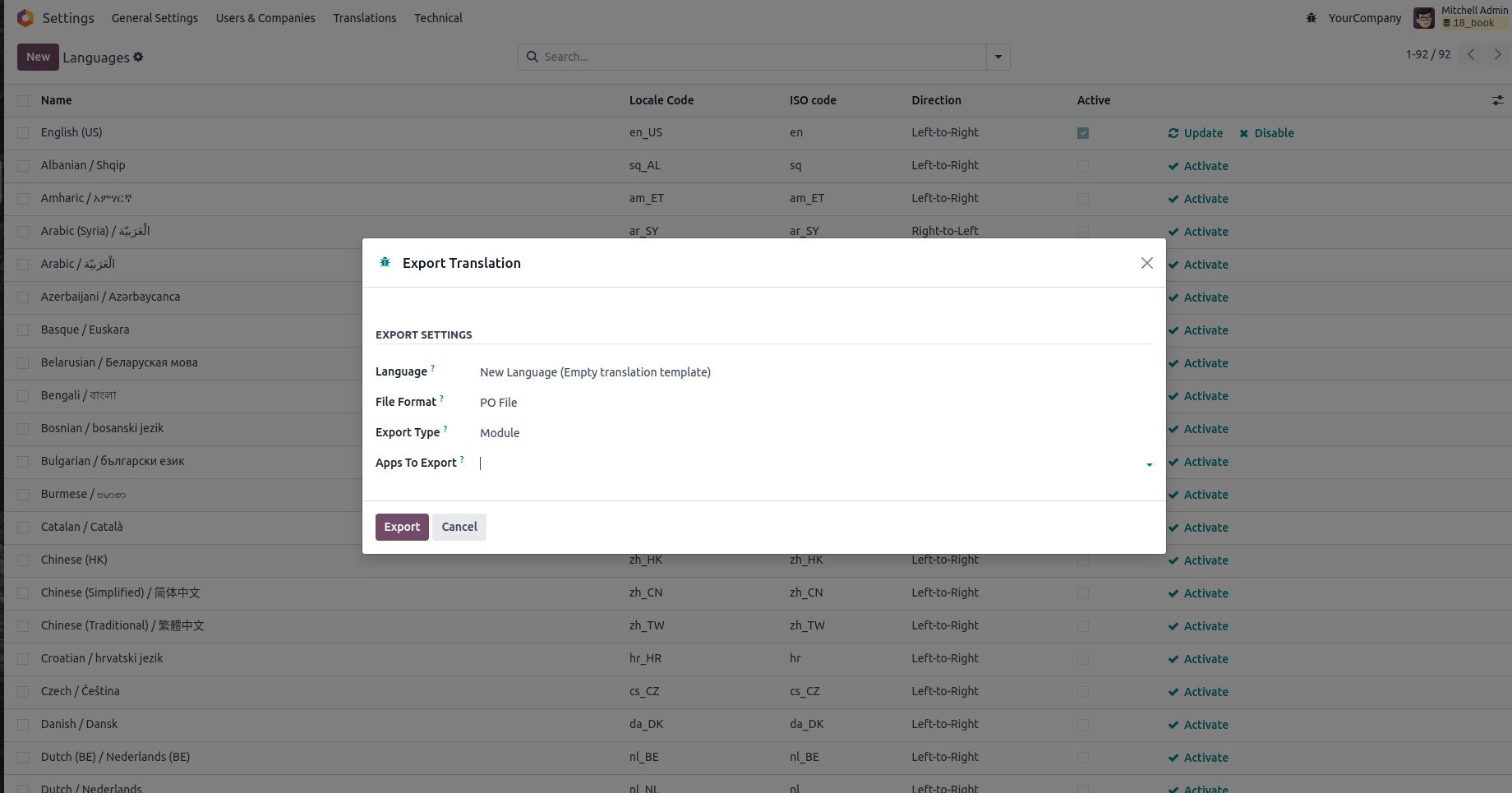
In Odoo 18, you can access the Export Translations feature by going
to Settings → Translations → Export Translations. This tool allows
you to select the target language and choose the export format, with
available options such as CSV, PO, or TGZ archive. Additionally, you
can filter the export by selecting specific apps or modules to
include in the translation file. If no modules are selected,
translations from all installed apps will be included. Once your
selections are made, click "Export" to generate and download the
translation file.
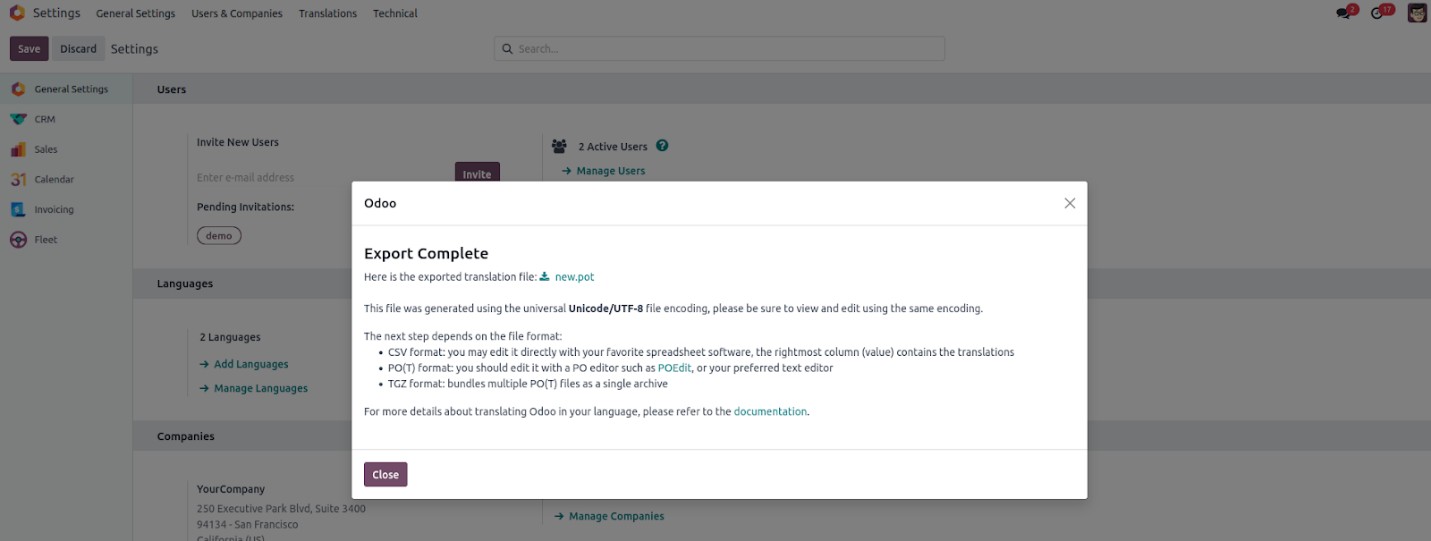
After the export file is generated, a follow-up wizard will be
displayed. You can download the file either by clicking on its name
or by using the provided download button.
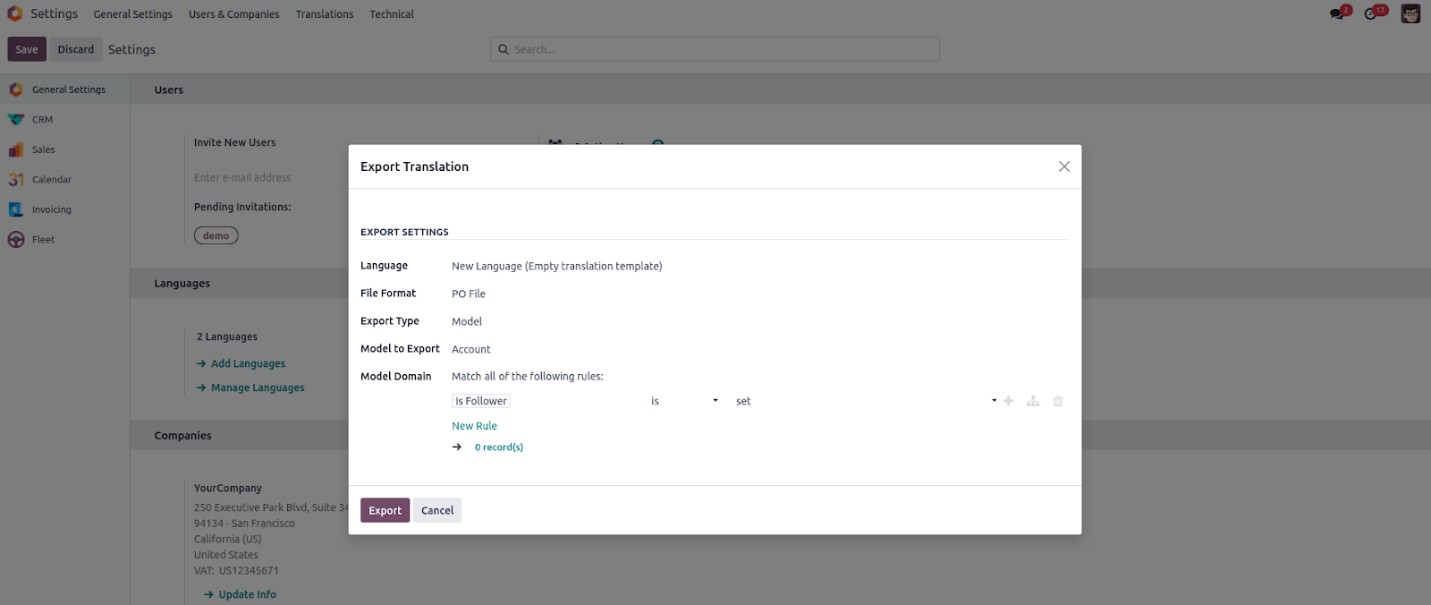
In Odoo 18, a valuable enhancement is the ability to export
language-specific data for individual models. This feature enables
users to extract translation data by applying custom domain rules,
allowing fine-tuned control over which records are included in the
export based on specified conditions.
Once the export file is generated, a confirmation wizard will appear.
To retrieve the file, simply click on its name or use the download
button provided in the interface.