After setting up your devices and successfully connecting the IoT Box
to Odoo, you can easily view all connected hardware from the IoT
app.
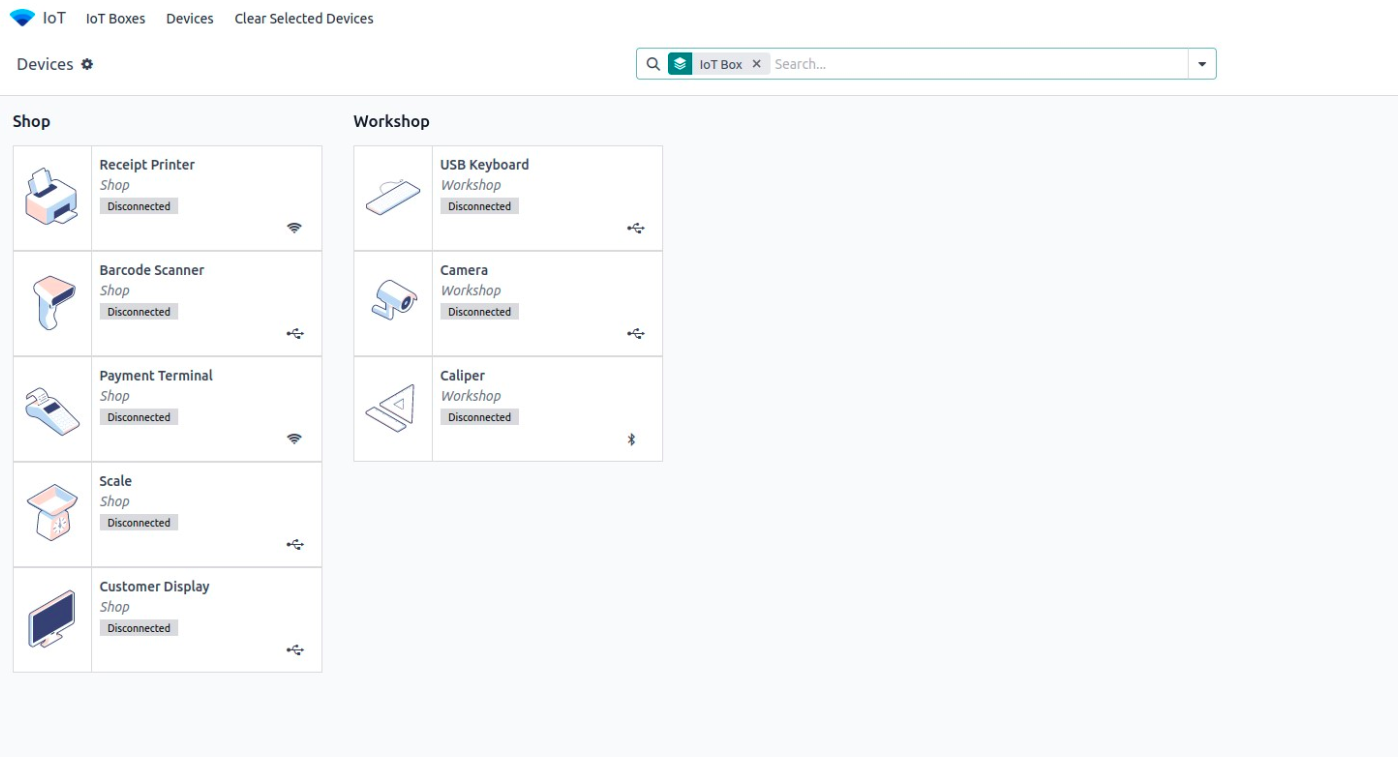
- Go to IoT App → Devices.
- You'll see a list of all devices, grouped by the IoT Box they're
connected to.
Each device shows:
- Connection Status: whether it's connected or disconnected.
- Connection Type: how it's connected (WiFi, USB, Bluetooth,
etc.).
This will scan the connected devices and try to match them with
available drivers.
Viewing Device Details
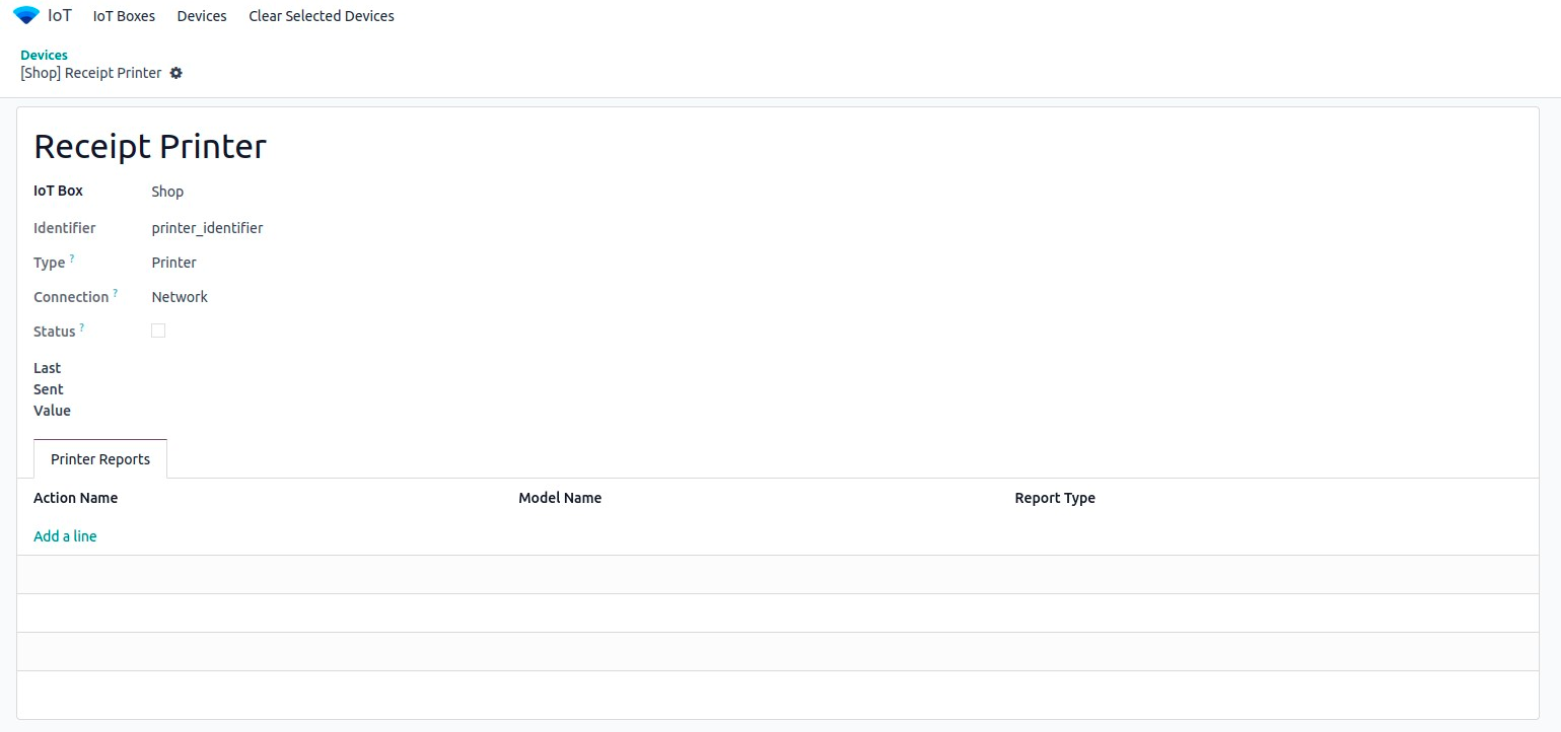
To get more information about any device, just click on its tile.
You'll see details such as:
- Device type (printer, scanner, scale, etc.)
- IP address or port used
- Any configuration options available