Odoo.sh is a cloud-based web hosting platform designed specifically
for hosting Odoo projects. It offers a range of essential features,
including automated maintenance, regular backups, built-in email
servers, support for third-party app integrations, server
management, and comprehensive customization options. Additionally,
Odoo.sh provides integrated tools for developers and device
management, making it a complete solution for deploying and managing
Odoo environments.
How to create Odoo.sh account
Log in using your GitHub credentials to access the Odoo.sh platform.
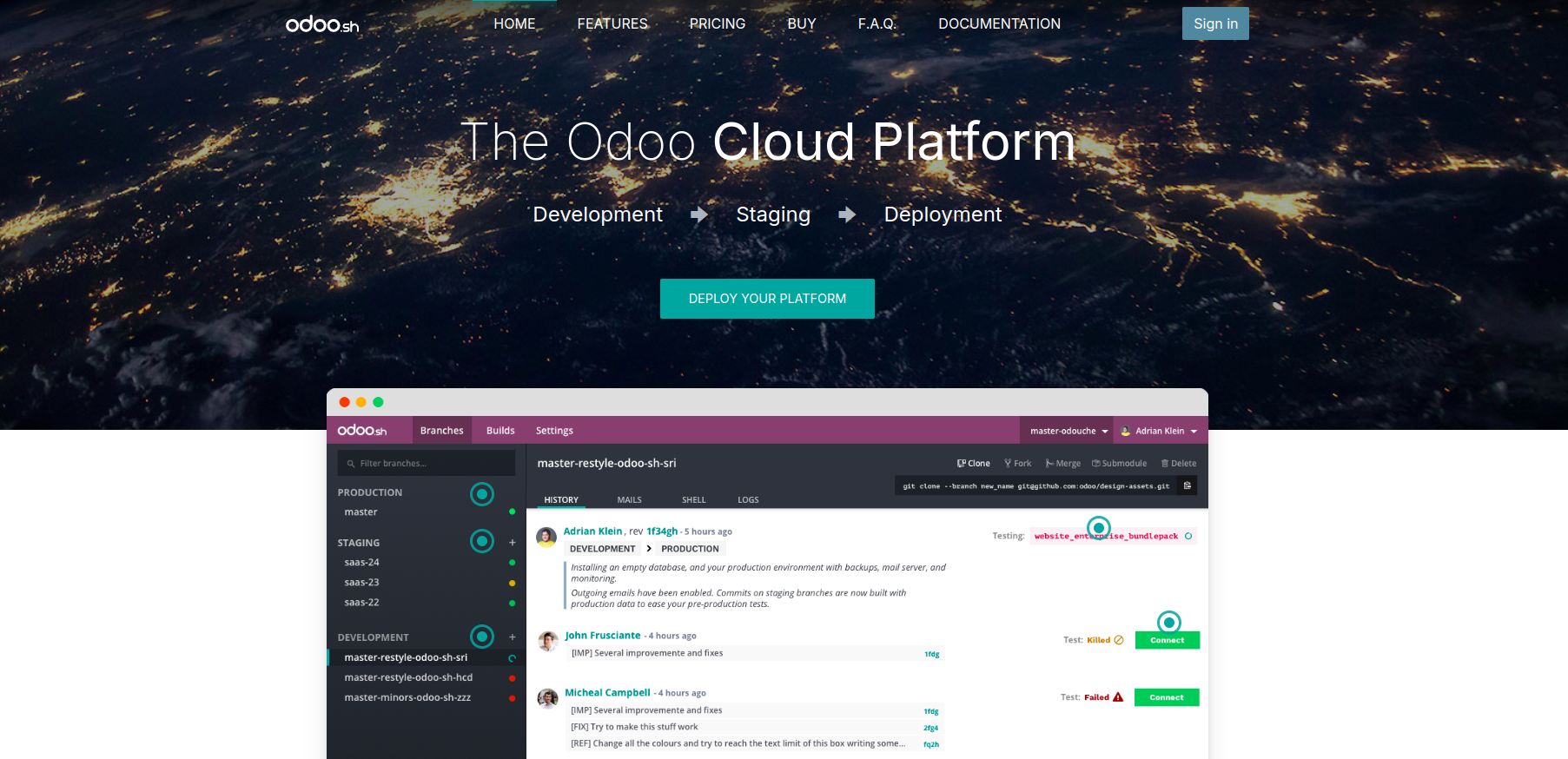
Once you're logged in to Odoo.sh, continue by providing the necessary
details to deploy your platform.
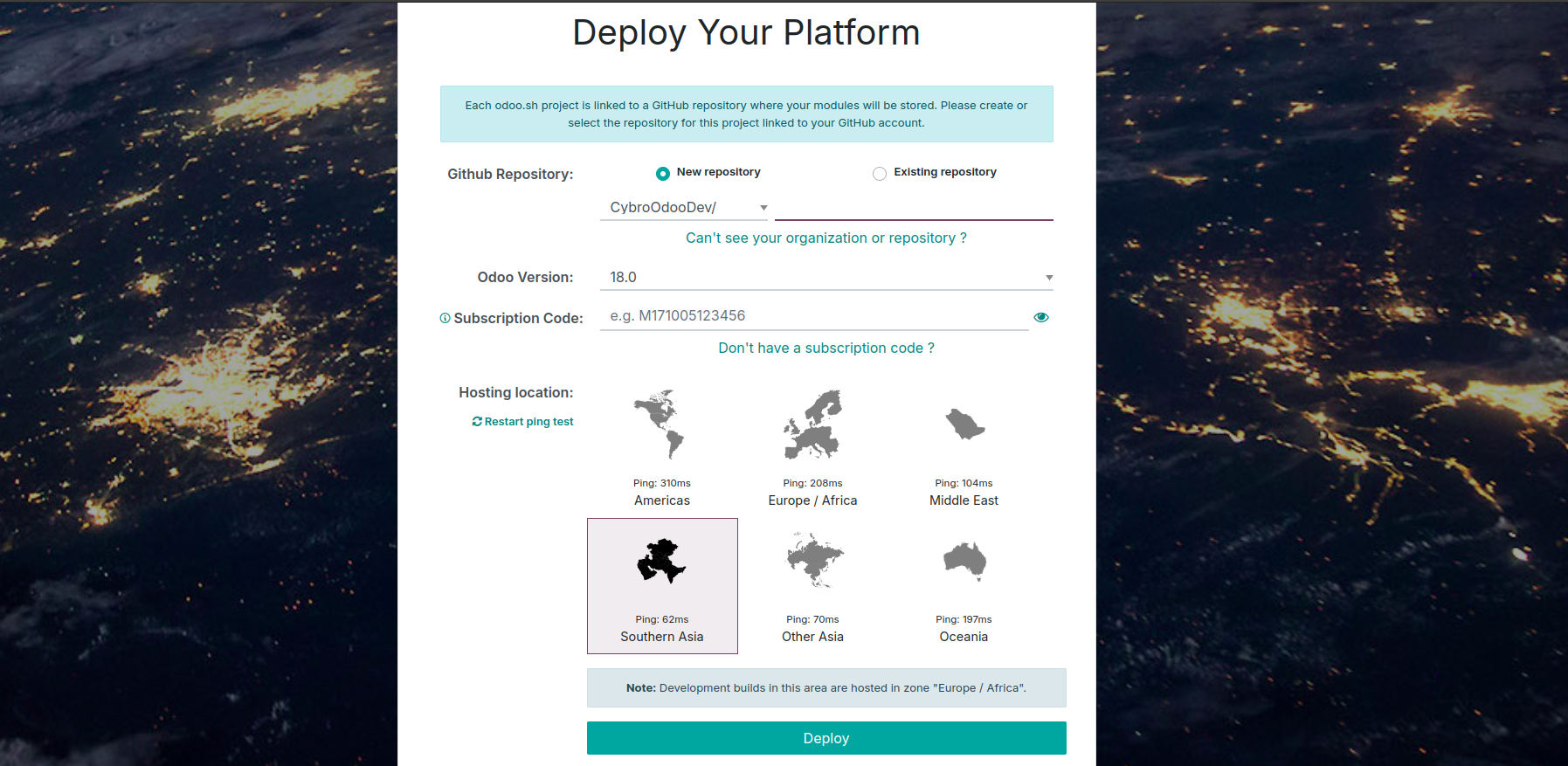
- Use the following steps to set up your project on Odoo.sh:
- You can include the Git repository by choosing to either create
a new one or link an existing repository.
- Select the Odoo version you want to use for your project.
- Provide your subscription code.
- Provide the relevant information to identify the hosting
location.
Click the "Deploy Now" button. Your specified GitHub repository will
then be connected to your Odoo.sh project.
How to install custom modules
To install a custom module on Odoo 18 through Odoo.sh, begin by
setting up a project on Odoo.sh, and ensuring you have access to
your GitHub repository URL. Then, create a corresponding development
branch in your Odoo.sh project linked to your GitHub repository.
Once the setup is complete, push your custom module to the GitHub
repository.
Once the module is pushed, Odoo.sh will automatically trigger a new
build and integrate your custom module into the Odoo instance. Then,
access your Odoo instance through Odoo.sh, update the app list, and
install the module.
If your Odoo.sh project is configured for automatic installation, the
module will show up in the list of available apps. Otherwise, you
can manually install it through the Apps menu.
Once you’ve thoroughly tested your module in a staging branch using
production data and confirmed that everything is working properly,
you can merge it into the production branch. This can be done by
either dragging the staging branch onto the production branch in
Odoo.sh or by using the git merge command to apply the latest
changes from the staging branch to the production branch. This
ensures your production environment is updated with the latest
verified updates.