Odoo.sh includes a variety of tools and functionalities aimed at
simplifying the debugging process.
Branch history
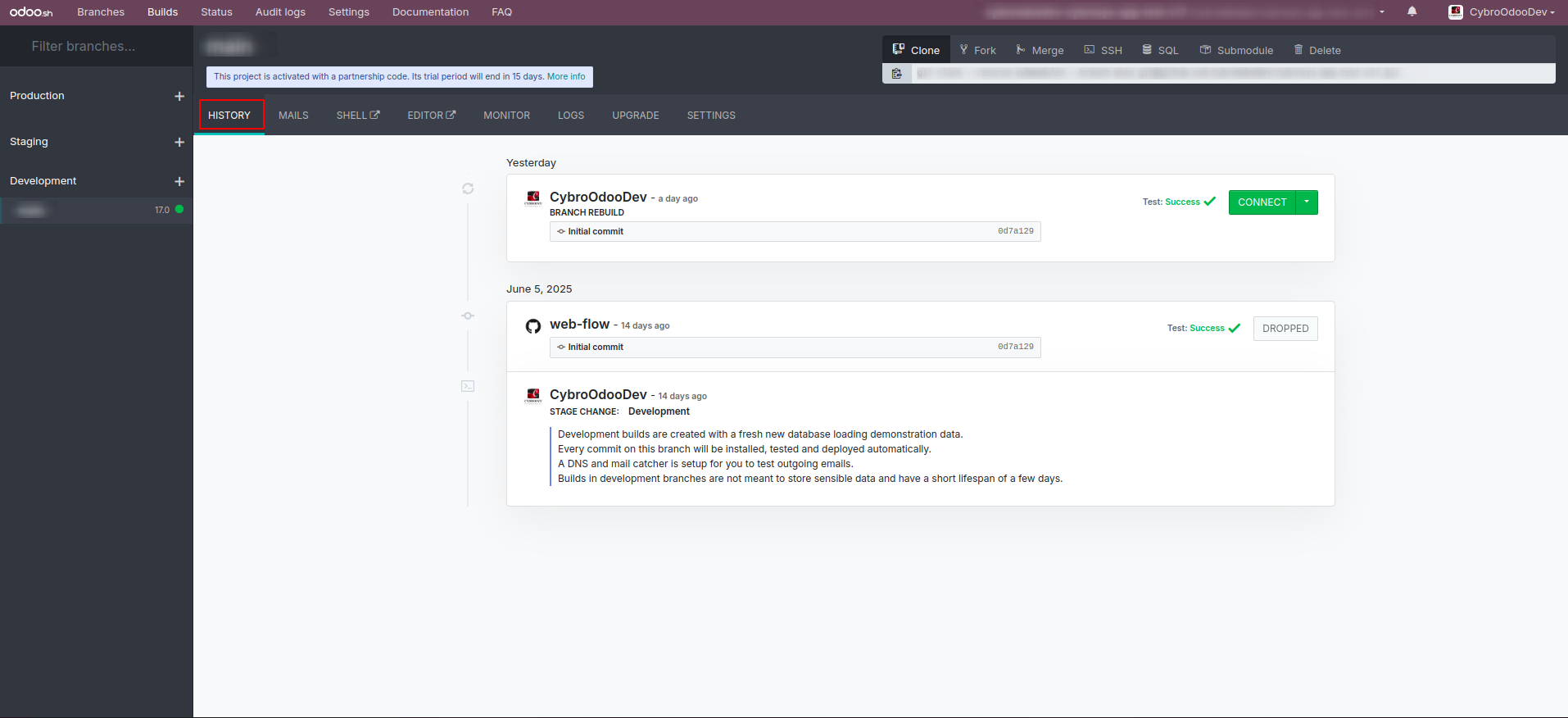
The History menu of a branch provides a detailed overview of its
build history, offering insights into logs, merges, new commits, and
database restores.
Mail catcher
In the Development and Staging branches, real emails are not sent due
to mail server restrictions. To test your email functionality before
deploying to production, you can use the mail catcher available in
these branches, which captures and displays all outgoing emails.
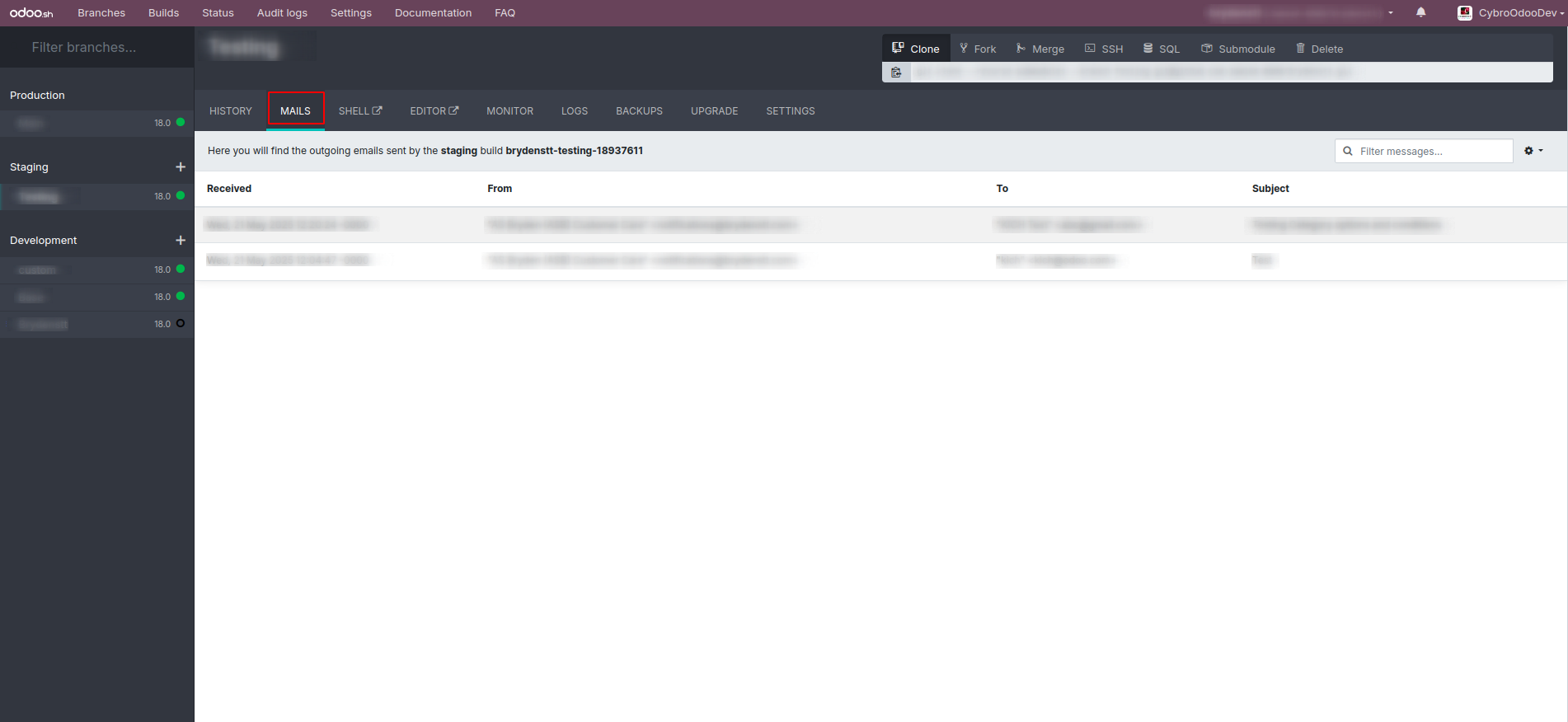
The MAILS tab displays all outgoing emails and their attachments that
have been intercepted and is available exclusively in the
Development and Staging branches.
Web shell
The web shell provides access to the source code, logs, file storage,
and more, offering a full-featured shell environment. It includes
common tools and editors like Nano and Vim, allowing you to navigate
directories and perform a range of operations. Additionally, the pip
command is available for installing Python packages.
There are instances where you may need to restart the server or
update a module directly from the shell. To restart the server,
execute the following command:
odoosh-restart
To update a module through the shell, execute the following command:
Odoo-bin -u my_custom --stop-after-init
This command targets the my_custom module for update. To update
multiple modules simultaneously, simply separate their names with
commas.