Custom javascript files
The way assets—such as custom JavaScript files—are managed in Point
of Sale (POS) has changed considerably in version 17. To improve
flexibility and performance, the approach for integrating these
assets into the POS system has been updated.
1. Below is the module structure used to customize a JavaScript file
in POS.

2. Define the console setup at the start of the POS session.
                       /* @odoo-module */


import { registry } from "@web/core/registry";
console.log('Custom POS File')
3. JavaScript asset registration within the Point of Sale module.
                       'assets': {
   'point_of_sale._assets_pos': [
       'custom_pos/static/src/js/custom_pos.js',
    ]
},
4. Activate the module custom_pos_javascript_file and begin a new
Point of Sale session to observe the updates.
How It Works
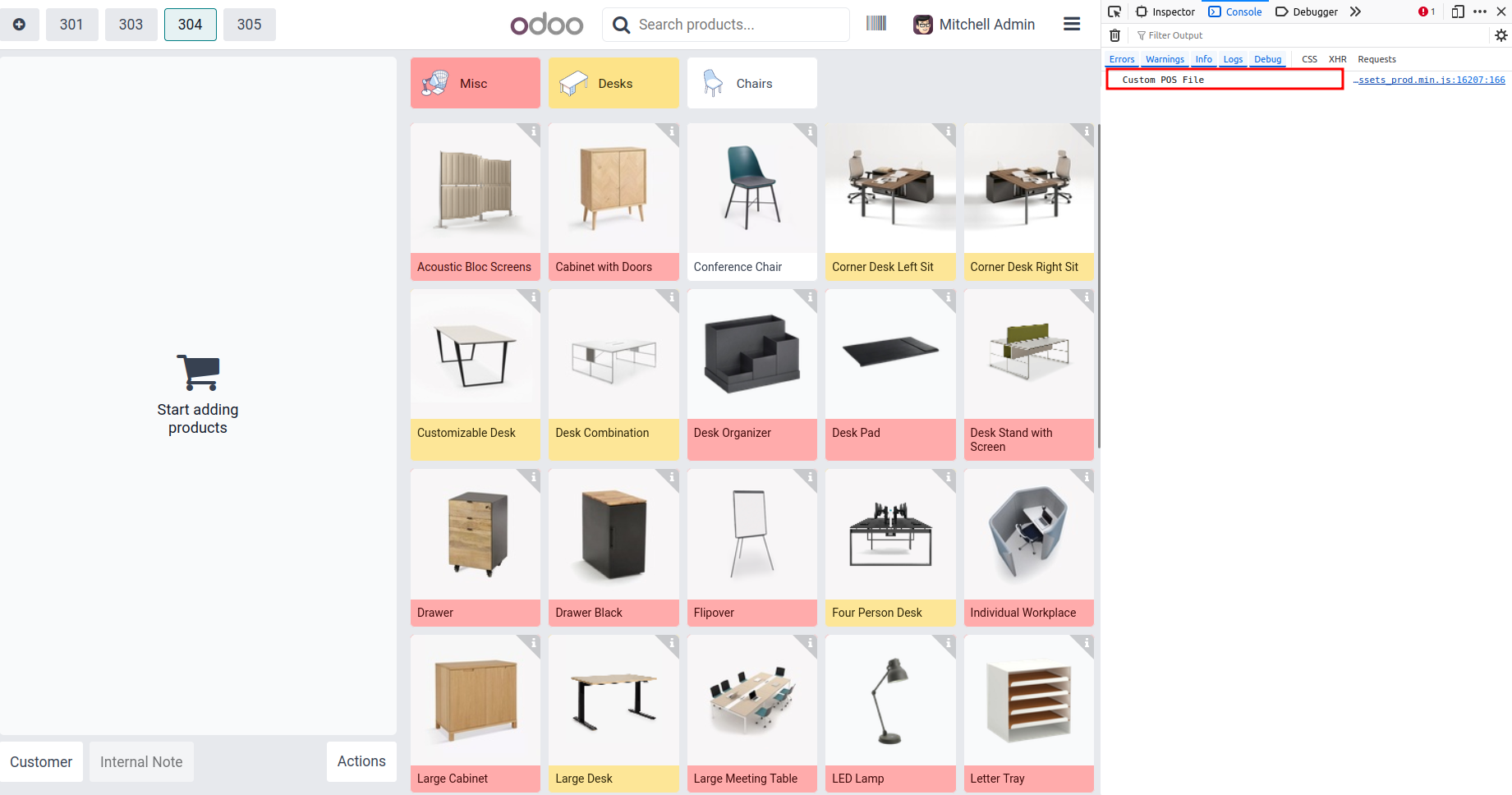
The JavaScript file is included in the module. To verify its
execution, open the developer tools in your browser and navigate to
the Console tab. A log message will appear, confirming that your
JavaScript file has been successfully loaded.