Let's explore how to customize the user interface of the Point of
Sale (PoS) application built using OWL and QWeb templates.
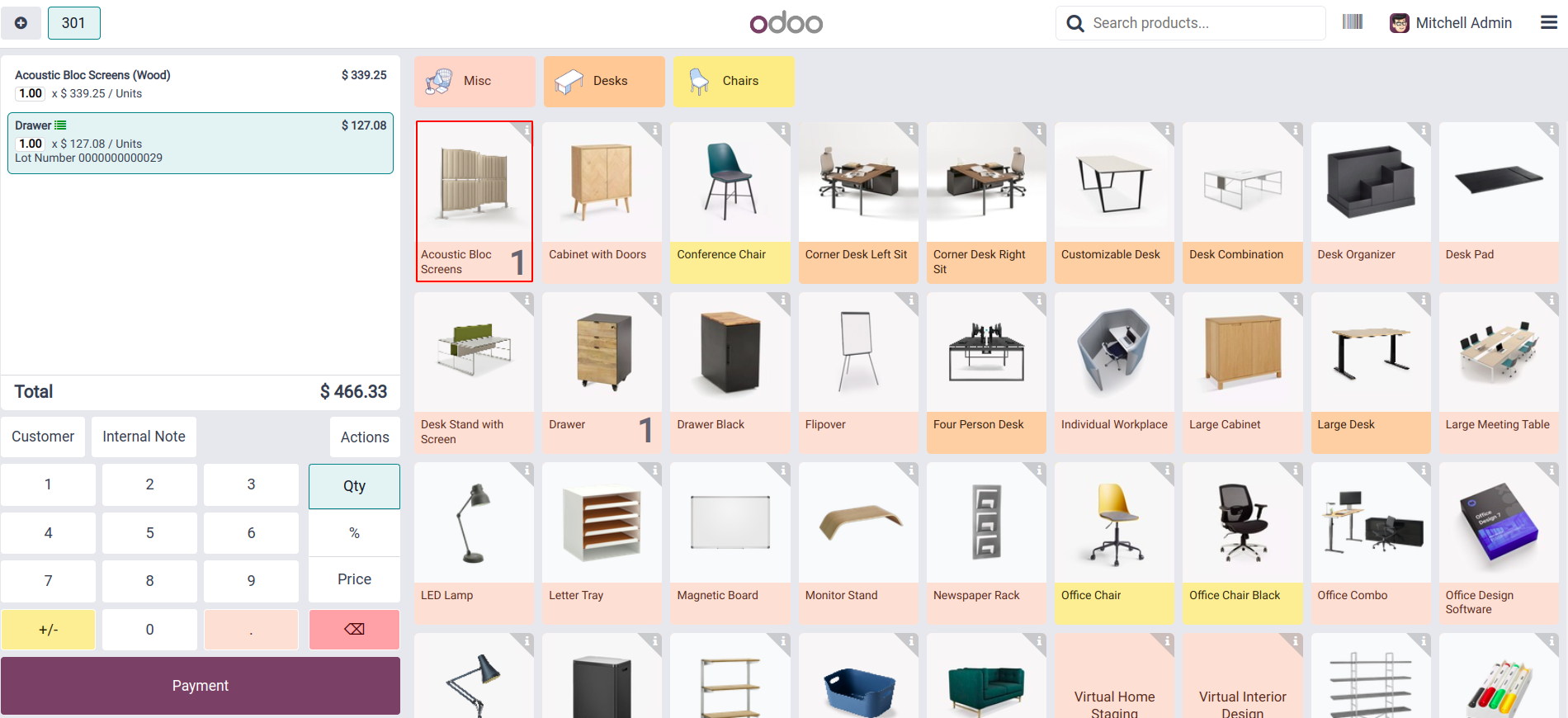
This is the default interface of the Point of Sale (PoS) system. To
enhance its functionality, we will customize the interface to
display the available quantity of each product directly within its
product box.
To modify the product card, we need to inherit the default
ProductCard template, which is used to render each product. This can
be done by adding an XML file named product_card.xml to your module.
Within this file, use XPath to extend the existing layout of the
product card and add the fields accordingly.
                       <?xml version="1.0" encoding="UTF-8"?>
<templates id="template" xml:space="preserve">
   <t t-name="ProductCard" t-inherit="point_of_sale.ProductCard" t-inherit-mode="extension">
       <xpath expr="//div[hasclass('product-name')]" position="after">
           <span class="d-flex flex-row align-items-center"><t t-esc="env.utils.formatCurrency(props.product.lst_price)"/></span>
       </xpath>
   </t>
</templates>
If the field is not initially loaded, we can access it from the model
once it has been properly loaded into the PoS environment. This
ensures the field is available for use in the PoS interface.
                       'assets': {
       'point_of_sale._assets_pos': [
           'custom_module_name/static/src/xml/product_card.xml',
       ]
    },
The product card now displays the product price.
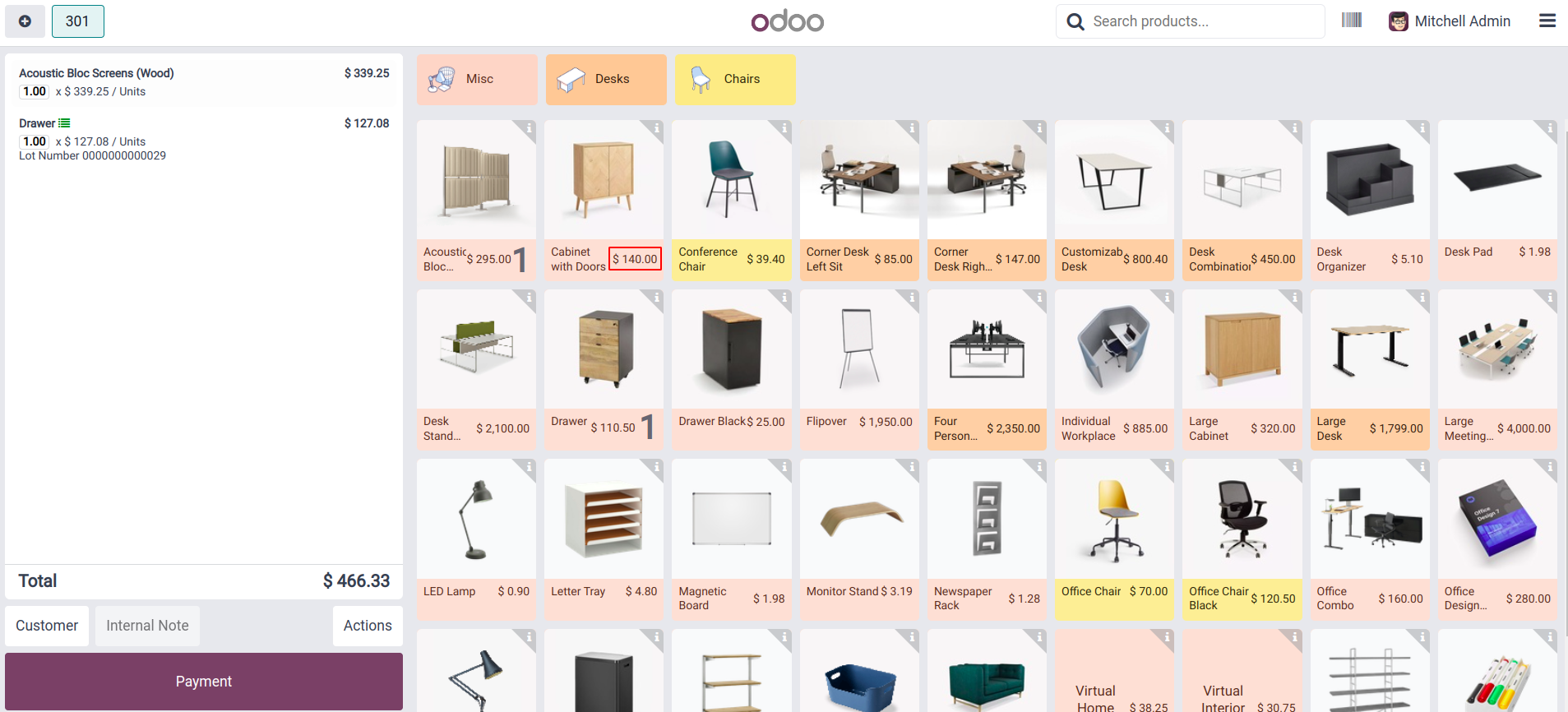
By customizing the PoS interface, we've successfully enhanced the
visibility and improved the inventory tracking at the point of sale.