As your database grows, it becomes increasingly difficult for users
to quickly find the right record—especially when the default
name-based search doesn’t cover all their needs. This is where
Odoo’s powerful ORM method name_search() comes in.
The name_search() method allows you to define custom search logic
when selecting records in fields like Many2one. Instead of
limiting the search to a record's name, you can allow users to
search by email, phone number, code, or any other field that makes
sense for your model.
Imagine you're creating a sale order or an invoice, and you want to
find a customer by typing their name, email, or mobile number — not
just their name. This enhanced behavior can be achieved by
overriding the name_search() method in the res.partner model.
Basic Structure of name_search()
@api.model
def name_search(self, name='', args=None, operator='ilike', limit=100, order=None):
    args = list(args or [])
    if name:
        args += ['|', '|',
                 ('name', operator, name),
                 ('email', operator, name),
                 ('phone', operator, name)]
    return self._search(args, limit=limit, order=order)
- name variable contains the input text from the search field.
- The method checks that input against the name, email, and phone
fields.
- The results are limited to a maximum of 100 (or the value passed
in limit).
Example: Extending res.partner to Support Multi-field Search
Here’s how you might implement this in a real-world Odoo 18 module:
from odoo import models, api

class ResPartner(models.Model):
    _inherit = 'res.partner'

    @api.model
    def name_search(self, name='', args=None, operator='ilike', limit=100, order=None):
        args = list(args or [])
        if name:
            args += ['|', '|',
                     ('name', operator, name),
                     ('email', operator, name),
                     ('phone', operator, name)]
        return self._search(args, limit=limit, order=order)
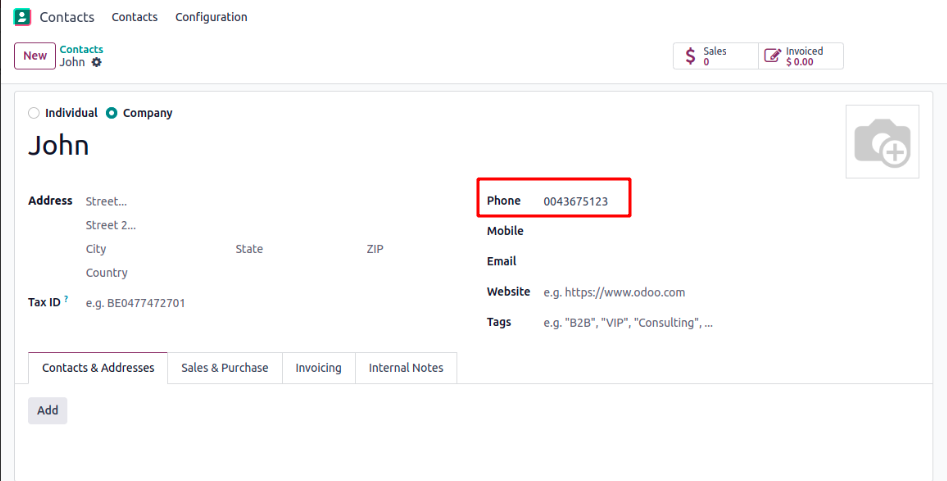
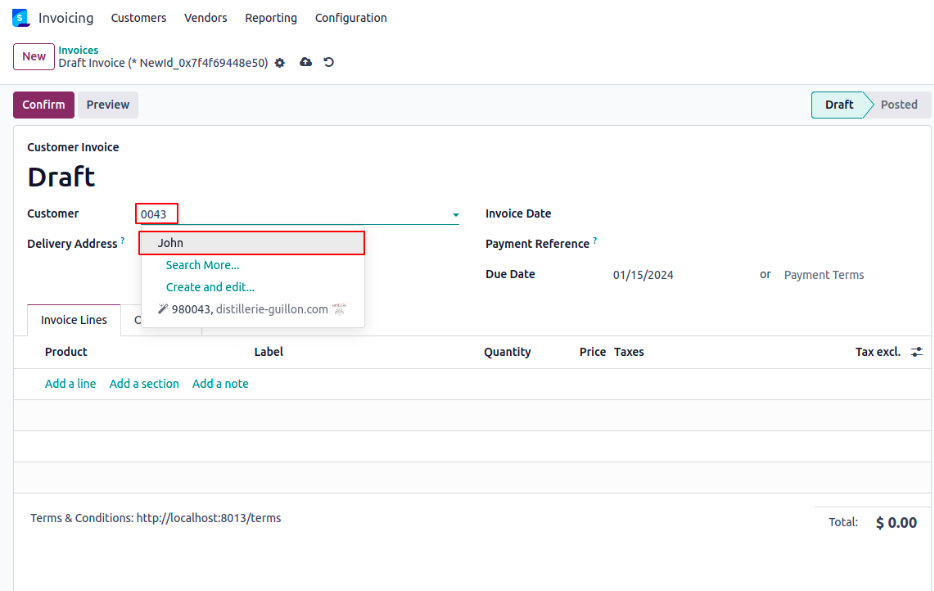
Now, when you try to add a customer to a quotation or invoice, you
can search by phone number, and Odoo will intelligently suggest
matching records.