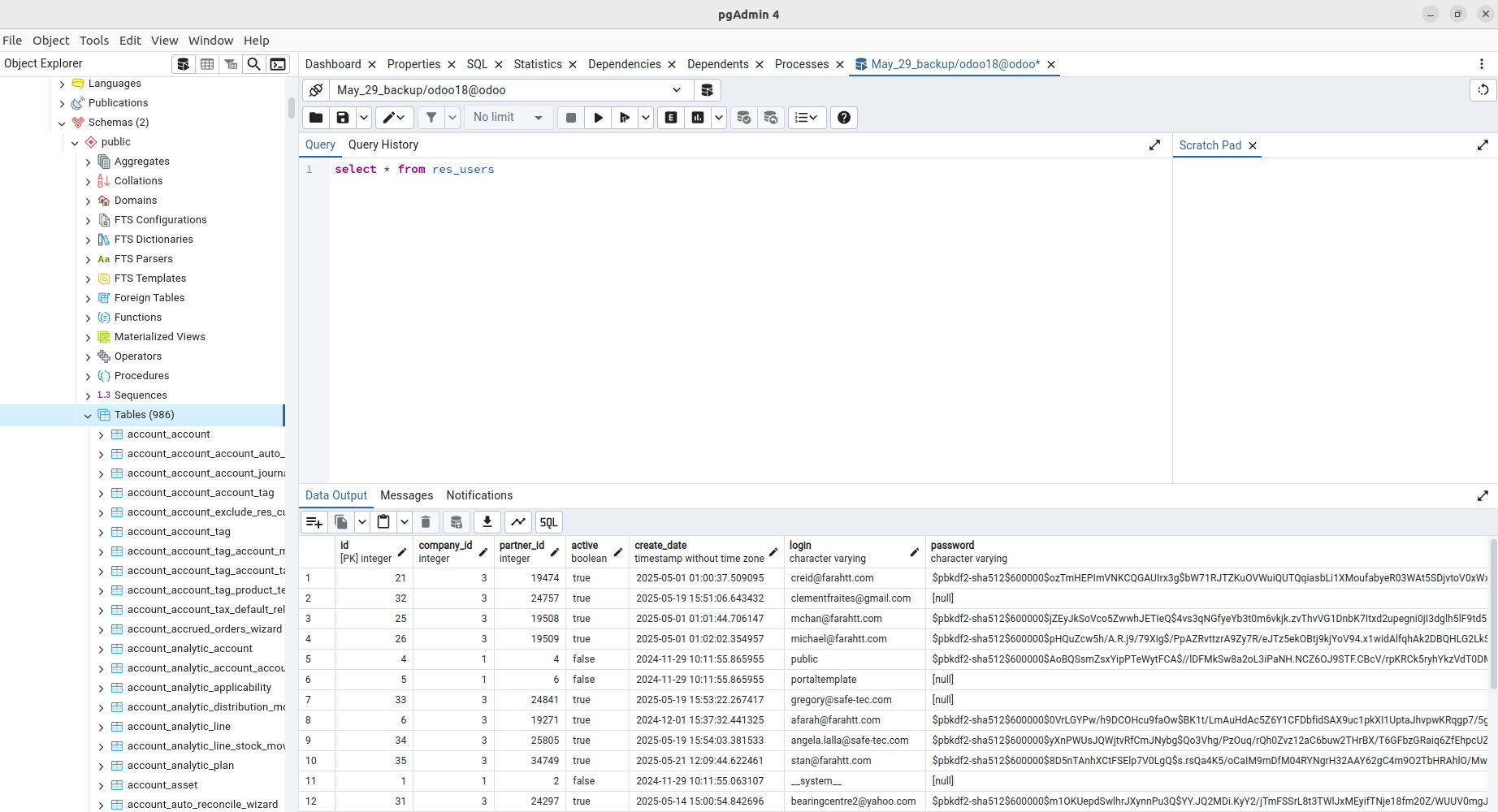
PgAdmin functions as a web-based visual administration interface
designed for managing PostgreSQL database systems. This
comprehensive tool enables users to establish connections with
PostgreSQL databases and execute various database management tasks
through an intuitive interface. The application provides a robust
visual environment for database administration, streamlining the
process of creating, modifying, and maintaining database structures
and objects.
Getting Started
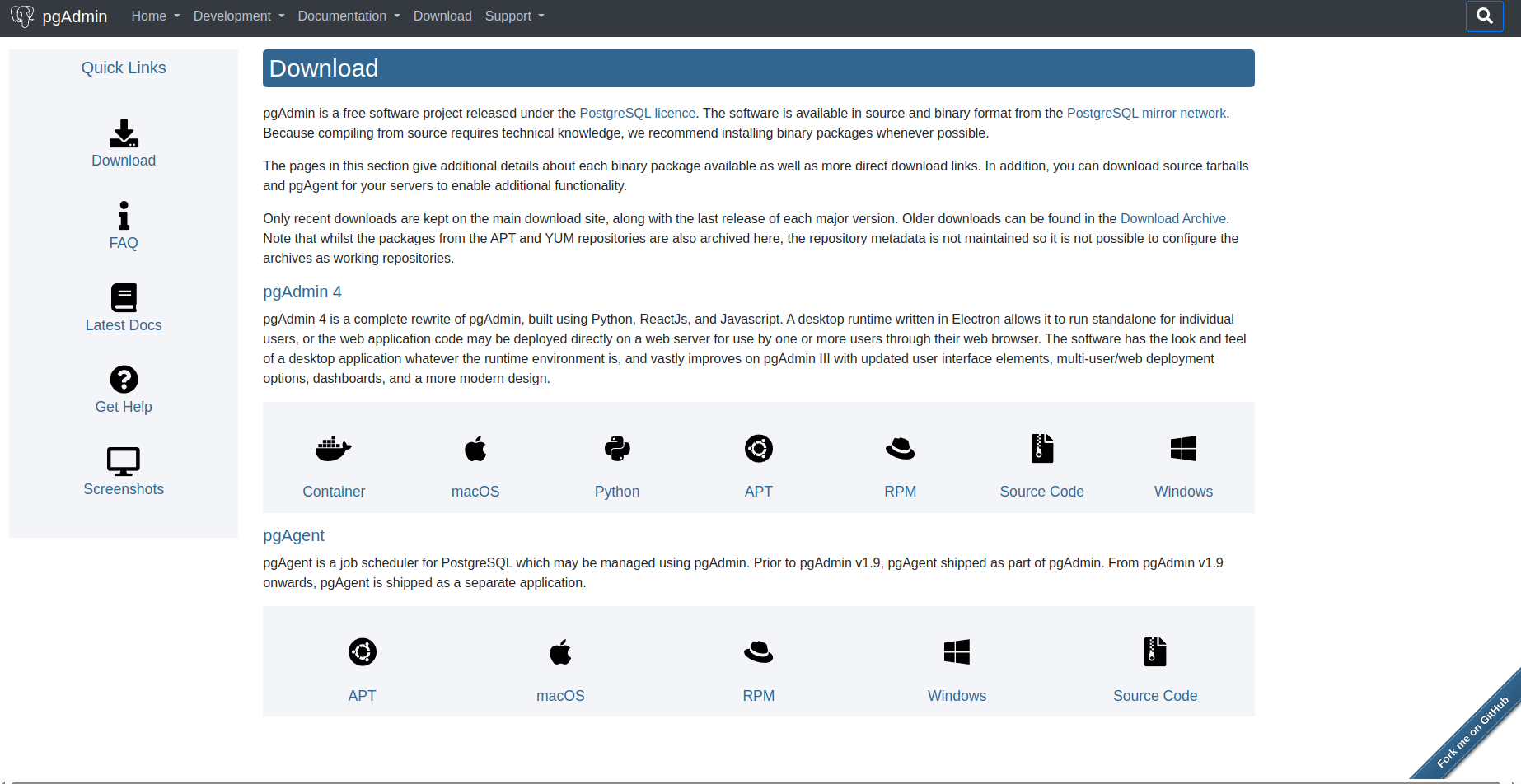
PgAdmin can be obtained by visiting the official project website and
accessing the download section for installation packages compatible
with your operating system : pgadmin
Download
To install pgAdmin 4 on Linux systems, follow these terminal
commands:
curl -fsSL https://www.pgadmin.org/static/packages_pgadmin_org.pub | sudo gpg --dearmor --output /usr/share/keyrings/packages-pgadmin-org.gpg
sudo sh -c 'echo "deb [signed-by=/usr/share/keyrings/packages-pgadmin-org.gpg] https://ftp.postgresql.org/pub/pgadmin/pgadmin4/apt/$(lsb_release -cs) pgadmin4 main" > /etc/apt/sources.list.d/pgadmin4.list && apt update'
sudo apt install pgadmin4
Configure the necessary settings through the terminal and proceed
with the pgAdmin 4 installation. Since Odoo systems primarily rely
on PostgreSQL databases for data storage, pgAdmin becomes a valuable
tool for inspecting and validating database records within Odoo
applications.