In the business world, marketing plays a crucial role. It involves a
structured approach to engaging with the target audience and
promoting a company’s products or services. Various marketing
techniques can be employed, such as social media outreach, email
campaigns, SMS marketing, and more. Within the Odoo ecosystem,
marketing is mainly divided into three core categories:
1. Email Marketing
2. SMS Marketing
3. Social Marketing
Odoo also offers robust marketing automation tools. These tools
enable users to create and manage marketing campaigns with ease.
Marketing automation in Odoo streamlines the process of building
dynamic marketing flows and customizable templates.
The Marketing Automation Dashboard provides easy access to all
previously created campaigns. It acts as a central location where
users can track the progress of current campaigns. Key information,
including campaign names, the total number of campaigns, their
current status (active or completed), and participant counts, is
displayed for quick analysis and reporting.
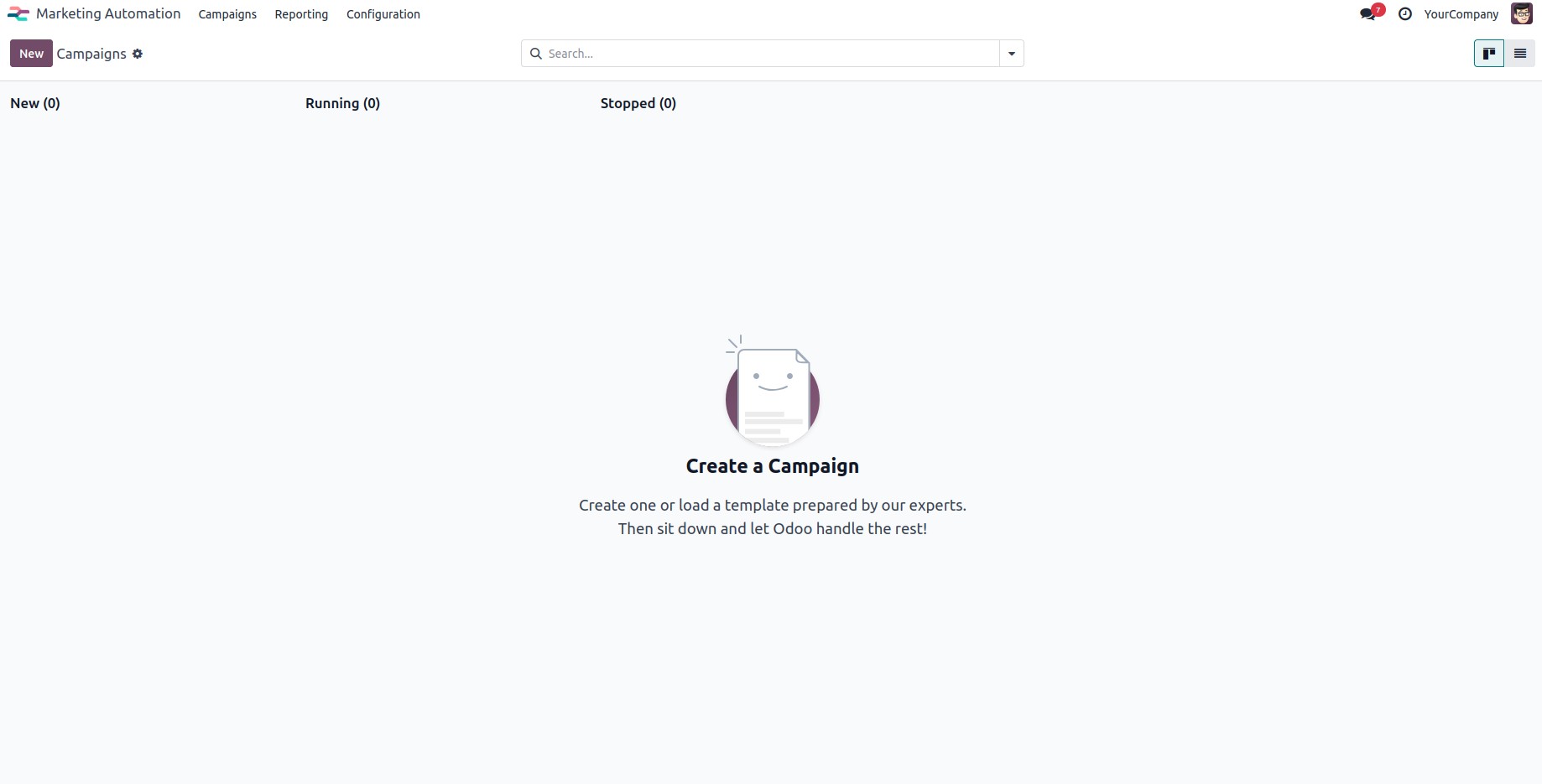
Clicking the New button opens a wizard to create a marketing
automation campaign.
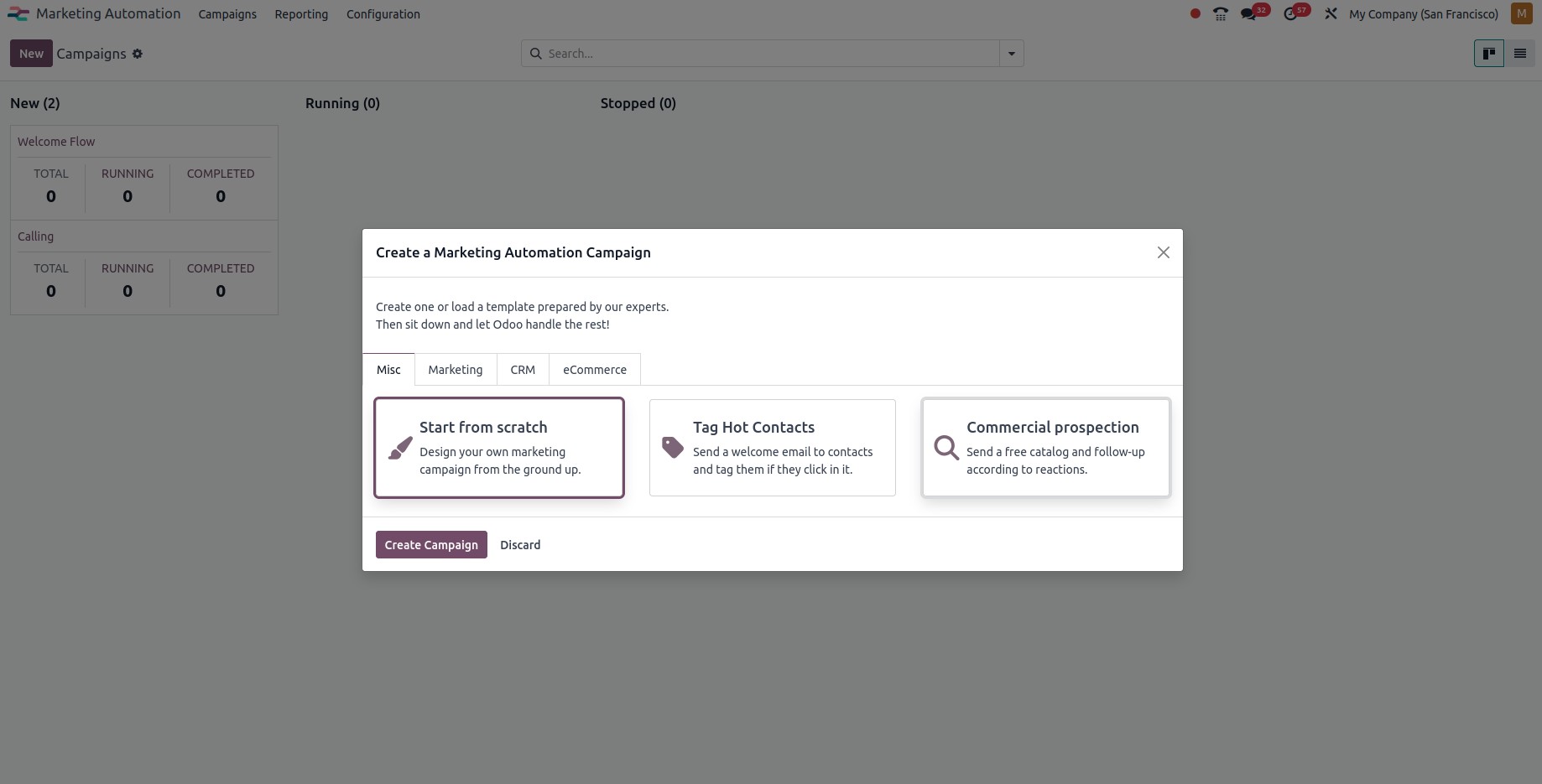
You can create a new campaign by clicking the Create Campaign button.
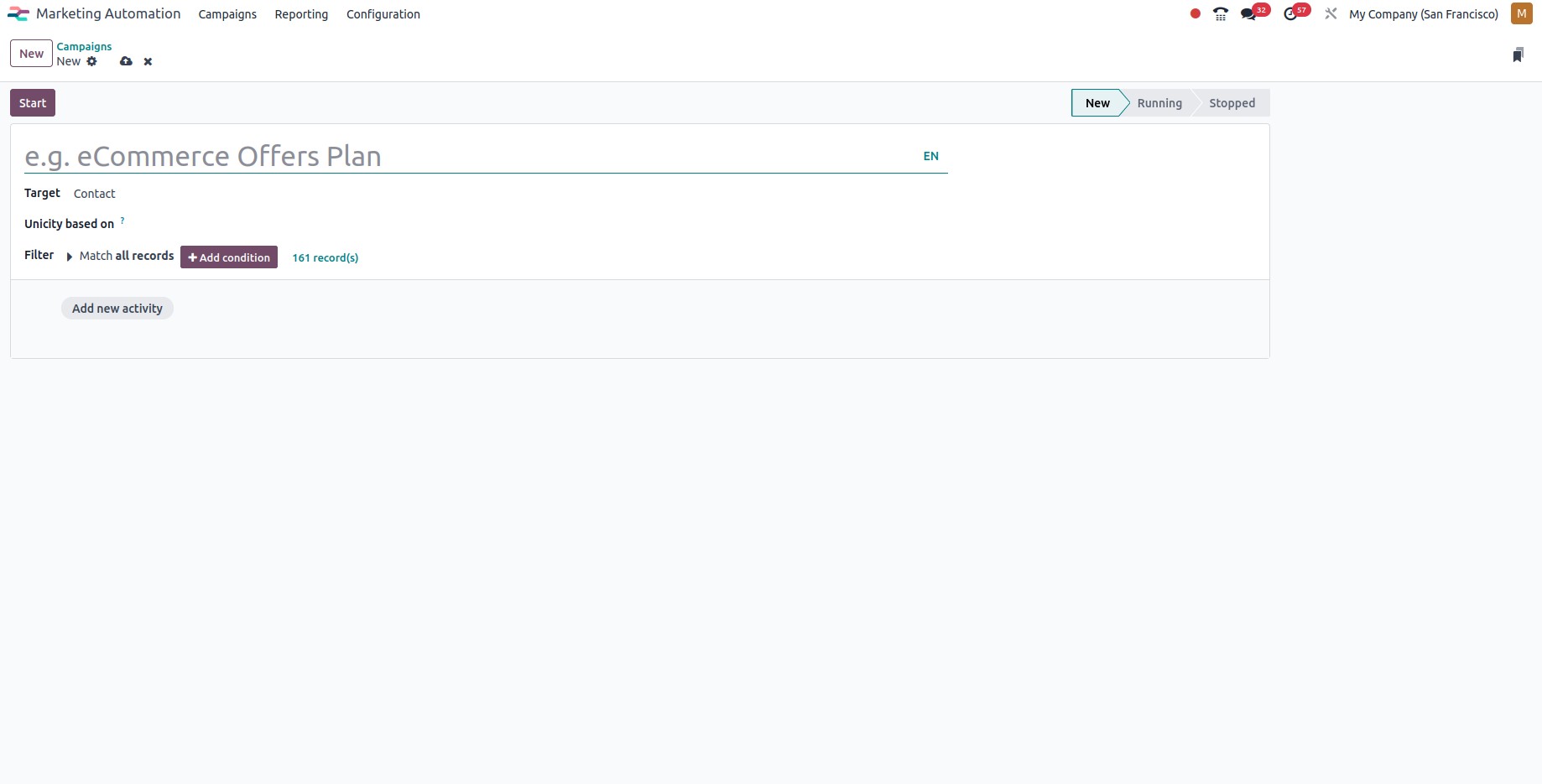
Name: Enter the name of the campaign.
Target: Select the target model for the campaign.
Add New Activity: Create and configure multiple activities for
the campaign.
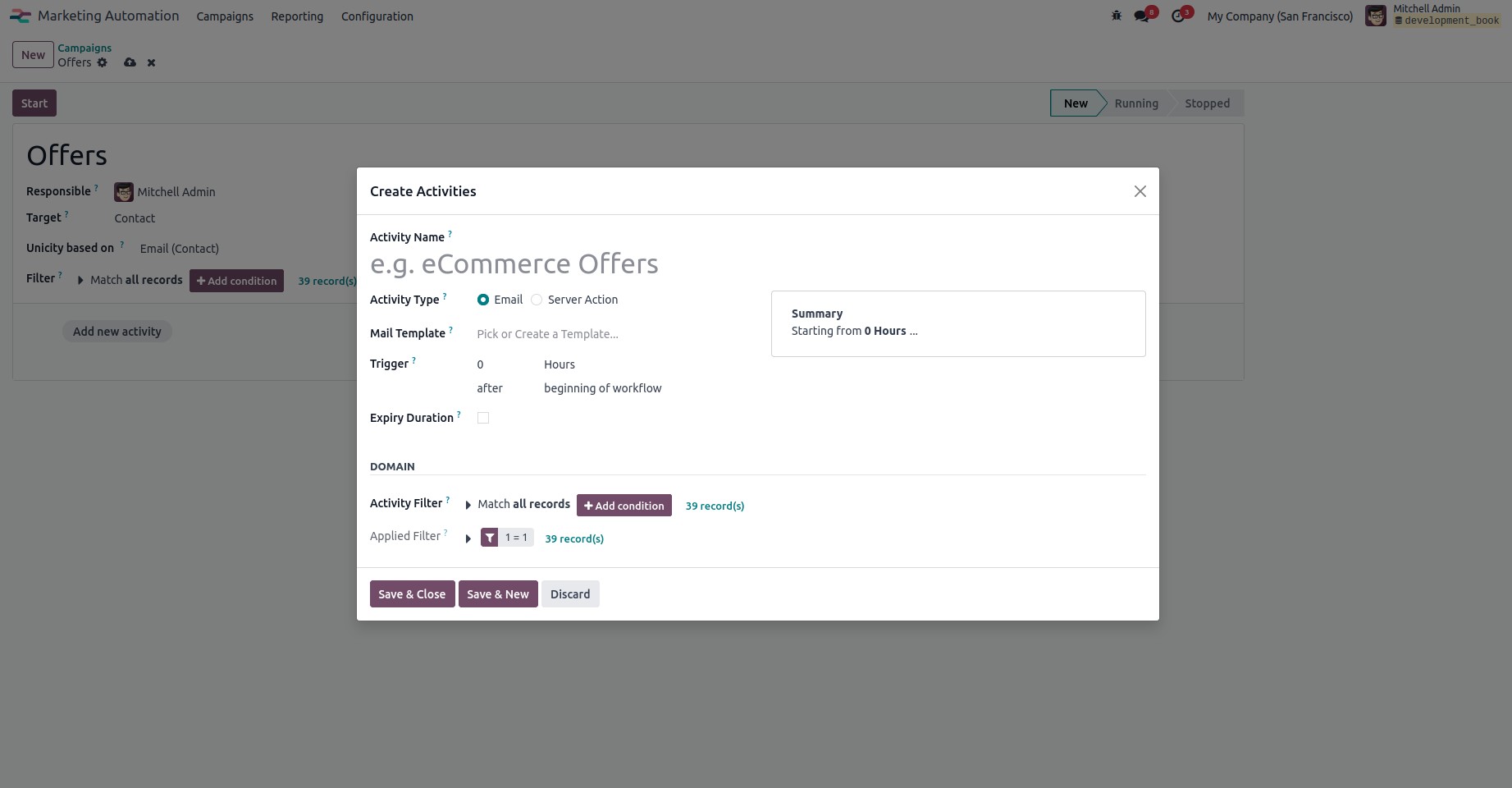
Name: Here, you can add a name for your activity.
Activity Type: Determines the action type. Action type can be
either email or SMS.
Email Template: The activity was created using the template
used for the activity.
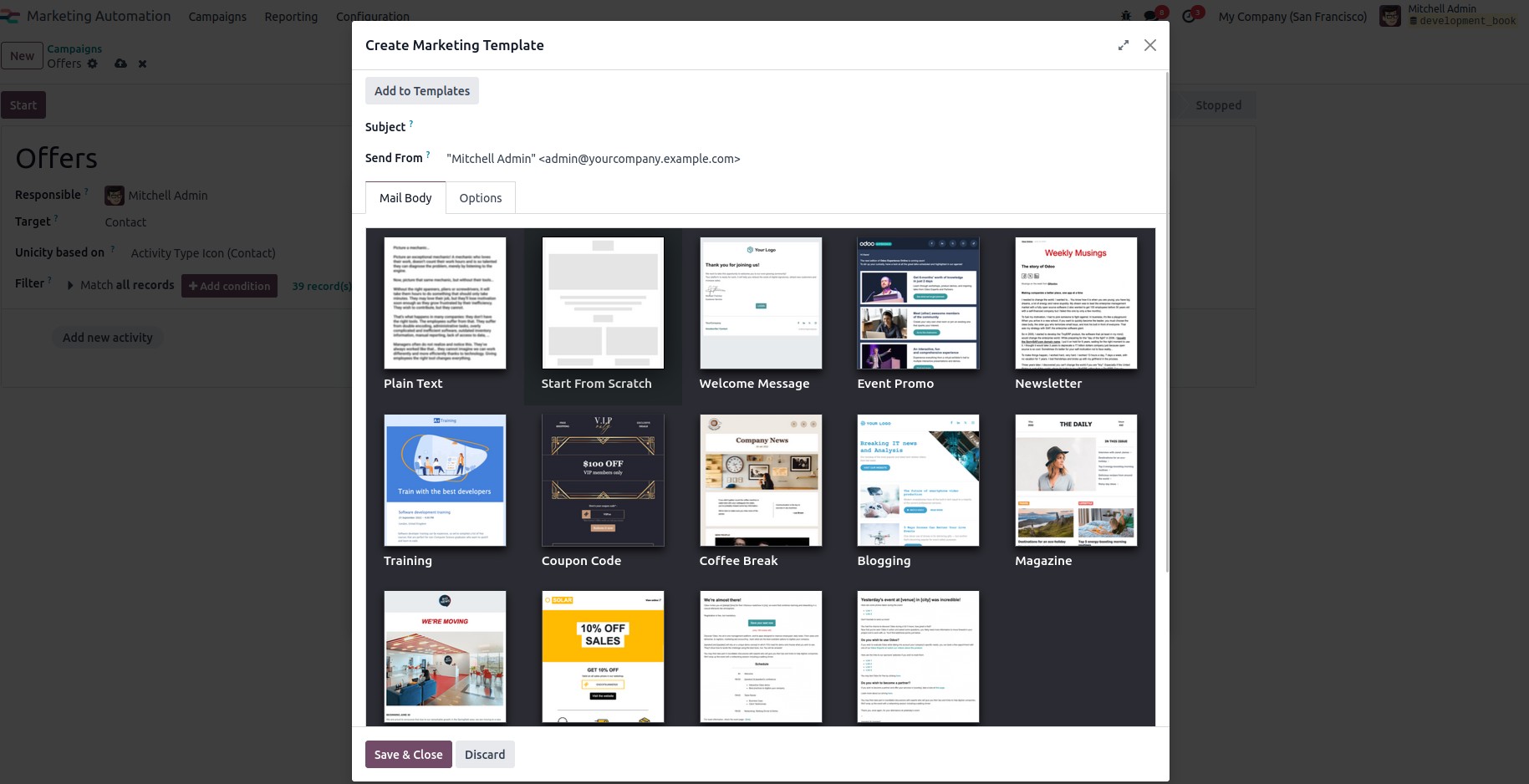
Email templates can be customized. Go to the email template selection
box and click the link button to configure the activity email
template. A popup will appear with the option to create a new
template. Here are the many building blocks for creating email text.
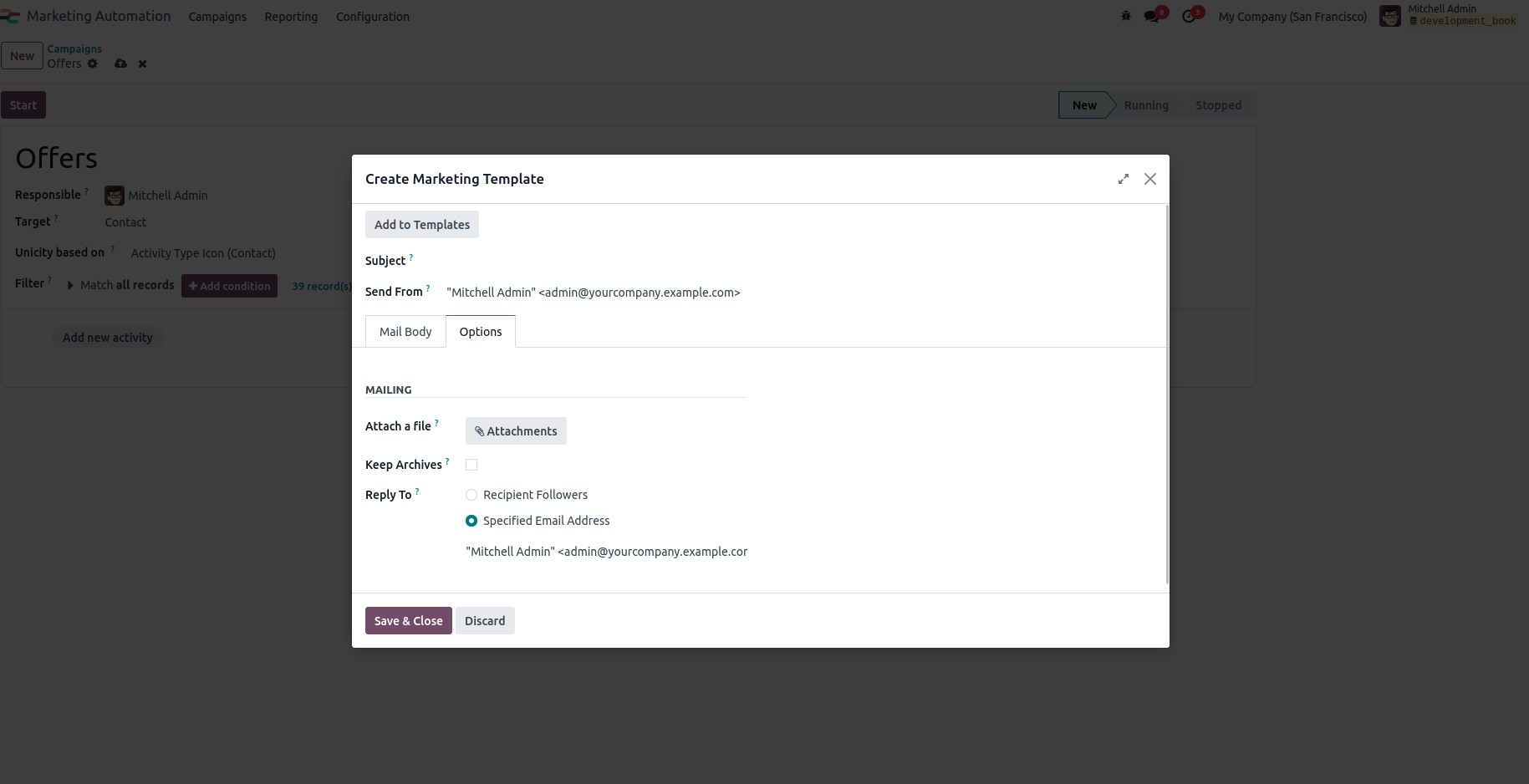
You will find a tab containing various options that enable the
integration of additional features.
Once the process is complete, click 'Save & Close' to create and
schedule the activities. You will then see a view similar to the one
shown below.
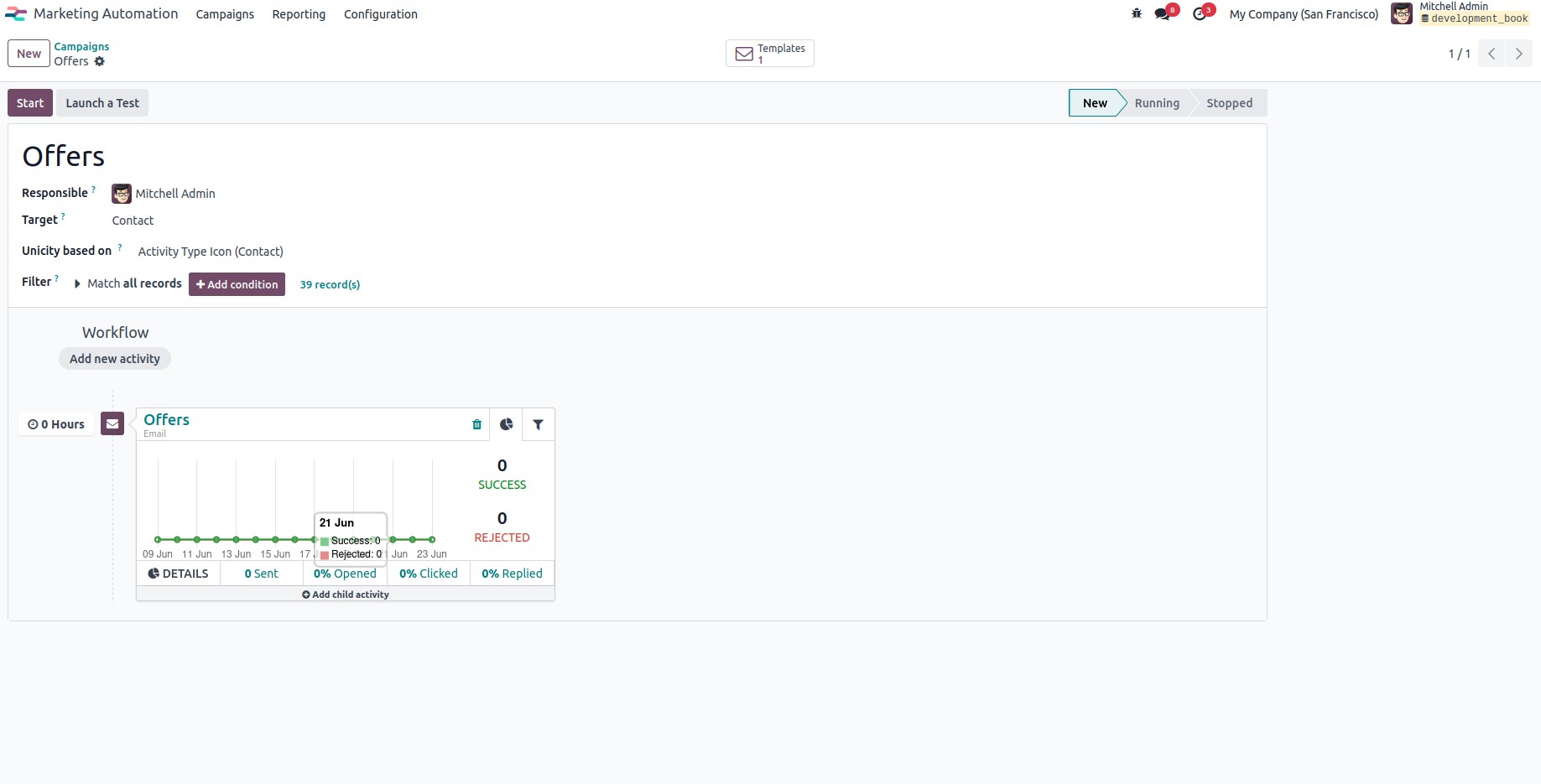
Click the Start button to launch the campaign, and the Stop button to
end it.