The Odoo Websites feature allows you to centrally manage multiple
websites within a single Odoo instance. After installing the website
module, you can create and manage these websites by going to
Configuration > Settings.

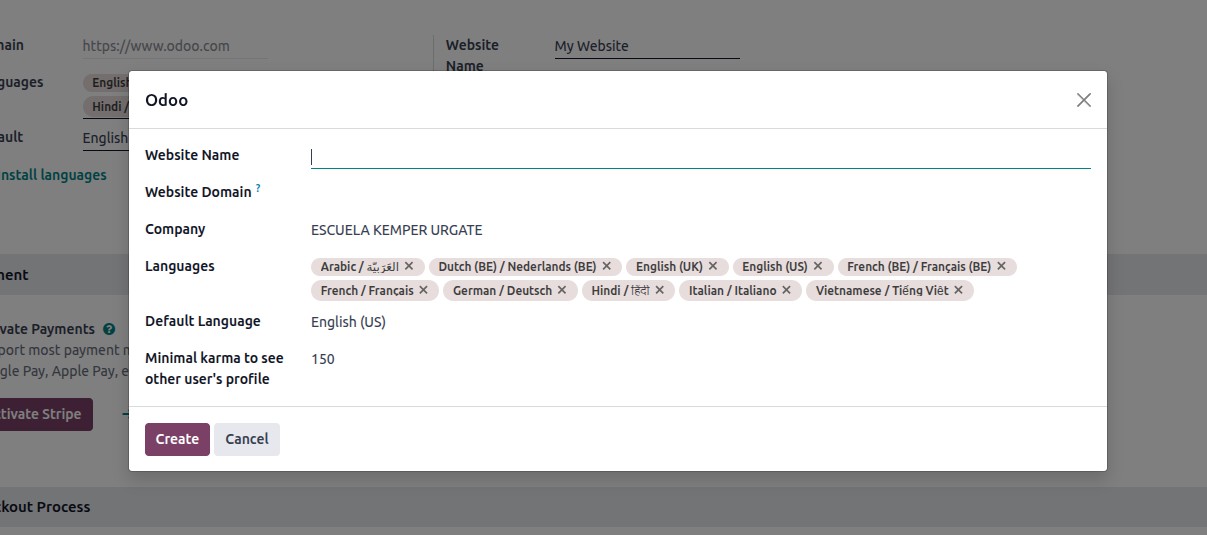
To create a new website, users must click on the "Create New Website"
option and complete the corresponding form. Once the website is set
up, various themes can be applied to improve its visual design. Each
website can have its own unique theme, allowing for a distinct look
and feel across different sites.
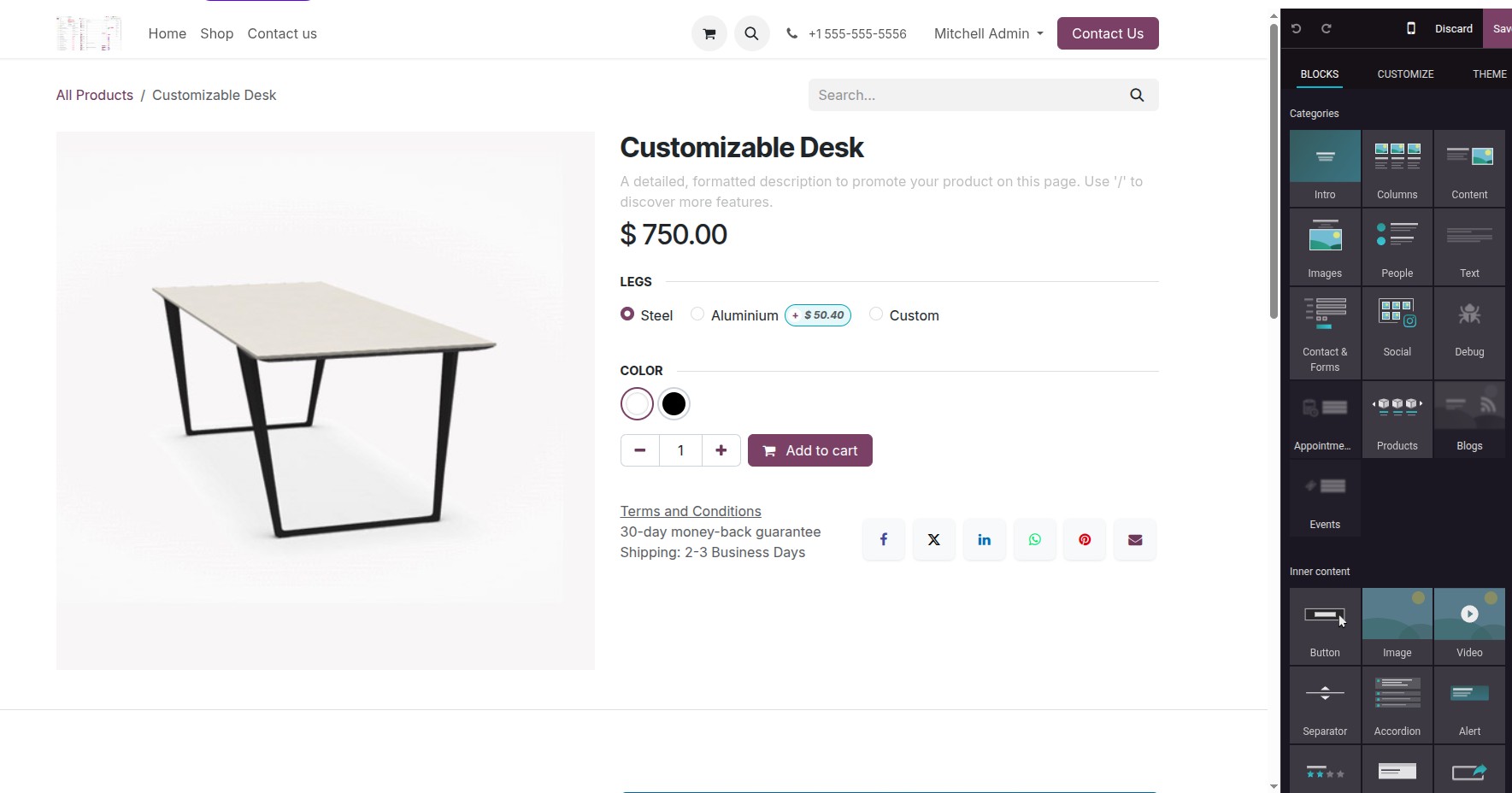
Once your website is set up, the website builder becomes a key tool
for designing and customizing its pages. It allows users to easily
create and edit page content and build intuitive navigation menus.
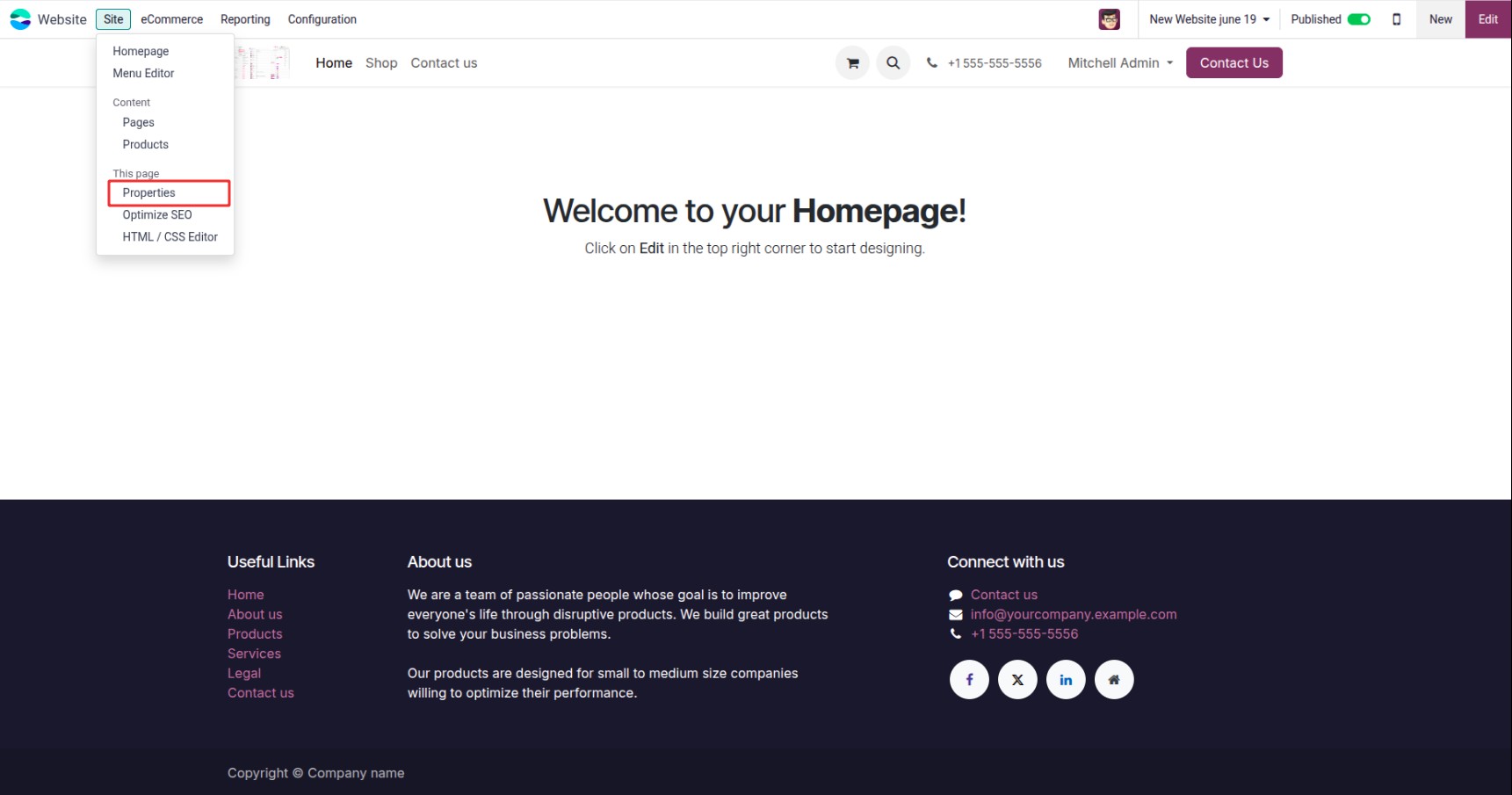
You can tailor the visitor experience for each individual website,
and a dedicated single-item menu is also available for
configuration.
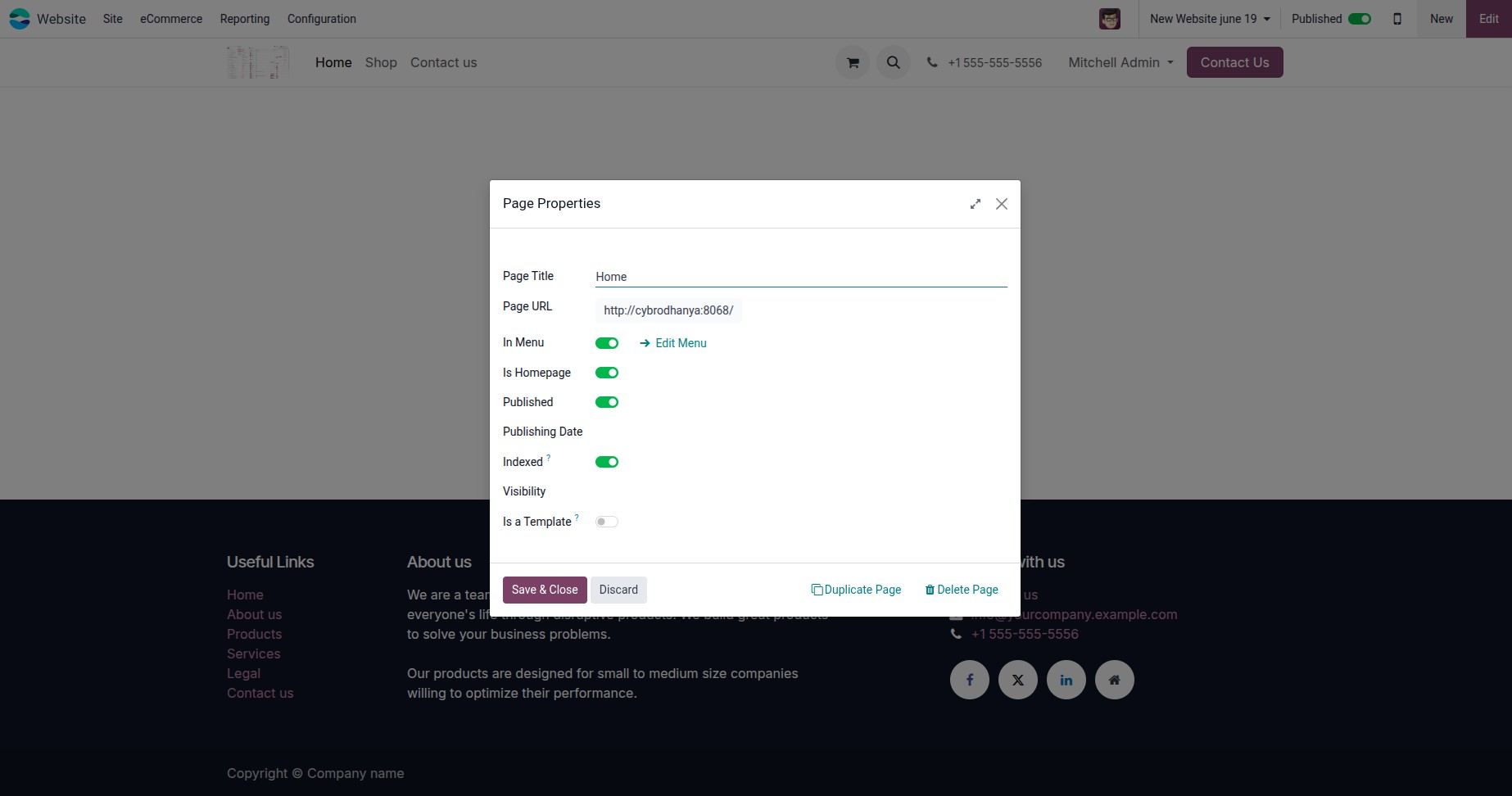
Each setting available here is specific to the individual website.
Additionally, the options may vary based on the page from which the
menu is accessed. Users can easily configure these settings directly
from this interface.
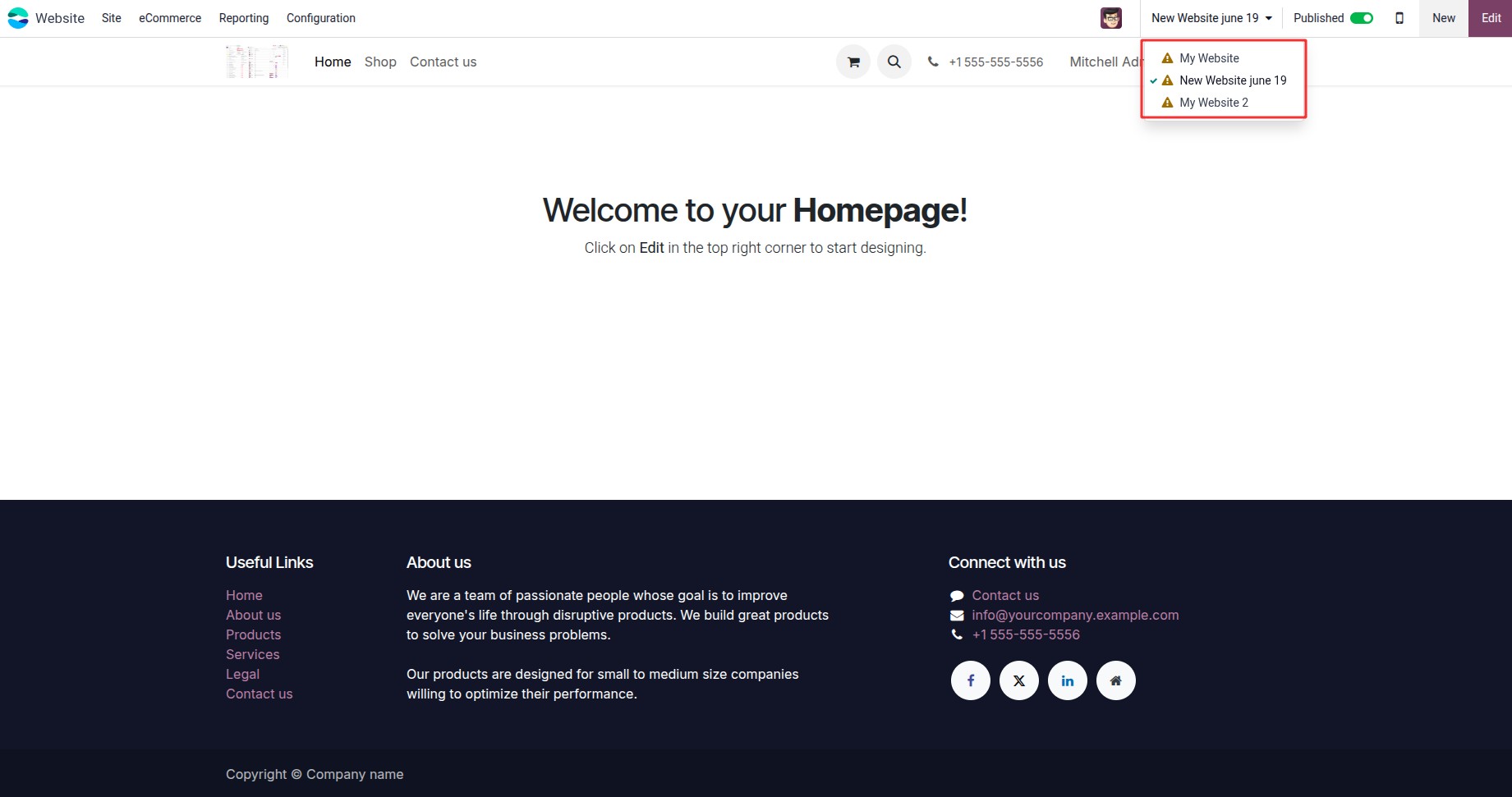
Users can navigate between different websites using the dropdown
selector.
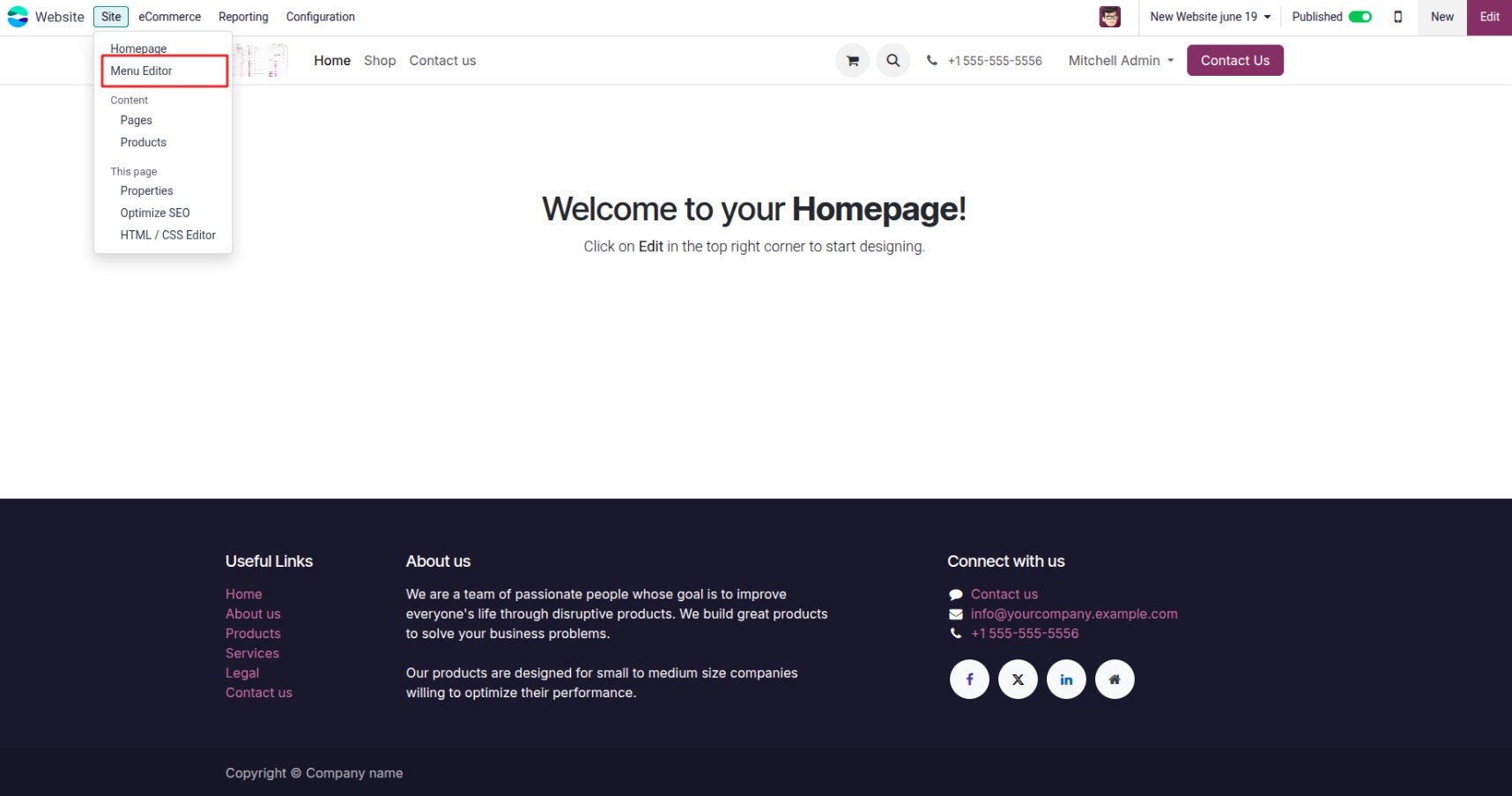
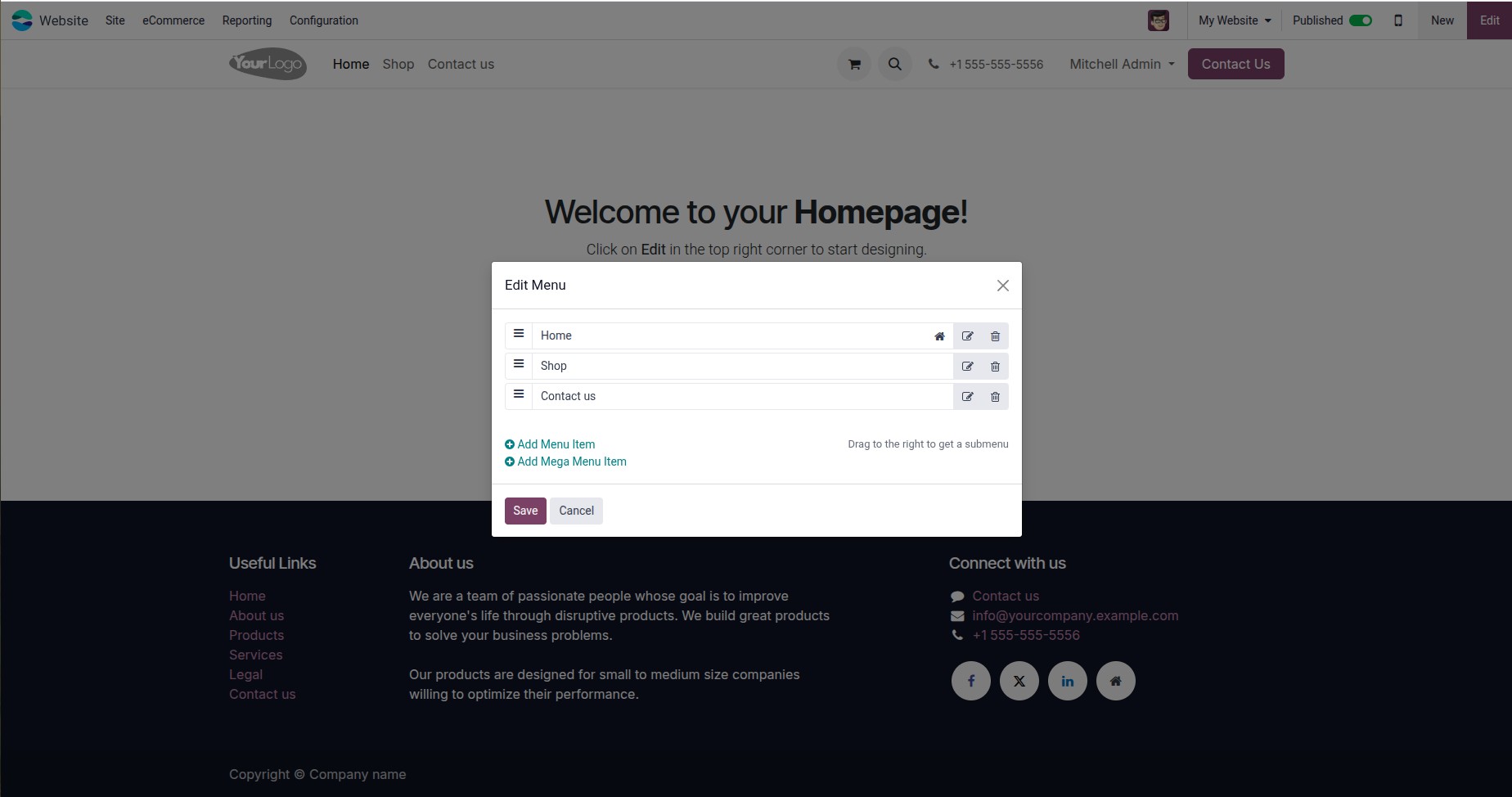
The menu editor is more intuitive, with context-aware options for
editing menus only visible on specific websites.
When working with multiple websites in Odoo, there are several
important technical considerations to ensure correct behavior across
sites:
1. Define the Website Domain at the Root Level:
Assign each website its specific domain at the root to ensure that
only the relevant records are included in that website’s sitemap.
This prevents unintended exposure of data across sites.
2. Use can_access_from_current_website() for Record
Visibility:
Always call the can_access_from_current_website() method to determine
whether a record should be accessible on the currently viewed
website. This ensures users only see content intended for their
active site.
3. Filter Queries by Website Domain:
When retrieving records programmatically, include the domain of the
current website in your search conditions to restrict results to
those relevant to that site.