Managing user access rights in the Odoo 19 Inventory module is essential for maintaining data security, operational accuracy, and smooth warehouse workflows. As inventory operations involve data such as stock levels, product costs, and supplier details, controlling who can view or modify this information is critical. Odoo 19 offers a flexible, role-based access control system that allows businesses to assign permissions based on job responsibilities. By defining user roles like Administrator, Inventory Manager, or Warehouse Operator, organizations can prevent unauthorized actions and reduce human errors. Proper access management also improves accountability, as each transaction is clearly linked to a specific user. Whether you run a small warehouse or a multi-location supply chain, setting up correct access rights ensures efficiency, compliance, and scalability. Understanding how to configure these permissions in Odoo 19 helps businesses streamline inventory processes while keeping their data secure and well-organized across teams.
In Odoo, a user can be categorized into three types:
- Internal Users – These are regular logged-in users of the Odoo backend. They typically include employees, managers, admins, etc.
- Portal Users – External users, such as customers, vendors, or partners, who have limited access to the system. Portal users can only view specific records relevant to them (like sales orders, invoices, or tickets) and cannot access the broader backend.
- Public Users – These are anonymous visitors who browse your Odoo website (frontend) without logging in. Public users can see only publicly available content.
In this blog, you can understand the types of access rights in the Odoo 19 Inventory module.
Firstly, move to the Settings module in Odoo 19. Then, navigate to the Users & Companies > Users and select Users to manage user roles and access permissions.
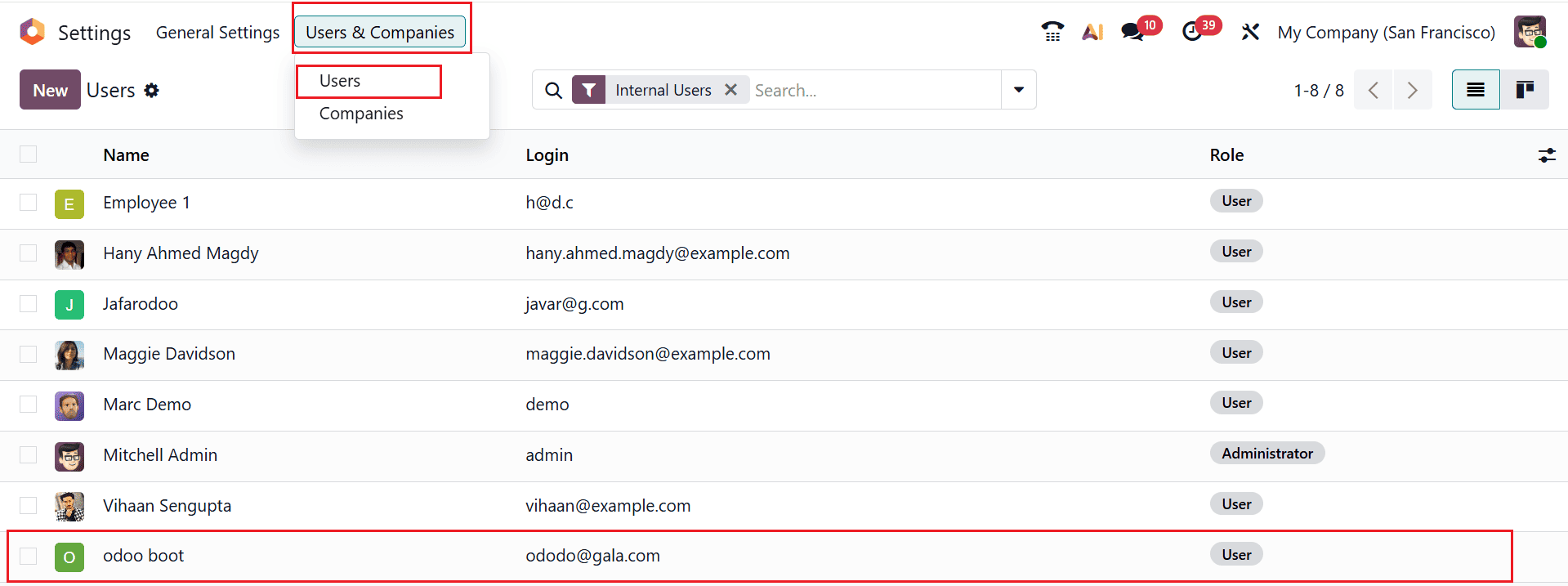
Here, you can see two types of access rights, such as User and Administrator.
- User: The User Access Rights allow standard users to perform daily operations such as viewing stock, creating transfers, and validating deliveries. Their permissions are limited to assigned warehouses and basic inventory tasks. They cannot modify system settings or access advanced configuration options. This helps maintain system security while ensuring smooth operations.
- Administrator: The Administrator Access Rights give full control over inventory operations and configurations. Administrators can manage warehouses, locations, routes, and inventory rules. They can also adjust user permissions and system settings. This role is designed for complete oversight and advanced management of inventory processes.
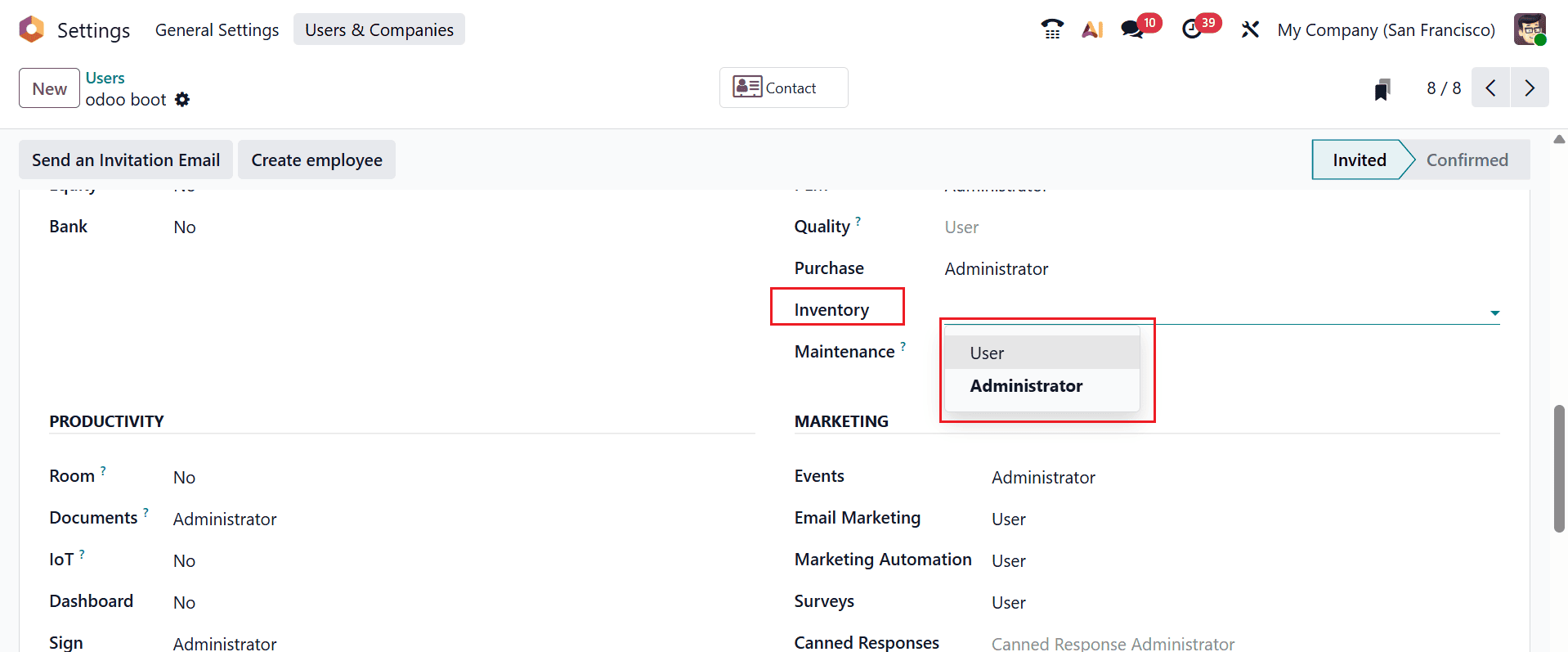
Here, I am selecting a user and selecting Role as Administrator, as shown below:
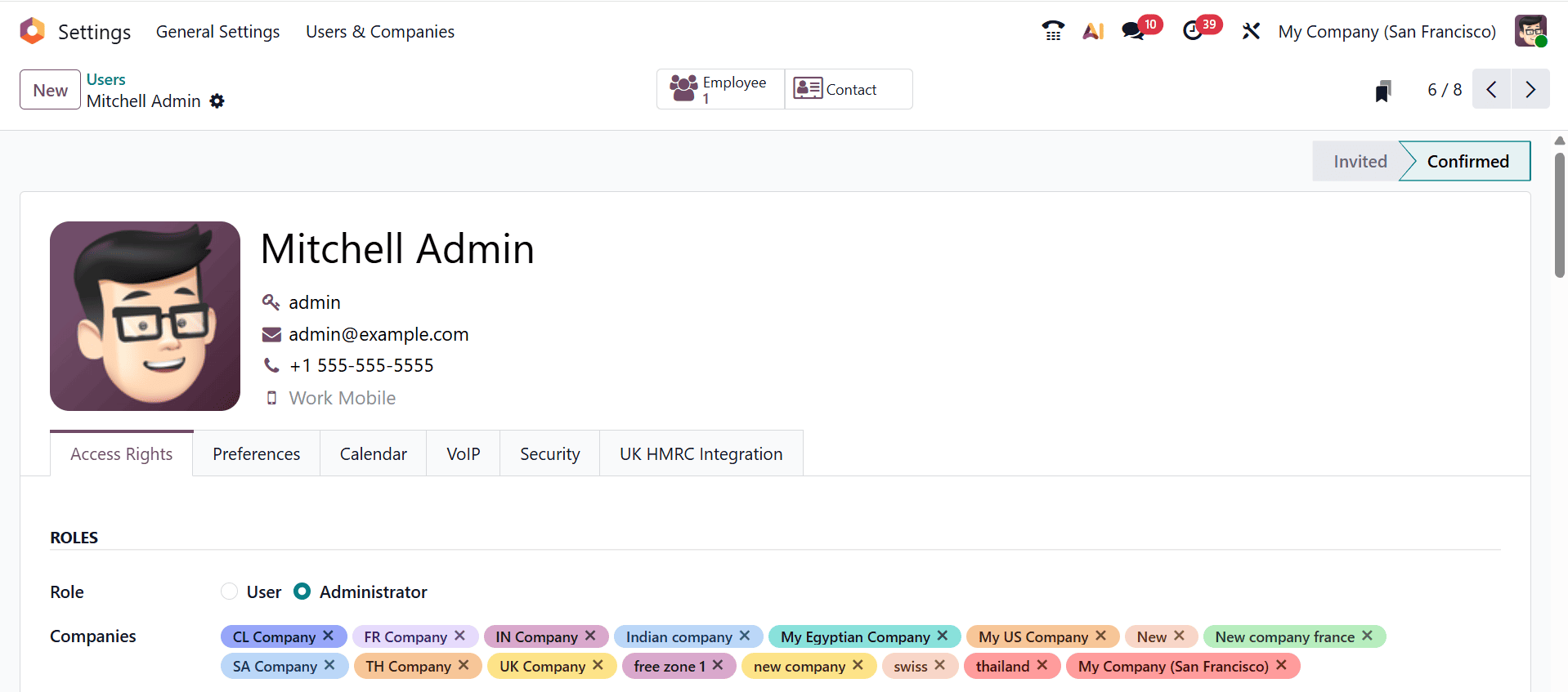
As shown in the screenshot below, select the access rights as Administrator in the Inventory.
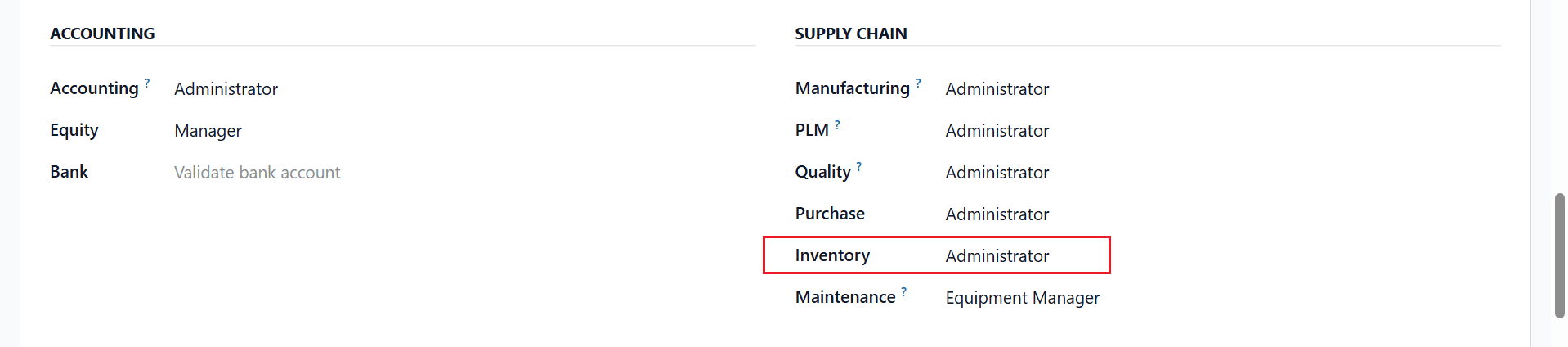
Here, I am granting Administrator access rights to Mitchell Admin.
Advantages of an Inventory Administrator:
- Configure and manage warehouses, locations, routes, and inventory rules – Administrators can set up and modify the entire inventory structure to match business operations.
- Control user roles, access rights, and security settings – They can assign, update, or restrict user permissions to ensure proper access control.
- Monitor and validate all inventory operations – Administrators oversee stock movements and approval to maintain accurate inventory records.
- Customize workflows and enable advanced features – They can tailor inventory processes and activate advanced options to improve efficiency and control.
Limitations of an Inventory Administrator:
- Higher security risk – If admin credentials are misused or compromised, the entire system could be affected.
- Possibility of accidental errors – Unintended changes by administrators can disrupt inventory operations.
- Requires technical knowledge – Misconfigurations can occur if the admin lacks a proper understanding of Odoo settings.
- Reduced accountability – With unrestricted access, it can be harder to track responsibility for changes or mistakes.
Here, I am selecting another user and the Role assigned as User.
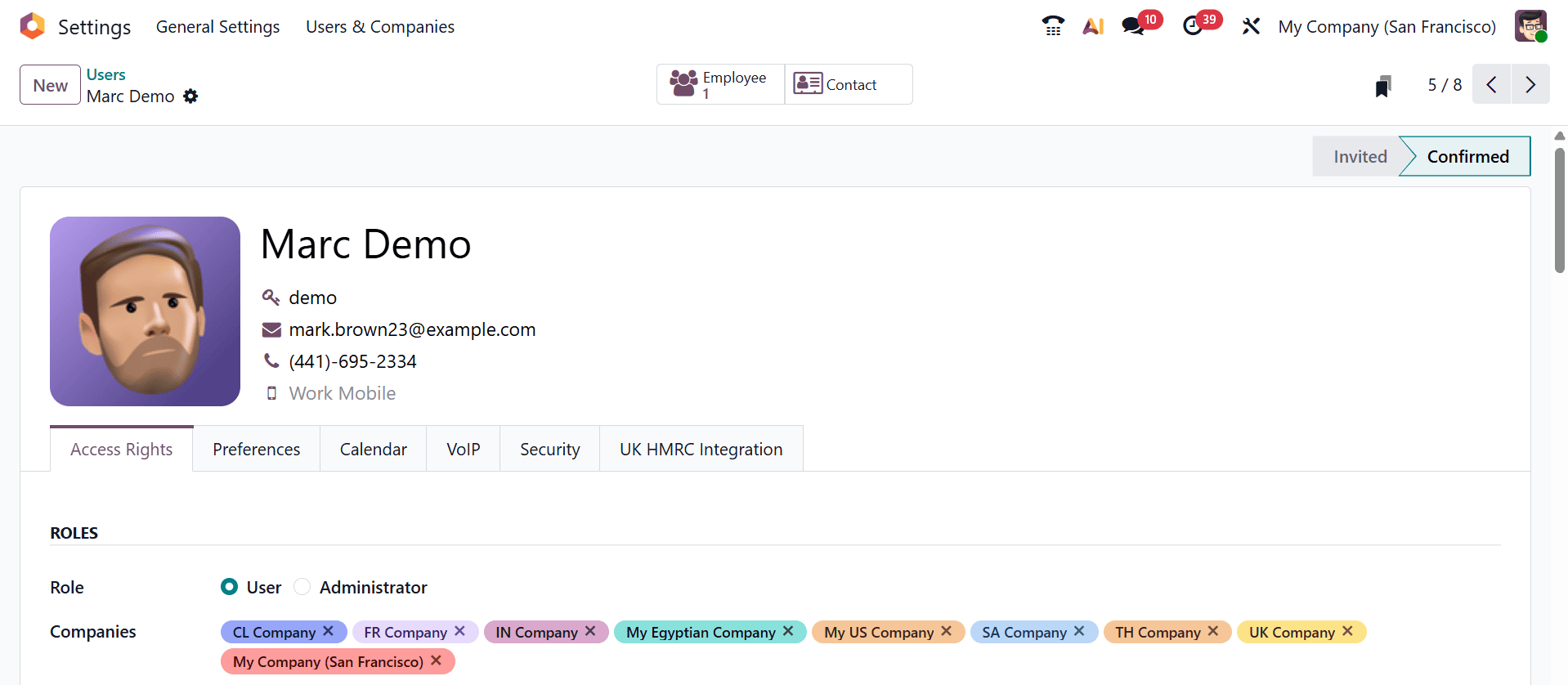
As shown in the screenshot below, choose User as the access rights for Inventory.
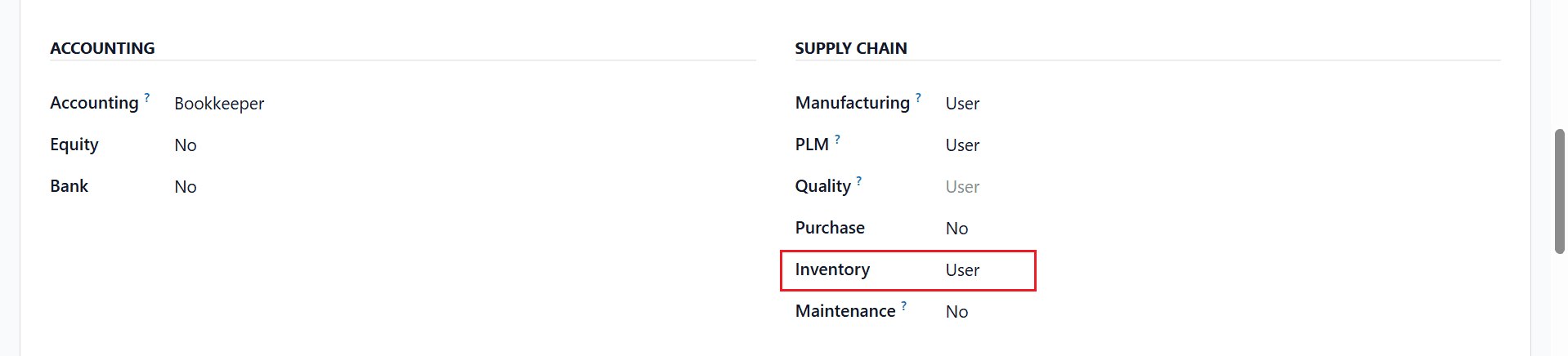
Here, I am granting User access rights to Marc Demo.
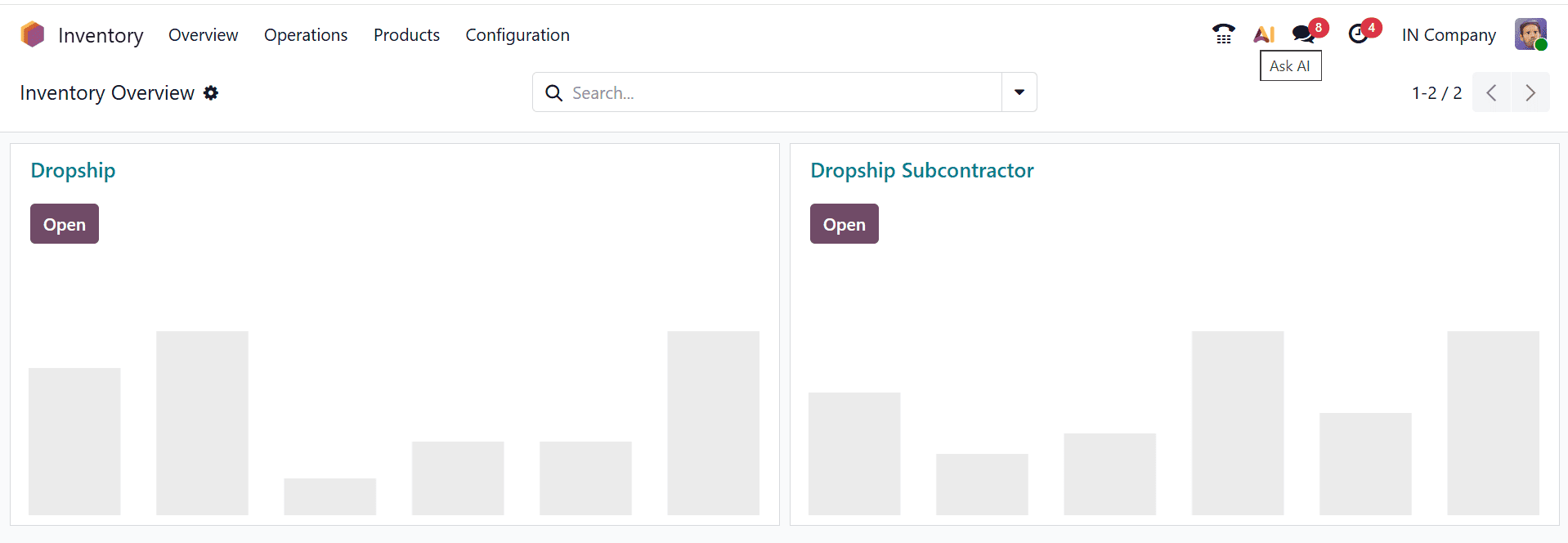
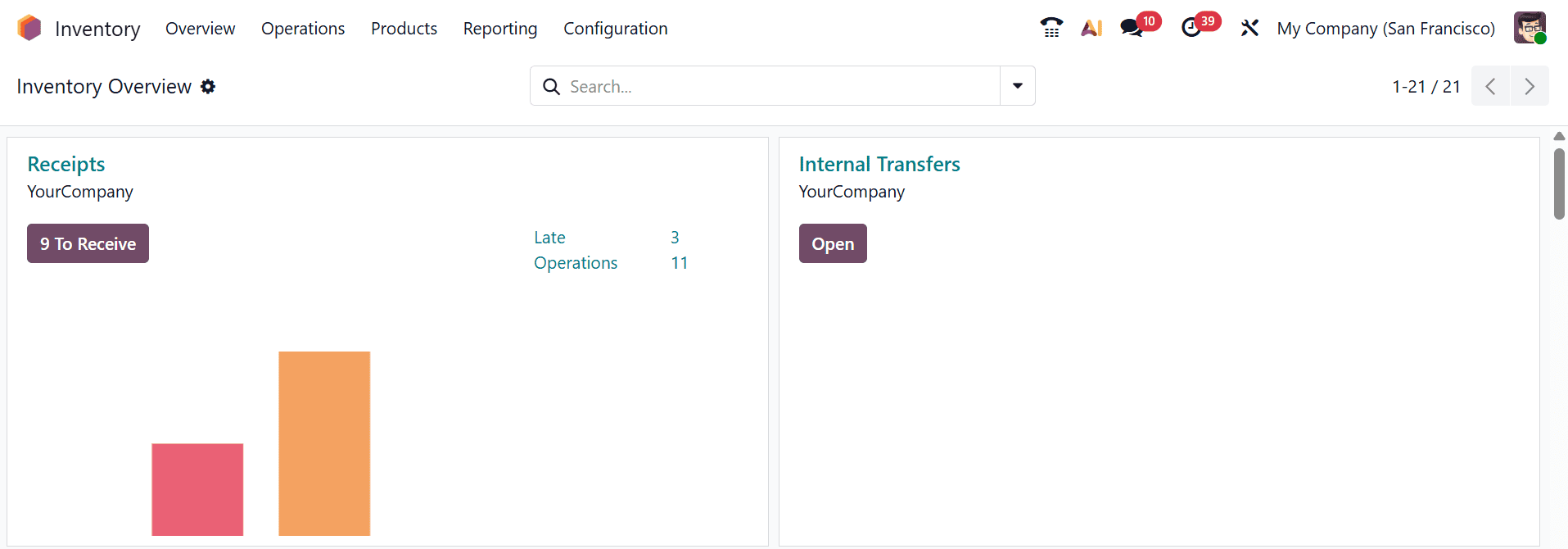
Advantages of an Inventory User:
- Task-focused access – Users can perform their daily inventory tasks like stock transfers, receipts, and deliveries without distraction.
- Improved data accuracy – Limited permissions reduce the risk of accidental changes to critical inventory records.
- Enhanced security – Users cannot access sensitive configurations or system settings.
- Streamlined workflow – Only relevant modules and operations are visible, making processes faster and easier.
- Clear accountability – All actions are linked to the specific user, helping track operations and responsibilities.
Limitations of an Inventory User:
- Restricted functionality – Users cannot perform certain tasks or access advanced features, which may slow some operations.
- Dependence on administrators – Any changes to roles, permissions, or access require admin intervention.
- Limited visibility – Users may not see all inventory data, which can hinder decision-making in some cases.
- Reduced flexibility – Users cannot customize workflows or settings to fit specific needs.
Effectively managing user access rights in the Odoo 19 Inventory module plays a vital role in optimizing inventory control and safeguarding business data. By assigning roles and permissions carefully, organizations can ensure that users access only the features relevant to their responsibilities, which minimizes the risk of errors and data misuse while also boosting productivity by streamlining daily operations. Odoo 19’s structured access control system allows businesses to adapt as teams grow, roles change, or processes become more complex. Regularly reviewing and updating user permissions helps maintain compliance and operational clarity. In the long run, a well-defined access management strategy supports transparency, accountability, and smoother collaboration across departments. By investing time in configuring user access rights correctly, businesses can fully leverage the power of Odoo 19 Inventory while maintaining a secure, efficient, and scalable inventory management environment.
To read more about How to Manage User Rights in Odoo 18 Inventory, refer to our blog How to Manage User Rights in Odoo 18 Inventory.