The Reporting Features in Odoo 19 Quality Module provide businesses with powerful tools to monitor, analyze, and improve product quality across operations. In today’s competitive environment, maintaining consistent quality standards is essential, and Odoo 19 enables organizations to achieve this through real-time data insights and customizable reporting. The module allows users to track quality checks, control points, and corrective actions in a centralized system. With intuitive dashboards and visual analytics, teams can quickly identify trends, detect recurring issues, and make informed decisions. By providing clear insights, these reports both increase transparency and facilitate adherence to industry standards and regulations.
Additionally, Odoo’s flexible reporting structure allows users to generate detailed reports tailored to their specific workflows. By utilizing these reporting capabilities, businesses can minimize errors, enhance efficiency, and ensure ongoing quality improvement throughout all stages of production and operations. This blog provides an overview of the reporting features available in Odoo 19.
Firstly, move to the Quality module from the Odoo 19 dashboard.

The Reporting menu consists of two options: Quality Checks Analysis and Quality Alerts Analysis.

Quality Checks Analysis
In the Odoo 19 Quality module, Quality Checks Analysis refers to reviewing and evaluating the results of quality checks performed during manufacturing, inventory, or operations. It helps track pass/fail outcomes, identify recurring issues, and measure product or process quality using reports and dashboards. This analysis allows businesses to address issues, optimize quality control, and uphold consistent standards. You can view the Quality Checks Analysis as a Graph, Pivot, Kanban, or List.
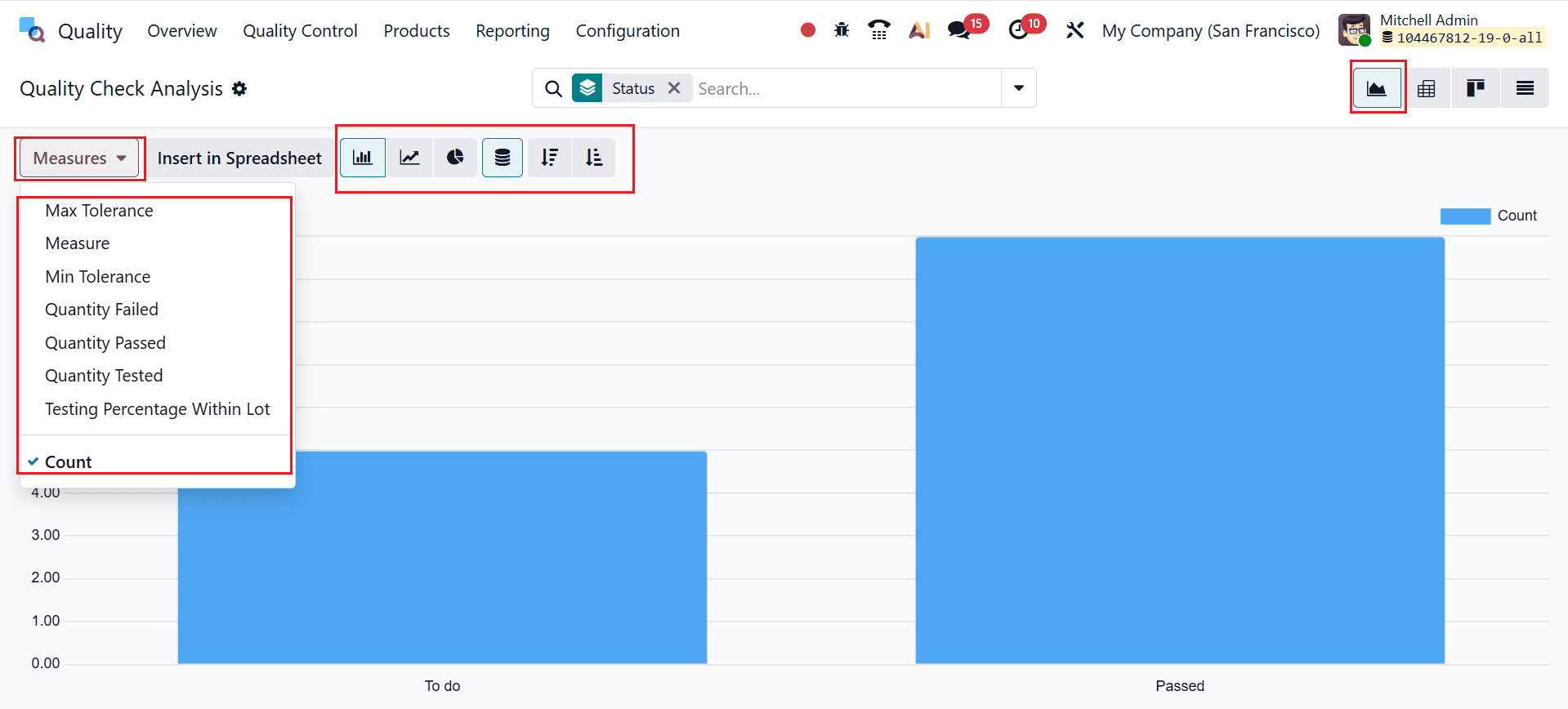
The graph’s X-axis represents the status, while the Y-axis shows the count of quality checks. Using the Measures button, you can select metrics like Max Tolerance, Min Tolerance, Quantity Tested, Quantity Passed/Failed, Testing Percentage Within Lot, and Count for analysis. The graph can be displayed as a bar, line, or pie chart, and the data can be arranged in stacked, ascending, or descending order.
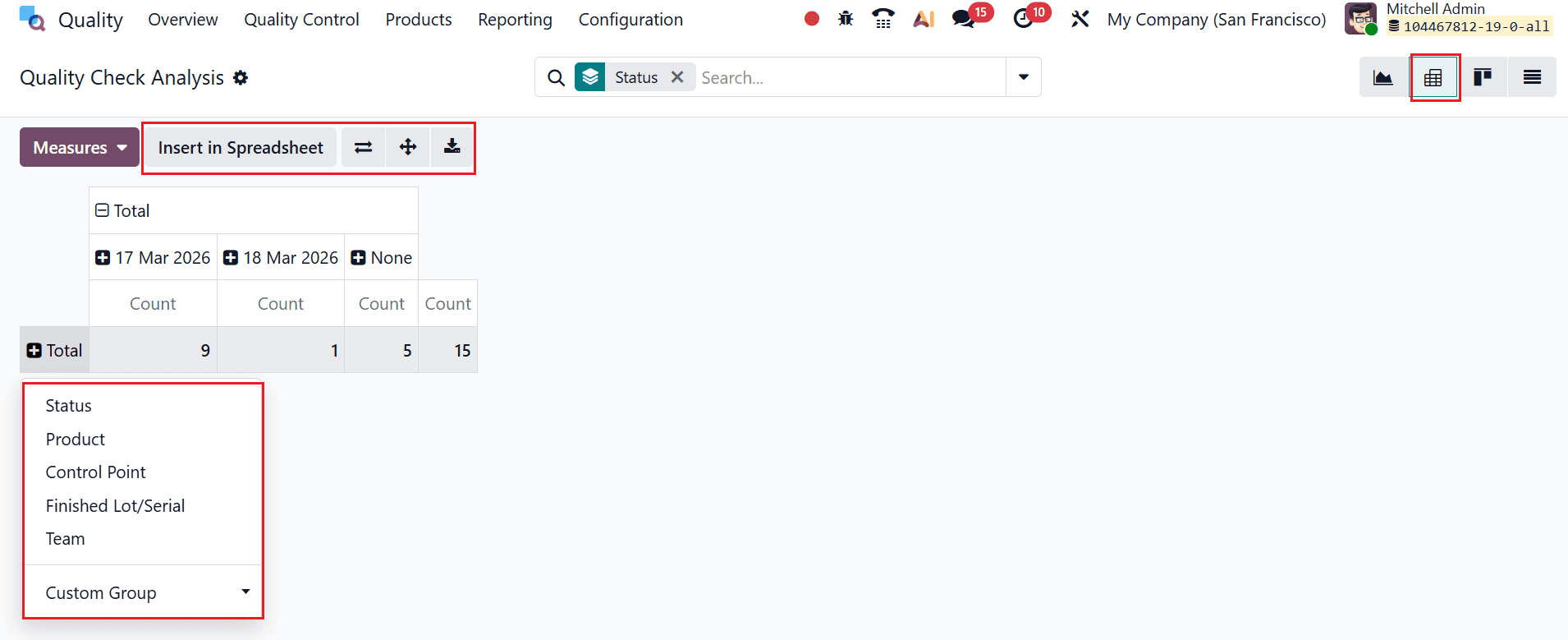
The Pivot view for quality checks lets you analyze data by expanding the table using the “+” button to add details like Status, Product, Control Point, Lot/Serial, and Team. You can customize the view by flipping axes, expanding all data, and grouping information for deeper insights. It also allows exporting data as an XLSX file or inserting it directly into a spreadsheet for further analysis.
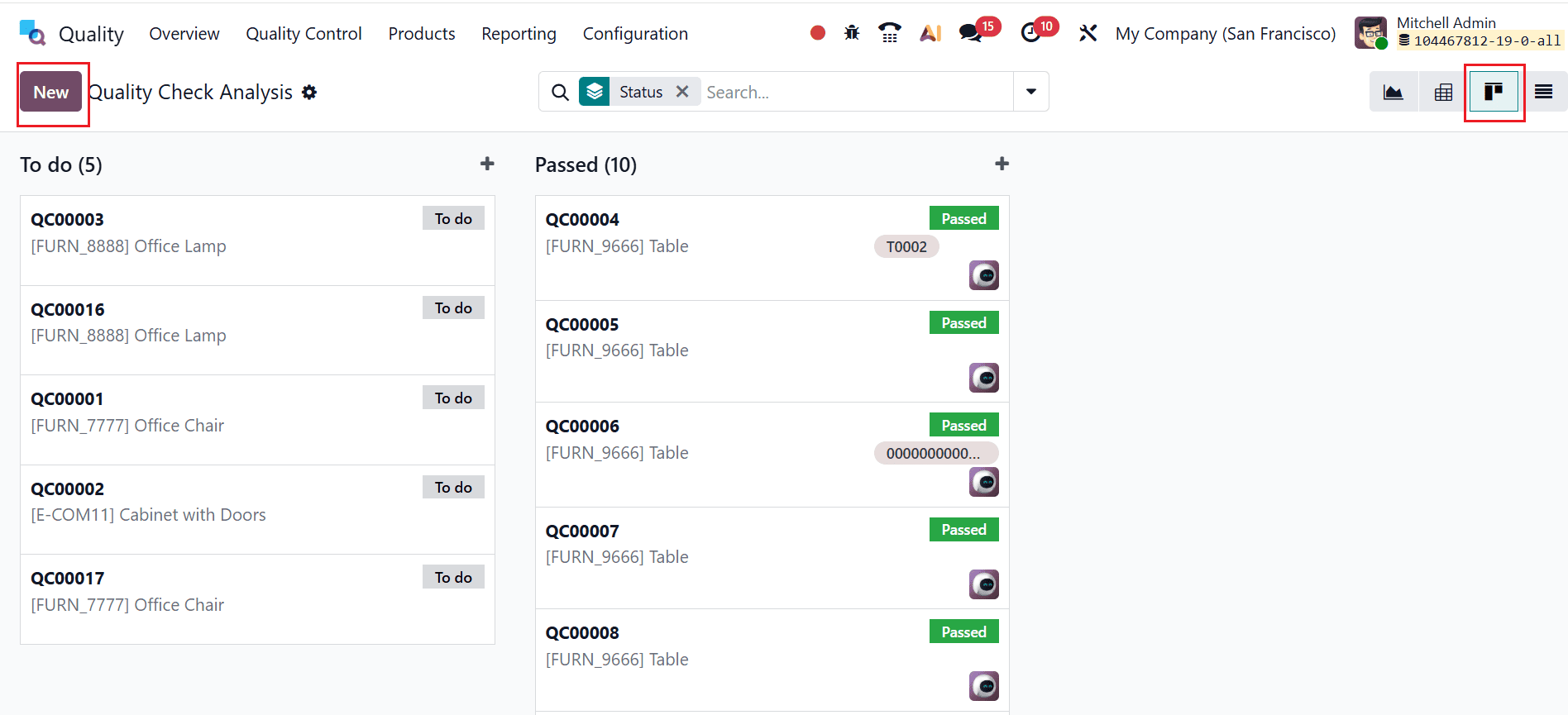
You can also change the Quality Checks Analysis into a Kanban view, as shown below. You can create a new quality check here by clicking the New button.
You can also change the Quality Checks Analysis into a List view, as shown below. Here, you can create a new quality check by clicking on the New button.

Quality Alerts Analysis
In the Odoo 19 Quality module, Quality Alerts Analysis involves examining reported quality issues raised during operations or inspections. It helps identify root causes, track the status of alerts, and monitor recurring problems. This analysis helps implement corrective and preventive measures to enhance product quality and operational efficiency.
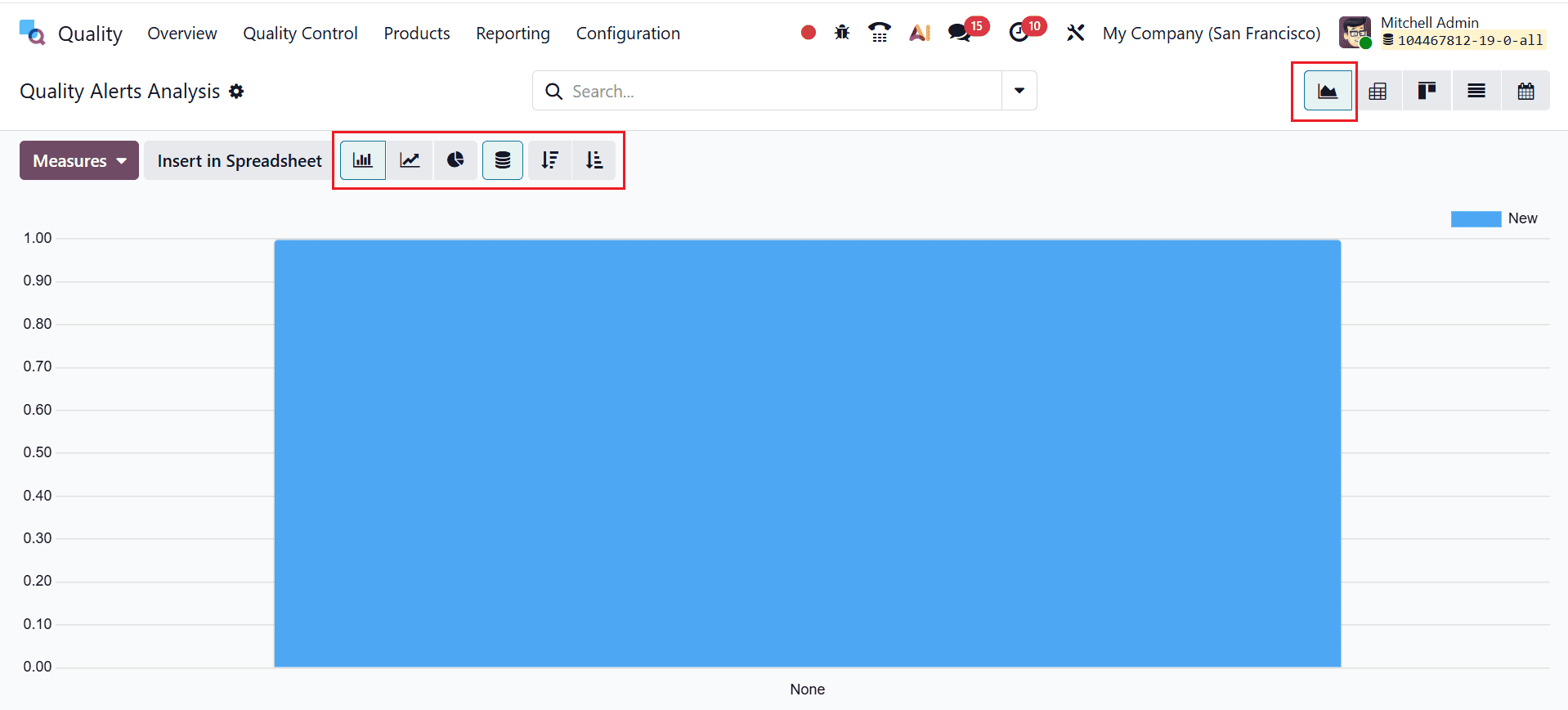
The Graph view displays quality data visually for easier analysis. Using the Measures option, you can view values like count and switch between bar, line, or pie charts. You can also arrange the data in stacked, ascending, or descending order to more clearly observe trends.
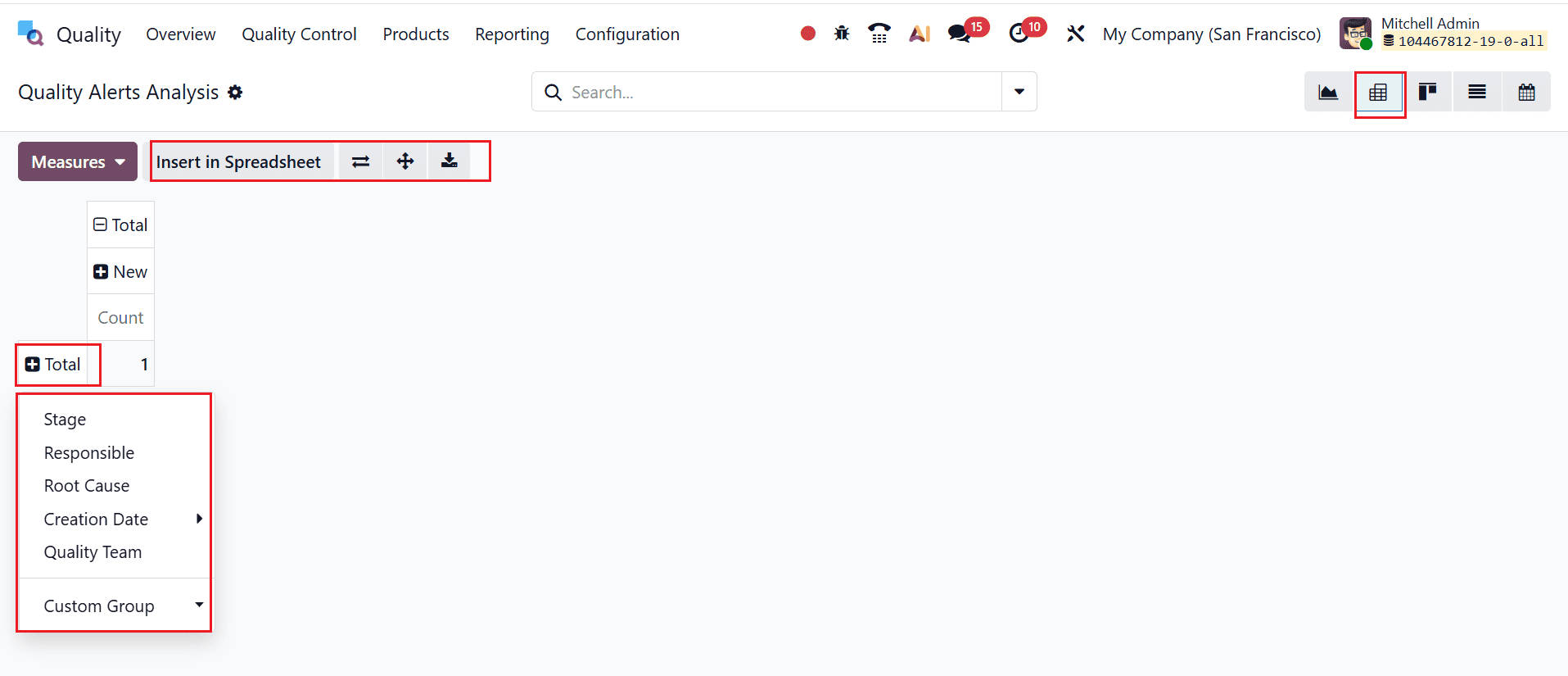
Quality Alerts can also be viewed in Pivot view, similar to Quality Checks. You can expand details, flip axes, group data, and analyze alerts efficiently. The pivot table also allows exporting data to XLSX or inserting it into a spreadsheet for further analysis.
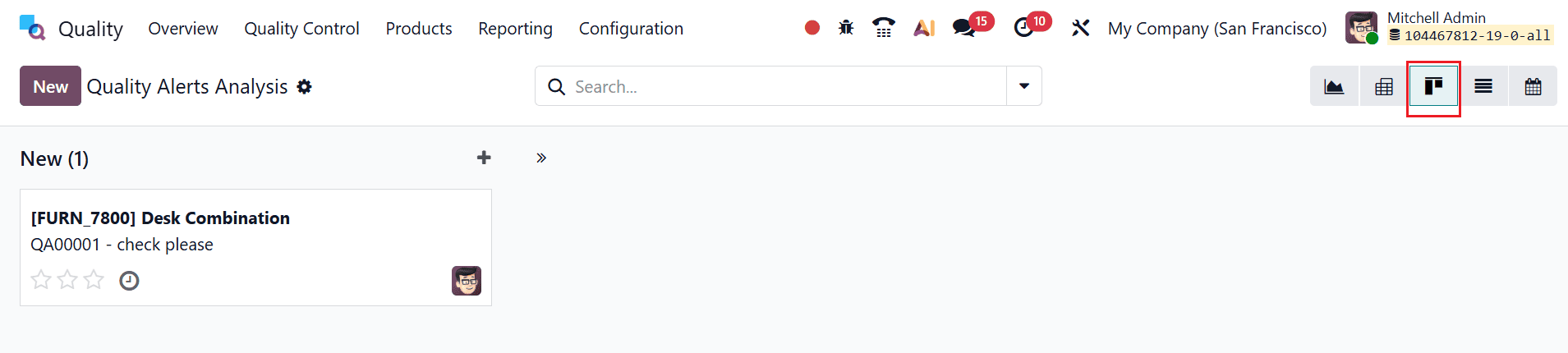
You can also change the Quality Alerts Analysis into a Kanban view, as shown below. Here, you can create a new quality alert by clicking on the New button.
You can also change the Quality Alerts Analysis into a List view, as shown below. Here, you can create a new quality alert by clicking on the New button.

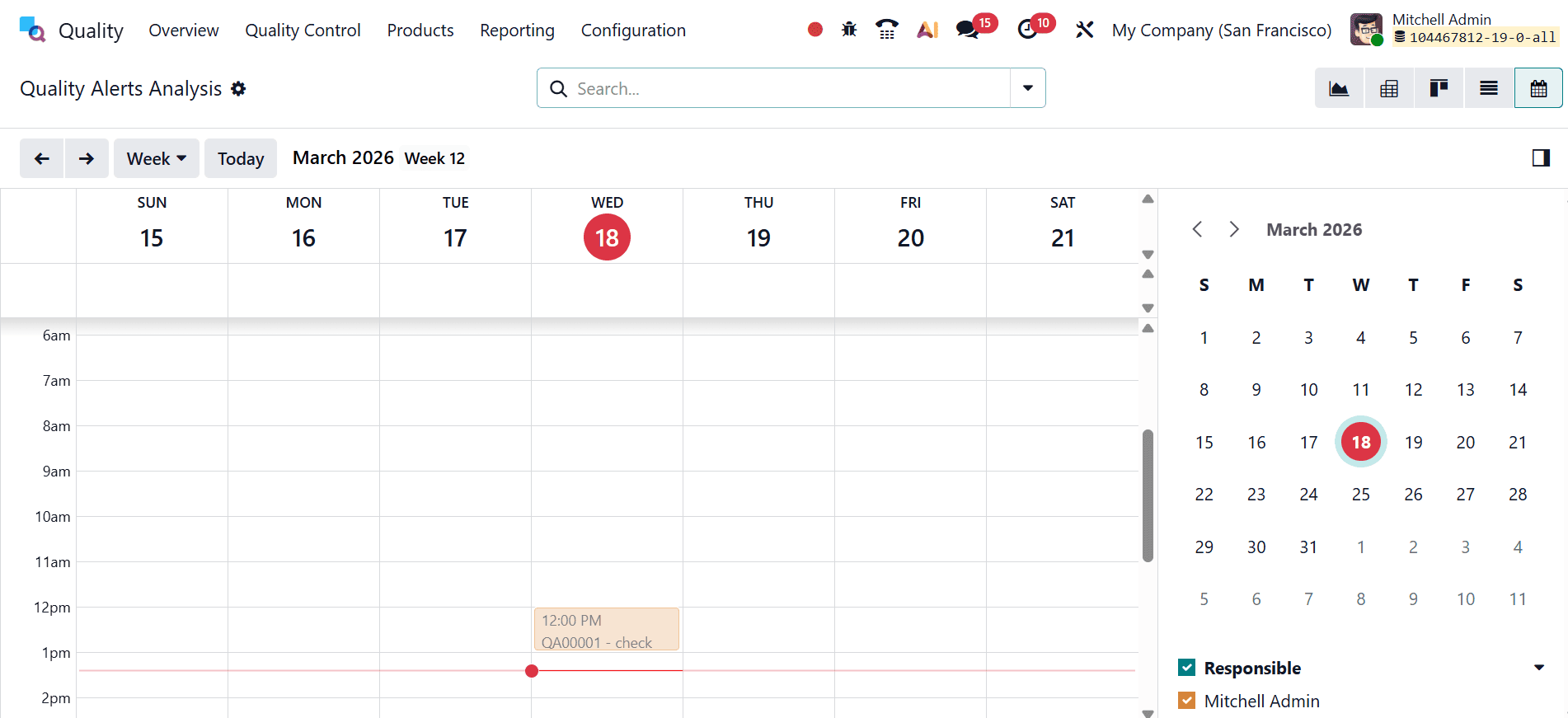
The Calendar view lets you schedule quality alerts by setting their date and time.
In conclusion, the Reporting Features in Odoo 19 Quality Module play a crucial role in strengthening an organization’s quality management system. By providing comprehensive insights into quality processes, these tools enable businesses to address issues and maintain high standards proactively. Generating real-time reports and visualizing data through dashboards enhances both decision-making and operational oversight. Furthermore, customizable reporting ensures that businesses can adapt the system to their unique requirements, making it suitable for various industries. Enhanced traceability, accountability, and performance monitoring enable organizations to generate a culture of continuous improvement. Ultimately, Odoo 19’s reporting capabilities not only help in minimizing defects and inefficiencies but also contribute to customer satisfaction and regulatory compliance. Adopting these features enables companies to stay competitive while delivering consistent, high-quality products and services in an increasingly demanding market environment.
To read more about An Overview of Quality Module Reporting in Odoo 18, refer to our blog An Overview of Quality Module Reporting in Odoo 18.