Equipment maintenance is crucial in every manufacturing system to guarantee continuous production and minimize unplanned downtime. Odoo 19 and other digital platforms have made it easier and more effective to manage machinery maintenance throughout production. The collection of procedures intended to maintain the functionality and dependability of the tools and machinery used in manufacturing is known as equipment maintenance during production. This usually consists of corrective maintenance, which fixes problems after they arise, and preventative maintenance, which is planned to prevent malfunctions.
With its powerful Maintenance module, Odoo 19 streamlines these procedures and provides a single platform to handle all facets of equipment maintenance. Through an integrated calendar view, it enables businesses to schedule operations, track maintenance requests, assign tasks to particular teams, and define maintenance stages.
Businesses can establish a structured maintenance approach that increases machine longevity and operational efficiency by using such a system. Odoo's extensive features facilitate real-time cooperation, minimize manual oversight, and boost industrial operations' overall productivity.
Maintenance Team
An organization's maintenance crew is essential to the proper operation of its machinery and mechanical equipment. Monitoring performance, carrying out regular maintenance, and carrying out thorough inspections to spot and stop possible issues early are important duties. Businesses may effectively delegate maintenance duties to designated teams using Odoo 19's Maintenance module, guaranteeing prompt and well-organized equipment care.
Users can choose the Maintenance Teams menu under the Configuration tab to start creating maintenance teams.
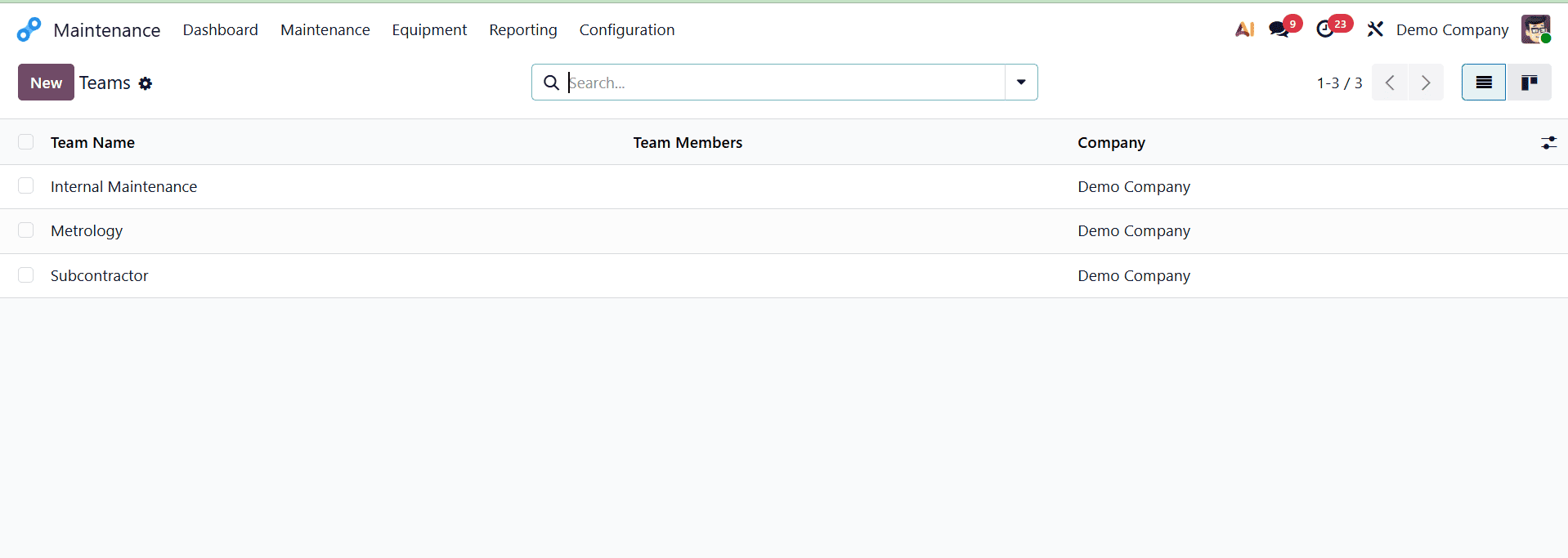
As seen in the accompanying screenshot, adding a new maintenance team from this view is simple: just click the "New" button.
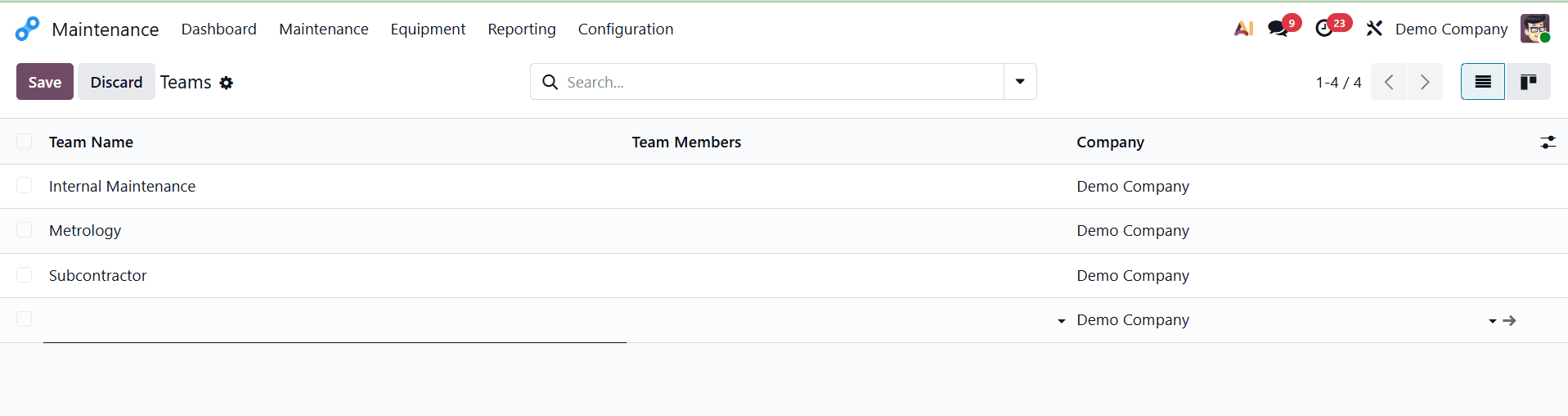
Users can quickly create a new maintenance team by clicking the New icon under the Maintenance Teams menu, which opens a new section at the bottom of the Teams window. Following the format indicated in the supplied reference, users can input important information in this part, such as the team name, related firm, and assigned team members.
Work Centers
Manufacturing work orders are carried out in work centers. They support cost tracking, work scheduling, capacity planning, equipment management, and efficiency monitoring. A work center must be assigned when creating a work order on the Operations tab of a Bill of Materials (BoM). Go to the Work Centers menu under the Equipment tab in the Odoo 19 Maintenance module to set up several work centers for the machines in your business.
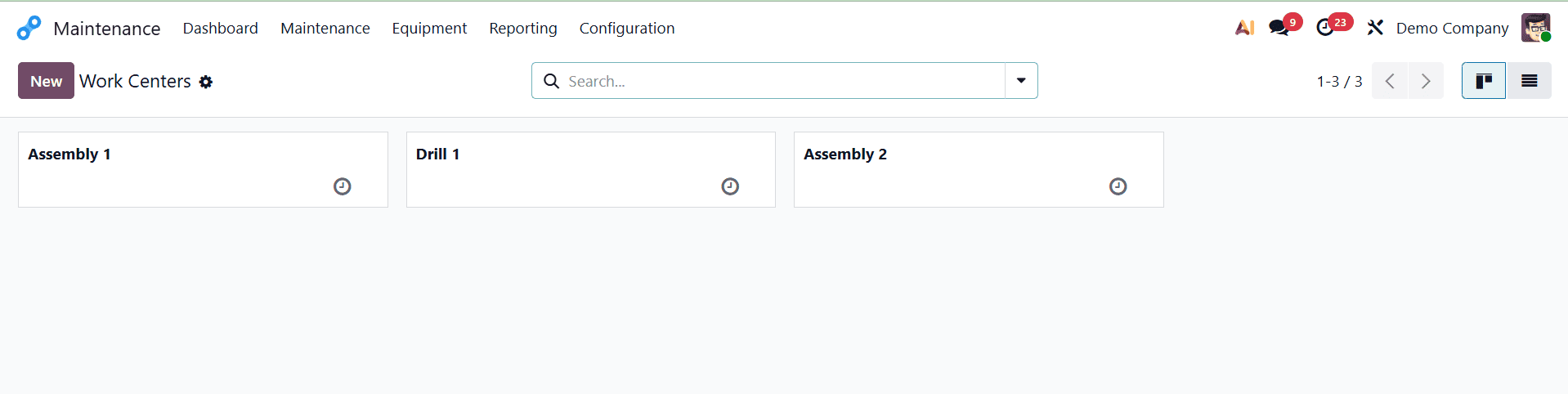
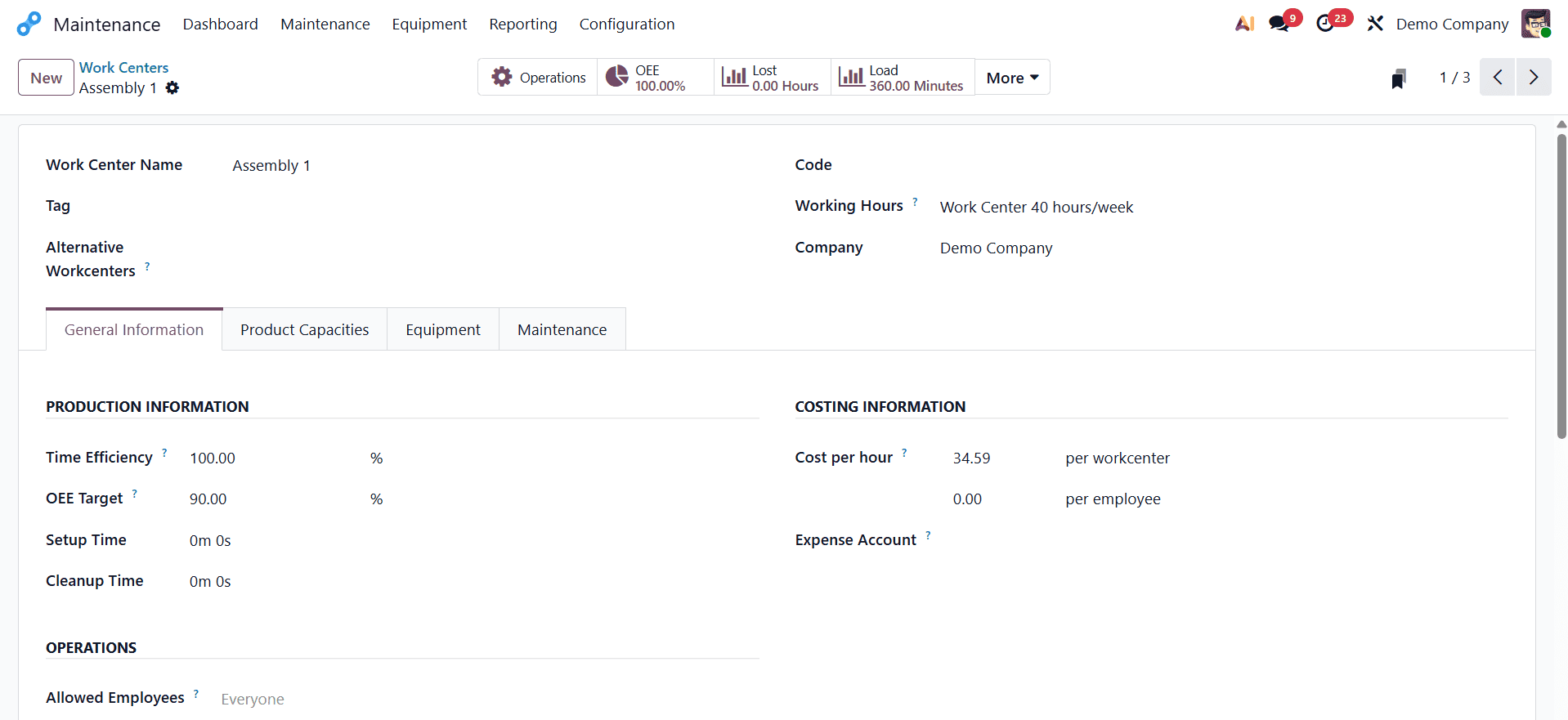
Click the New button, as seen in the reference screenshot, to add a new work center tailored to your company's requirements. The work center name, tag, alternate work centers, working hours, hourly cost, OEE (Overall Equipment Effectiveness) objective, capacity, and any other pertinent information can be entered in the form that opens as a result.
You can allocate the proper equipment to each work center by selecting the Equipment tab once you've set up work centers for your company's machines. To link pertinent machines and provide the required information, click the "Add a line" button.
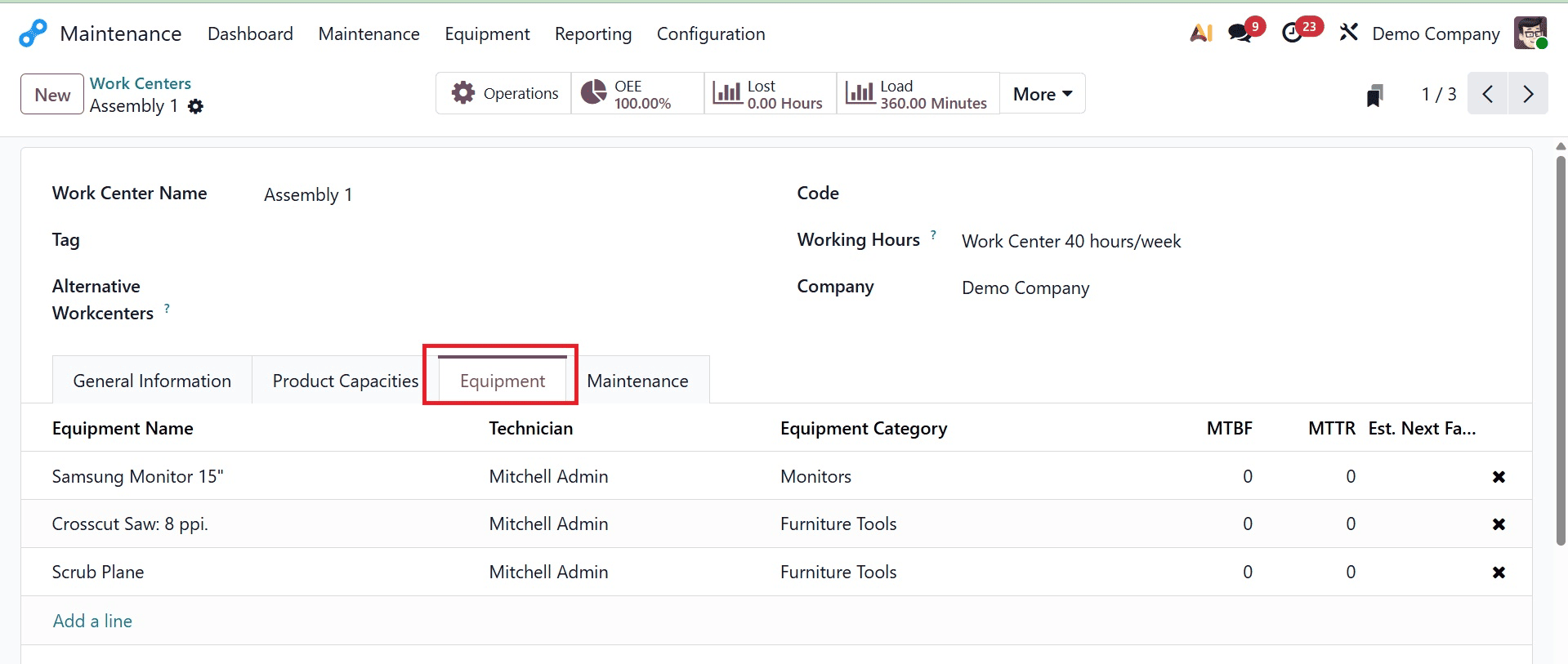
As seen in the reference, users can quickly examine important information including the equipment name, category, and assigned technician, under the Equipment tab. Managing and monitoring each machine's state effectively, streamlining maintenance procedures, and guaranteeing seamless manufacturing operations are all made possible by methodically organizing this data.
Equipment Categories
Equipment categories in the Odoo 19 Maintenance module offer an organized method of classifying machinery according to predetermined standards. Equipment management and category assignment are made easy and user-friendly by the system.
Navigate to the Configuration tab's Equipment Categories option to begin classifying equipment. As seen in the reference screenshot, this area shows a comprehensive list of all currently available categories, enabling users to create, view, or change them as needed.
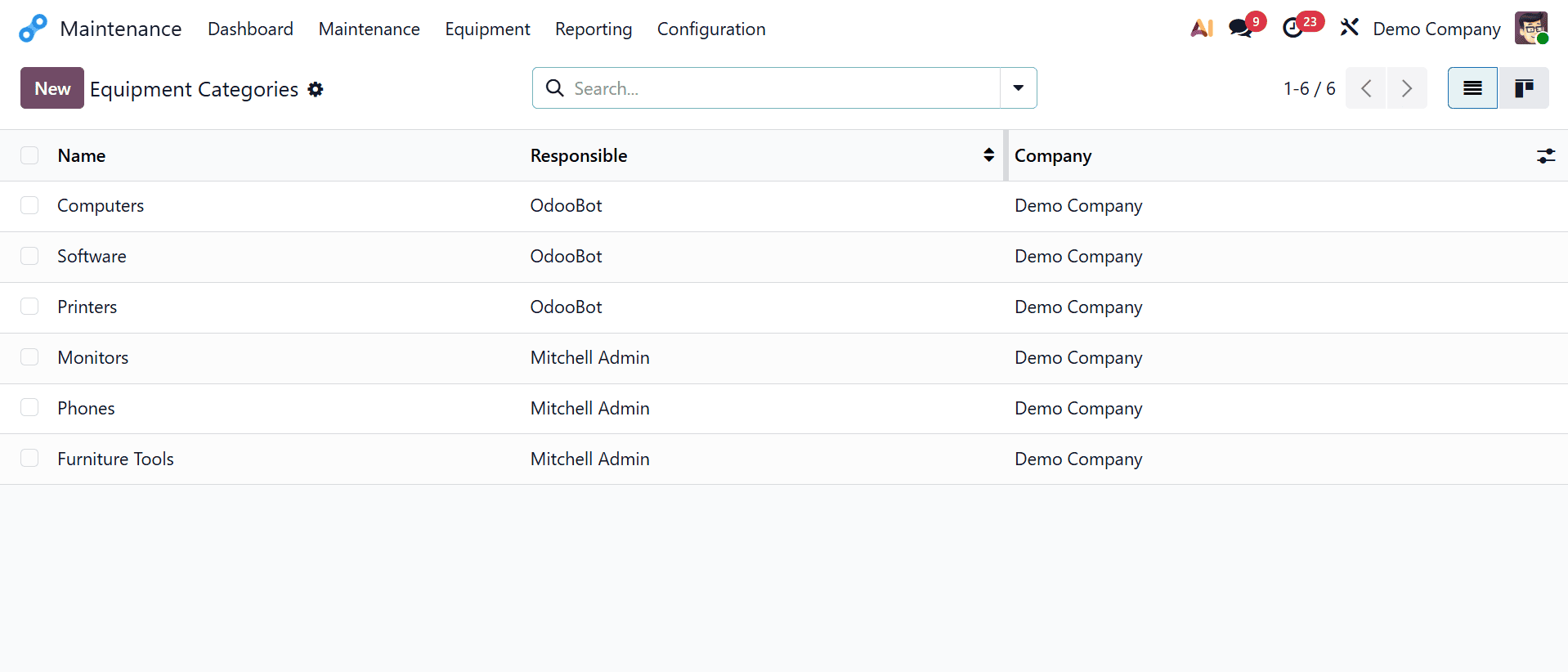
Users may easily build and manage equipment categories in Odoo 19's Maintenance module to meet the unique operating requirements of their company. Users can go to the Equipment Categories menu and click the New button to create a new category for a certain kind of machine, such monitors. To identify such kind of equipment, they should put "Monitors" as the category name in the box that appears. If they are working in a multi-company setting, they may also choose the pertinent firm and designate a responsible individual to administer and supervise the maintenance duties associated with this category. This arrangement guarantees accountability and supports the upkeep of a well-organized and effective equipment administration procedure.
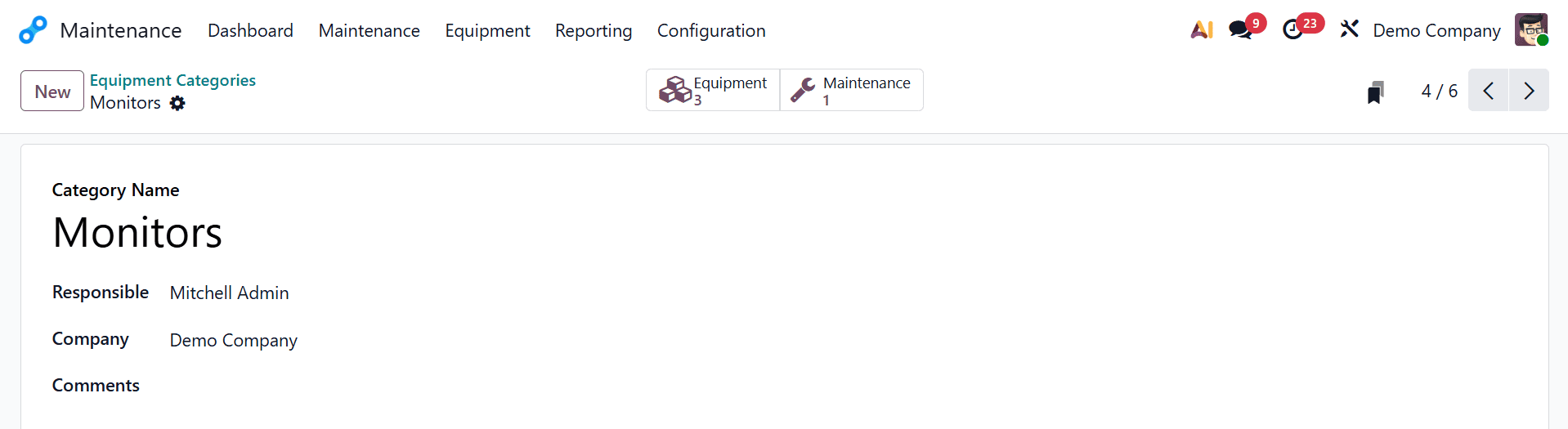
Users create a new equipment category inside their company that is only devoted to monitors by providing these parameters. Better organization, more efficient maintenance monitoring, and a clear delegation of accountability for all monitor-related equipment are made possible by this.
Equipment
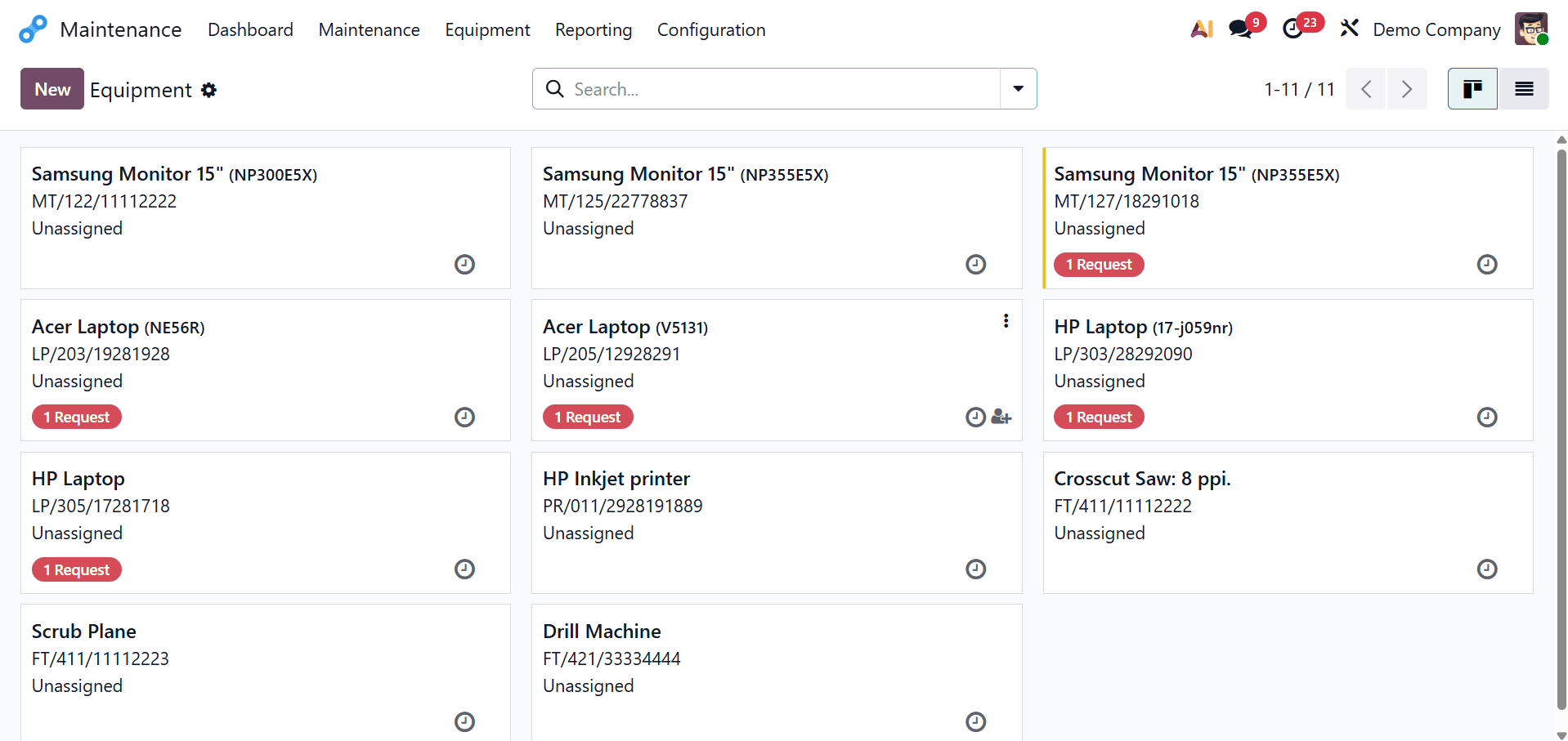
The Odoo 19 Maintenance module's Equipment section makes it simple for users to add necessary maintenance equipment to your company. They should then be able to access the Equipment Menu's Machines & Tools menu. In order to produce thorough equipment records, users can start entering specific information by clicking the New button in this menu. Organizations may effectively track and manage all assets connected to maintenance in accordance with their unique operating needs thanks to this approach.
Users can enter a variety of information into the equipment creation interface to create a comprehensive and educational equipment profile. Apart from standard parameters such as Equipment Name and Description, users can further choose the Equipment Category, choose the appropriate Company, identify who uses the equipment, attach it to a specific Employee or Work Center, and supply related Product Information. Accurate tracking, improved organization, and more efficient maintenance planning are all made possible by this thorough input.
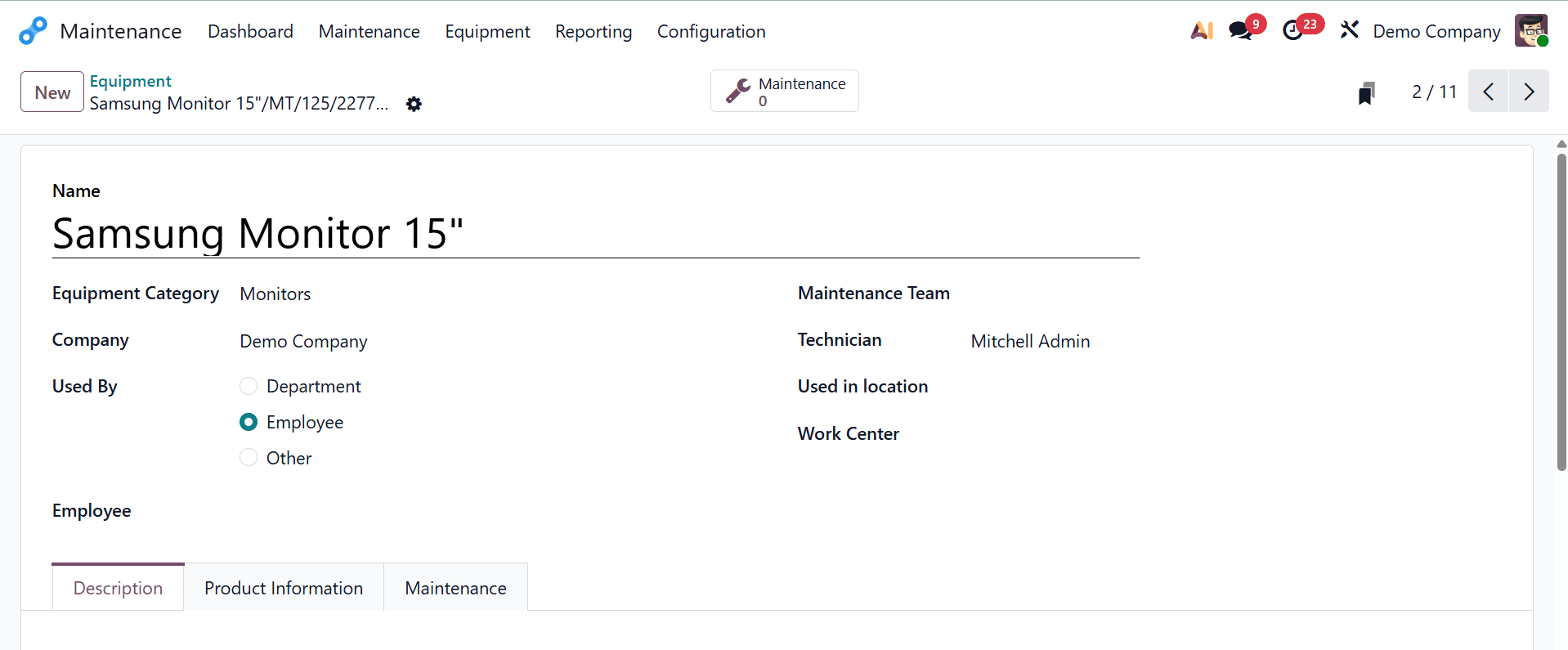
By choosing an option in the "Used By" section, users can precisely allocate accountability for equipment utilization in the Equipment window. This area makes it easy to identify who is utilizing the equipment for commercial reasons by offering options like Department, Employee, or Other. An new field that allows users to select the particular person in charge of the equipment from a dropdown list filled with employee records appears when "Employee" is selected. To ensure accurate accounting and organizational tracking, users can additionally designate the firm connected to the equipment. Users can designate a maintenance team by selecting the relevant team from the list by clicking the dropdown menu located beneath the Maintenance Team box.
These teams are usually made up of qualified workers who have been trained to oversee maintenance duties for the assigned equipment, such as technicians, engineers, or maintenance specialists.
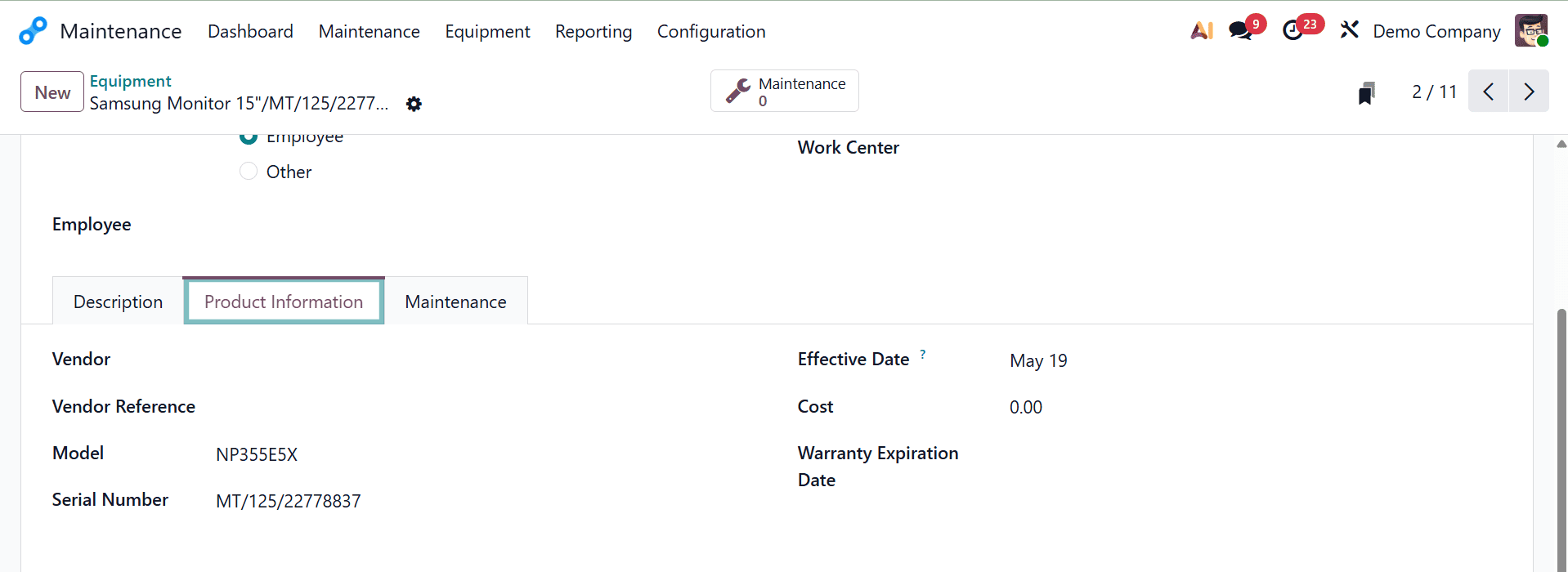
Users can add more information about the machine under the Product Information tab. As seen in the example screenshot above, this includes fields for entering the Vendor, Model, Serial Number, Vendor Reference, Effective Date, Cost, and Warranty Expiration Date.
Users can access a number of crucial metrics under the Maintenance tab that aid in assessing the performance and dependability of equipment:
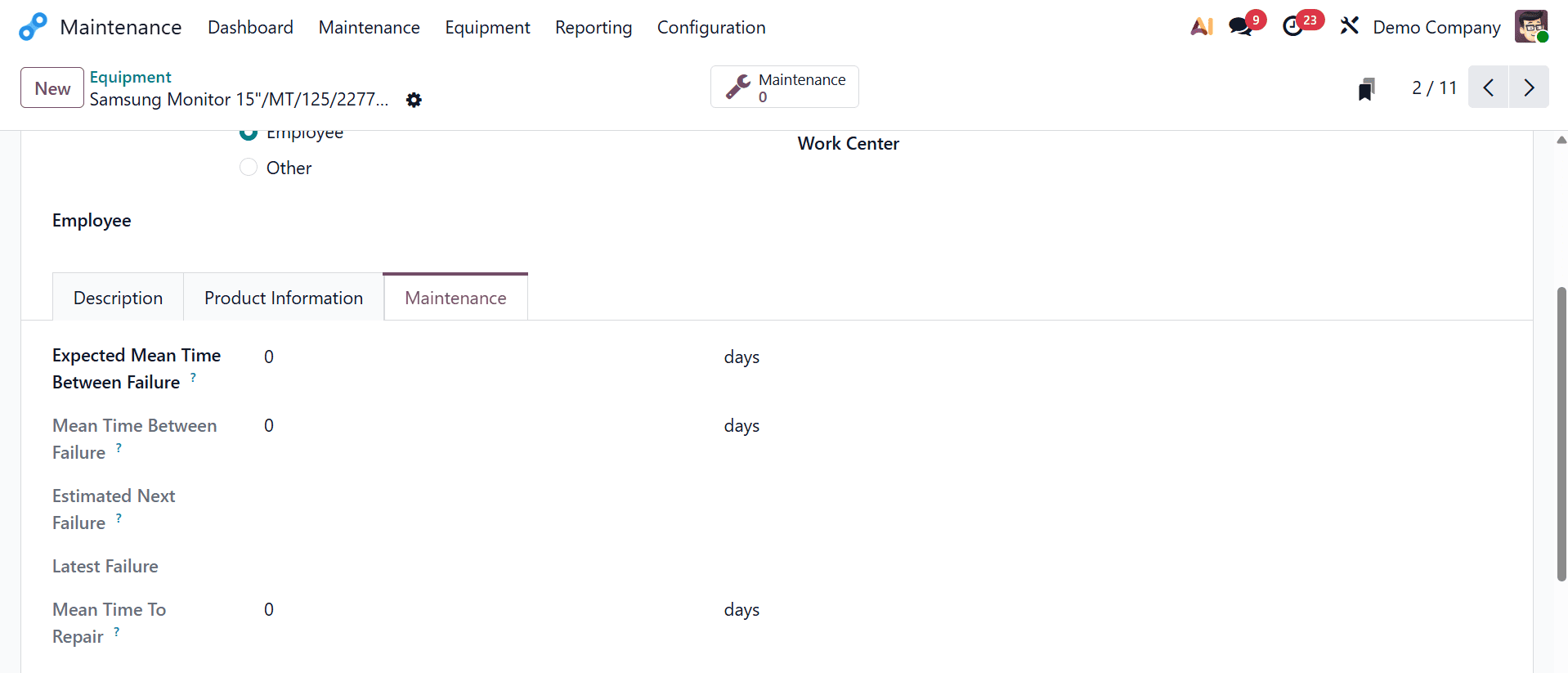
Expected Mean Time Between Failures (MTBF) provides information about the expected reliability of equipment by showing the estimated average time between failures.
A more realistic picture of performance is provided by Mean Time Between Failures, which is computed using historical data and represents the true average time between previous failures. Based on past failures and maintenance patterns, Estimated Next Failure forecasts when the next failure might happen. Latest Failure helps customers track performance history and spot reoccurring problems by keeping track of the most recent equipment failure. In order to evaluate maintenance effectiveness and efficiently manage downtime, Mean Time To fix (MTTR) calculates the average time needed to fix the equipment following a breakdown.
The Equipment and Equipment Categories features in Odoo 19 offer a methodical and effective approach to managing business assets and maintenance tasks. Businesses can simplify tracking, delegate tasks, and implement uniform maintenance guidelines by classifying equipment. The Equipment form ensures complete lifecycle visibility by enabling the inclusion of comprehensive data, such as ownership, usage, cost, warranty, and maintenance history. When combined, these tools facilitate better asset management, lower downtime, and boost operational dependability throughout the company.
To read more about How to Create Equipments and Equipment Categories in Odoo 18, refer to our blog How to Create Equipments and Equipment Categories in Odoo 18.