In the world of manufacturing, efficiency isn’t just a goal; it is the baseline standard for successful operation. Every minute a machine is running below capacity, every delay in production, and every defective unit directly impacts profitability. That’s why Overall Equipment Effectiveness (OEE) has become one of the most critical metrics in modern production management.
In Odoo’s Manufacturing app, Overall Equipment Effectiveness (OEE) represents the amount of time a work center is fully productive. It is expressed as a percentage of the total time a work center is active, offering a clear view of how efficiently equipment and production resources are utilized. Fully productive time refers to periods when the work center is operational and processing work orders within their expected duration — without delays, stoppages, or performance losses. By analyzing OEE, manufacturing teams can gain valuable insights into the true efficiency of each work center and identify the root causes of downtime or underperformance.
OEE in Odoo serves as a key performance metric that bridges production planning, operations, and maintenance, enabling manufacturers to optimize productivity, minimize losses, and continuously improve equipment reliability.
Work Centers in Odoo 18
A Work Center in Odoo represents a physical machine, workstation, or production area where manufacturing operations are executed. It defines key parameters such as capacity, efficiency, cost per hour, and working time. Each work center can be configured in Manufacturing > Configuration > Work Centers, where users can set:
- OEE Target (%)
- Time Efficiency
- Capacity
- Cost per Hour
- Linked Equipment (for maintenance tracking)
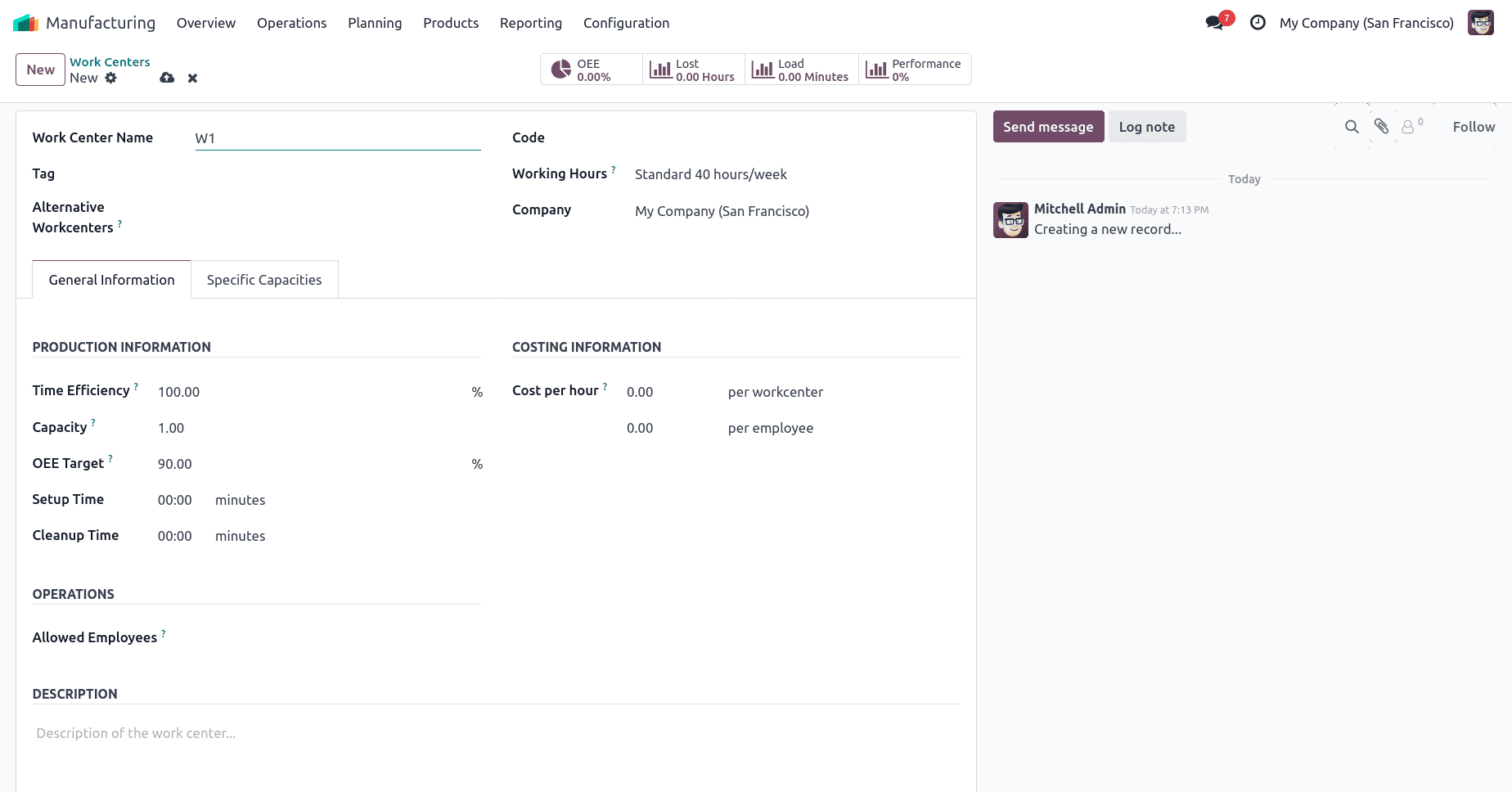
Once configured, Odoo tracks operations assigned to each work center through manufacturing orders (MOs), and logs production data that feeds into OEE calculations.
In Odoo 18, smart tabs provide quick access to analytical insights directly from the Work Center dashboard. These tabs make it easier for managers to review historical data, track performance, and make data-driven decisions.
The six major smart tabs are:
- OEE (Overall Equipment Effectiveness)
- Load
- Lost Hours
- Performance
- Operations
- Maintenance
Let’s explore each of these in detail.
1. Overall Equipment Effectiveness (OEE)
The OEE tab is the primary dashboard for tracking a work center’s operational efficiency. It displays the calculated OEE percentage, which reflects the ratio of fully productive time to total active time. This section helps identify how effectively the work center is performing relative to its designed capacity.
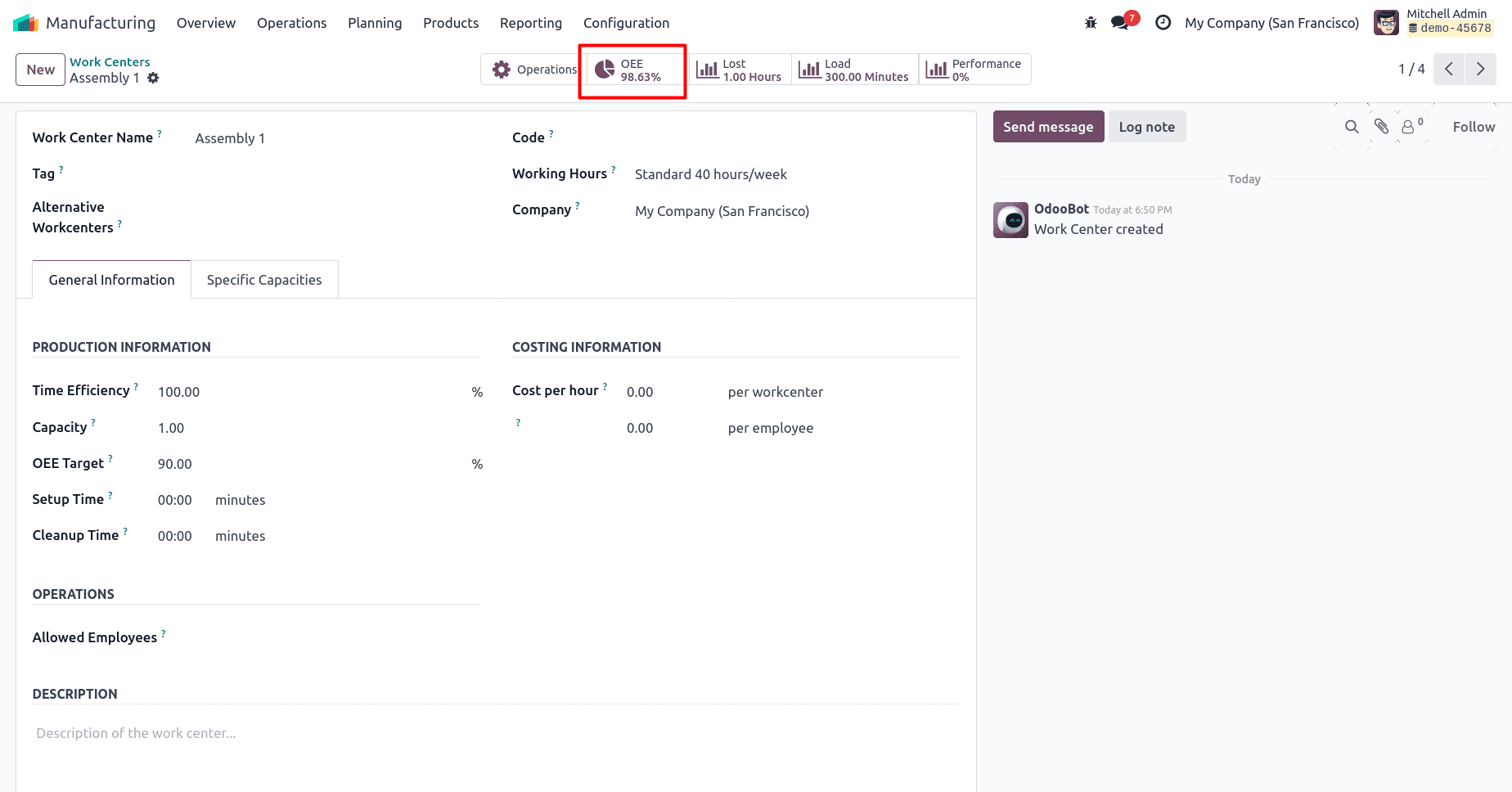
Within this view, users can analyze trends over time — for example, whether efficiency drops during certain shifts, operators, or product types. Odoo automatically calculates OEE based on recorded work order durations, making it easy for managers to monitor performance without manual computation. From the OEE tab, users can also view downtime causes, such as machine breakdowns or material shortages, which directly impact availability and overall effectiveness. The OEE smart tab provides a comprehensive view of how effectively a work center is performing. OEE is calculated using three factors:
OEE=Availability×Performance×Quality
- Availability > Actual operating time / Planned production time
- Performance > Ideal cycle time × Total units / Actual run time
- Quality > Good units / Total units produced
Setting Efficiency Standards for Accurate OEE Analysis
To make sure that OEE in Odoo 18 truly represents how efficiently a work center is running, each work center must be configured with the right efficiency standards. These include time efficiency, capacity, and an OEE target. Together, these settings help Odoo calculate how much of the available machine time is actually productive.
Time efficiency defines how quickly a work center completes its operations compared to the expected duration set in the Bill of Materials (BoM). A value of 100% means the work center works exactly as planned. If the percentage is below 100%, it’s slower than expected, and if it’s above 100%, it performs faster. For example, imagine producing a metal frame that includes cutting and welding operations. The BoM estimates 20 minutes for each step. If the Cutting Machine has 80% time efficiency, it will take about 25 minutes. Meanwhile, the Welding Station with 150% efficiency will finish in around 13 minutes. To configure this, go to Manufacturing > Configuration > Work Centers, open the work center, and enter the desired percentage in the Time Efficiency field.
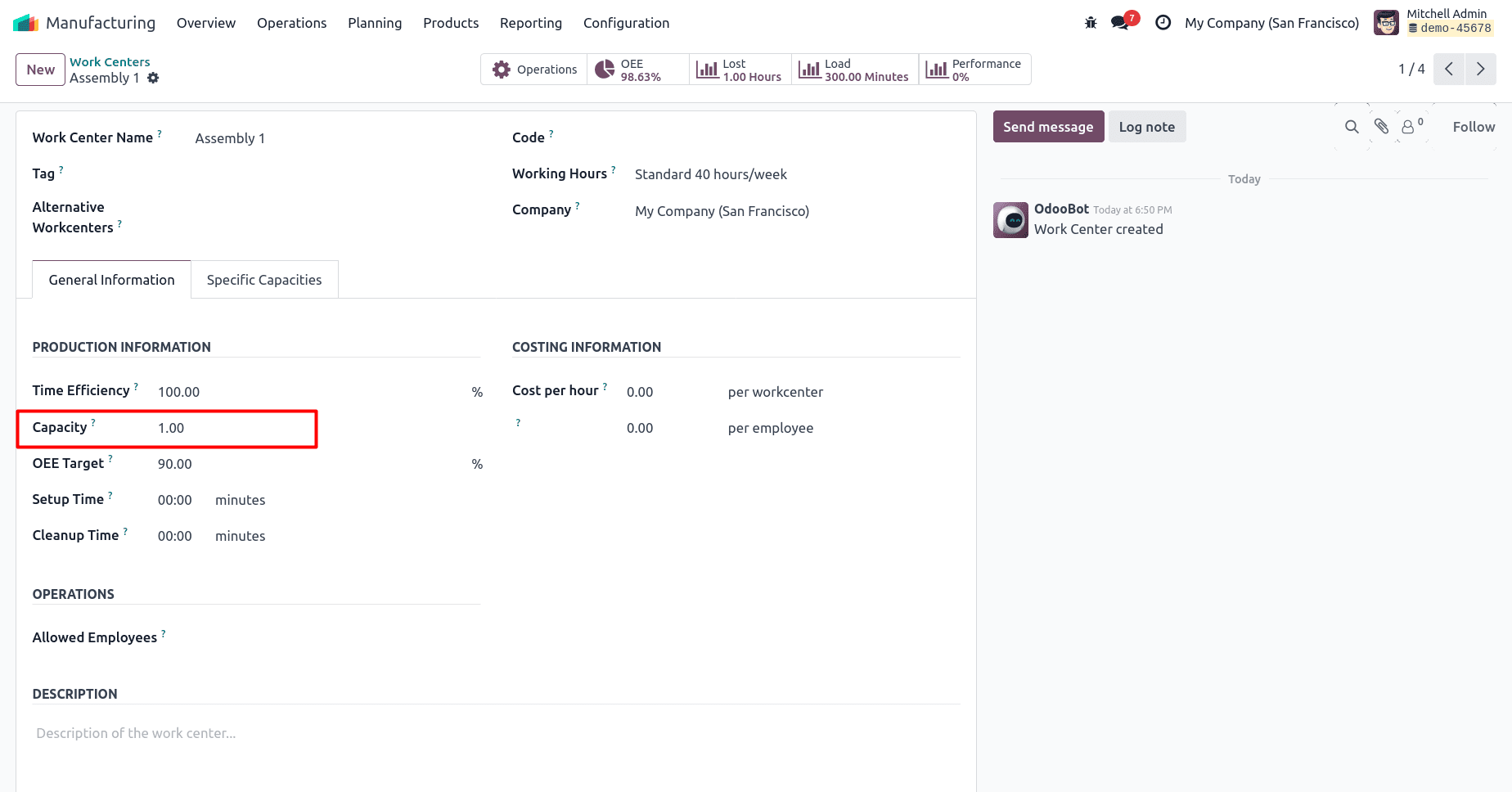
Capacity indicates how many units can be processed simultaneously at a work center. It ensures that operation durations adjust according to how much the work center can handle in parallel. For instance, if a Painting Booth can coat two bicycle frames at a time and you schedule ten frames, Odoo will divide the work into five batches. A booth with capacity set to one would take twice as long to complete the same job.
This value is set on the General Information tab of the work center form.
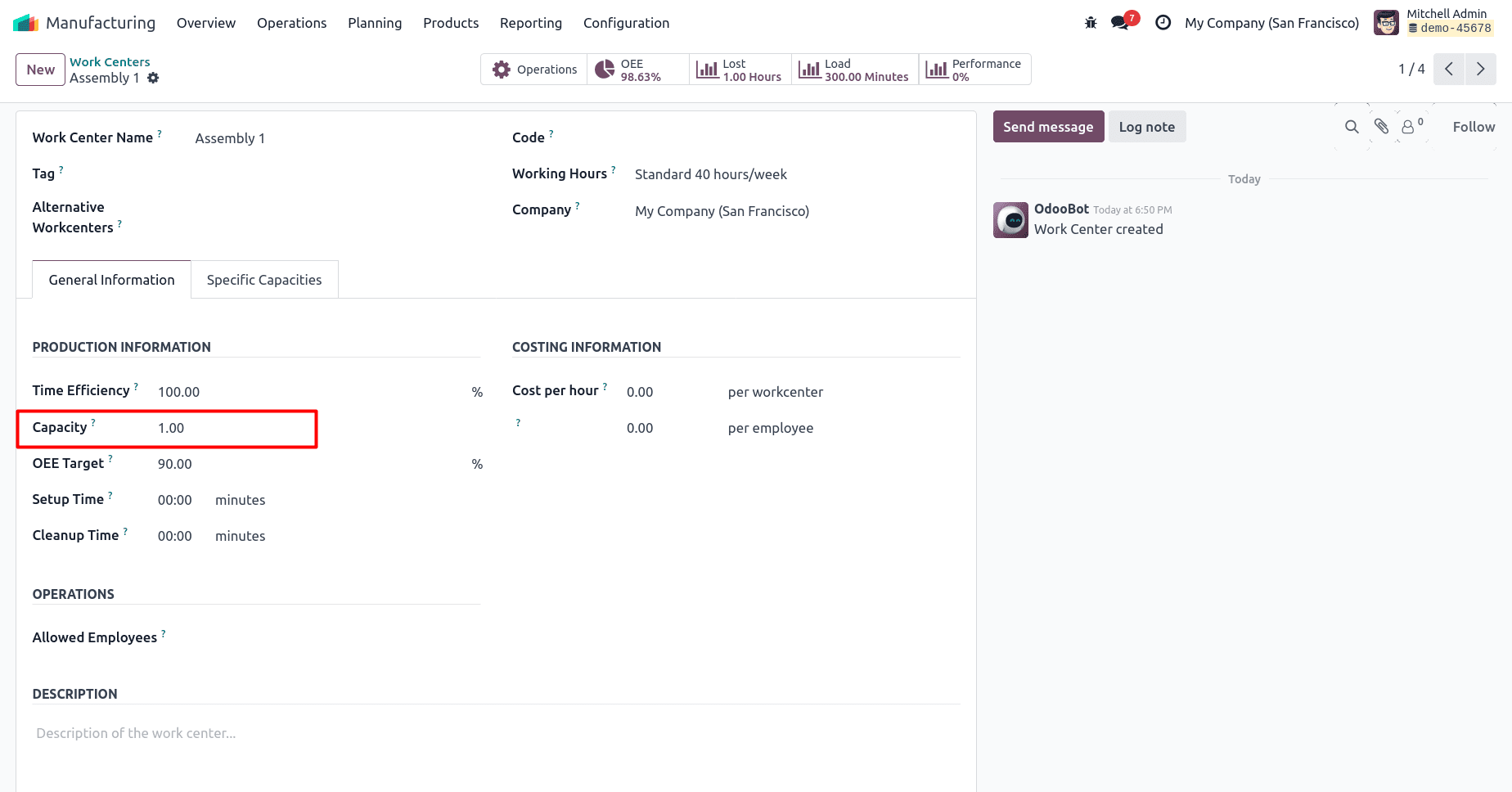
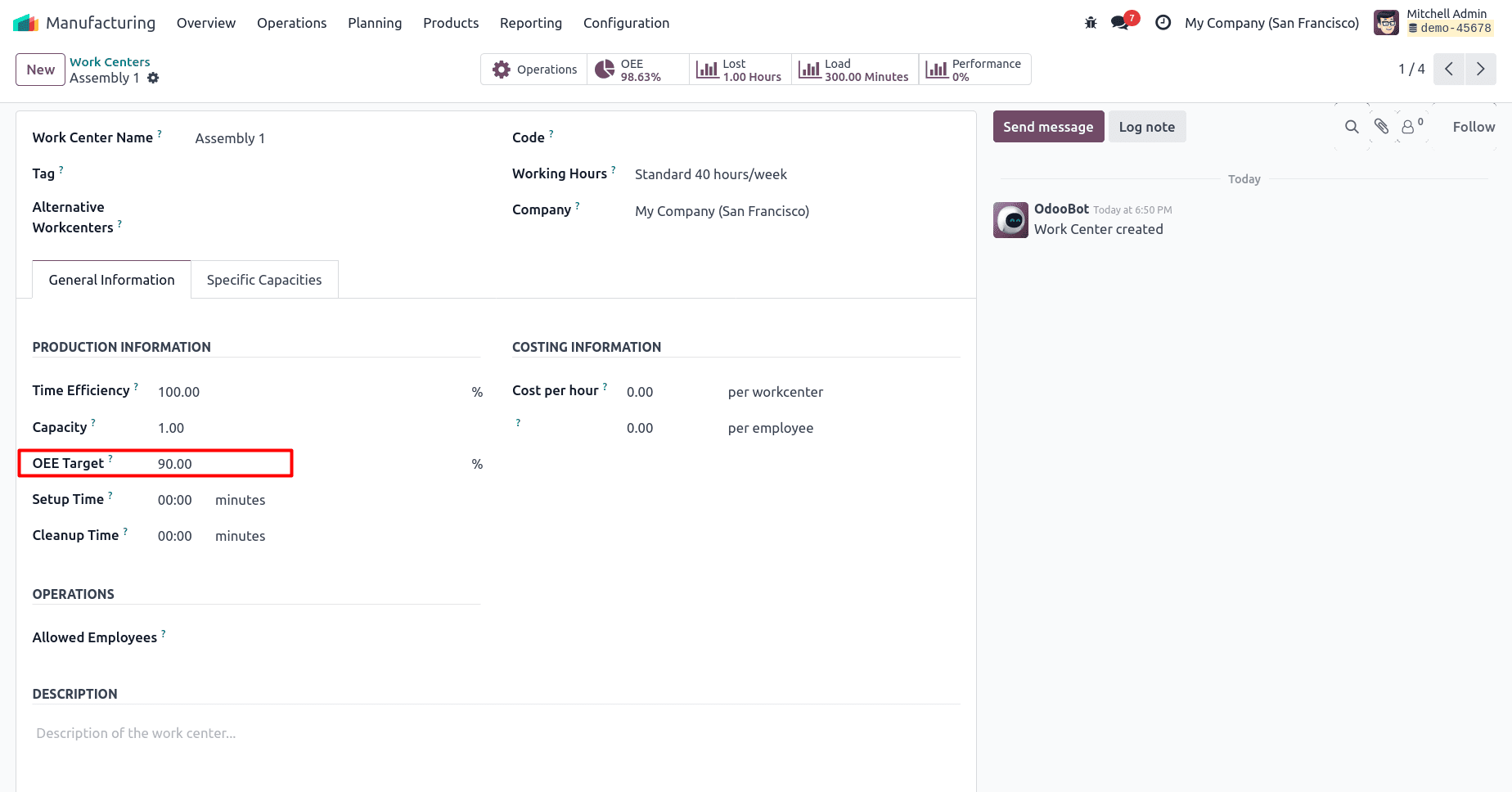
The OEE target defines your performance goal — how much of a work center’s time should ideally be fully productive. It’s expressed as a percentage (maximum 100%). For example, a CNC Milling Station might have an OEE target of 85%, meaning that the machine should be running efficiently for at least 85% of its available time. Setting realistic targets helps compare actual OEE with expected benchmarks and monitor improvement over time.
You can configure this in the same work center form under OEE Target.
OEE Calculation
OEE in Odoo 18 measures the ratio of productive time to total available time. When a work center completes operations on schedule with all materials ready and no breakdowns, this time is considered fully productive. Any delay, shortage, or downtime lowers the OEE value. For example, if an Assembly Line completes a 45-minute task in 43 minutes with all materials ready, the full duration counts as productive. But if the same operation takes 55 minutes because parts arrived late, the extra 10 minutes reduce the OEE score. Sometimes there is downtime may occur for several reasons with an example:
- Reduced speed: A cutting machine takes longer than expected to complete a job.
- Material shortage: A woodworking line waits for raw panels to arrive before resuming work.
- Equipment breakdown: A drill press stops due to maintenance and is blocked from receiving orders.
Odoo automatically tracks these events through the work center interface and reflects them in OEE metrics, helping teams analyze real causes of inefficiency.
OEE Reporting
OEE reports in Odoo 18 can be accessed from Manufacturing > Reporting > Overall Equipment Effectiveness. The dashboard presents performance for each work center using charts and pivot views.
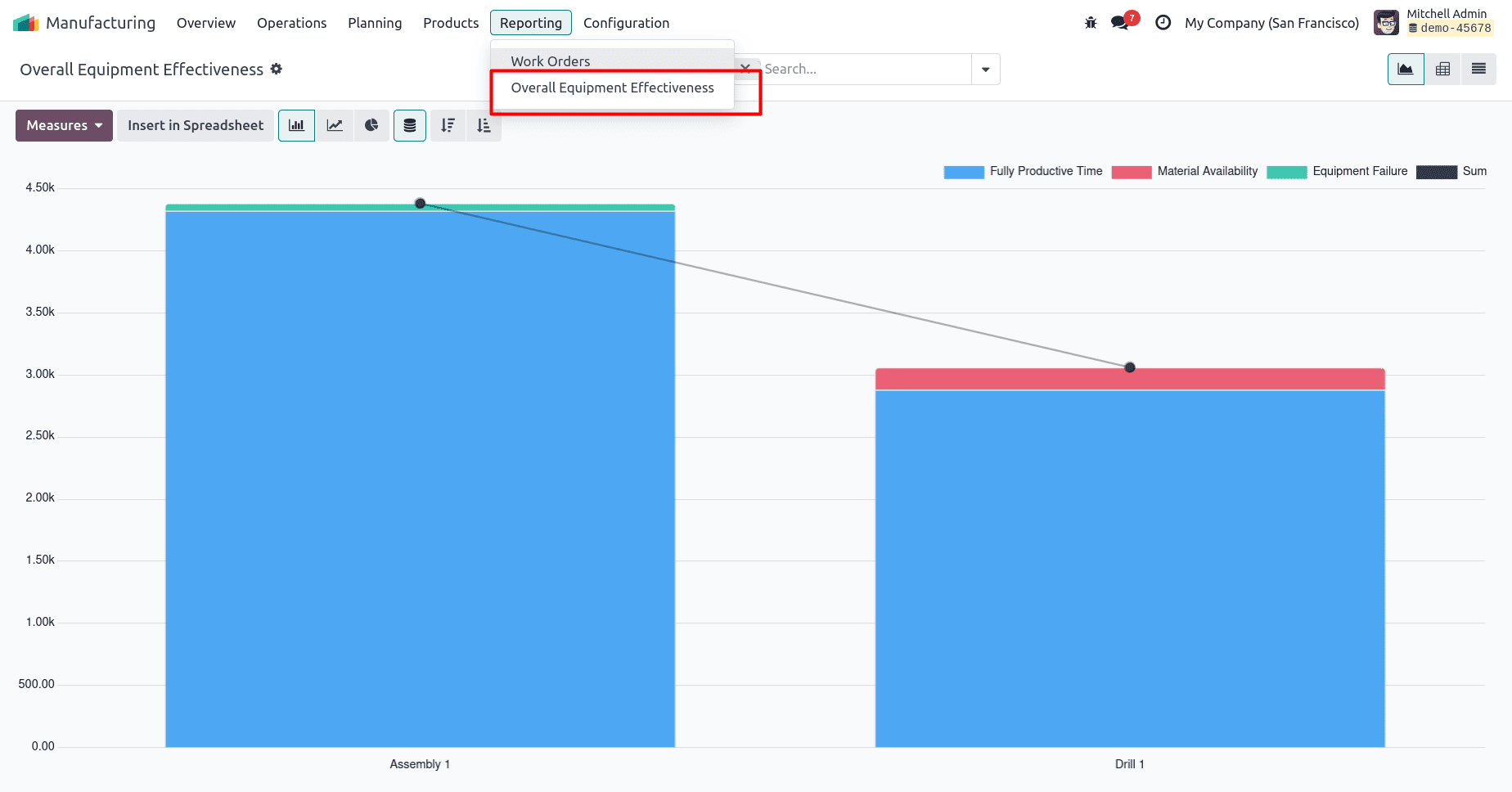
You can switch between bar, line, or pie charts to analyze performance trends or view detailed entries in list or pivot format. Opening a specific work center and clicking the OEE Smart Button provides a focused breakdown — showing where time was fully productive and where losses occurred. These visuals help manufacturers make informed decisions, balance workloads, and plan maintenance activities to keep production efficiency on target.
2. Load
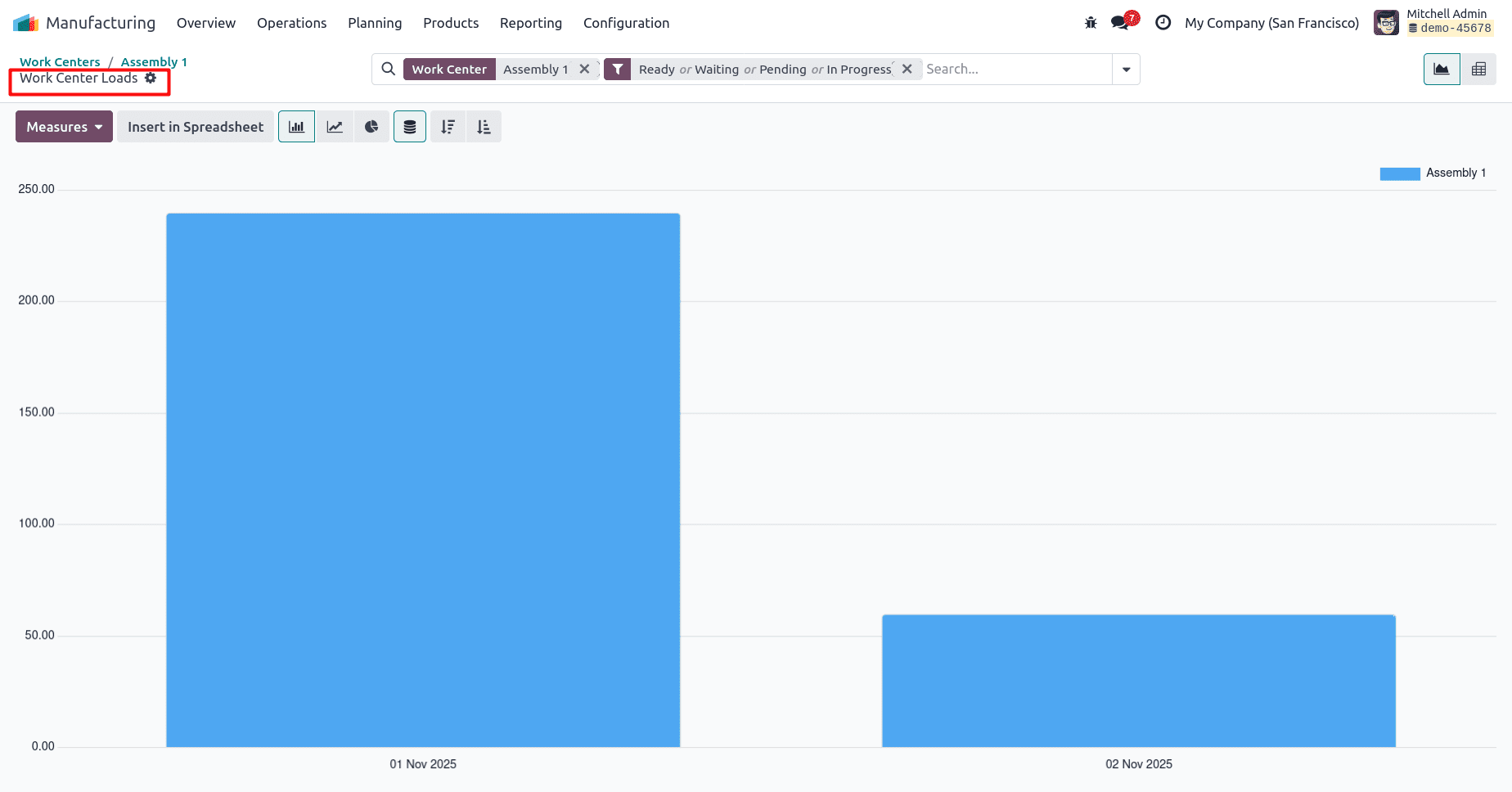
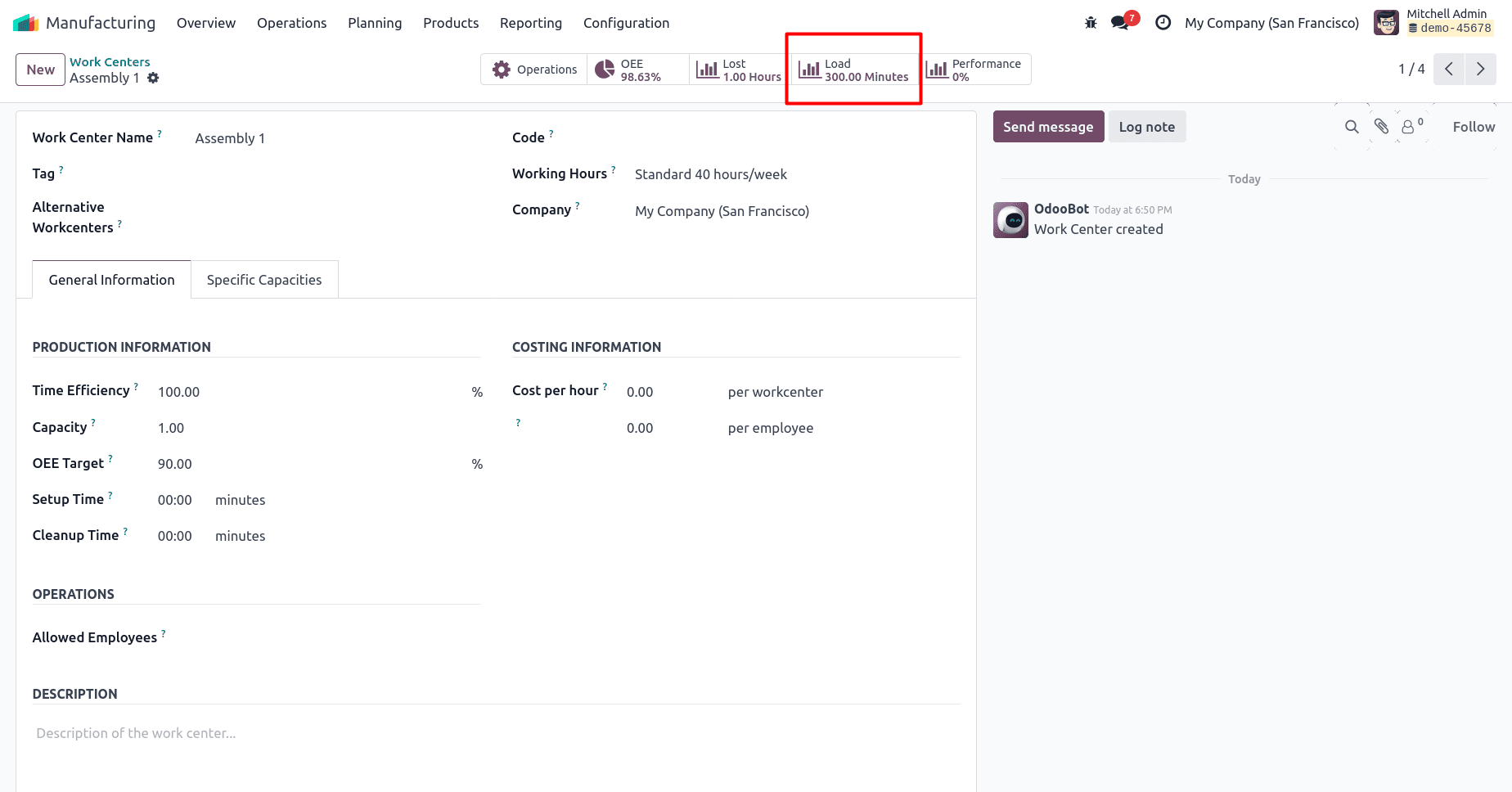
The Load tab provides insights into how much of the work center’s available time is being used. It shows scheduled versus remaining capacity, helping planners identify whether a machine is overloaded or underutilized.
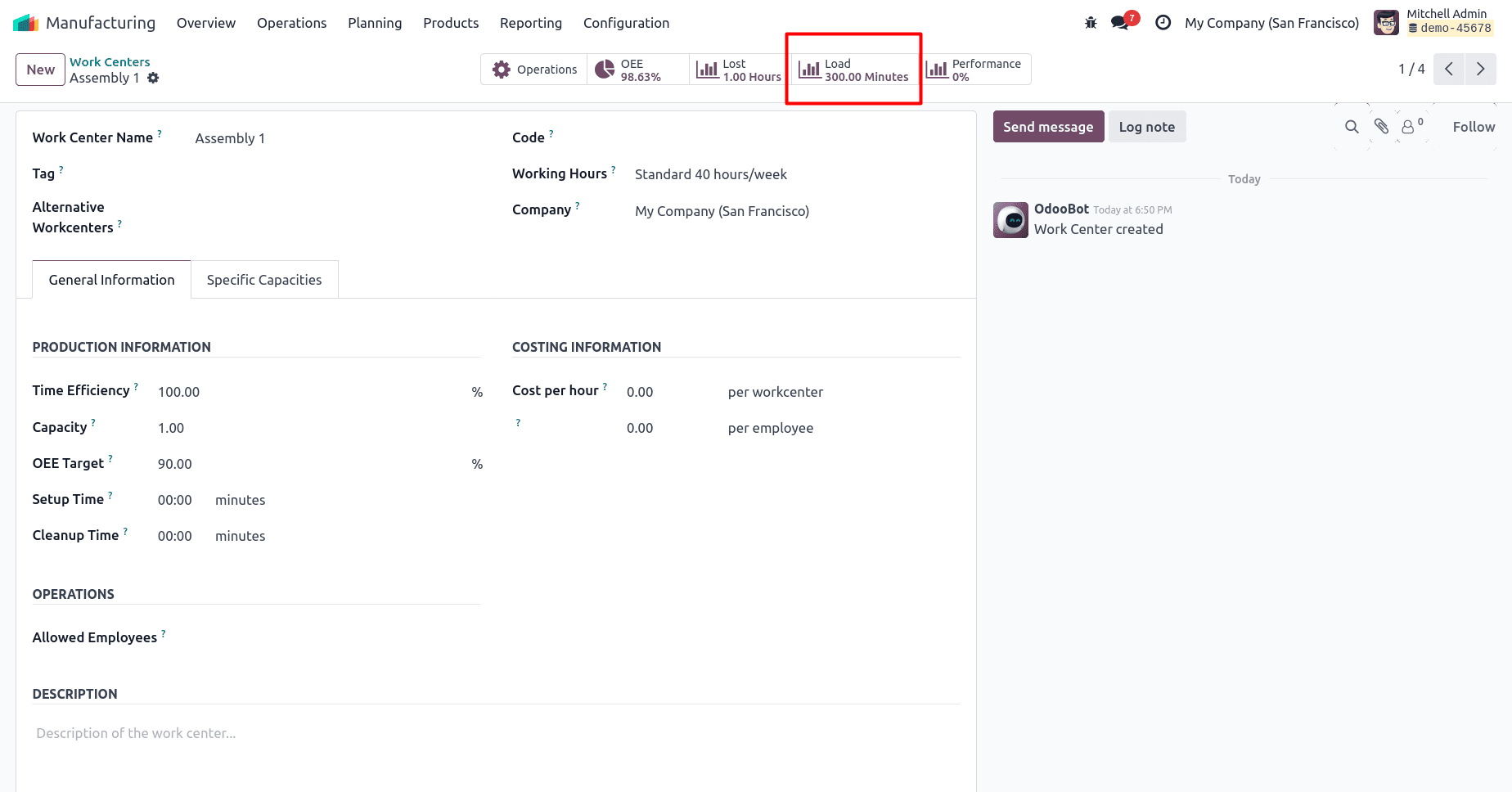
By visualizing load data, production managers can balance workloads between multiple work centers, ensuring smoother production flow and avoiding bottlenecks. This feature is particularly valuable in multi-work-center environments where operations are interdependent and need synchronized scheduling.
3. Lost Hours
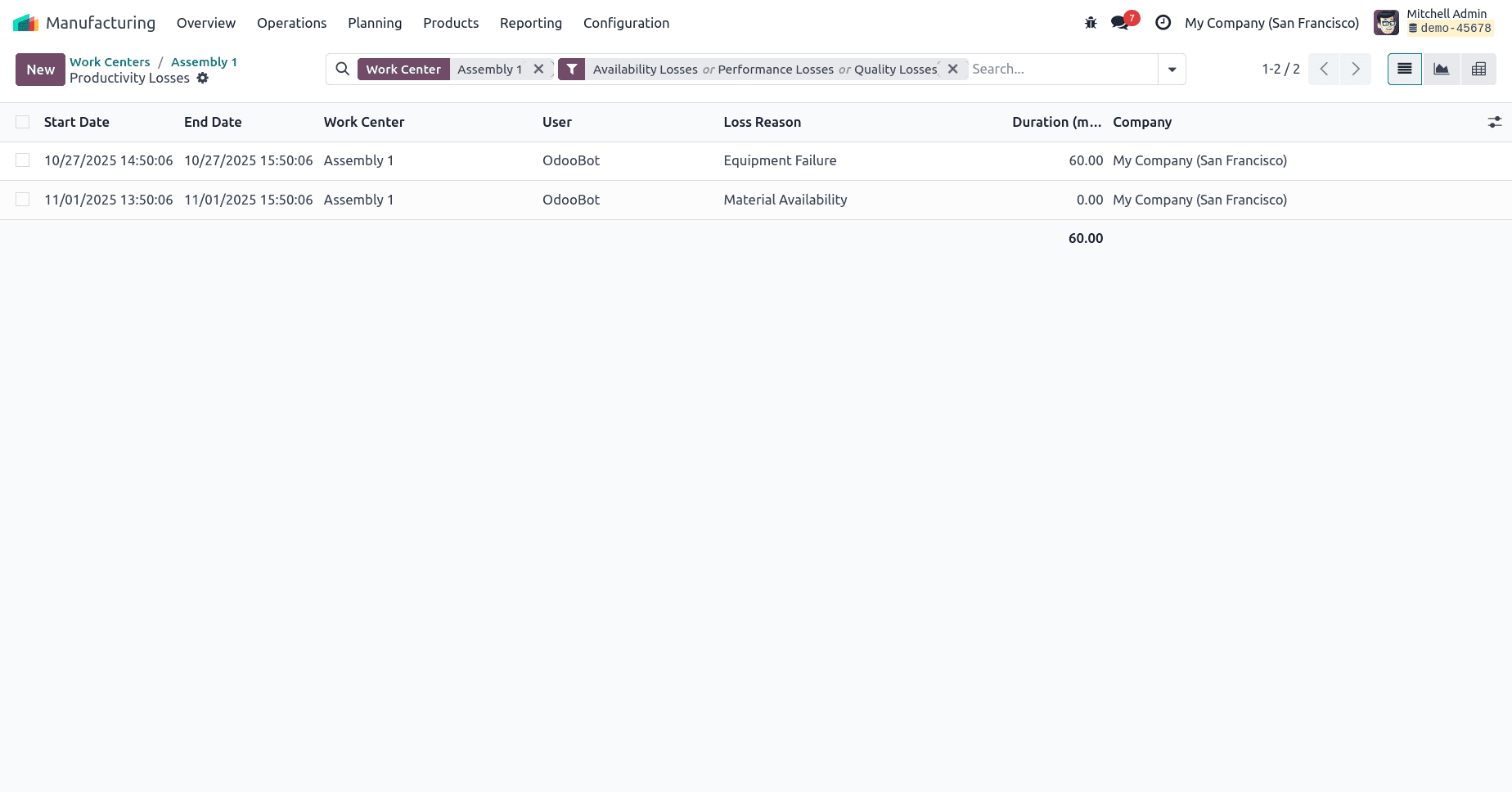
Downtime is one of the biggest contributors to reduced OEE. The Lost Hours tab in Odoo 18 captures and categorizes all periods when the work center was unavailable for production. This can include machine failures, maintenance breaks, operator absence, or lack of materials.
By recording lost hours, Odoo helps identify recurring downtime patterns and root causes. Managers can then implement corrective actions — such as preventive maintenance, staff training, or inventory control — to minimize disruptions and maximize productive time. The tab also supports downtime reason tracking, making it easier to analyze losses at a granular level.
4. Performance
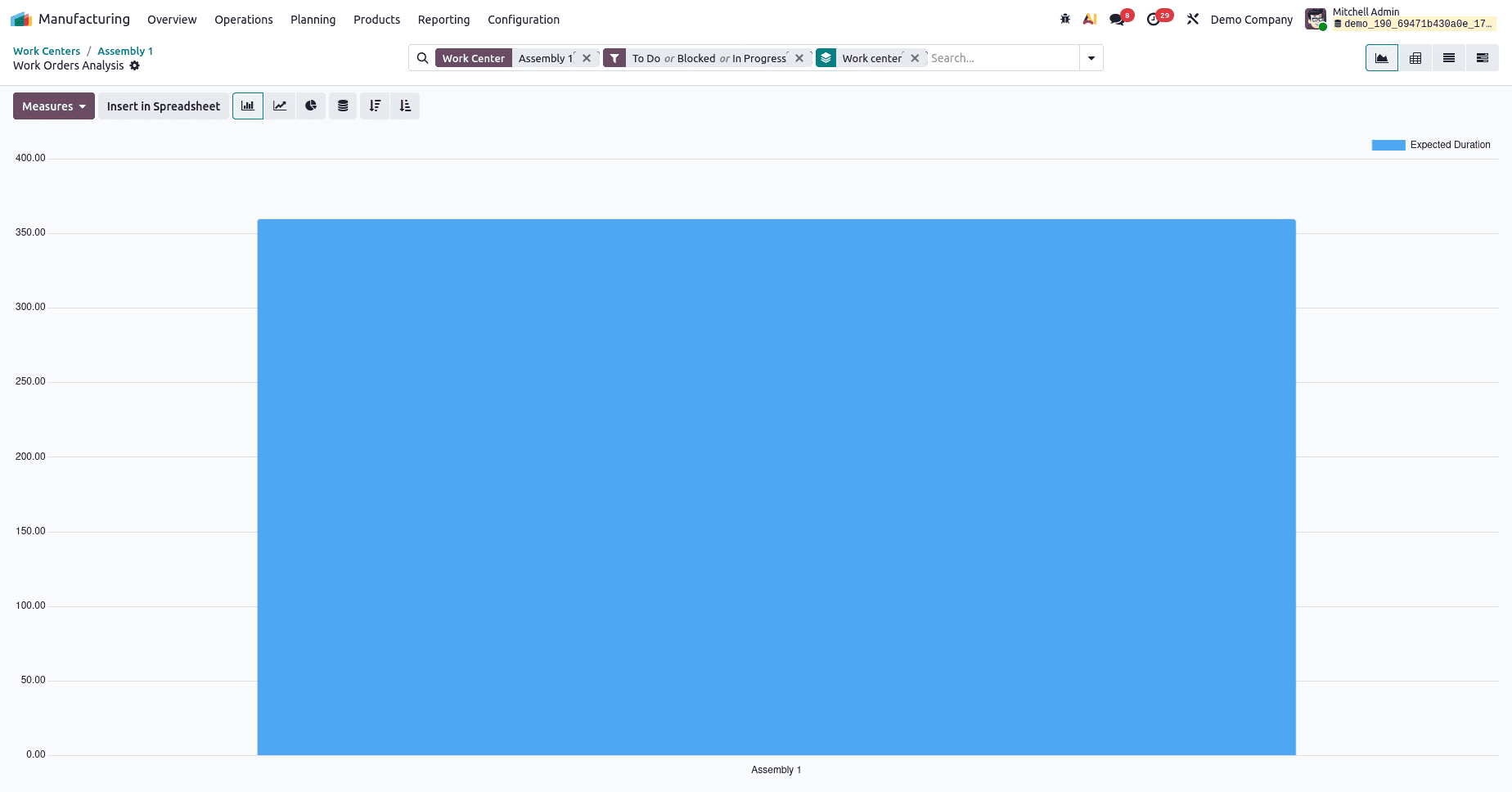
While the OEE tab focuses on overall effectiveness, the Performance tab zeroes in on production speed and efficiency. It compares the actual operation time against the expected duration defined in the work order routing.
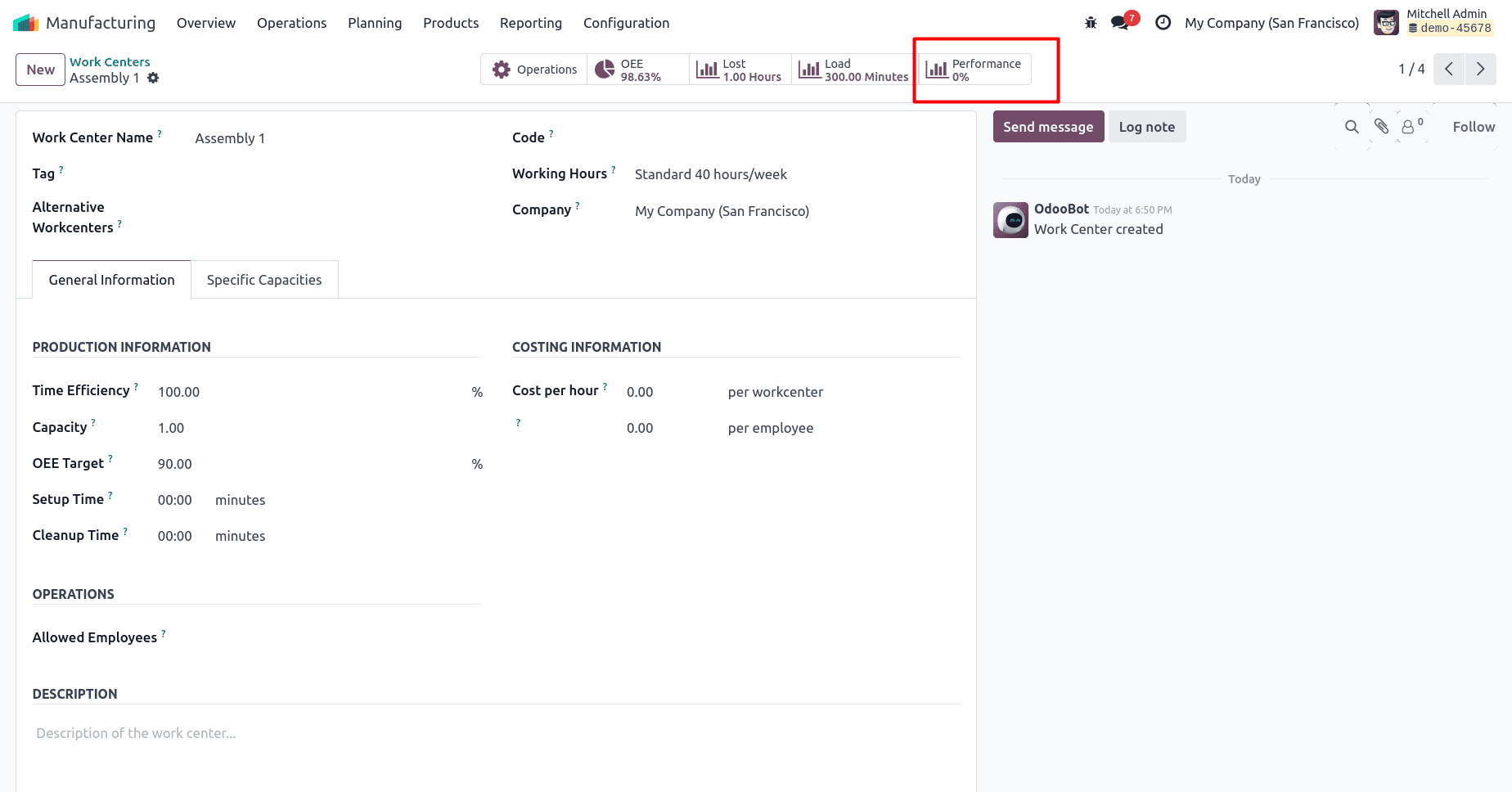
If a work center consistently takes longer than expected, this indicates reduced performance efficiency. Conversely, if tasks are completed faster without quality issues, it reflects strong process optimization. The Performance tab enables continuous improvement initiatives by highlighting where cycle times deviate from standards, allowing process engineers to fine-tune production parameters. The “Performance” Smart Tab provides a detailed overview of the work center’s efficiency by analyzing data from its work orders. When you open this tab, Odoo displays an analysis report showing performance metrics such as production time, efficiency rates, and operation trends — helping you evaluate how effectively the work center is performing.
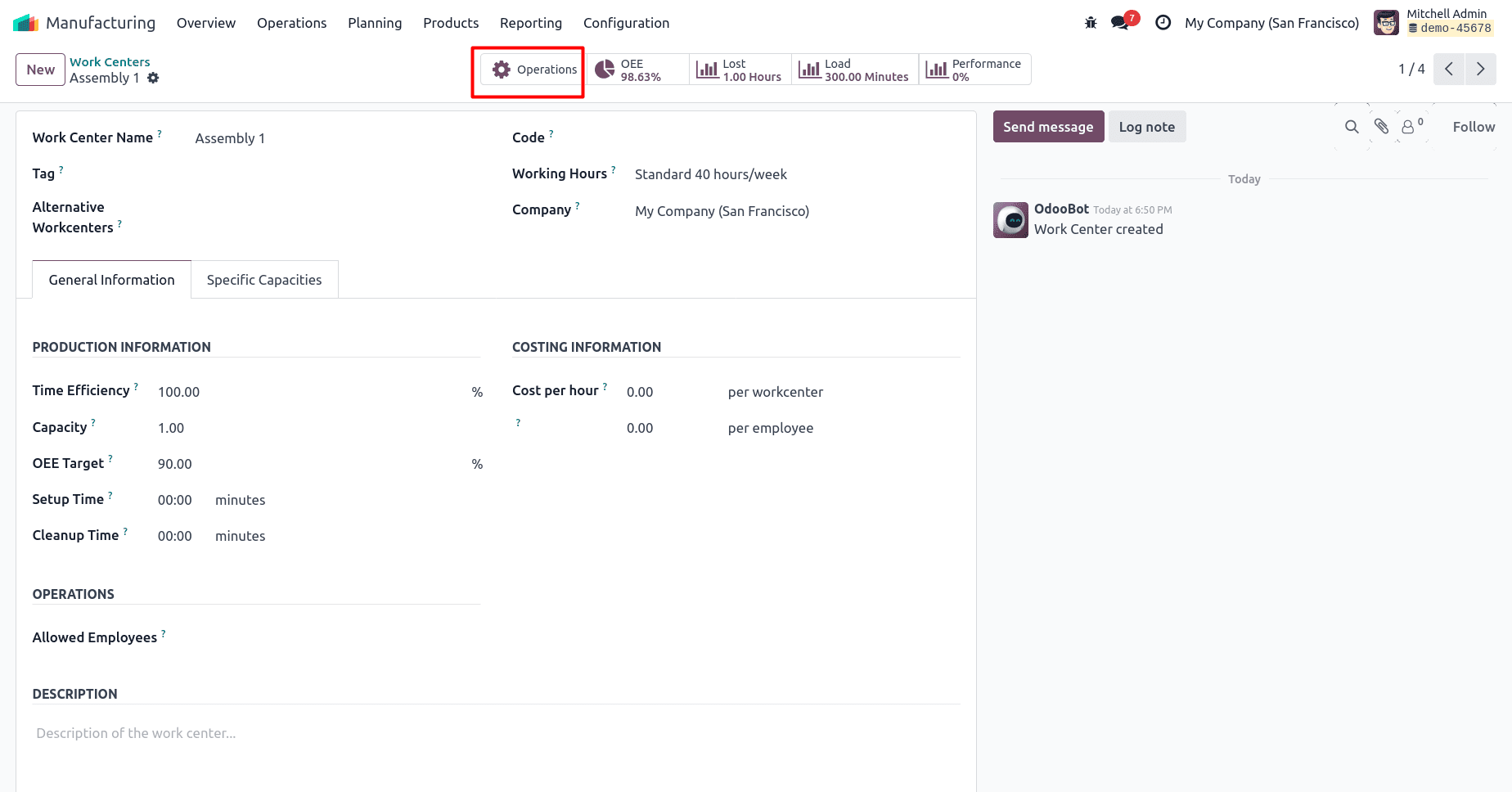
5. Operations
The Operations tab lists all manufacturing operations executed at the work center. It provides a detailed history of past, ongoing, and planned tasks, complete with start and end times, assigned operators, and production quantities.
6. Maintenance
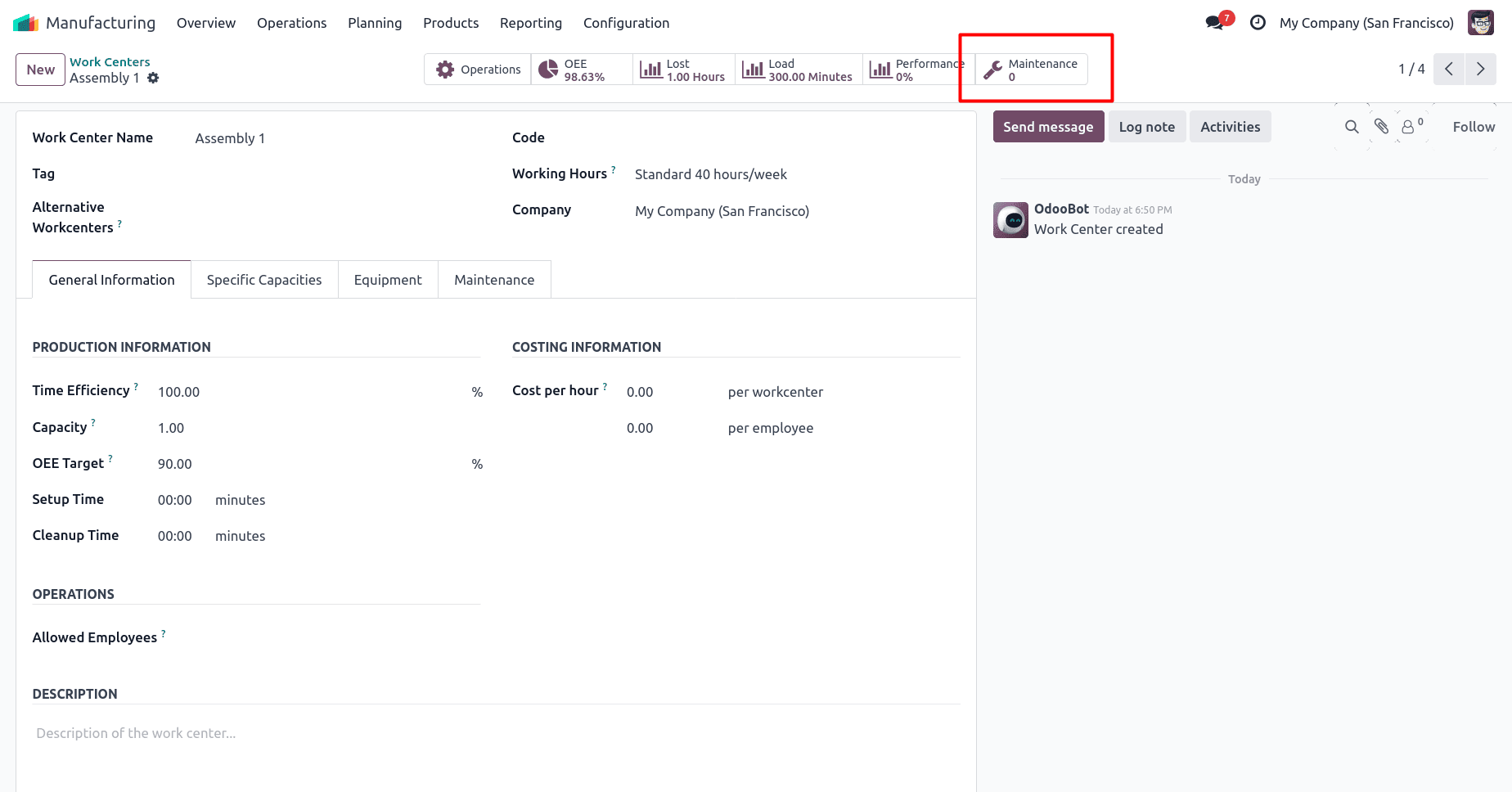
Effective maintenance is critical to sustaining high OEE levels. The Maintenance tab integrates Odoo’s Maintenance module with Manufacturing, allowing users to create, schedule, and track maintenance requests directly from the work center.
Planned preventive maintenance ensures that machines remain reliable, reducing unplanned downtime. The tab displays both active and completed maintenance tasks, helping production teams align maintenance schedules with production plans. This proactive approach keeps equipment availability high and OEE consistent over time.
Analyzing Overall Equipment Effectiveness (OEE) in Odoo 18 provides manufacturers with valuable insights into the true productivity of their work centers. Through the use of smart tabs—including OEE, Load, Lost Hours, Performance, Operations, and Maintenance—businesses can monitor every aspect of equipment utilization in real time.
By tracking these metrics, production managers can easily identify where efficiency drops, pinpoint recurring issues, and take timely corrective actions. Odoo 18’s enhanced manufacturing dashboard transforms raw operational data into clear, actionable insights, empowering teams to improve machine performance, minimize downtime, and enhance overall production output.
In essence, OEE analysis in Odoo 18 bridges the gap between machine data and decision-making, helping companies achieve leaner, smarter, and more profitable manufacturing operations.
To read more about How to Manage Equipment Maintenance During Production in Odoo 17, refer to our blog How to Manage Equipment Maintenance During Production in Odoo 17.