Reporting
You can examine and comprehend the appointments established with the appointment module's reporting capability. This feature will enable access to all appointments, including those made online.
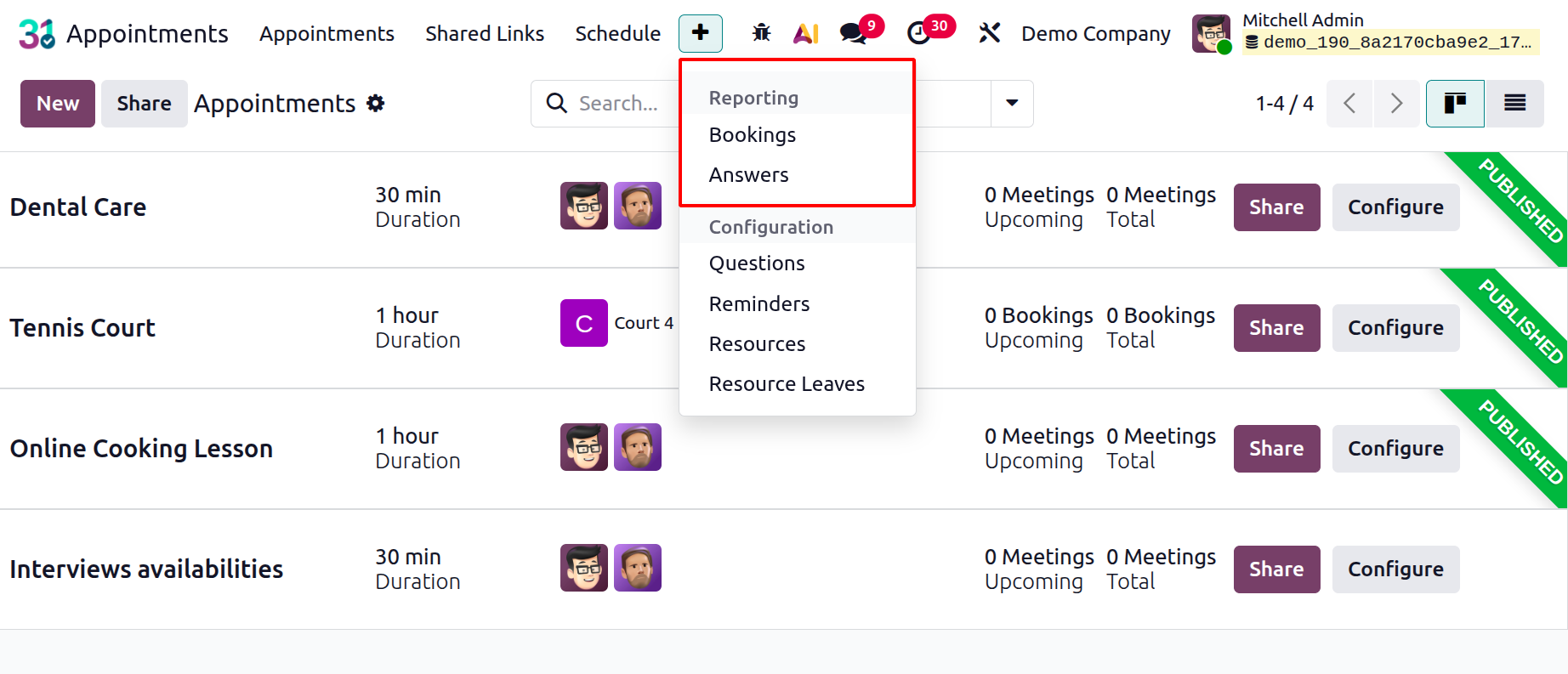
1.1 Bookings
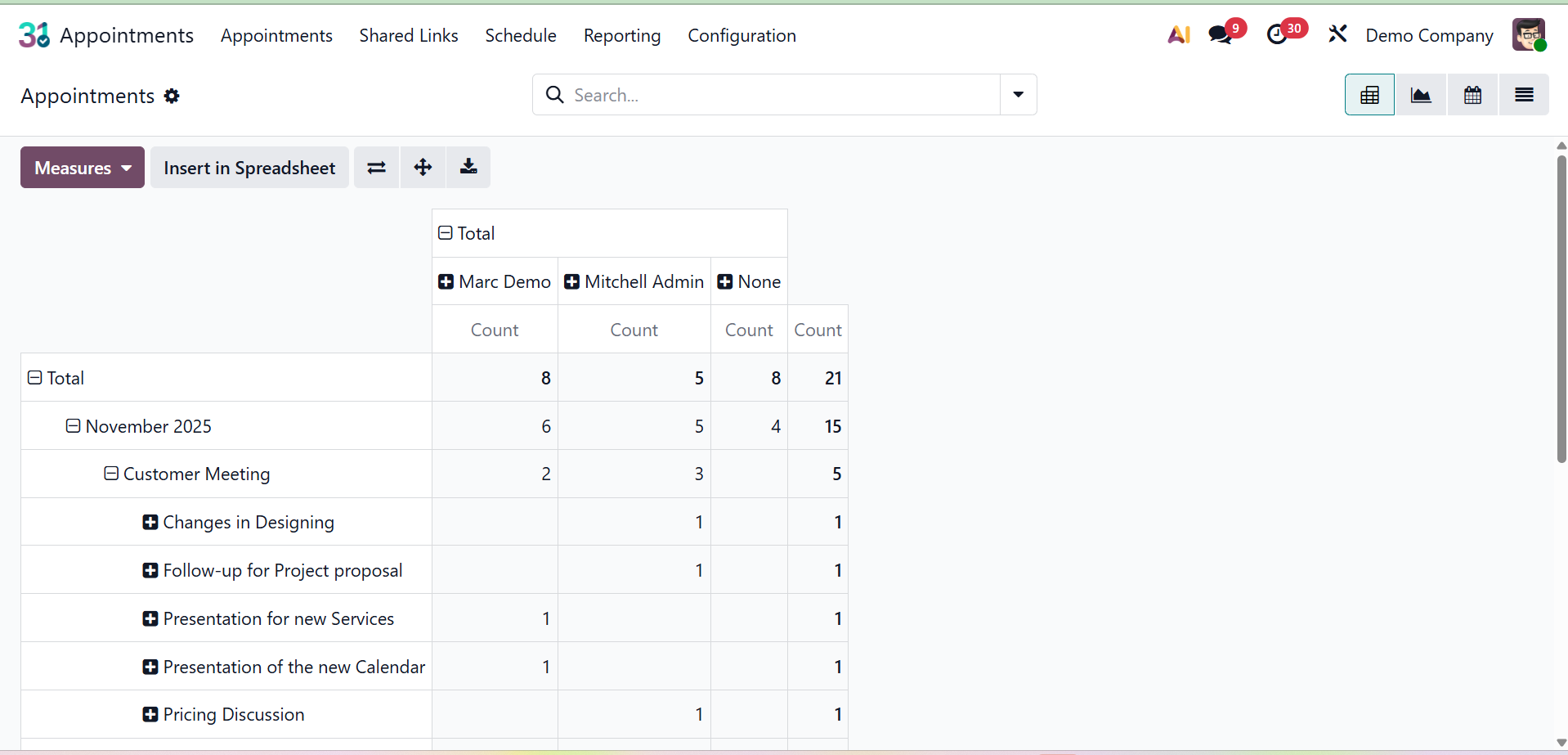
On selecting the option, you will get the pivot view of the appointments created. When you choose the Appointments option under the Reporting option, the Appointments reporting will appear.
The screenshot below shows each appointment's graphical representation.
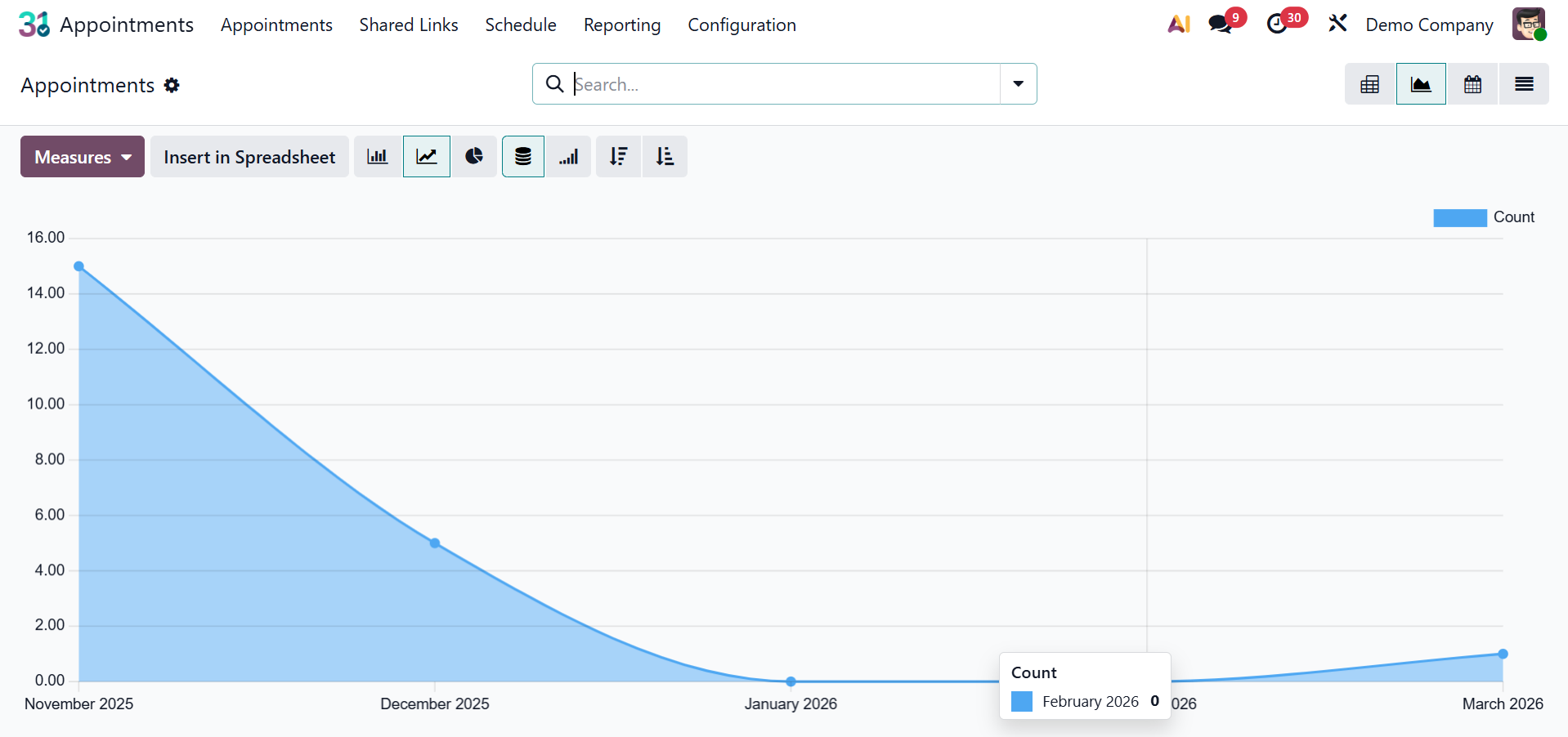
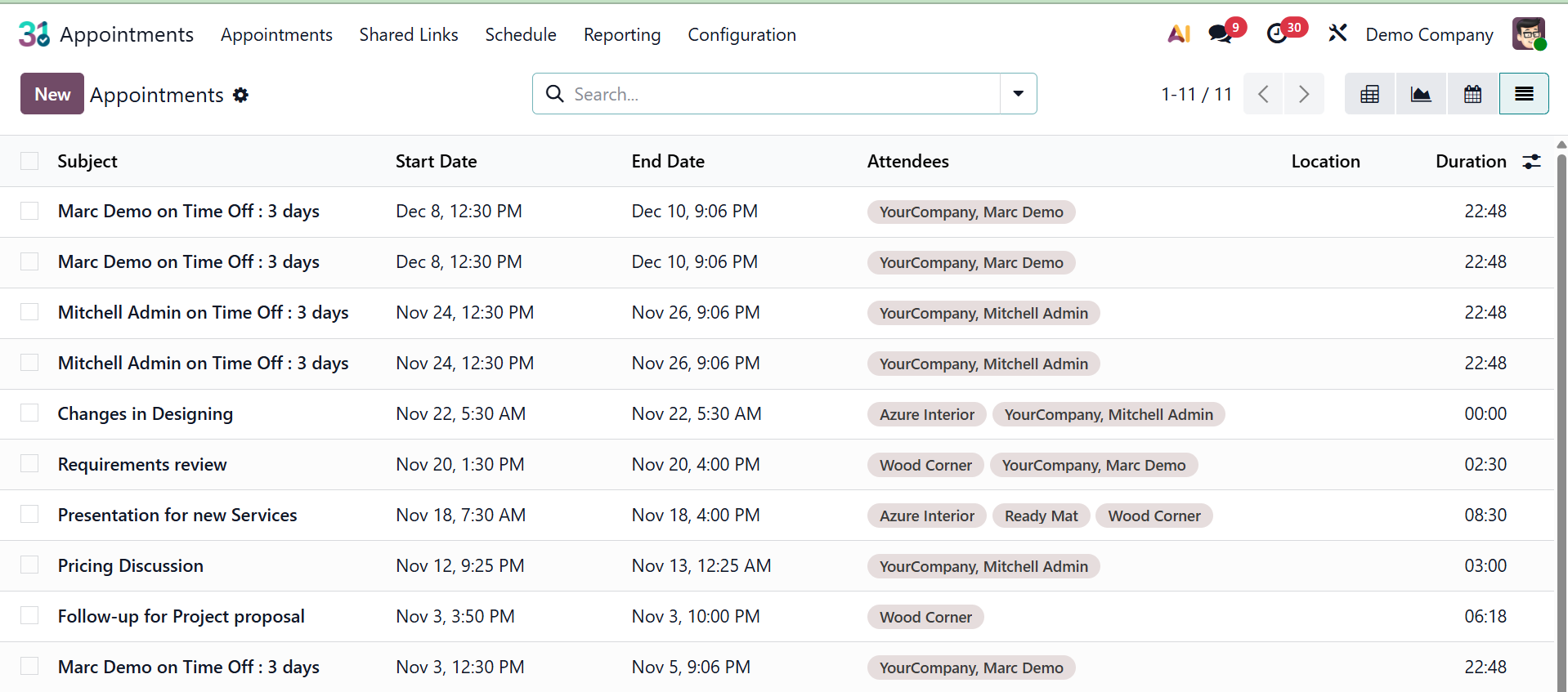
You may access the pivot, calendar, and list views here, as seen in the picture. Pie charts, bar charts, and line charts are all included in the graphical display.
You can choose the time and count options under the MEASURES option based on our requirements.
The calendar view will look like the picture below.
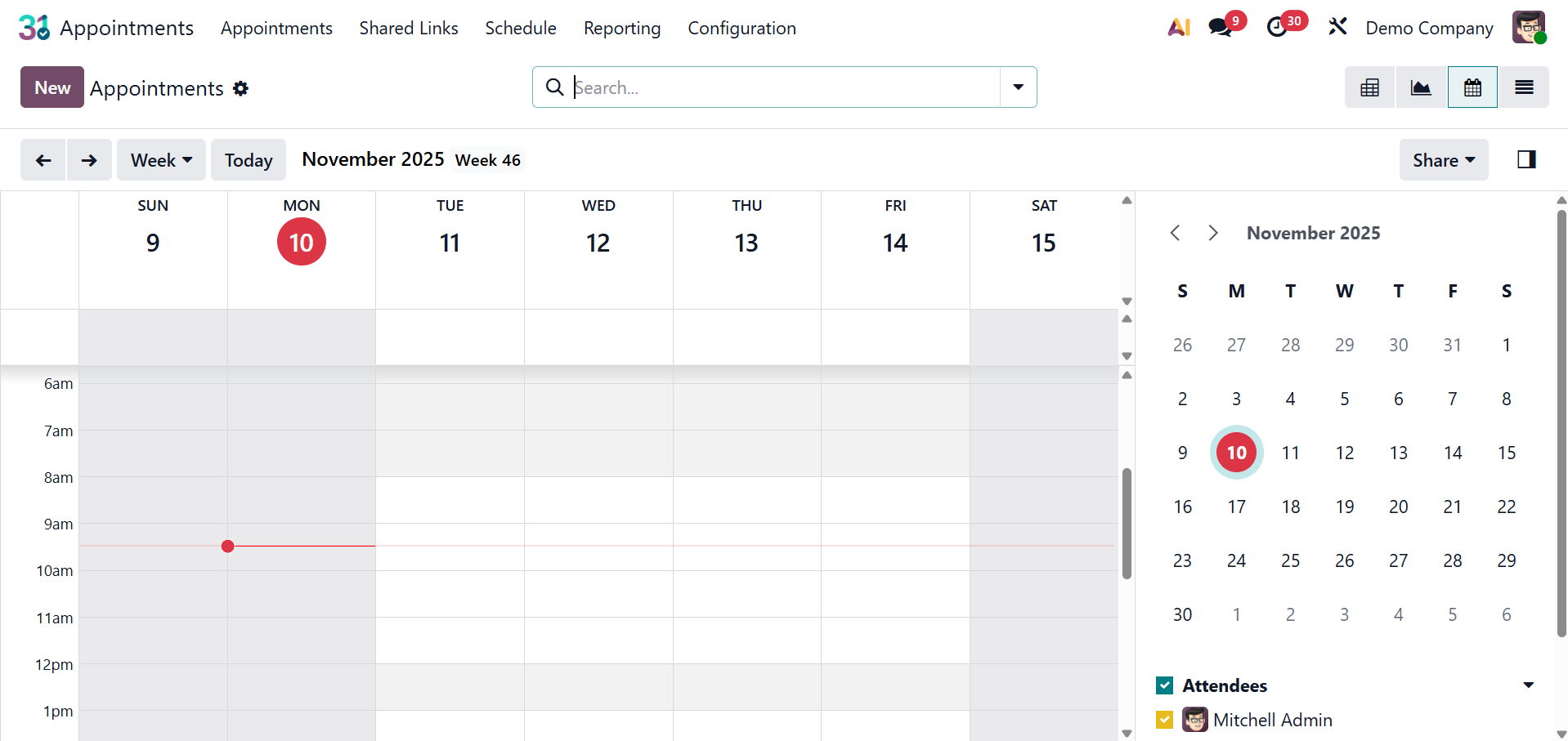
Additionally, the list view will look like the screenshot below.
5.2 Answers
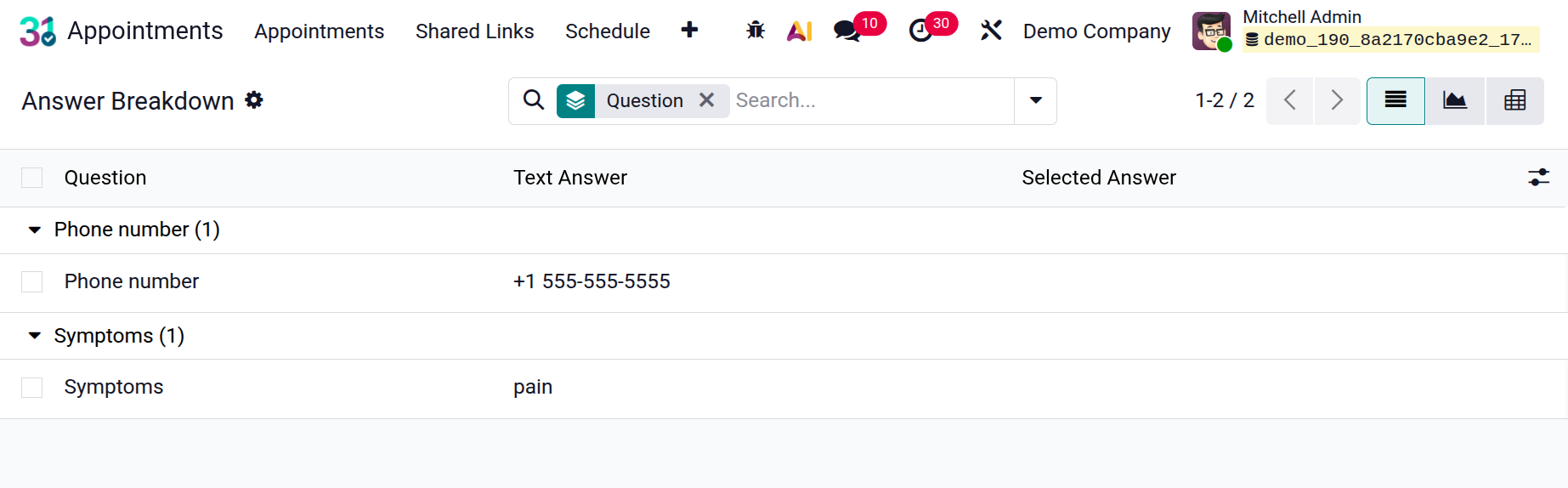
For custom questions added to the appointment booking form, the "Answers option" refers to the capacity to provide particular response options. If the answers are predefined, it will be visible in the page below.
Thus far, we have examined the Appointment module's unique features and its different applications within the Odoo ERP software. This module will undoubtedly make scheduling appointments—some of which may be done online—easier. You will also obtain the reports of the appointments scheduled on specific days to aid in the analysis of such visits.