Reporting
As seen in the screenshot below, the 'Tasks Analysis' reporting option in the Reporting menu of the Field Service module allows users to view the tasks that have been logged within the module graphically.
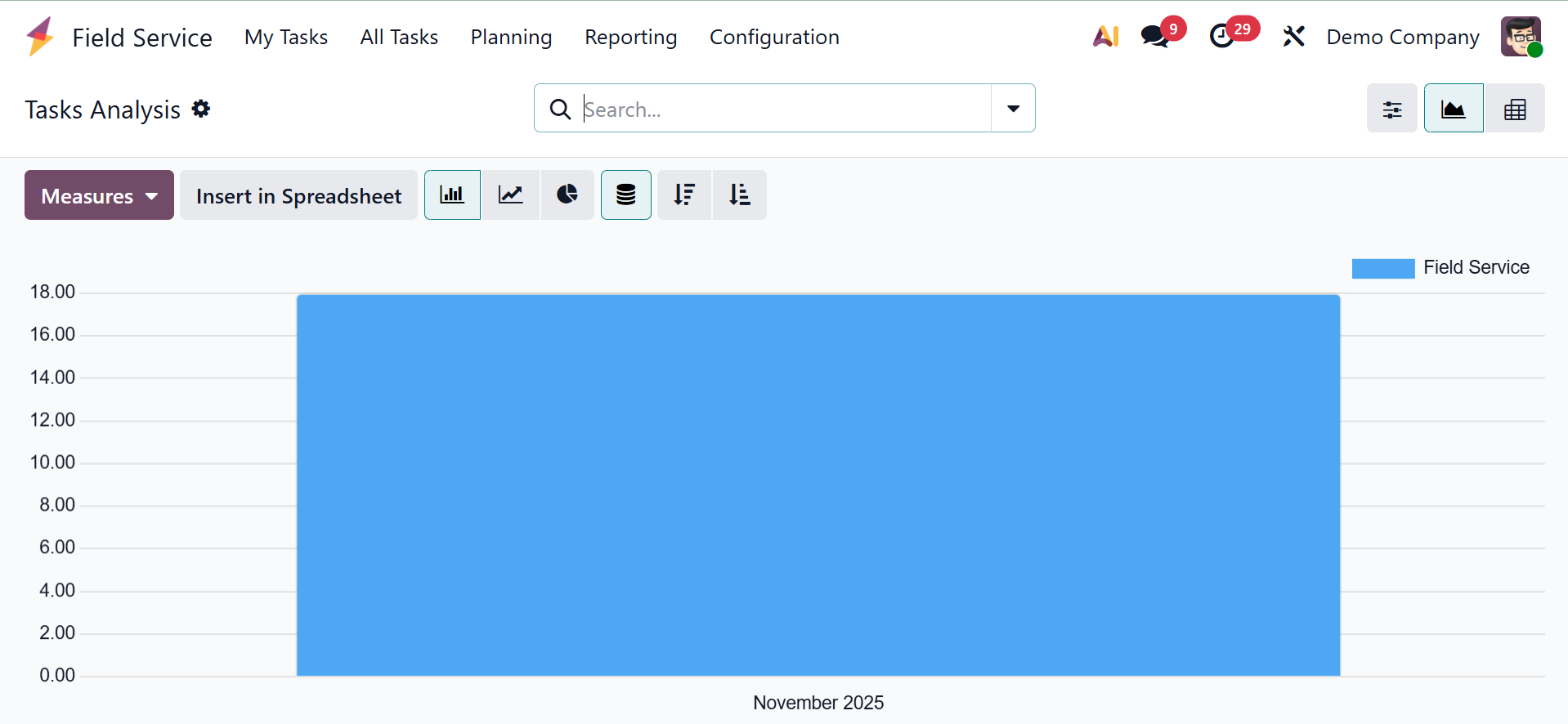
By utilizing the appropriate Filters and Group By choices in the reporting tool, you can obtain an effective analysis. On this platform, pivot and graphical views are available. You can choose a suitable view based on your needs.
Allocated Time, Days to Deadline, Last Rating, Overtime, Progress, Remaining Days, Remaining Hours on SO, Working Days to Assign, Working Days to Close, Working Hours to Assign, Working Hours to Close, and Count are among the Custom Filter and Group options that you can use to obtain unique reports, as shown in the screenshot below.
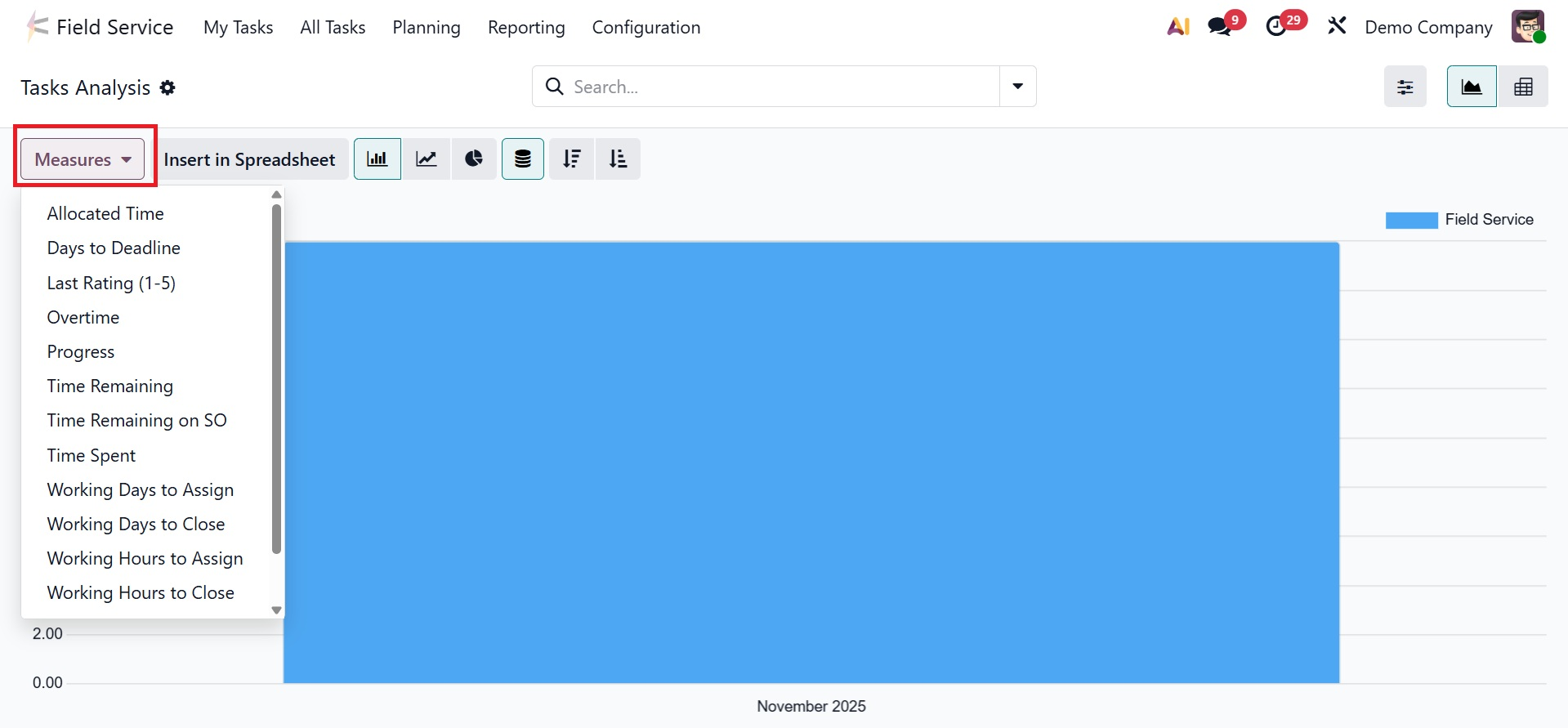
This reporting tool helps users evaluate and monitor the efficiency and progress of assigned tasks by providing insights into field service operations.
The Reporting menu's Customer Rating option lets users examine client comments on field service assignments. Based on actual customer feedback, this tool aids service teams in measuring customer happiness and enhancing service quality.
By providing capabilities like task planning, time tracking, invoicing, and activity automation, the Odoo 19 Field Service module streamlines on-site operations management and improves team efficiency, workflows, and customer happiness.