Inventory management is a critical business function that requires a high level of accuracy and consistency, as even minor errors in stock tracking or movement can negatively impact efficiency and profitability. As businesses grow and operations become more complex, the need for a reliable and advanced inventory management solution becomes essential.
The Odoo 19 Inventory Management System provides a comprehensive platform to plan, monitor, and control inventory in real time. It helps organizations maintain accurate stock levels and ensure fast, dependable order fulfillment. Odoo 19’s Inventory Module integrates powerful tools that streamline inventory workflows, offering features such as accurate multi-warehouse stock tracking, efficient order processing, advanced inventory forecasting, automated replenishment, full visibility of stock items, complete traceability of product movements, smooth internal transfers, detailed analytical reports, and batch and serial number tracking for enhanced control and transparency.
These features collectively empower users to perform inventory operations with greater efficiency and transparency. In subsequent sections, we will explore additional functionalities in detail. Let us begin with an overview of the Odoo 19 Inventory Module.
The Odoo 19 Inventory Module represents one of the most sophisticated tools for managing all types of inventory-related activities. To maintain business continuity and operational excellence, proper inventory management support is indispensable. In this section, we will present an in-depth explanation of how Odoo 19’s dedicated Inventory Module handles every stage of the inventory process.
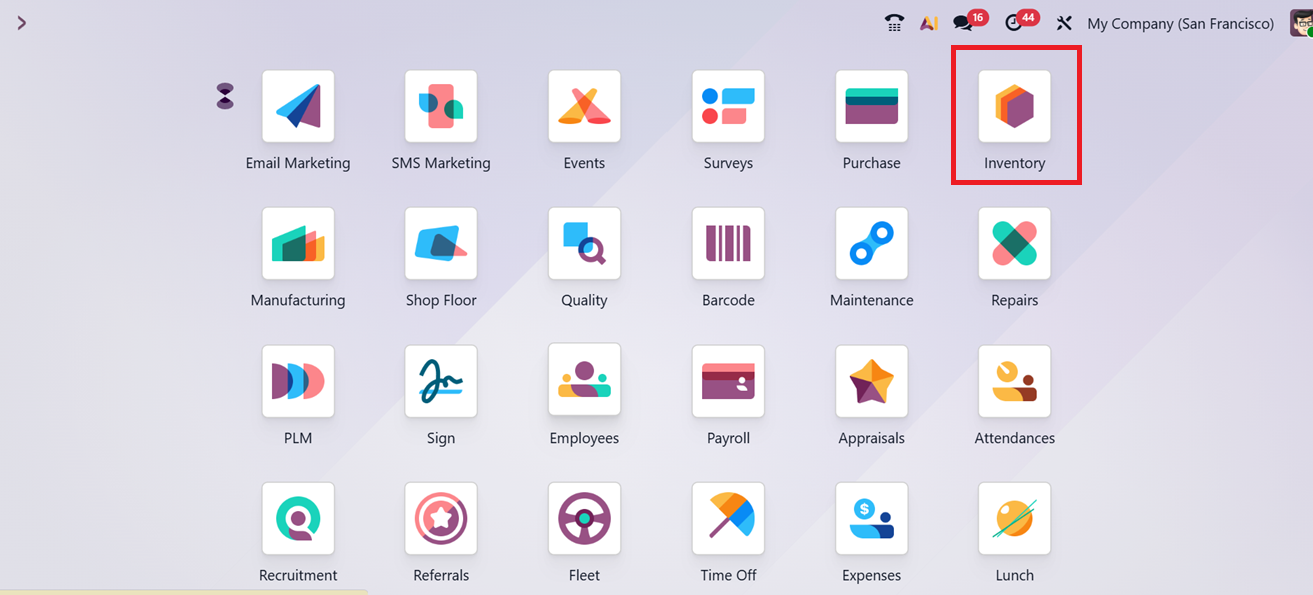
The Overview Window of the module provides a comprehensive visual representation of all ongoing activities and operations. From this interface, users can efficiently manage various inventory processes such as Receipts, Quality Control, Storage, Internal Transfers, Delivery Orders, Returns, Manufacturing Operations, Subcontractor Resupply, POS orders,
Dropshipping, Subcontracted Dropshipping etc directly through the Kanban view.
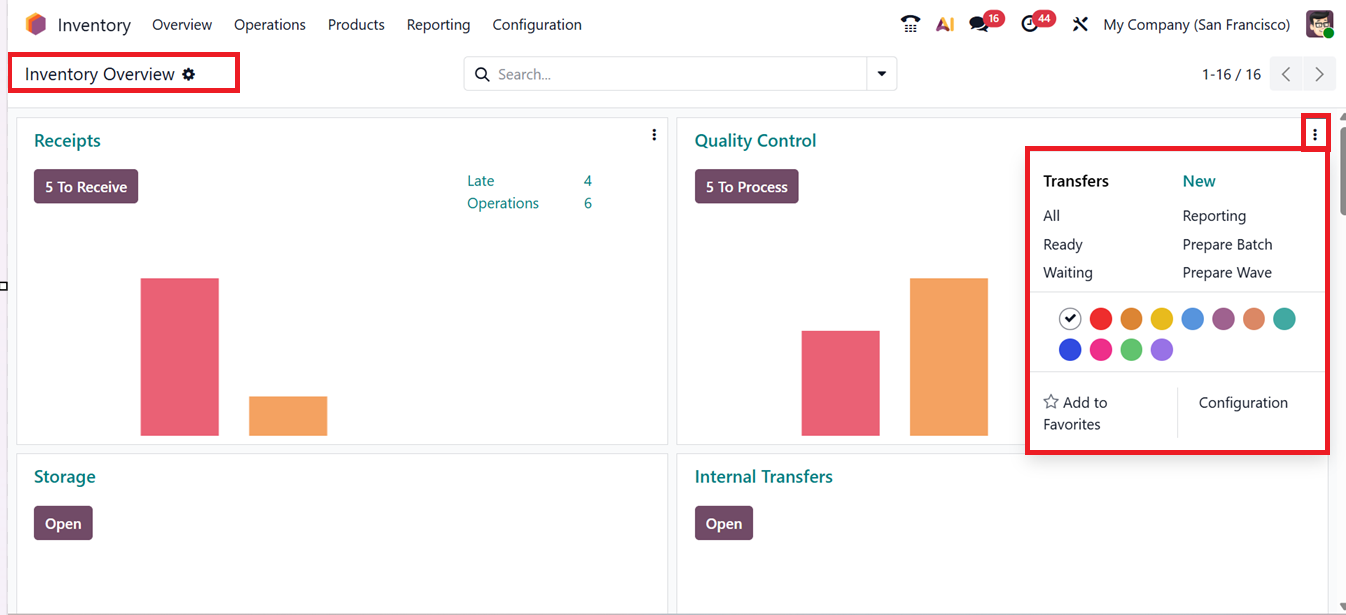
In cases where the database functions within a multi-company environment, the Overview dashboard displays inventory activities from all companies integrated into the system, ensuring transparency and centralized control. Each activity type is accessible individually from the module’s menu bar, allowing for specific management and quick operational monitoring. By clicking on the three vertical dots in the upper-right corner of each inventory process tab, users can access additional management options for that particular operation.
Here, you can quickly manage and monitor the All, Ready and Waiting Transfers as well as create New Reporting, Prepare Batch and Prepare Wave using the relevant options. You can also manage the configuration of the inventory process using the ‘Configuration’ option from the kanban menu.
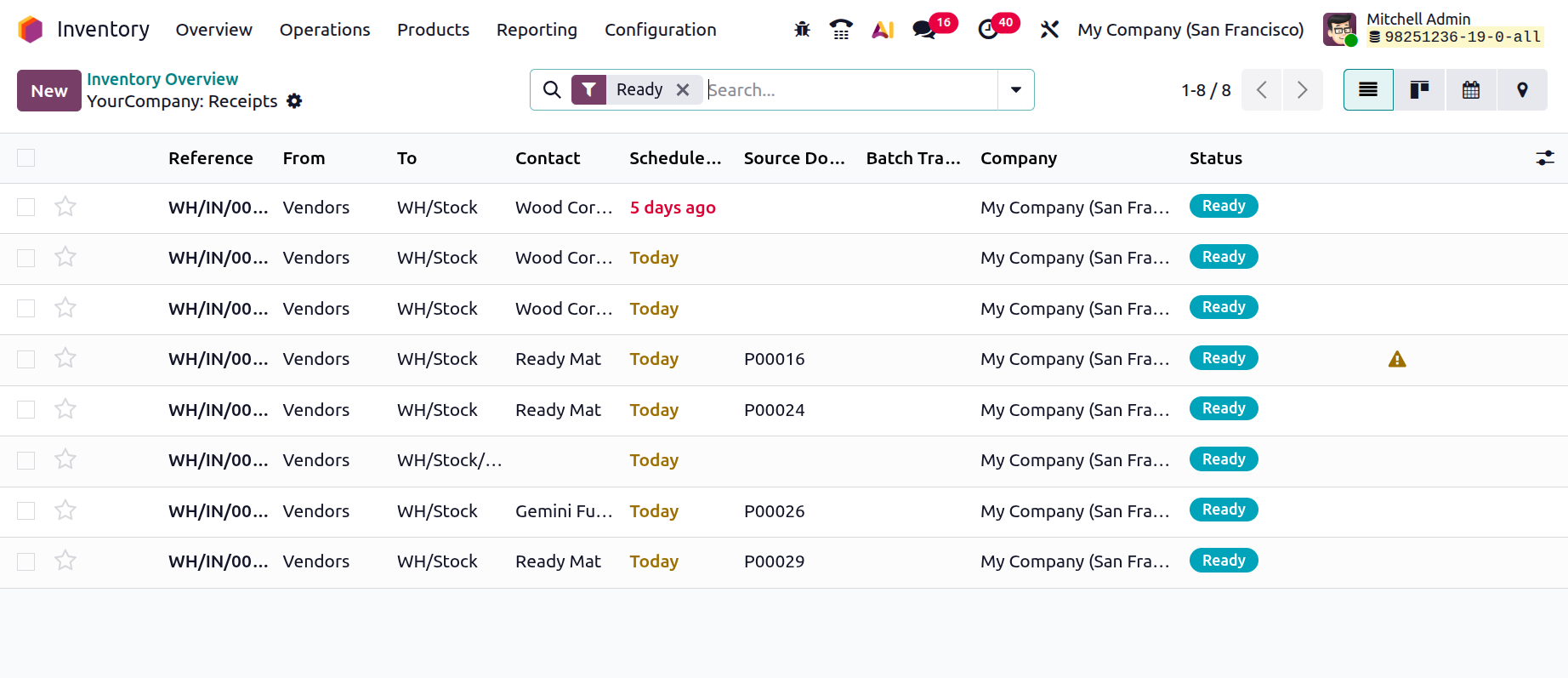
Opening an inventory process will open its detailed dashboard with the receipt Reference, Contact, Scheduled Date, Source Document, Batch Transfer, Company and Status, as shown in the screenshot below.