Monitoring all activities and tasks to guarantee a desired level of quality is known as quality management. Quality assurance, control, policy, and improvement are all part of this process. A company must carry out a number of quality-checking procedures for a commodity before releasing it onto the market for consumers. The Odoo 19 Quality module allows you to put up all of your activities on a single system. Installing a Quality module from the Odoo19 Apps is the
Quality Team
Quality teams in Odoo 19 support a company's maintenance work management. You can delegate maintenance tasks by forming different teams according to your needs. The task gets simple once several teams are formed and they handle upkeep. The main quality team's overview appears when the Quality module is launched. The Quality Overview box shows the quantity of ongoing quality inspections and quality alerts.
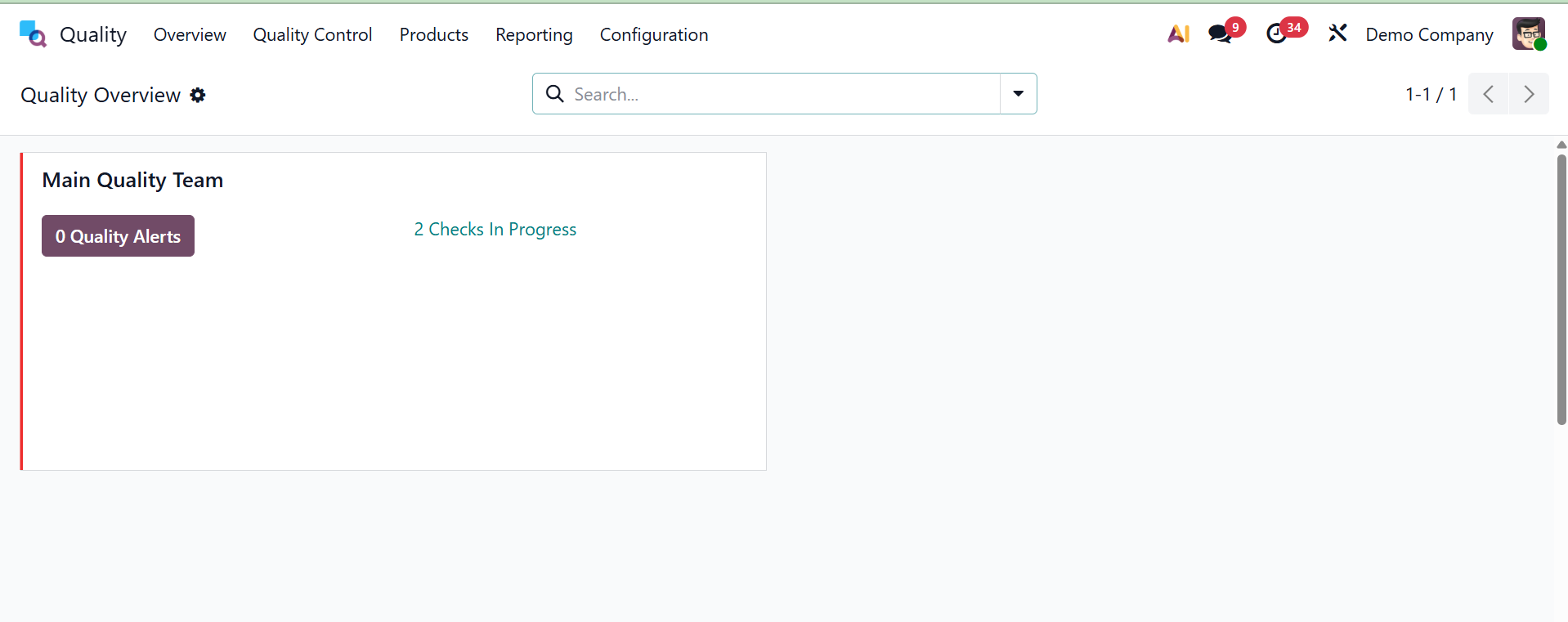
Clicking on the Quality Alerts icon will provide details about each quality alarm. You can examine in-progress quality checks in the same manner thanks to the in-progress inspections. Clicking the three dots on the Main Quality Team's right-hand side will open the configuration function.
We can create Quality Teams under the Configuration tab. A list of all preconfigured quality teams appears when the user selects the Quality Teams menu in Configuration. The List view of the Quality Teams pane allows us to view firm details and quality team names independently. To learn more about the team, you can select it straight from the list. On the Quality Teams screen, click the New icon to add a new team.
In the Team Name field on the open page, type the name of your outstanding team. Next, input the backup email address that the administrator adds to the user's primary email address in the Email alias area. All emails from the Email Alias are sent to the primary email account.
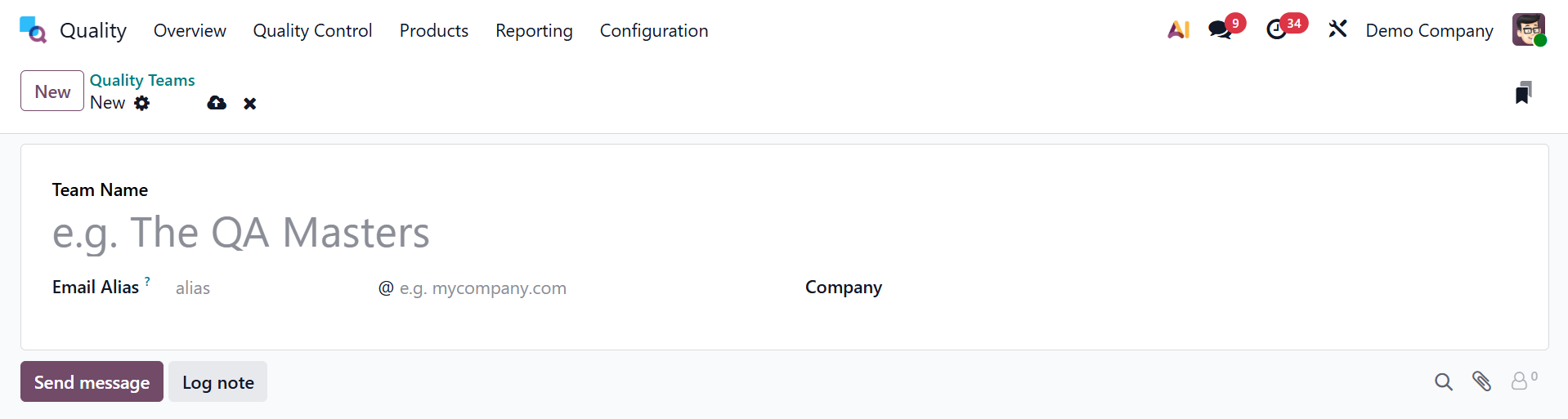
Enter your company's name in the Company area after selecting email accessibility.
Every entered detail in Odoo 19 is automatically stored. Choose the Discard Changes option in the Quality Teams window to reverse the modifications. Additionally, you can create a new team from within the current one by using the New icon on the right side of the window.
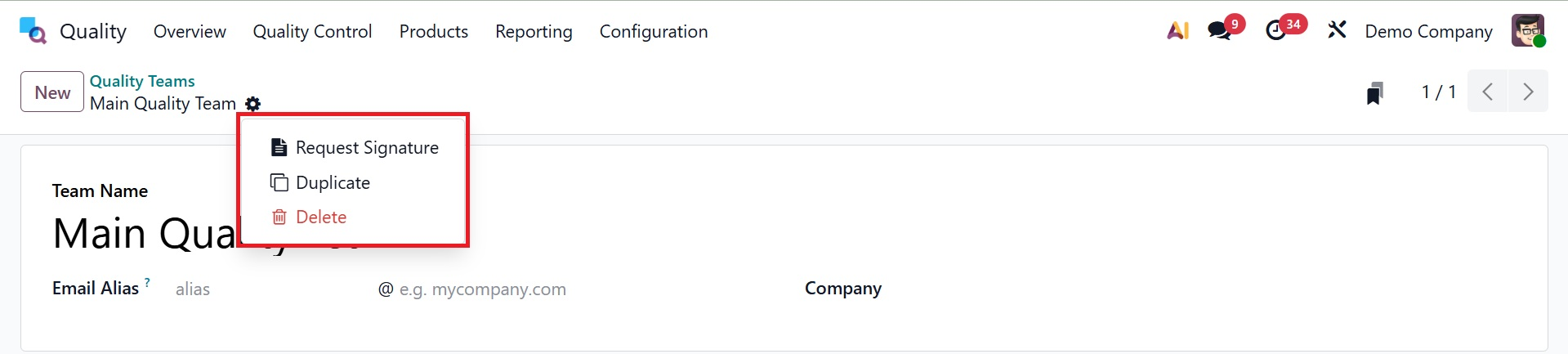
Users can remove or duplicate the quality team by selecting Action from the dropdown menu on the far-right side of the page. By selecting Duplicate, you can obtain a replica of your current quality team. The newly formed team may be permanently deleted after choosing the Delete action from the Action dropdown menu.
After managing all the details, you can view the specifics of your newly formed team in the main Quality Teams panel.