Configuration
You may find options such as quality team, quality worksheet template, and quality spreadsheet template under the Configuration menu. These elements help businesses set up their quality control processes, ensuring consistency, efficiency, and compliance in manufacturing or inventory control.
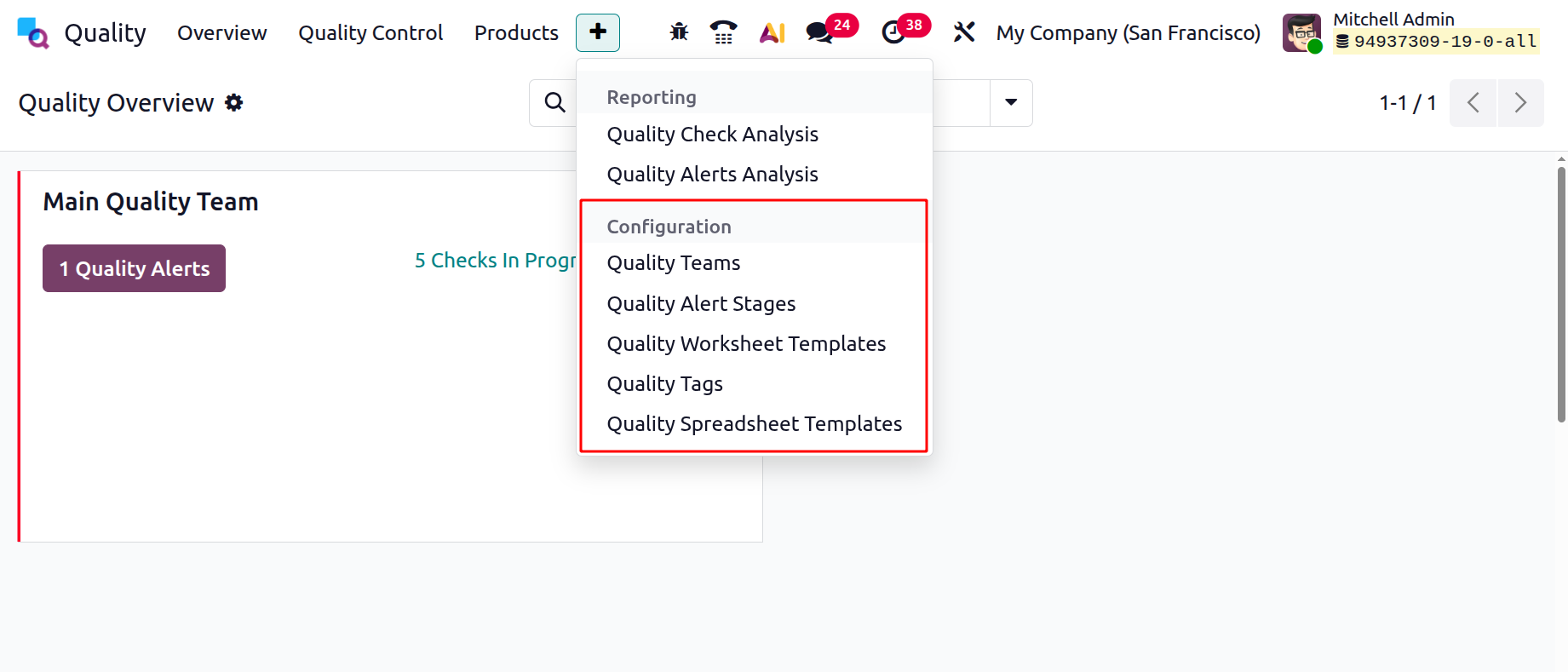
1.1 Quality Team
By choosing the Quality Teams option in the Configuration tab, you may see a team's created details, such as Name/Company.
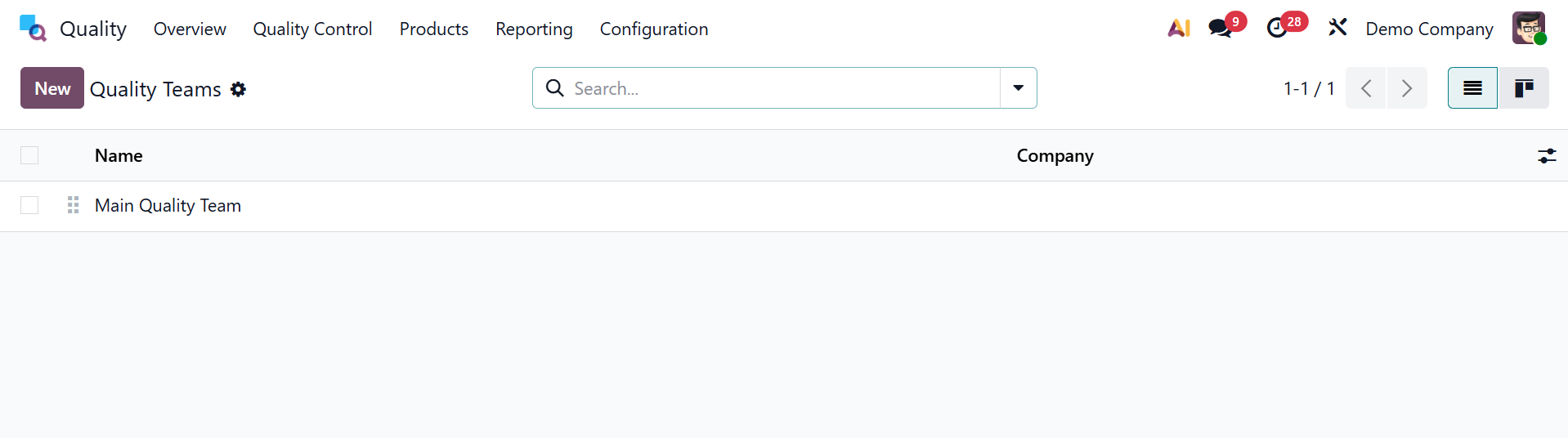
In this case, the New button facilitates the formation of a new Quality Team. A newly formed team can be found in the Quality Overview box. The Configuration tab of the Odoo Quality module allows us to create worksheets. The Quality Worksheet Template window displays the collection of templates, which includes details about different worksheets, companies, colors, and names. The worksheets are available in graphical and pivotal versions, and downloading the data is also helpful.
1.2 Quality Alert Stage
Businesses can establish and oversee multiple phases of a quality alert workflow with the help of Quality Alert Stages. These phases serve in monitoring the evolution of quality concerns from identification to fixing. The page will look like the picture below.
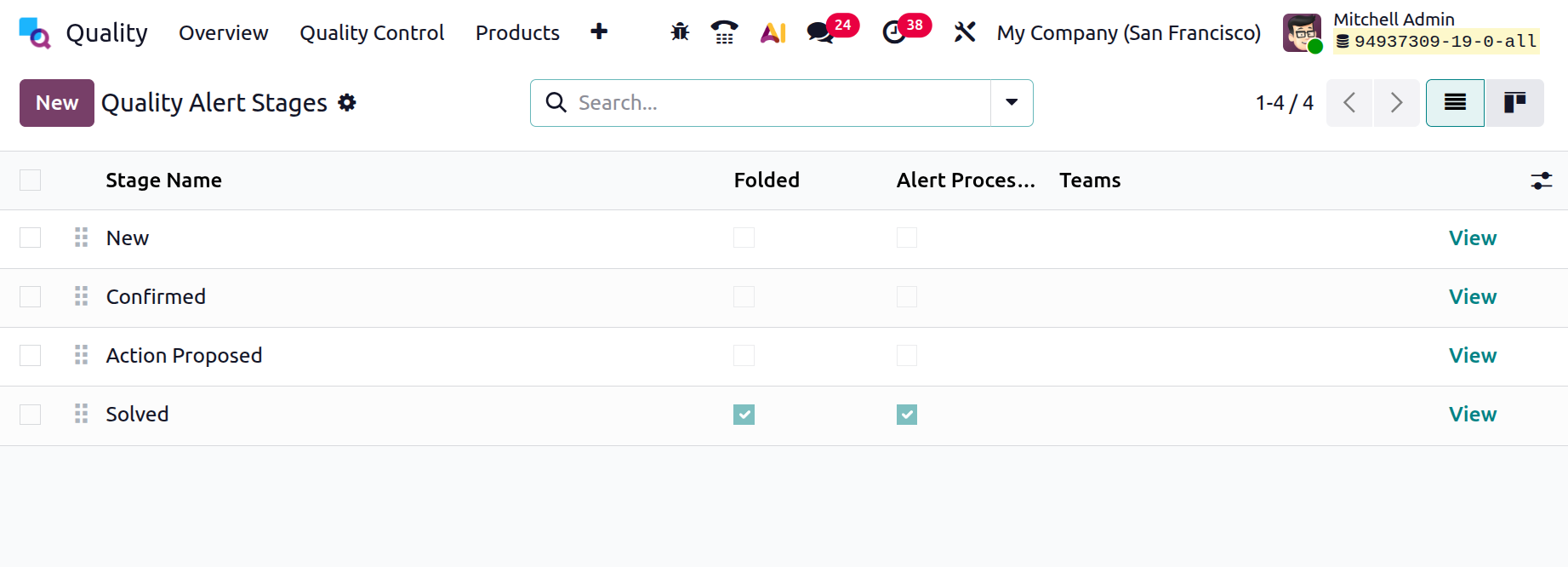
On selecting the View option, you can then open the stage, as shown below.
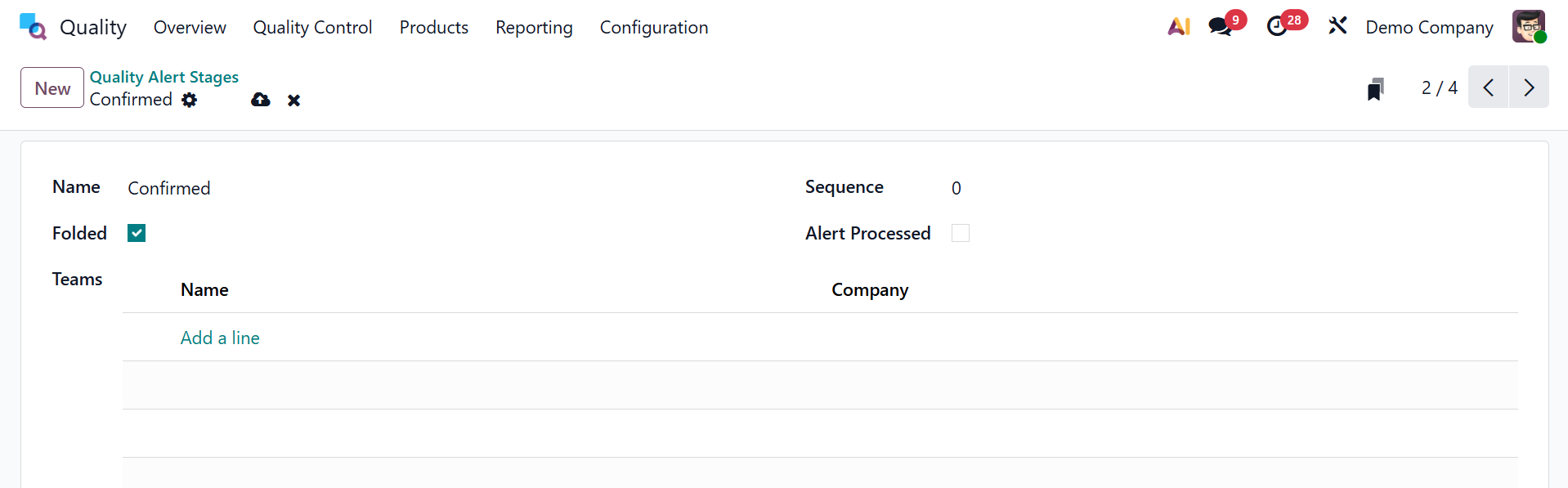
The page has options like the name of the stage, Folded option to activate, Sequence, Alert Processed option to activate, and an area to add teams with name and company.
1.3 Quality Worksheet template
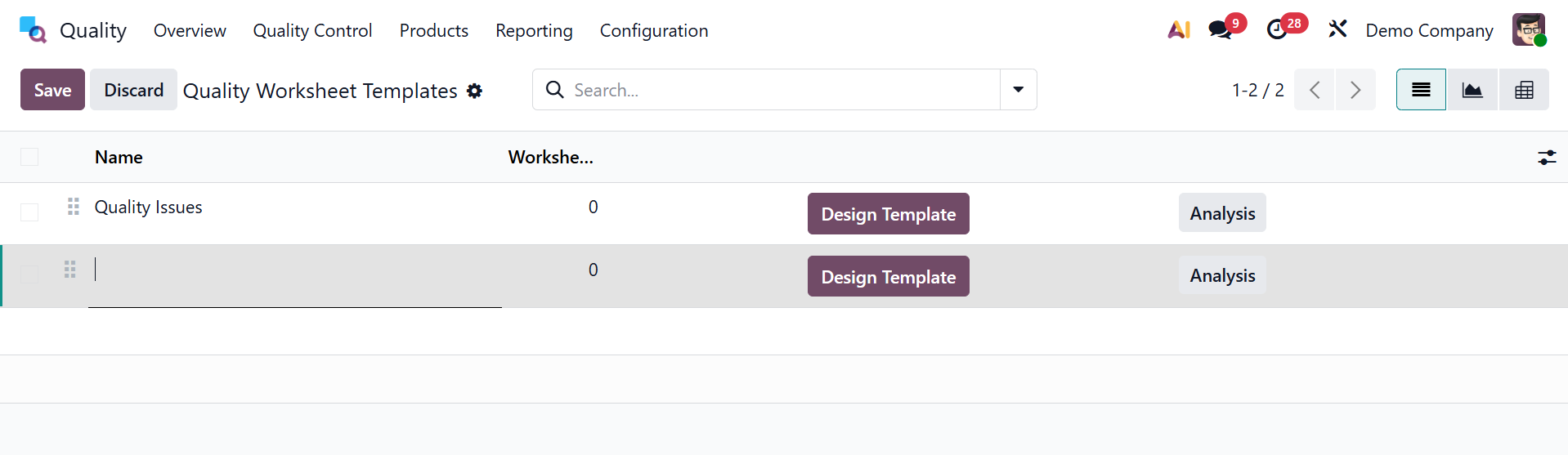
Worksheets can be set up under the quality module's Configuration tab. All of the pre-configured worksheet templates, which provide details like Name, Color, Companies, and Worksheets, are visible in the open windows. We can make a new template by selecting the NEW button.
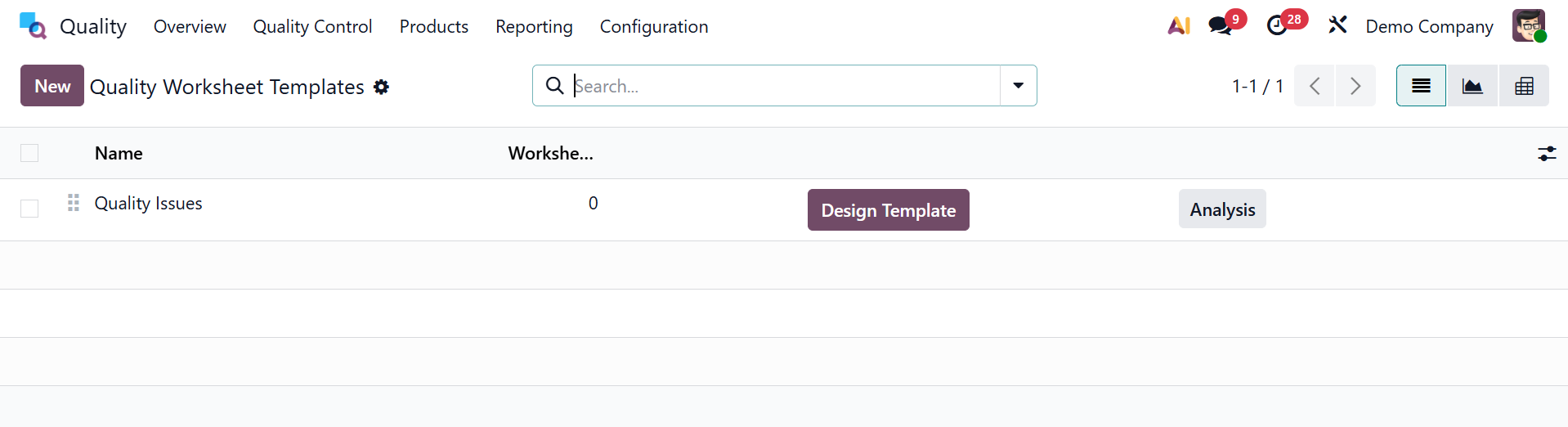
In the Name area on the open page, choose the firm names and type the template title. Next, apply a color that will enable you to quickly identify the template in accordance with your specifications.
- Design Template –Opens the layout editor where the structure and content of the quality worksheet template can be created or customized. On opening the option, you will be moved to the editing page, as shown.
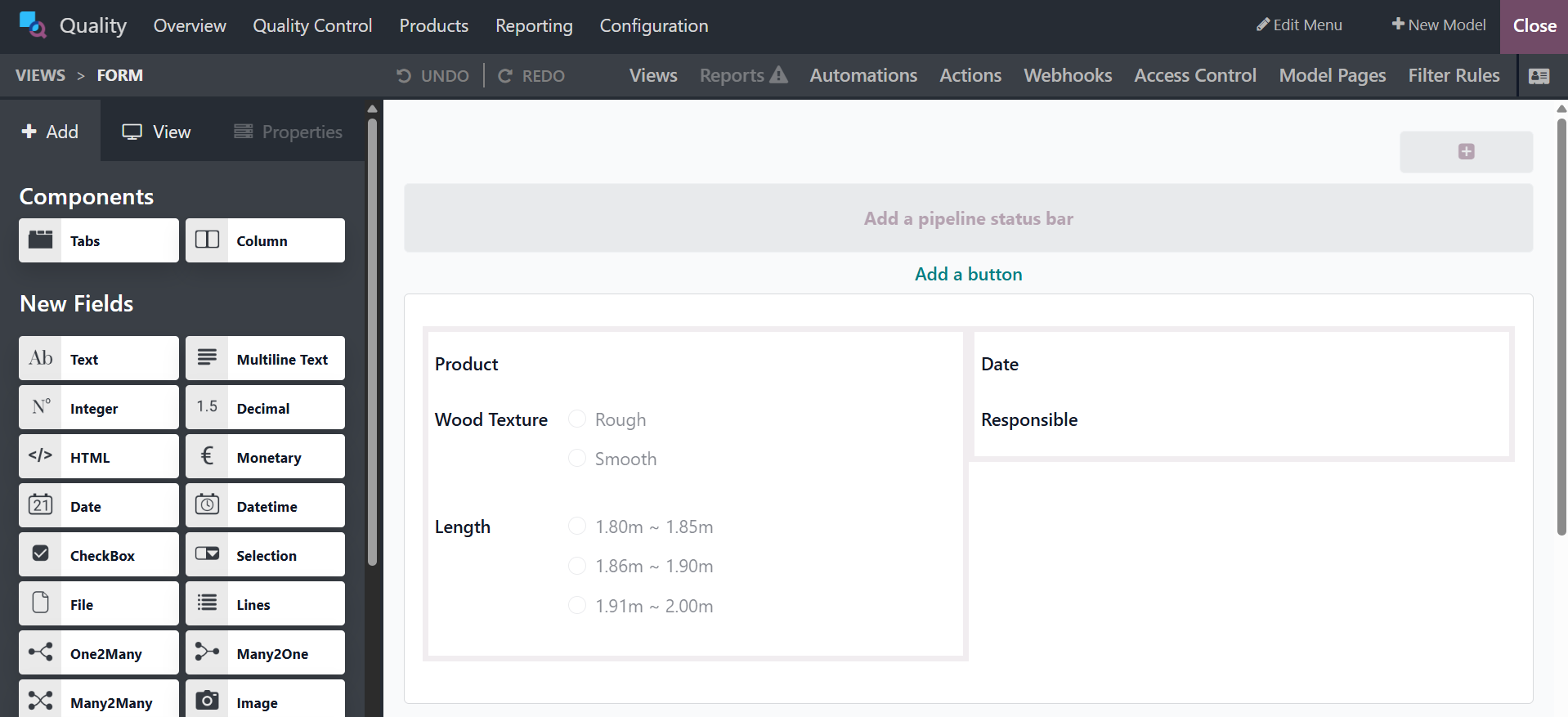
- Analysis – Displays analytical reports and performance insights based on data collected from quality worksheets.
1.3 Quality Spreadsheet Template
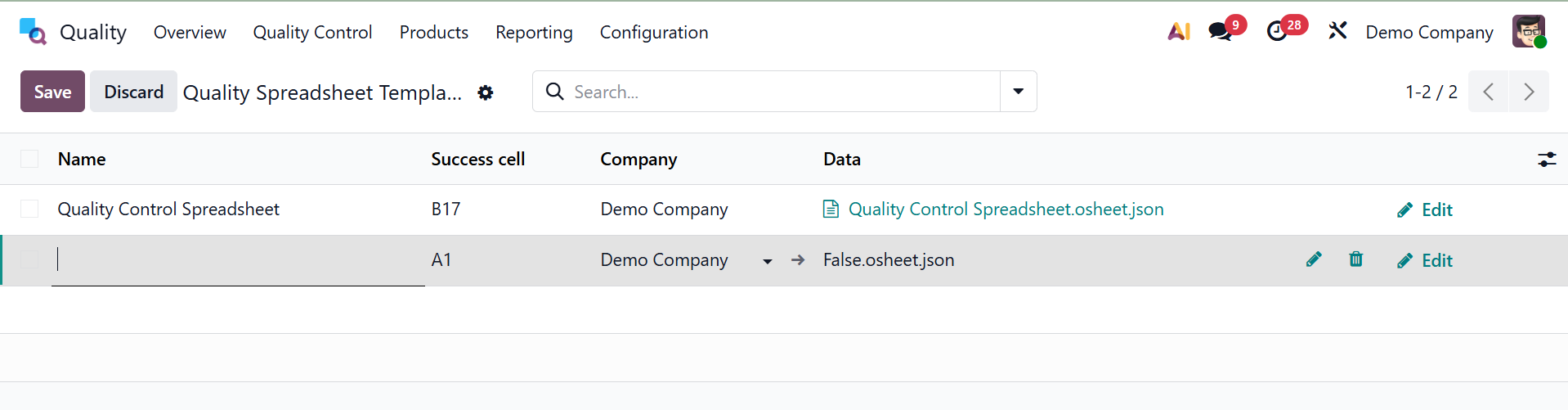
The Quality Spreadsheet Template feature is included in the Configuration menu. By creating standardized templates for quality checks and inspections it makes it possible for users to effectively manage and assess quality data. Edit icon here lets you open the chosen quality spreadsheet template and make changes to its validation logic, formulas, and structure.
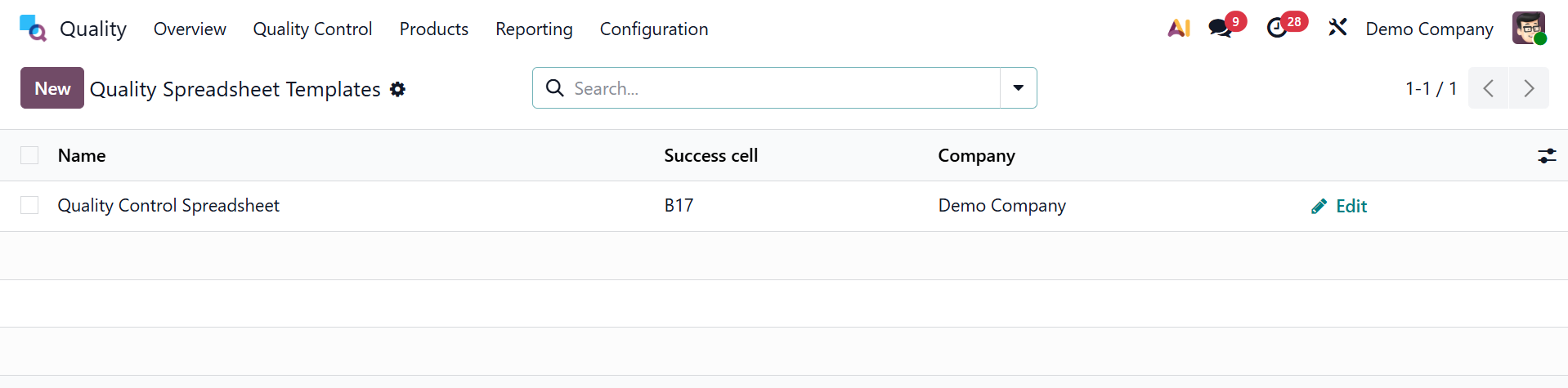
You can quickly create a new page by choosing the new one, as seen in the figure below.
On activating the debug mode in Odoo 19 manufacturing module, you will get extra options like Quality Alert Stage and Quality Tag.
1.5 Quality Tag
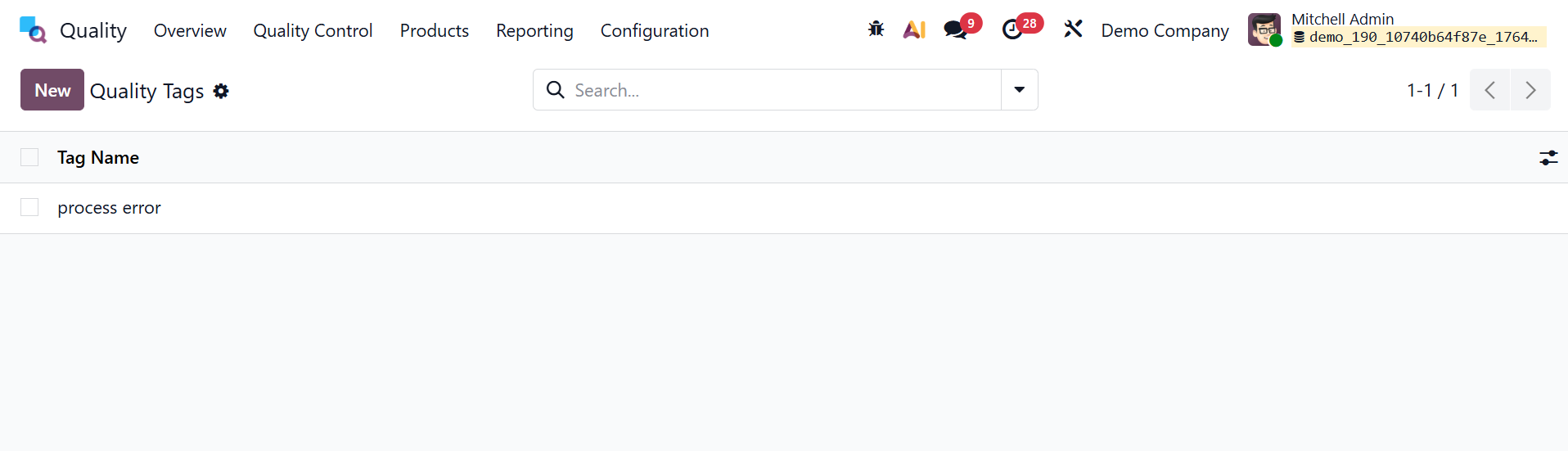
The Quality Tags feature of Odoo's Quality Module makes it easier to categorize and track quality checks and alerts. These tags make it easier to filter, find, and manage quality issues based on predetermined criteria.