Canned Responses
Odoo 19 introduces an improved Canned Responses feature within the Discuss module, aimed at speeding up conversations by allowing users to reuse predefined messages through simple text shortcuts. This tool is especially useful for responding to frequently asked questions, maintaining uniform communication, and reducing repetitive typing across different messaging areas in Odoo.
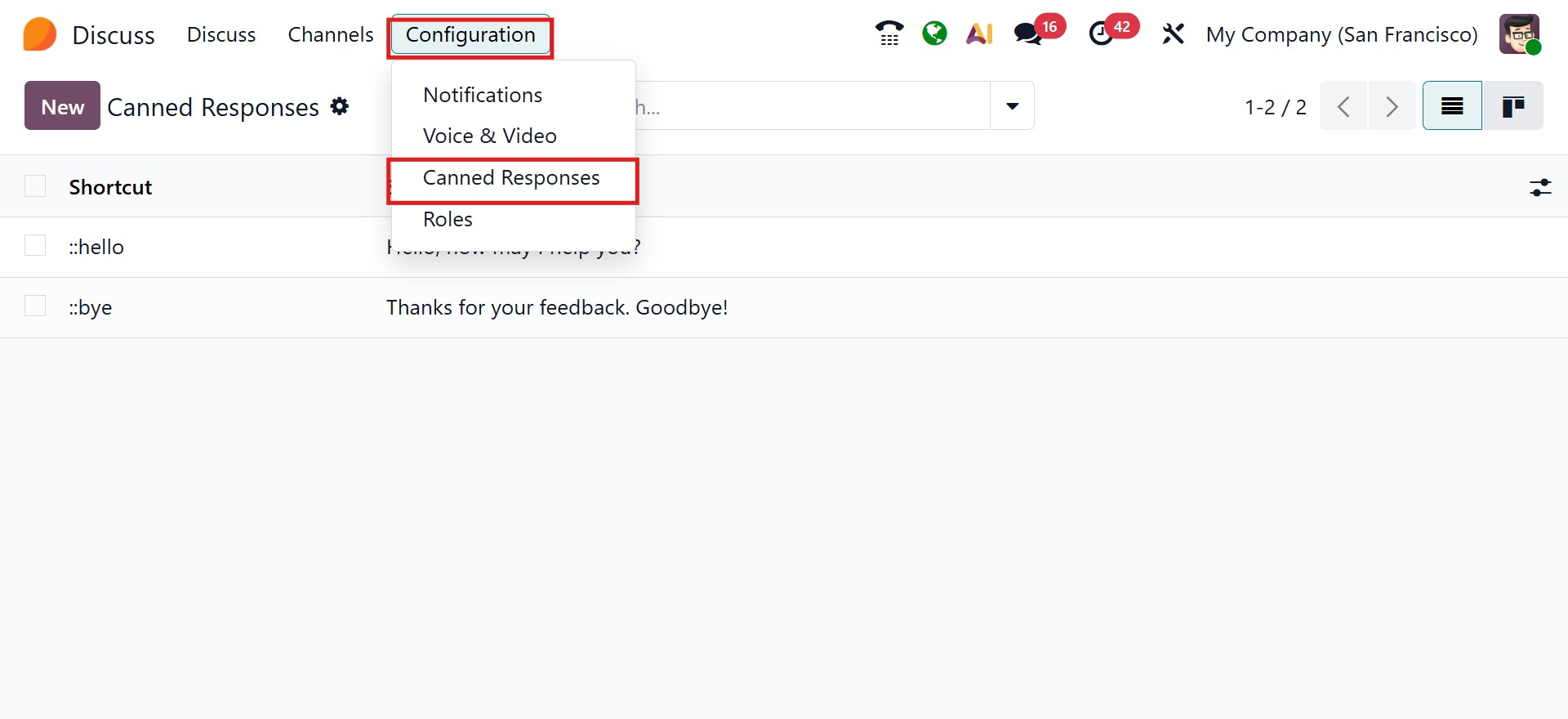
To configure canned responses, open the Discuss application and go to Configuration → Canned Responses.
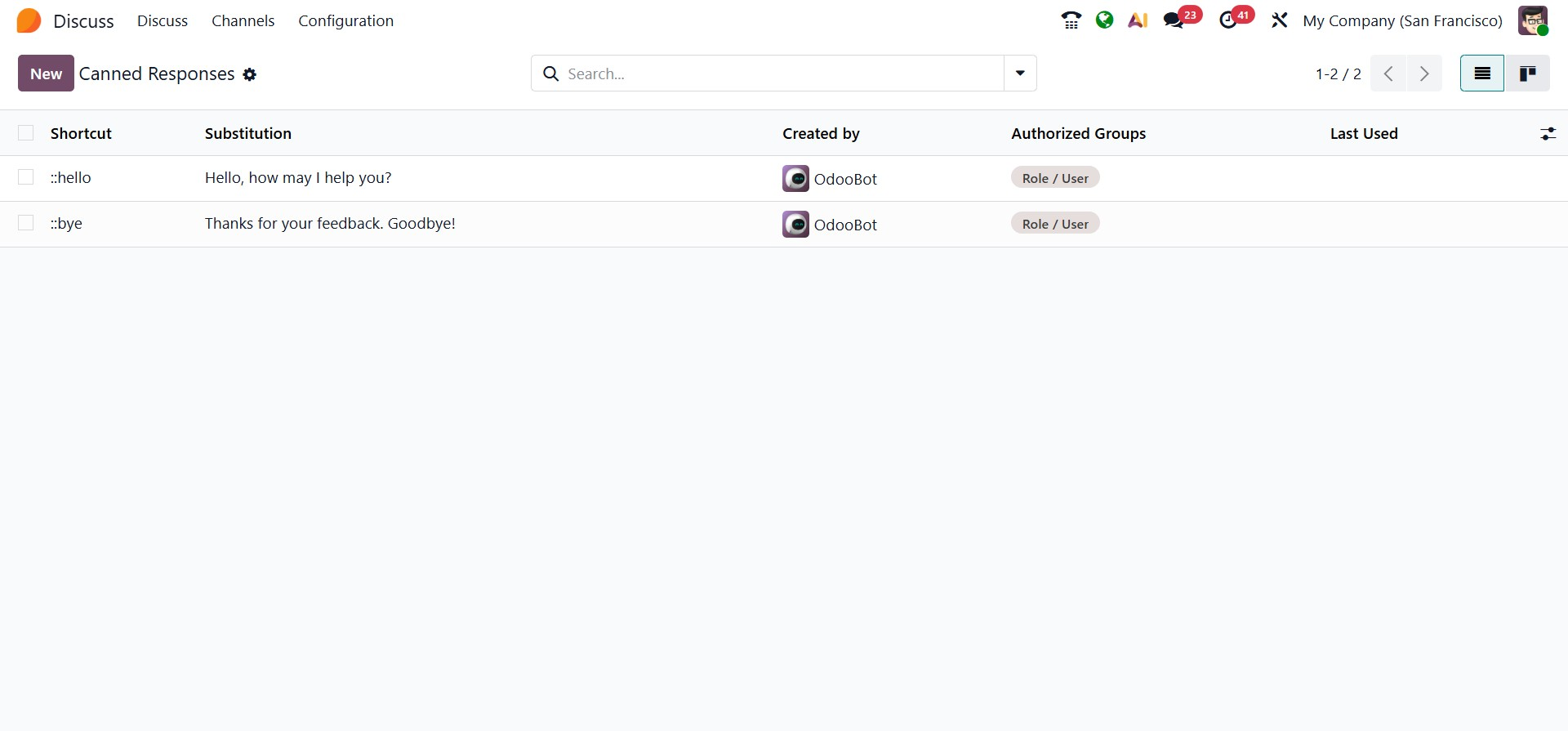
A list of existing responses will be displayed. To create a new response, click the New button at the top of the page.
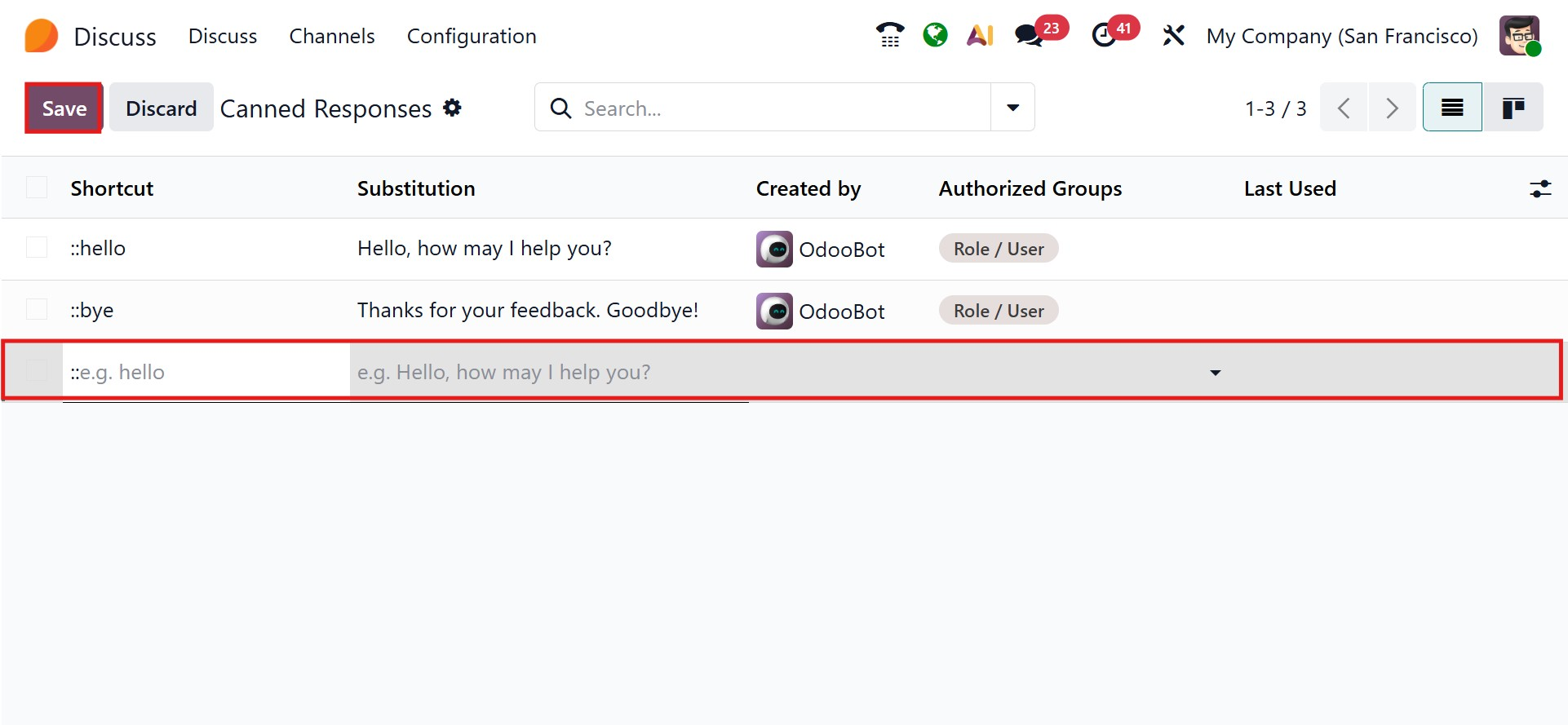
In the creation form, you can define the following fields:
- Shortcut:A short trigger phrase that starts with a colon (for example,: Greeting). Typing this shortcut will insert the saved message.
- Substitution: The complete message that replaces the shortcut when selected, such as a standard greeting or support reply.
- Description:T Optional notes explaining the purpose or recommended usage of the response.
- Created By:T Automatically filled with the creator’s name and not editable.
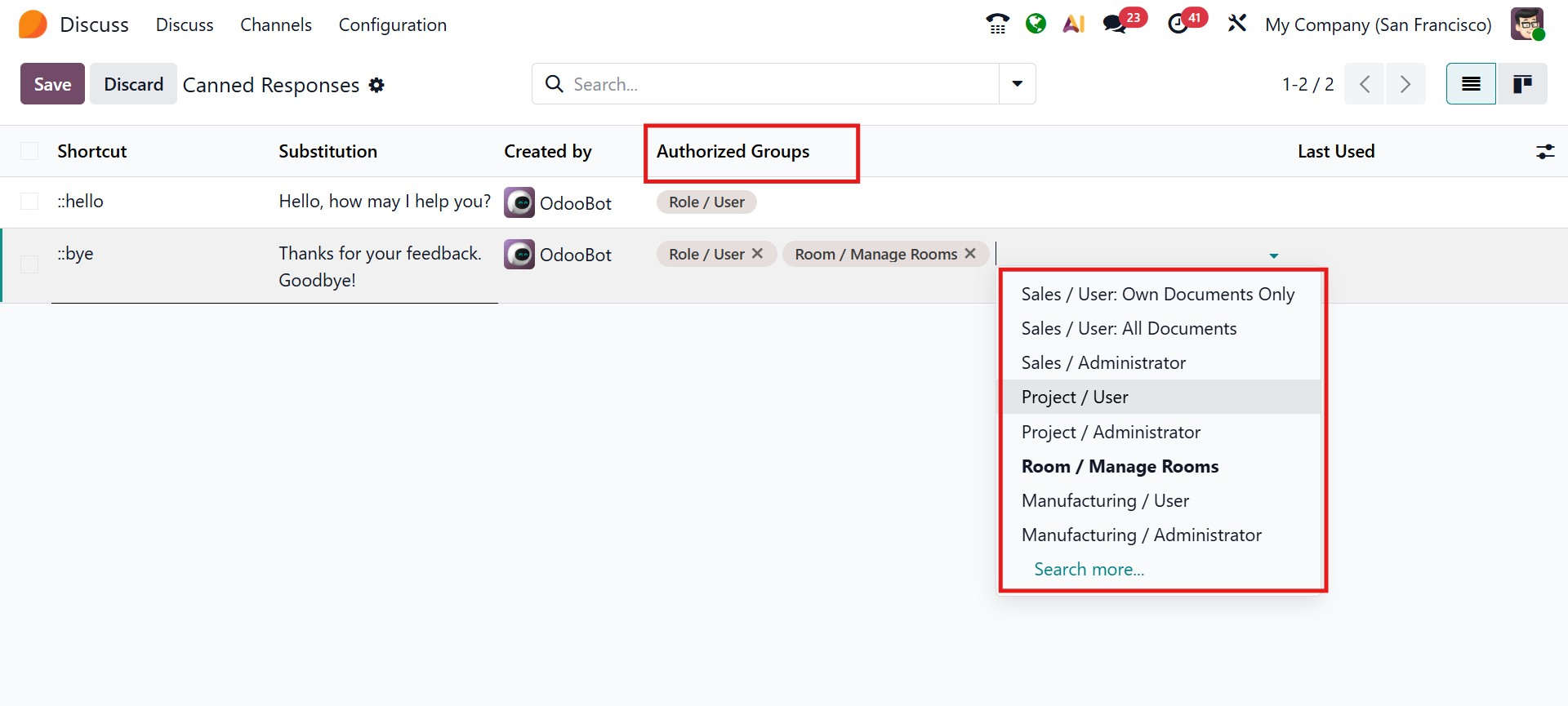
- Authorized Groups:T Specify which user groups are allowed to use this response.
- Last Used: TAutomatically updated to show the most recent date and time the response was applied.
By default, a canned response is private and only usable by the user who created it. To make it available to others, you must assign one or more groups in the Authorized Groups field. Administrators can view and modify responses created by other users, but they can only use them if they belong to an authorized group linked to that response.
Canned responses can be used in any message input area across Odoo, including:
- The Discuss chat window
- Live Chat sessions
- The Chatter composer on records
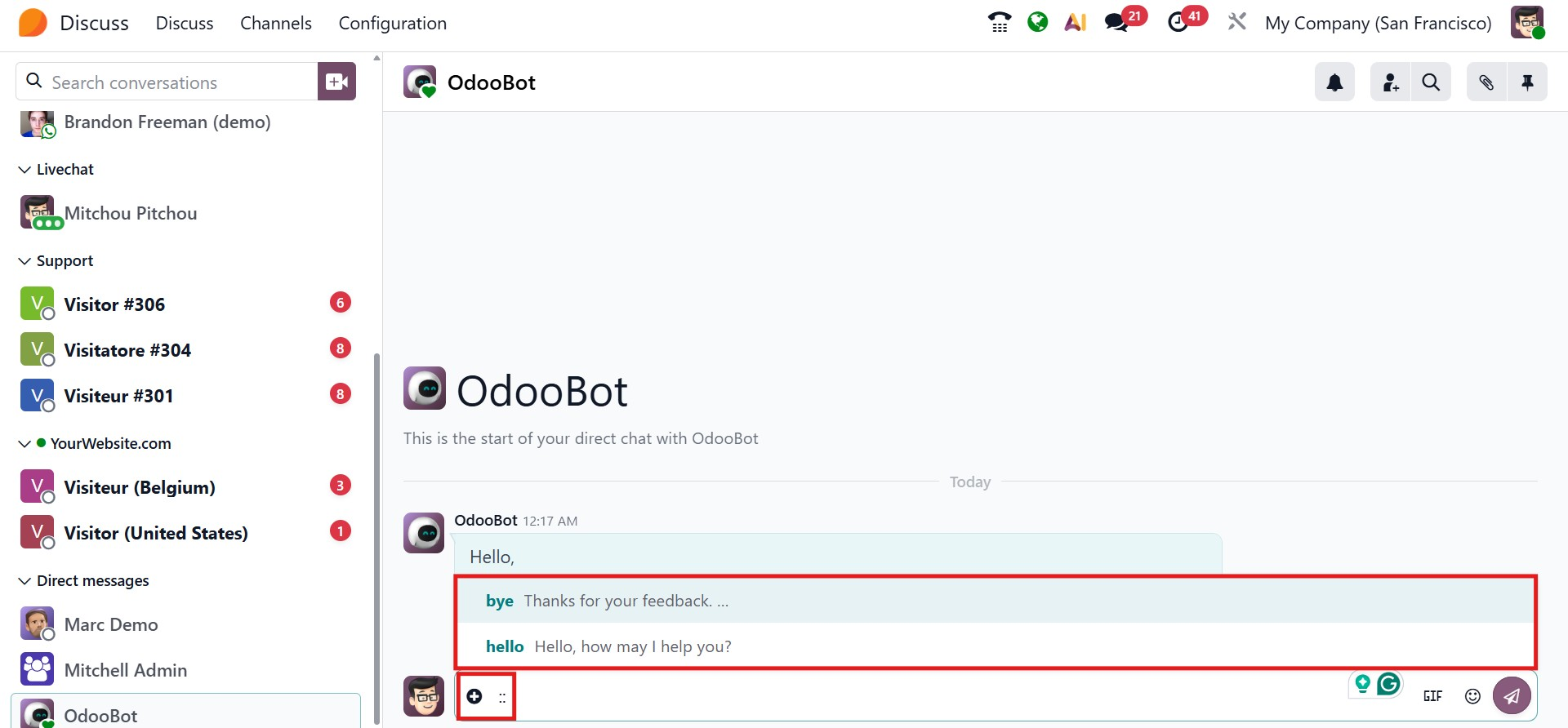
To insert a response, simply type a colon (:) followed by the shortcut. A dropdown list will appear with matching responses. Select the appropriate one, and the message will be inserted into the composer. Users can adjust the text before sending if needed.
With this feature, Odoo 19 enhances the Discuss module’s efficiency and consistency, making internal and external communication faster and more streamlined while integrating smoothly with the platform’s broader workflow tools.