Departments
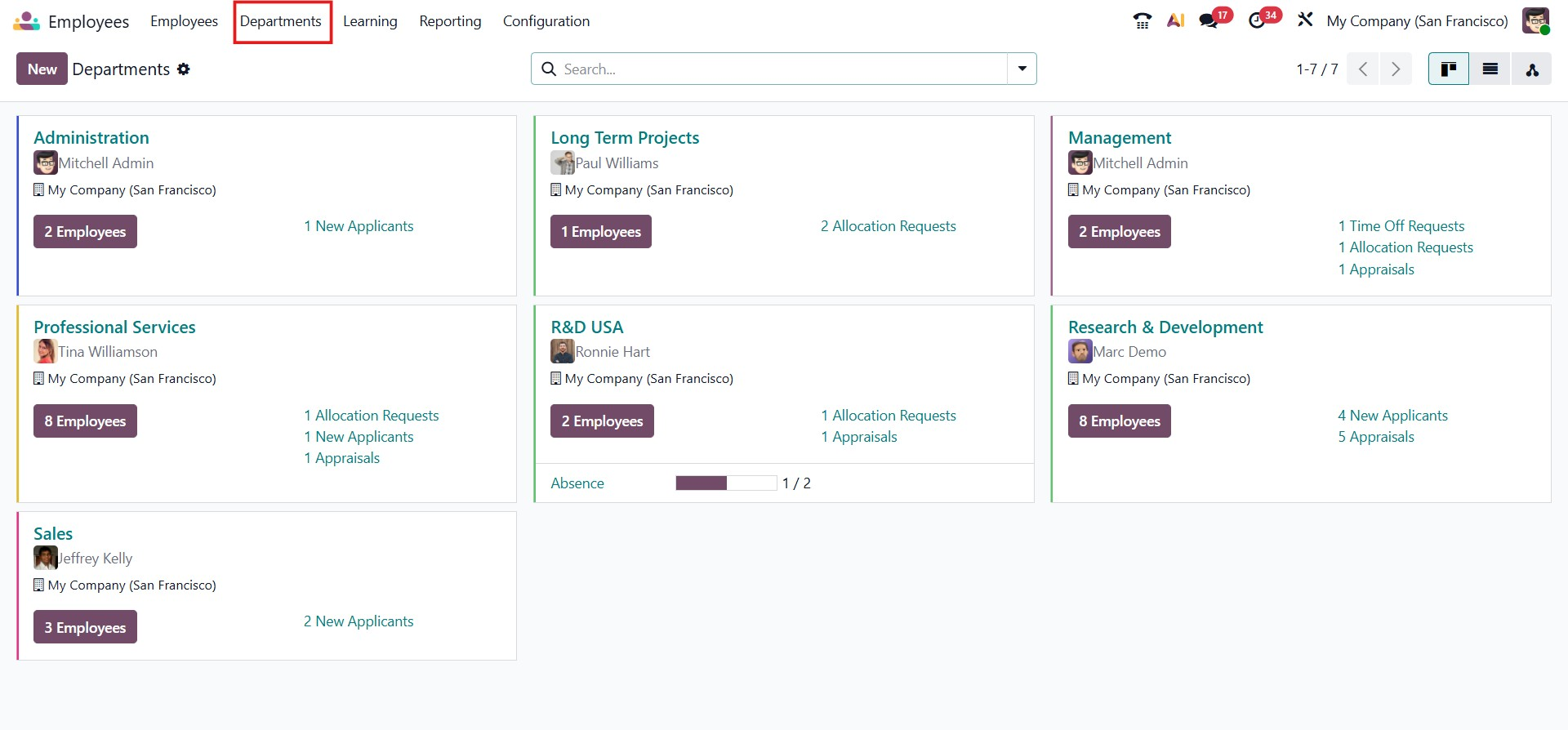
In Odoo 19, departments play a key role in organizing employees within a company. By configuring department data in the Employee module, businesses can easily group and manage employees based on their departmental structure. To set up or manage departments, select the Departments option. The Employees module comes with a list of preconfigured departments, which can be reviewed and modified as needed.
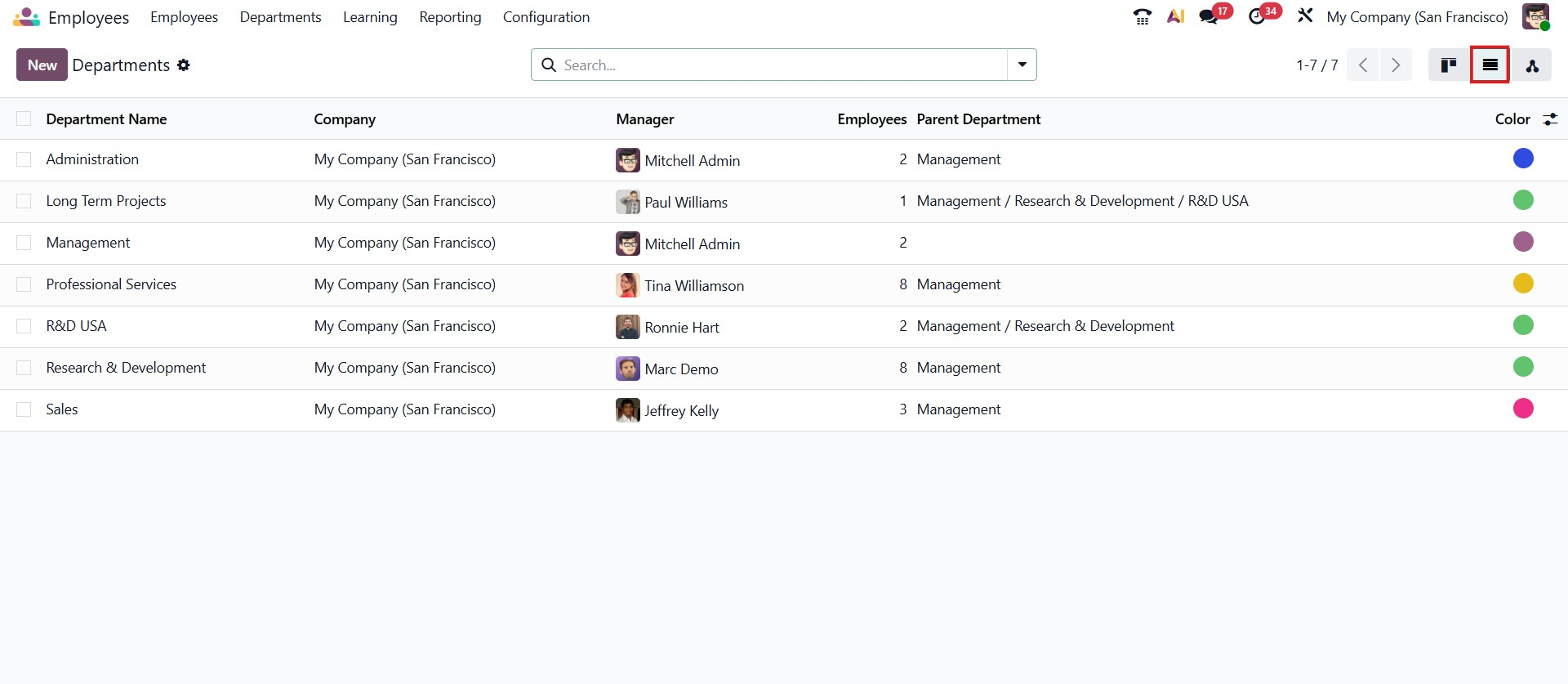
In the list view, you can see important details such as the Department Name, Company, Manager, Employees' Parent Department, and the Color.
To create a new department, click the New button, which opens a department creation form.
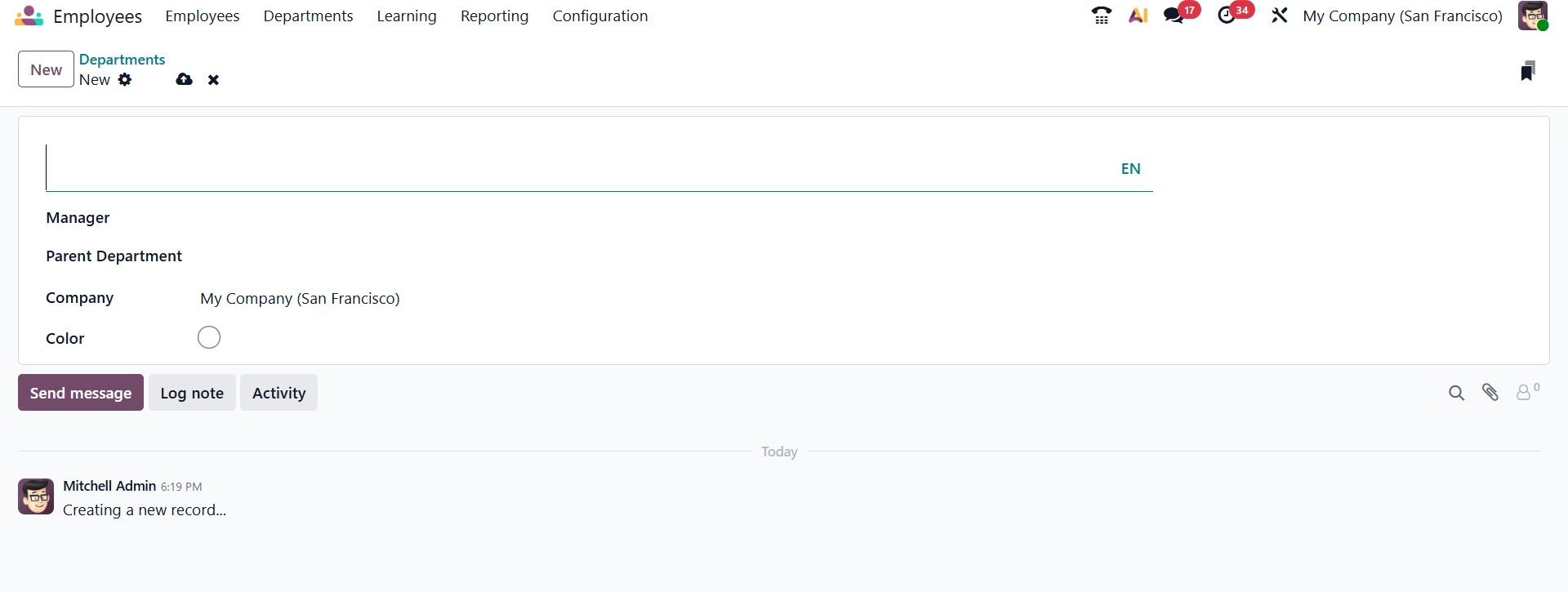
In this form view, you can enter the Department Name, assign a Manager, and define a Parent Department if the department falls under a larger organizational unit. The Company field is automatically populated based on the current company. You can also select a department-specific Appraisal Survey template, which will be used for employee evaluations within that department.
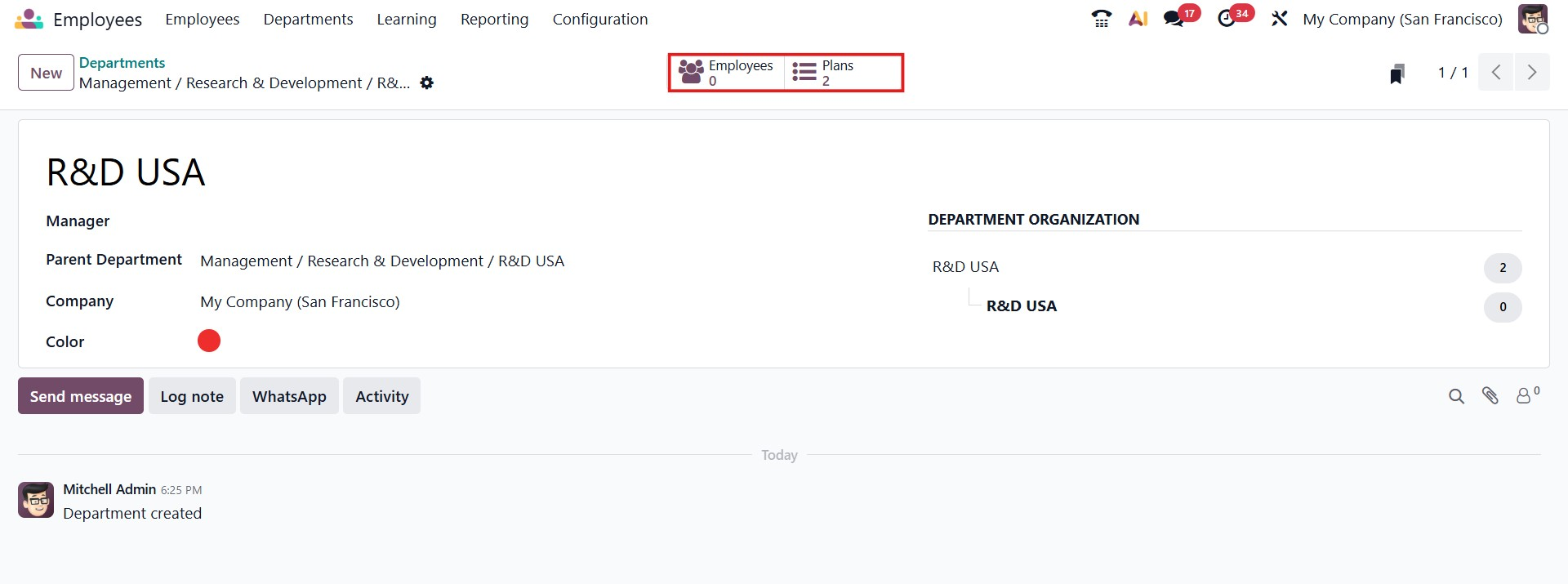
Once the department record is saved, two smart buttons, Employees and Plans, become available. The Employees smart button displays all employees assigned to the department, while the Plans smart button provides access to related activity plans, including onboarding and offboarding processes.