Learning
The Learning section of the Odoo 19 Employee module is designed to support employee development, training, and skill enhancement. It provides a centralized space to manage certifications, track training participation, and organize learning events within the organization.
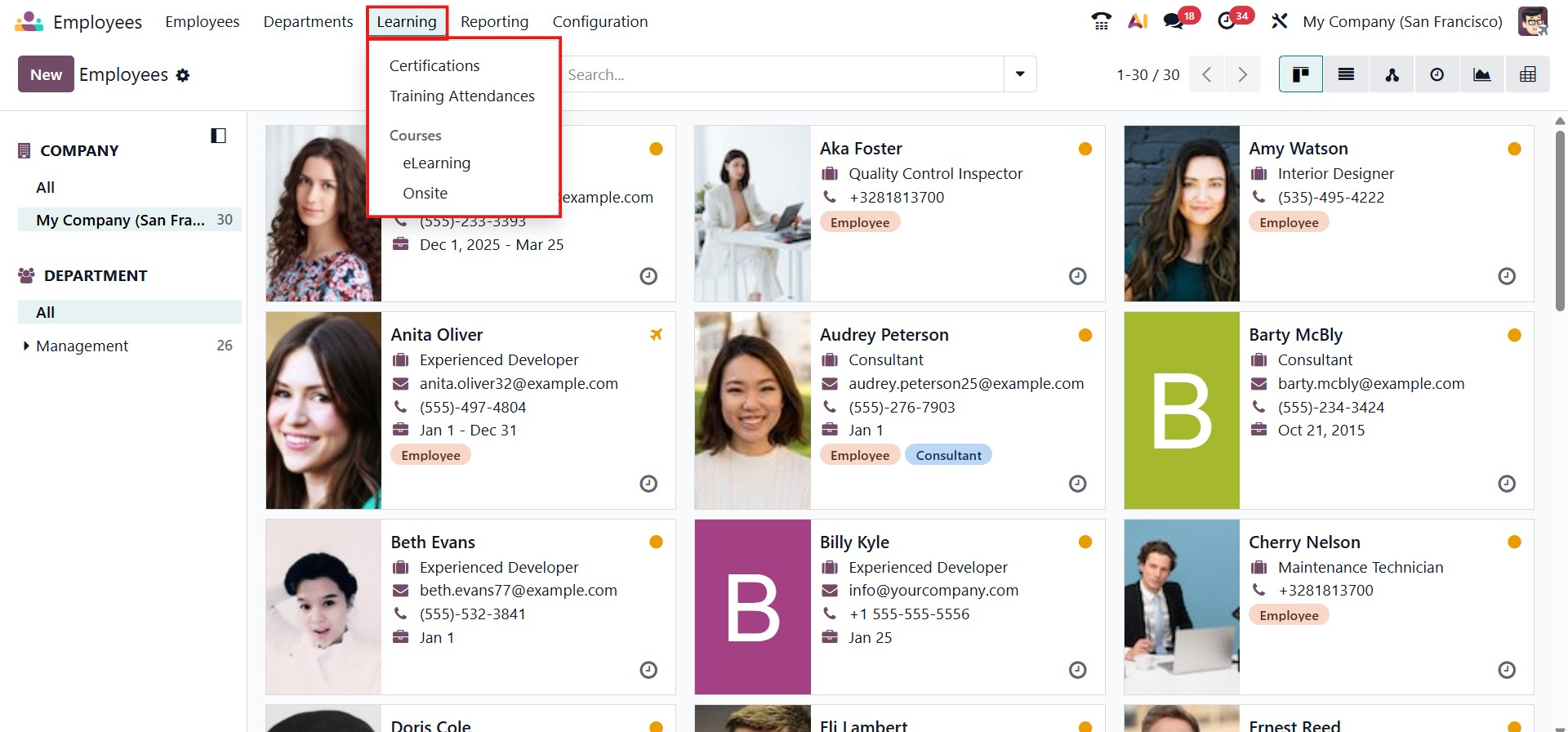
Certifications
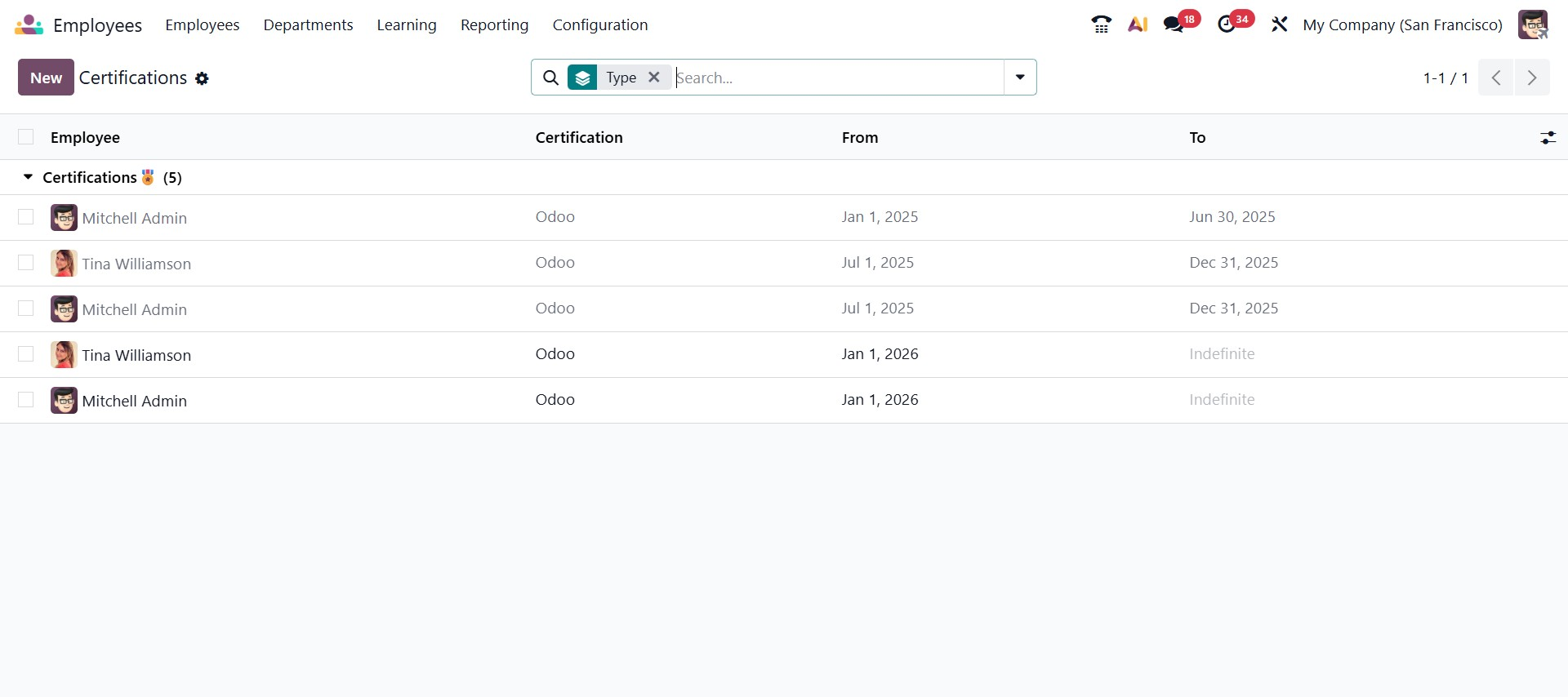
The Certifications feature allows HR teams to view and manage all certifications assigned to employees. From this section, you can easily see the certification name, the employee who received it, and its validity period.
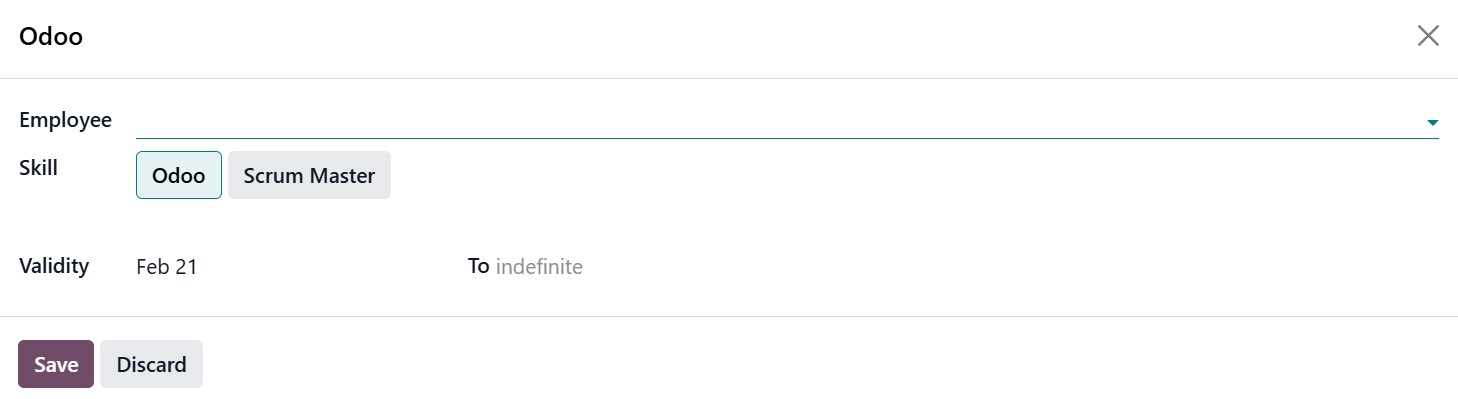
New certifications can be added by selecting the employee, choosing the relevant skill, and defining the certification’s validity dates, ensuring accurate tracking of employee qualifications.
Training Attendances
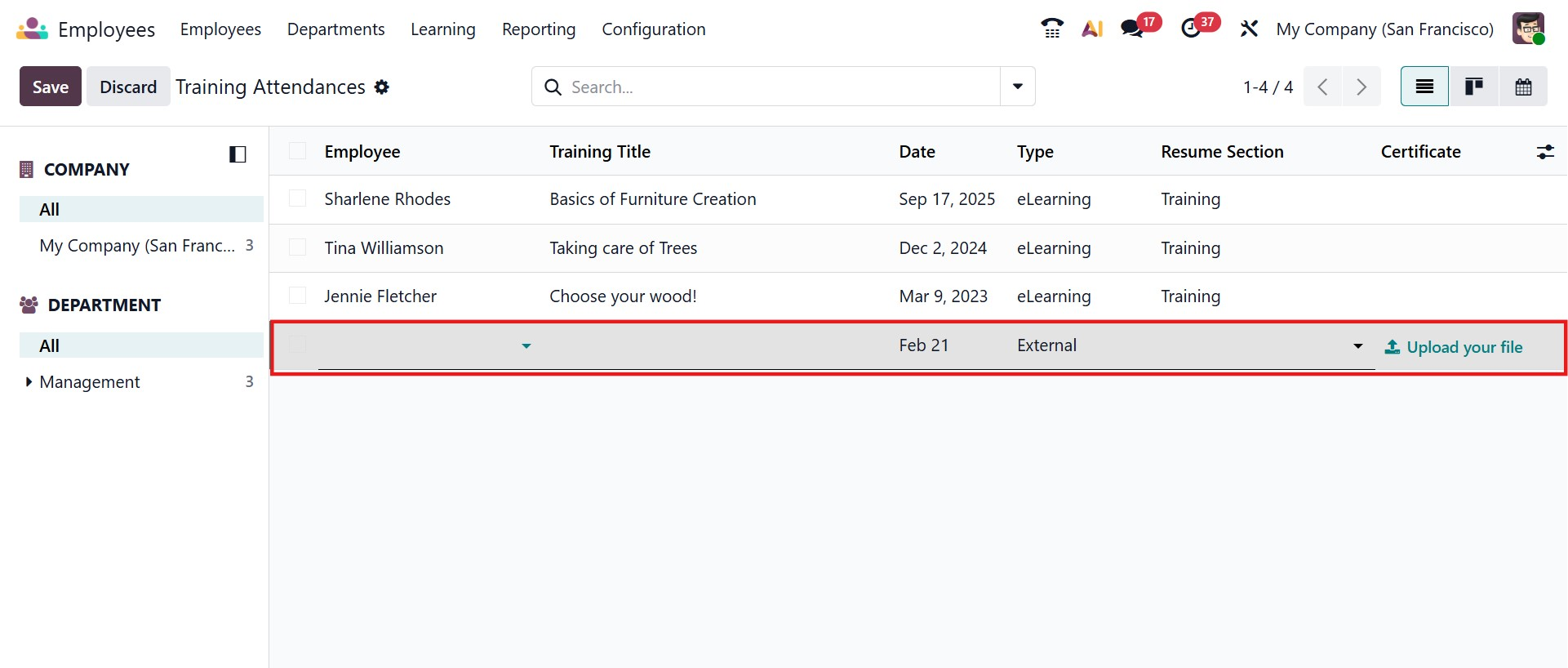
The Training Attendances section helps record and monitor employee participation in training programs. Here, you can log the training title, link it to a relevant resume entry, upload attendance or completion certificates, and specify the attendance date. This section supports both Kanban and Calendar views, making it easy to visualize and track training activities over time.
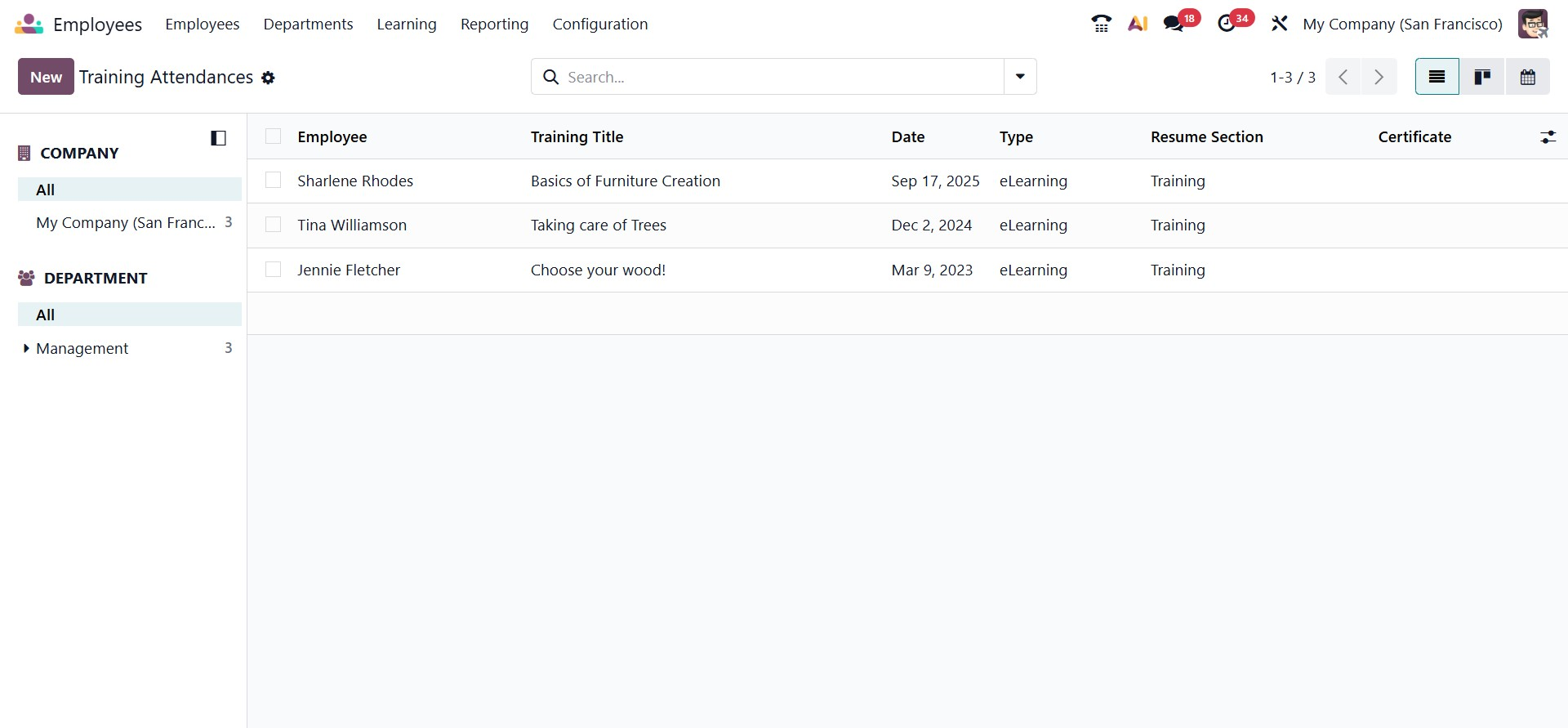
By clicking the New button, you can manually create a new training attendance record, where you select the employee, define the training type, enter the date, assign the appropriate resume section, and attach supporting documents like certificates. This section supports both list and Calendar views, making it easy to visualize, organize, and track training activities over time while ensuring accurate documentation of employee development.
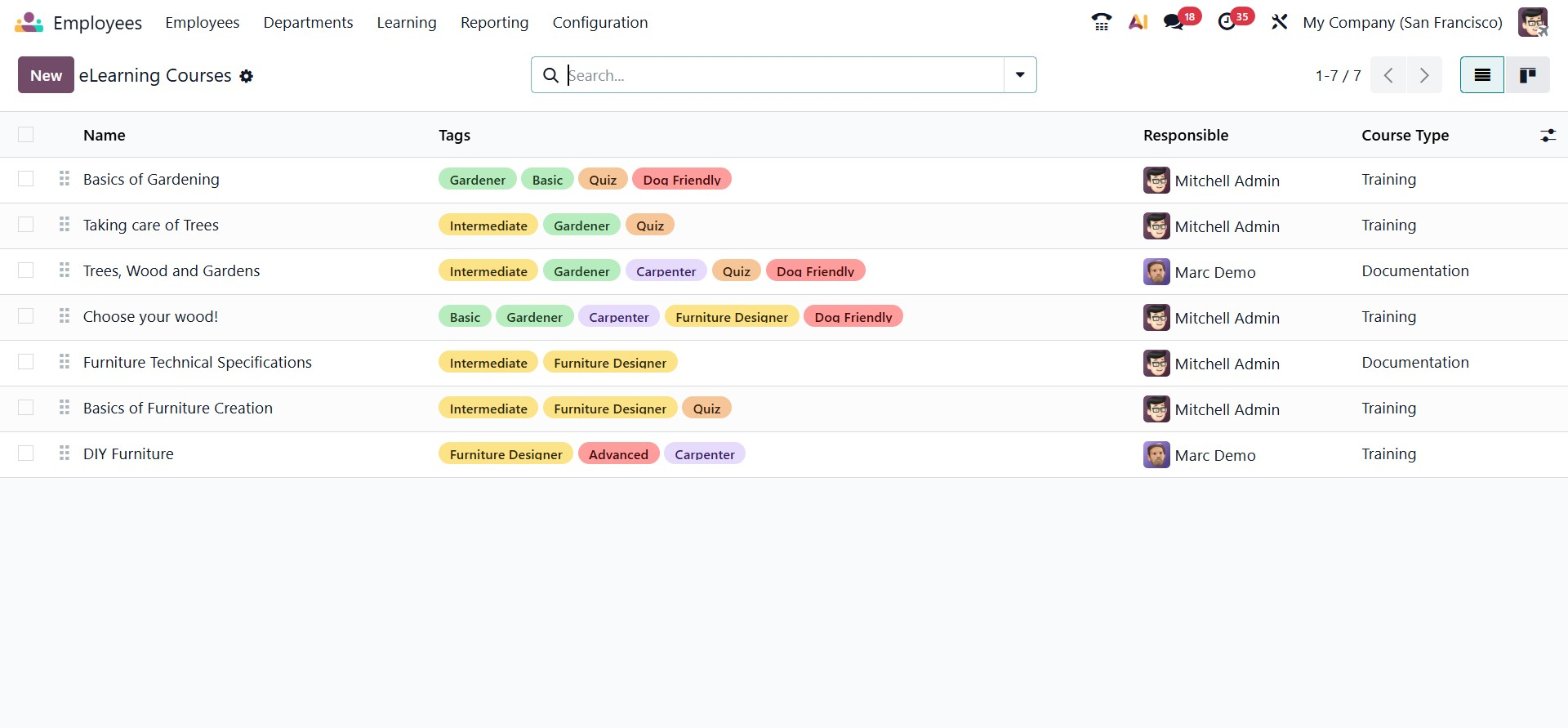
eLearning Courses
The eLearning Courses feature allows organizations to create and manage online courses for employees. This interface displays a list of available courses along with details such as the course name, tags, responsible person, and course type (for example, Training or Documentation). Tags help categorize courses by skill level, role, or topic, making it easier for employees to find relevant learning material. New eLearning courses can be created using the New button, enabling HR or training managers to build structured digital learning programs within the system.
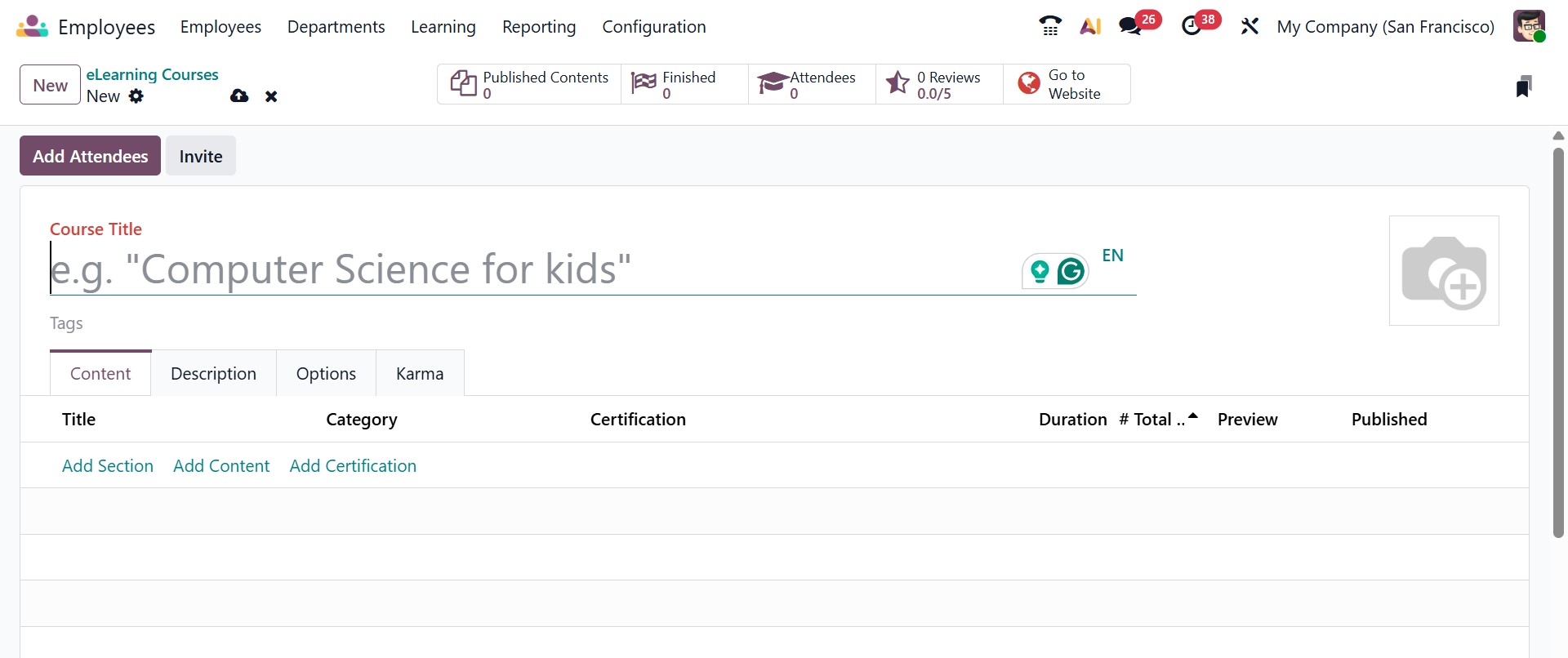
When you click the New button, a course creation window opens where you can configure a new online training program. At the top of the form, you can enter the Course Title and assign relevant Tags to categorize the course by topic, role, or skill level. You can also upload a cover image to visually represent the course. The form includes multiple tabs such as Content, Description, Options, and Karma, allowing you to fully structure the learning experience.
Under the Content tab, you can build the course by selecting Add Section, Add Content, or Add Certification, organizing the material into structured lessons and assessments. The interface also displays details such as Category, Certification, Duration, Total Views, Preview, and Published status once content is added. Additional options in other tabs allow you to define course settings, participation rules, and gamification features. After saving and publishing, the course becomes available to employees, enabling organizations to manage structured digital learning directly within Odoo 19.
On-site
The On-site Courses feature functions as an integrated event management tool for organizing in-person courses, workshops, conferences, or meetings.
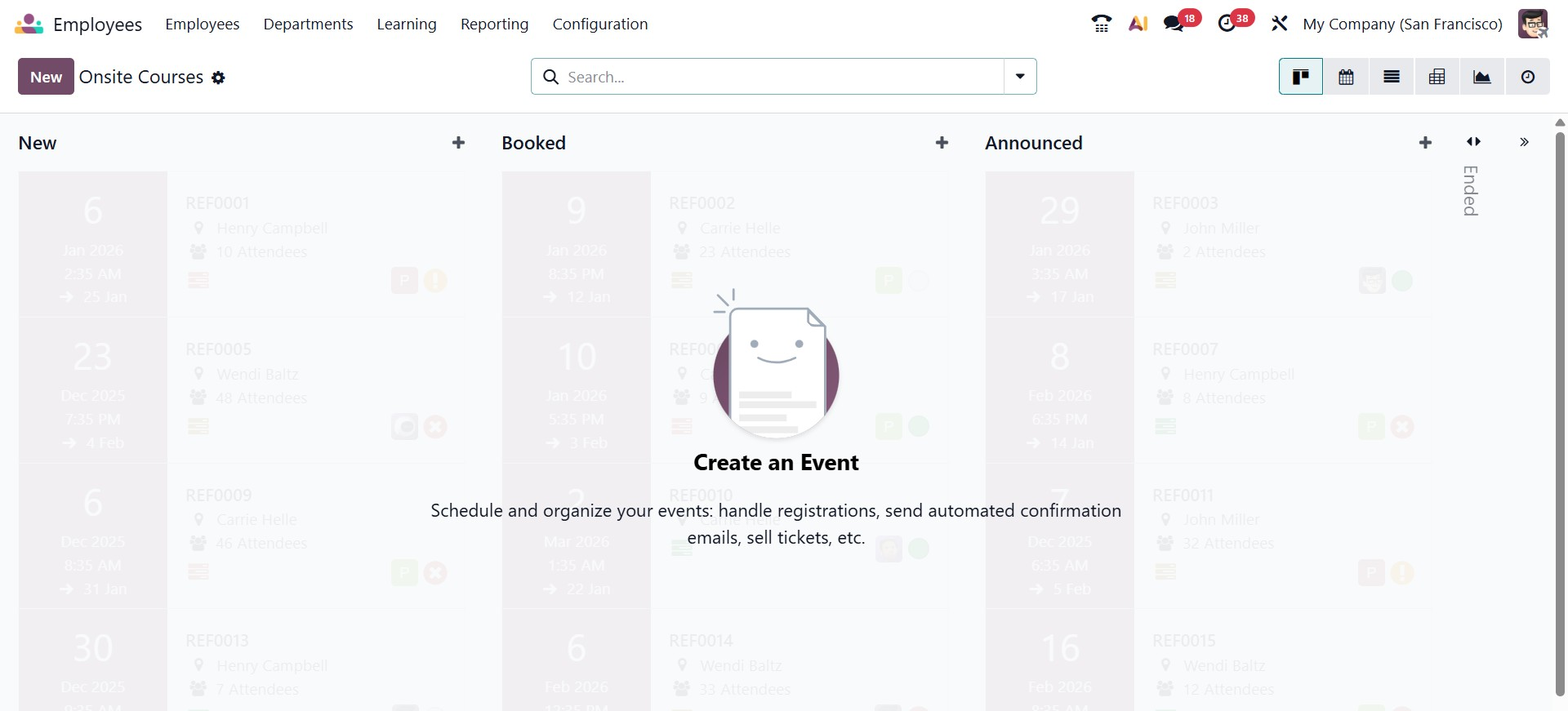
When creating an event, you can define its name and start and end dates. Odoo 19 also allows the creation of multiple time slots within a single event, each with its own attendee limits. To speed up event creation, you can use predefined event templates tailored for different purposes, such as training sessions or exhibitions.
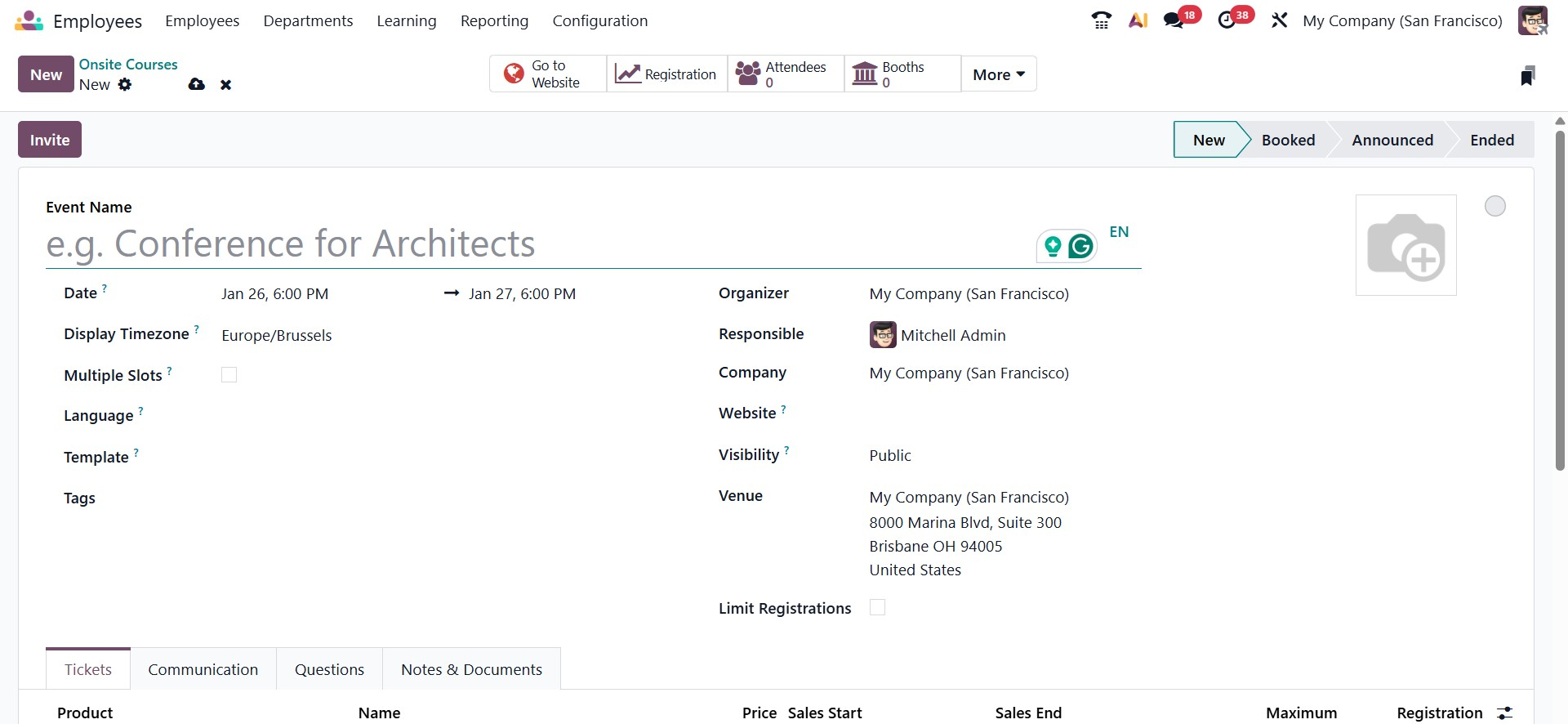
Additionally, you can control attendance by setting maximum participant limits and creating different ticket types, such as VIP or standard, with specific pricing and quantities. The module also supports automated communication, enabling scheduled emails or SMS notifications based on triggers like event registration or start time. To further enhance event management, you can add custom questions for attendees, define badge dimensions, and include notes, instructions, or supporting documents related to the event.