Visitors
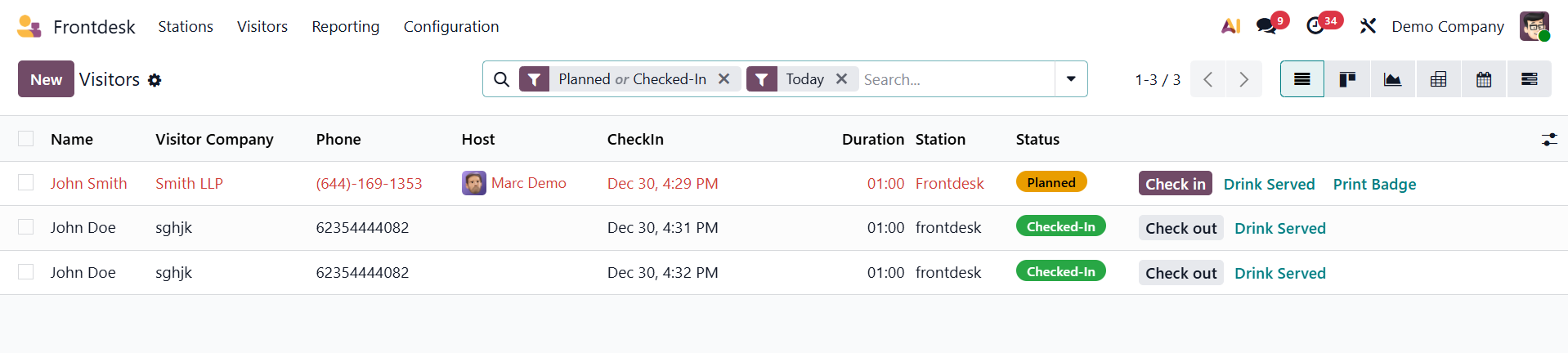
The visitors' list contains a list of visitors. The visitors on the waiting list are displayed on the list. The list includes the following: name, firm name, phone number, host, check-in time, station, and status.
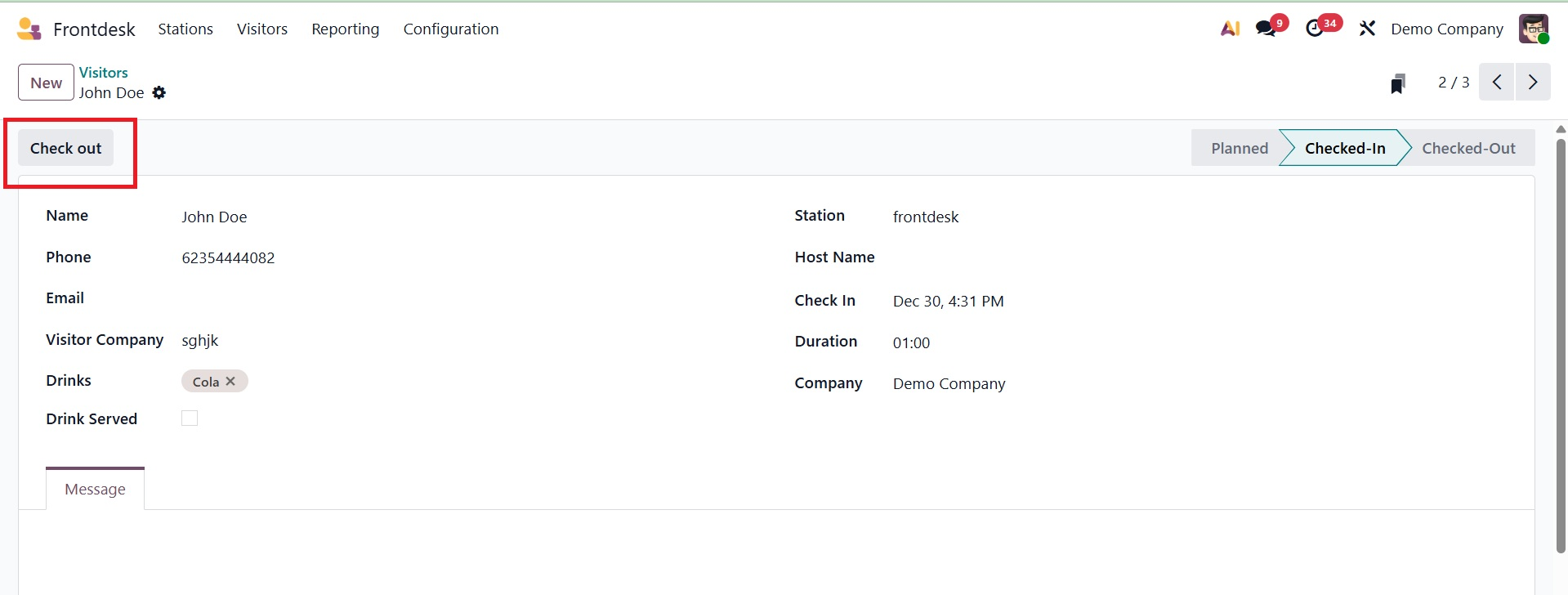
The user can then access each one. The user can click the Check-Out button and select Drink Served if they want to check out after the guest meeting. You can add any meeting-related message using the Message tab.
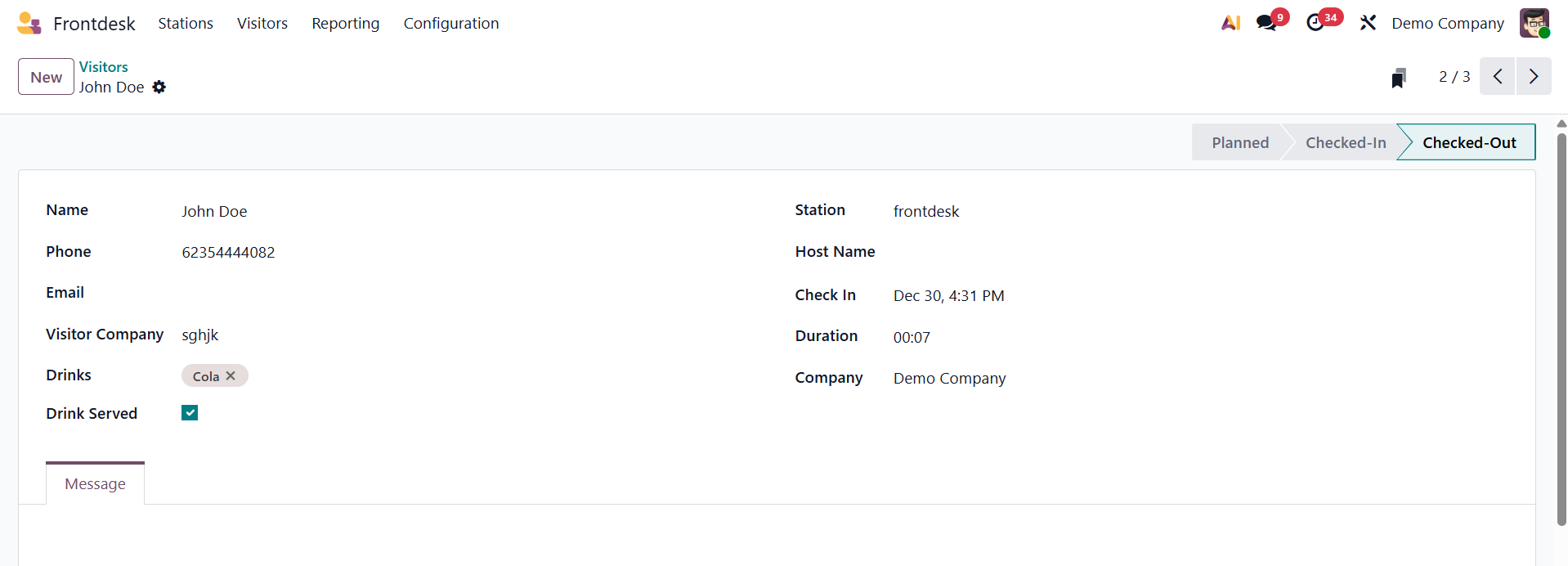
After that, it was altered to "Checked-Out."
The NEW button can be used to add new visitors.
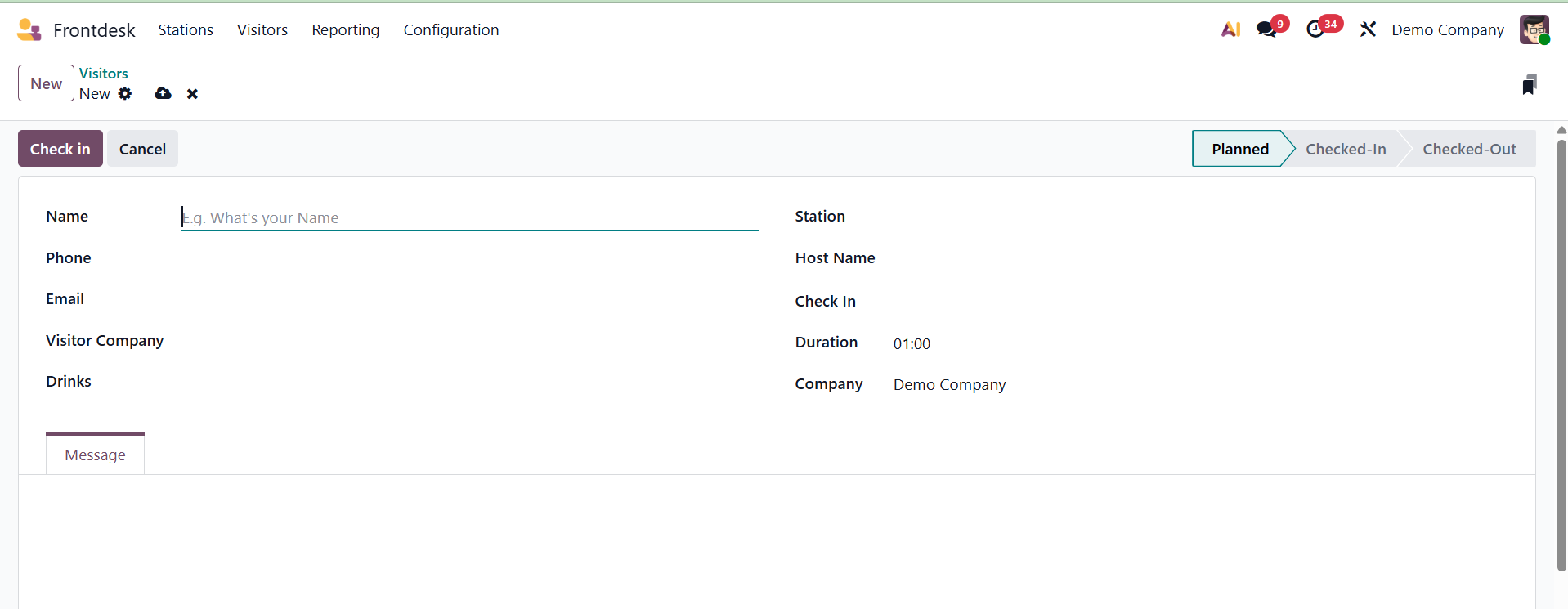
The name, phone number, email address, drinks, station, host name, check-in time, duration, and company of the visitor can all be entered here. The message tab allows you to add the necessary messages.