The Lunch module in Odoo 19 simplifies how employees order and manage meals at work. It allows teams to order food from external vendors or internal kitchens directly from Odoo 19, track expenses, and manage payments seamlessly. Employees can browse menus, place orders, and pay using payroll deductions or company credits, while managers can configure vendors, products, pricing, and order deadlines. The module also provides clear reporting on orders and costs, helping companies control food budgets. With improved usability and tighter integration across Odoo apps, Lunch in Odoo 19 enhances employee convenience and workplace efficiency.
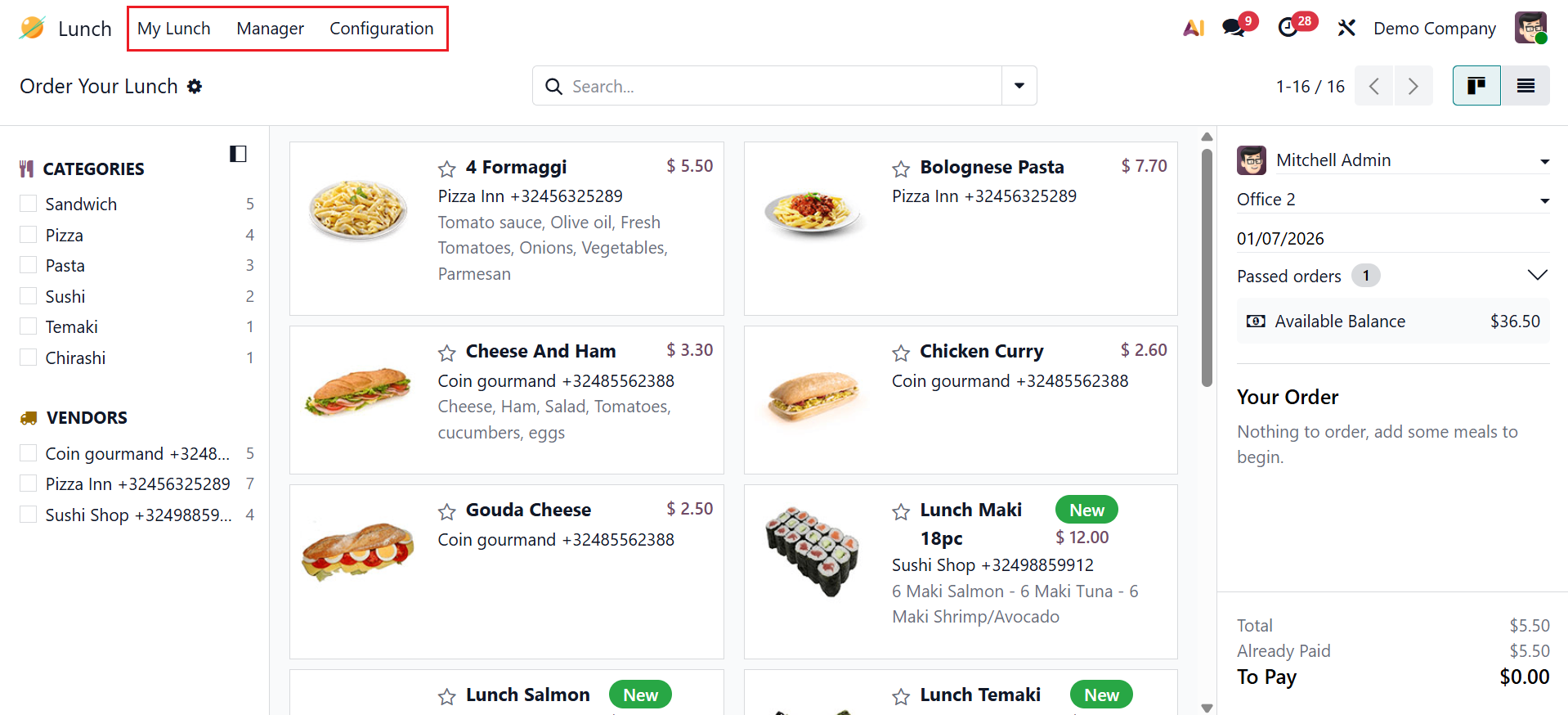
In the Lunch module, you can see three menus: My Lunch, Manager, and Configuration.
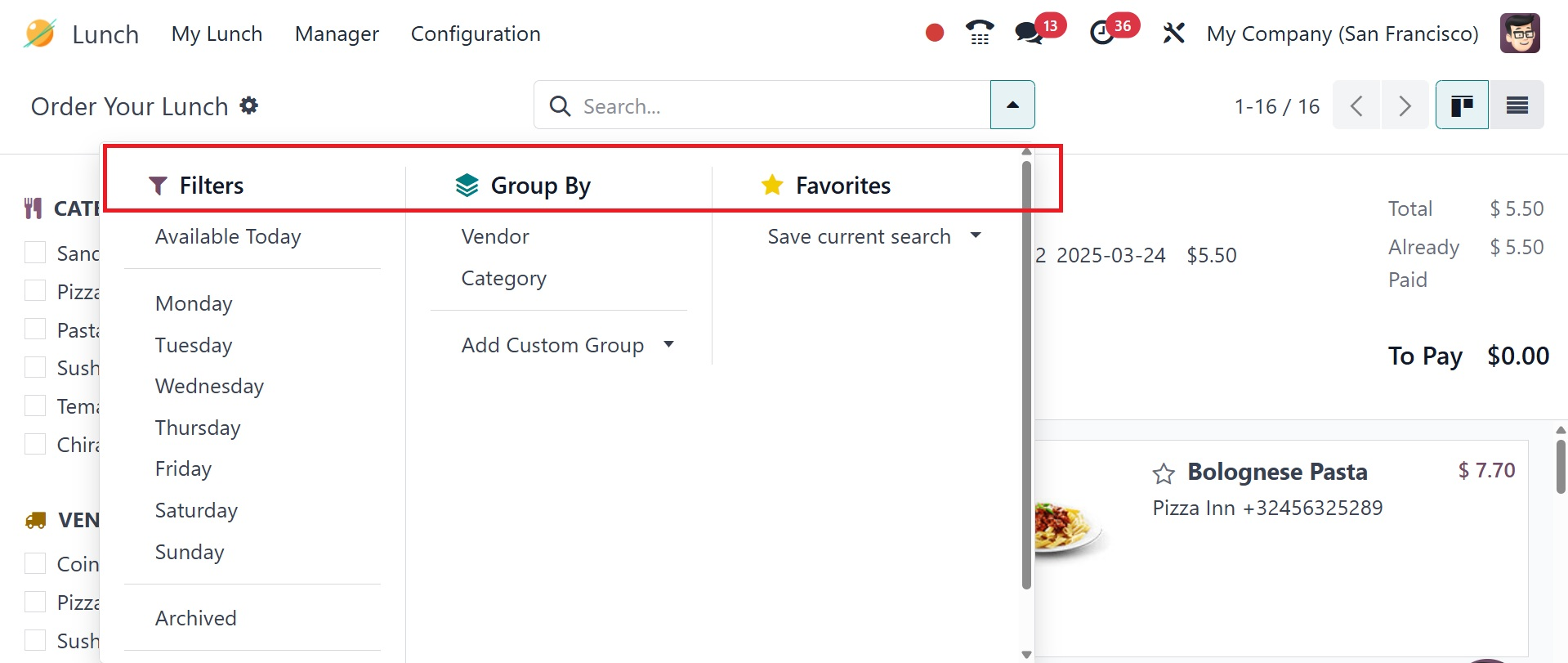
Click on the drop-down menu in the search bar to view options such as Filters, Group By, and Favorites. You can filter the lunch module based on Available Today, Monday, Tuesday, Wednesday, Thursday, Friday, Saturday, Sunday, and Archived. You can group the lunch module based on Vendor, Category, and Add Custom Group. You can also save the searches for future use. You can change the view from the Kanban to the List view.