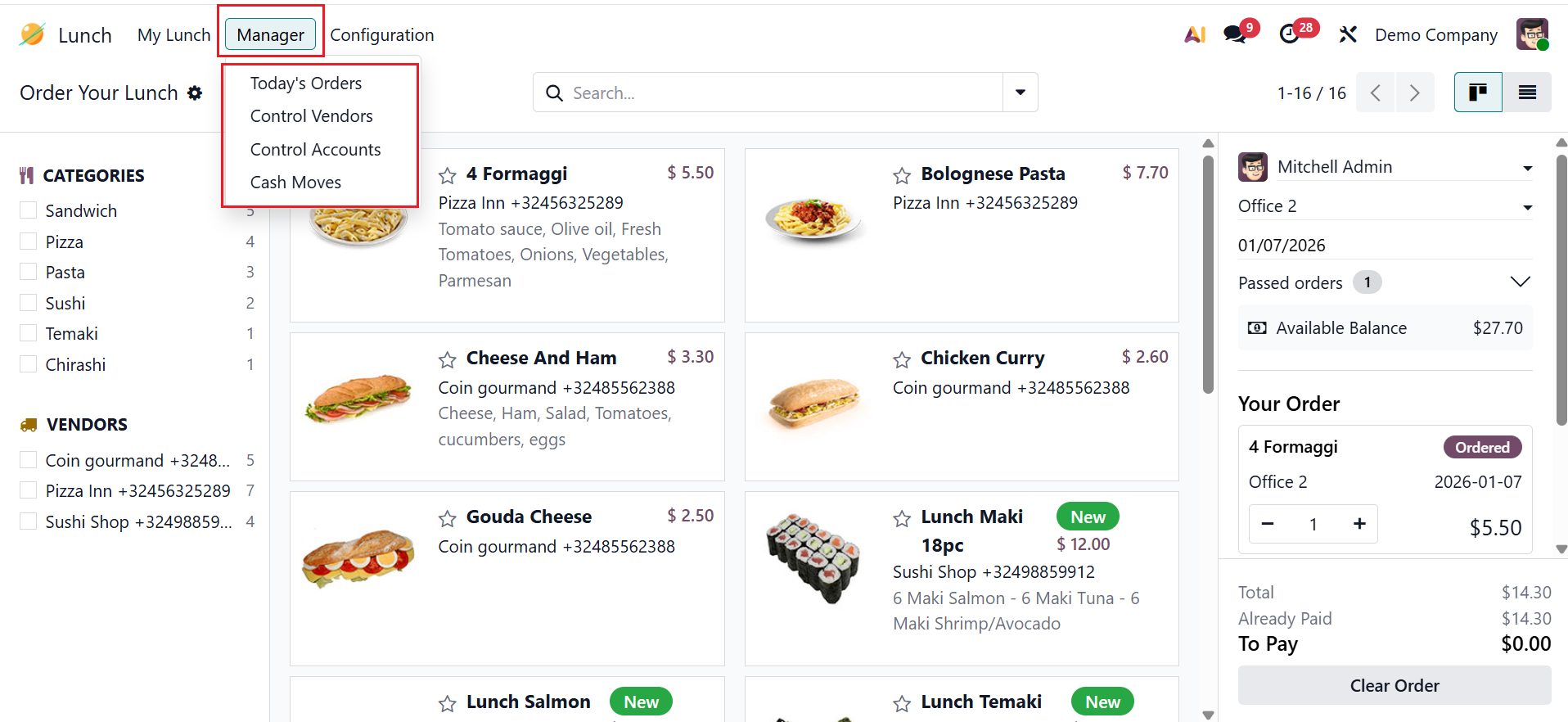
Manager
In the Odoo 19 Lunch module, the Manager menu helps the managers to view, control, and manage all employee lunch orders and vendor activities. The Manager menu provides four options: Today’s Orders, Control Vendors, Control Accounts, and Cash Moves.
1.1 Today’s Order
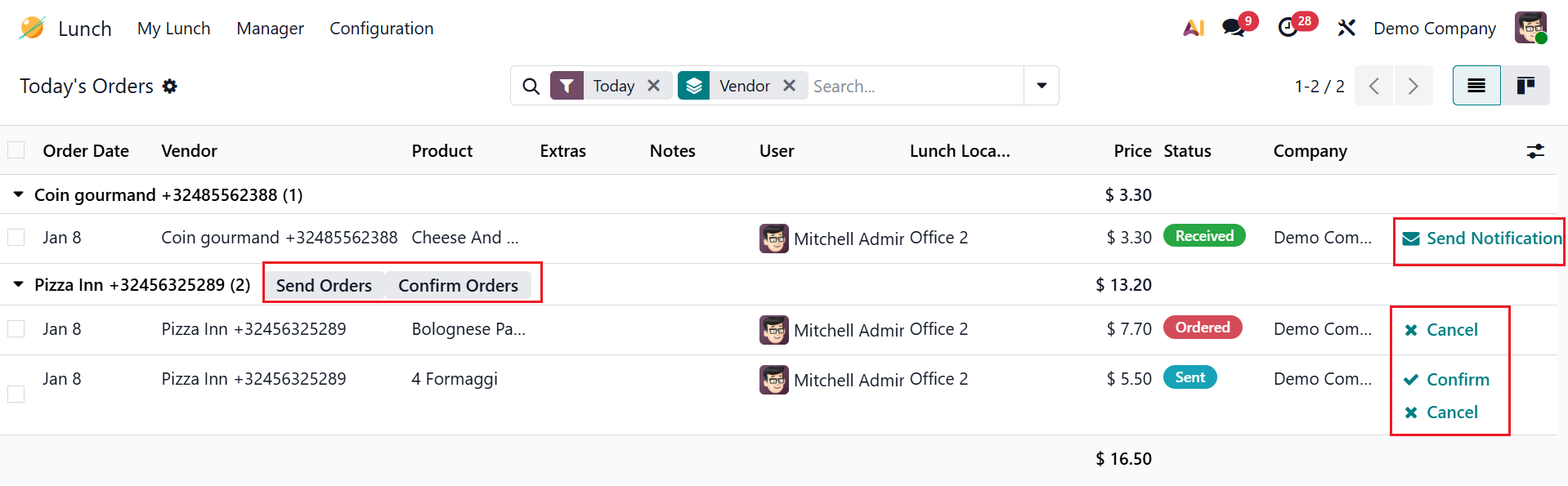
Under the Today's Orders option, the managers can review, track, and manage all lunch orders placed on the current day. Managers are able to review order details, including Order Date, Vendor, Product, Extras, Notes, User, Lunch Location, Price, Status, and Company. By clicking on the Send Orders button, the order moves to the Confirm Order stage. The manager may choose to Confirm or Cancel the order. After confirming the order, the managers can notify the employee that the order has been arrived by clicking the Send Notification button.
1.2 Control Vendors
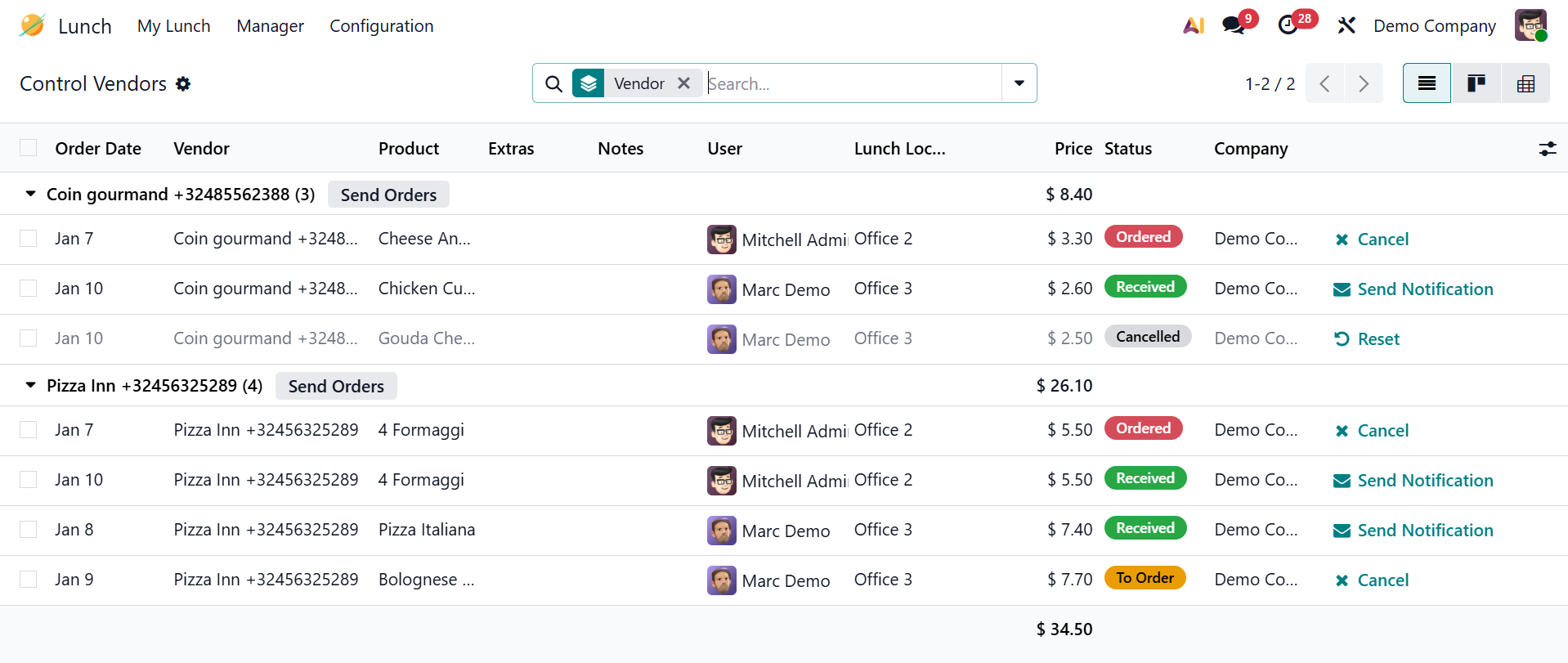
In Odoo 19, Control Vendors allows managers to view and manage lunch orders by vendors.
2.3 Control Accounts
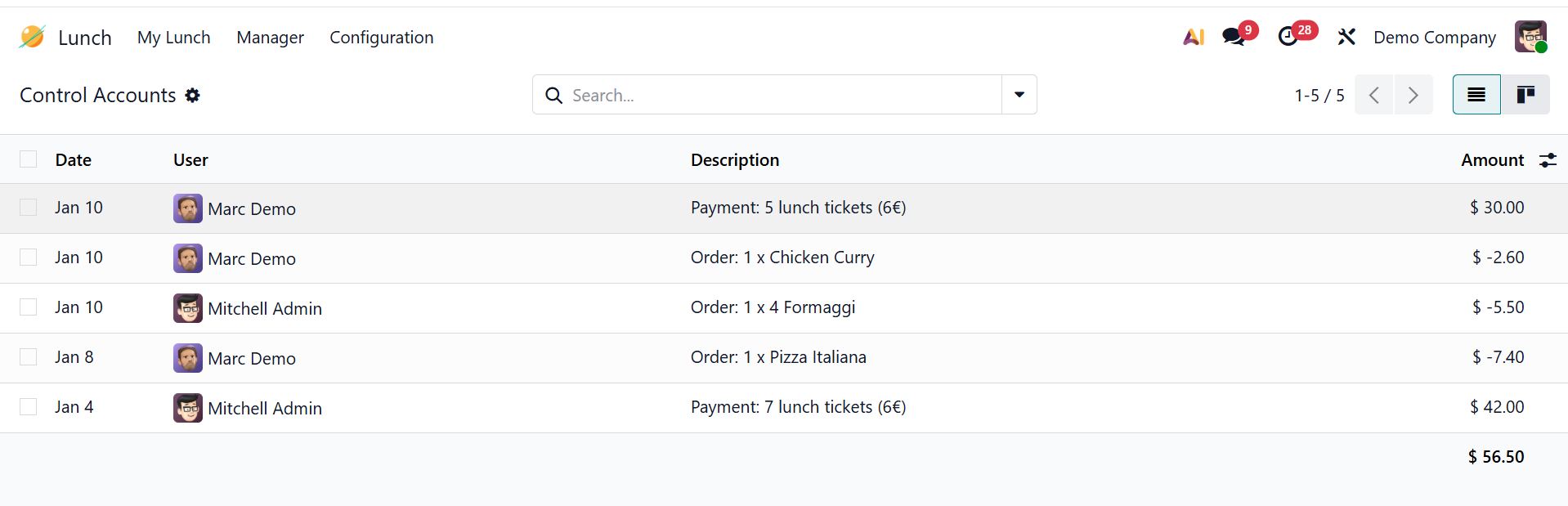
In Odoo 19, the Control Accounts option helps managers to monitor employee lunch balances related to lunch orders. Managers are able to analyze payment transactions based on Date, User, Description, and Amount.
1.4 Cash Moves:
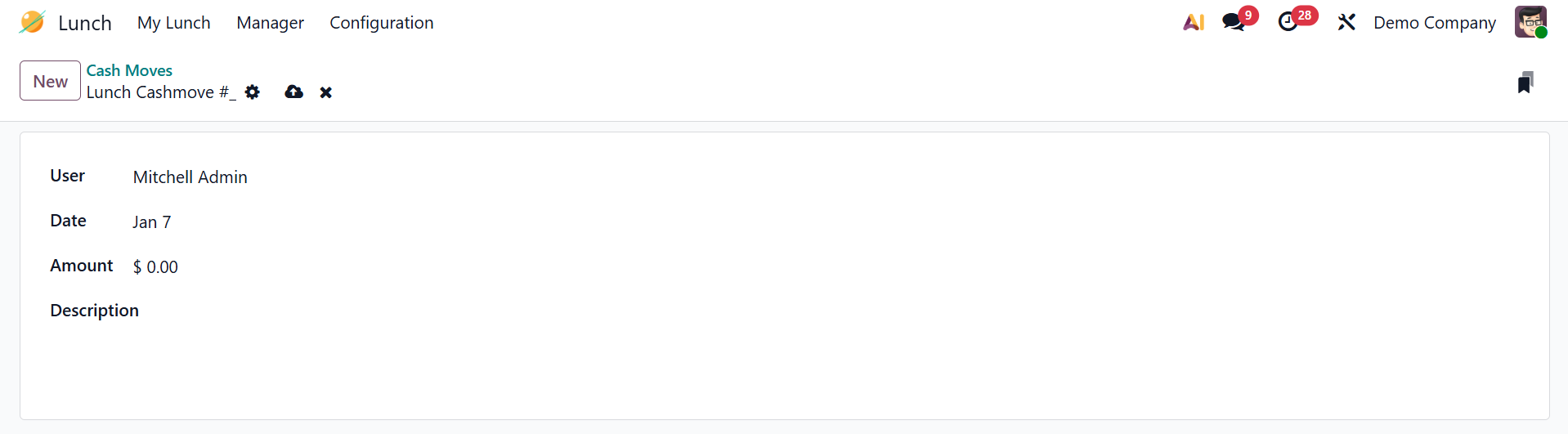
In Odoo 19, Cash Moves helps managers to record and track cash transactions related to lunch orders. By default, each record is displayed in a list view showing Date, User, Description, and Amount. Click the New button to add funds to a lunch account.

Here, you can add the details of the new cash moves, such as User, Date, Amount, and Description.