My Lunch
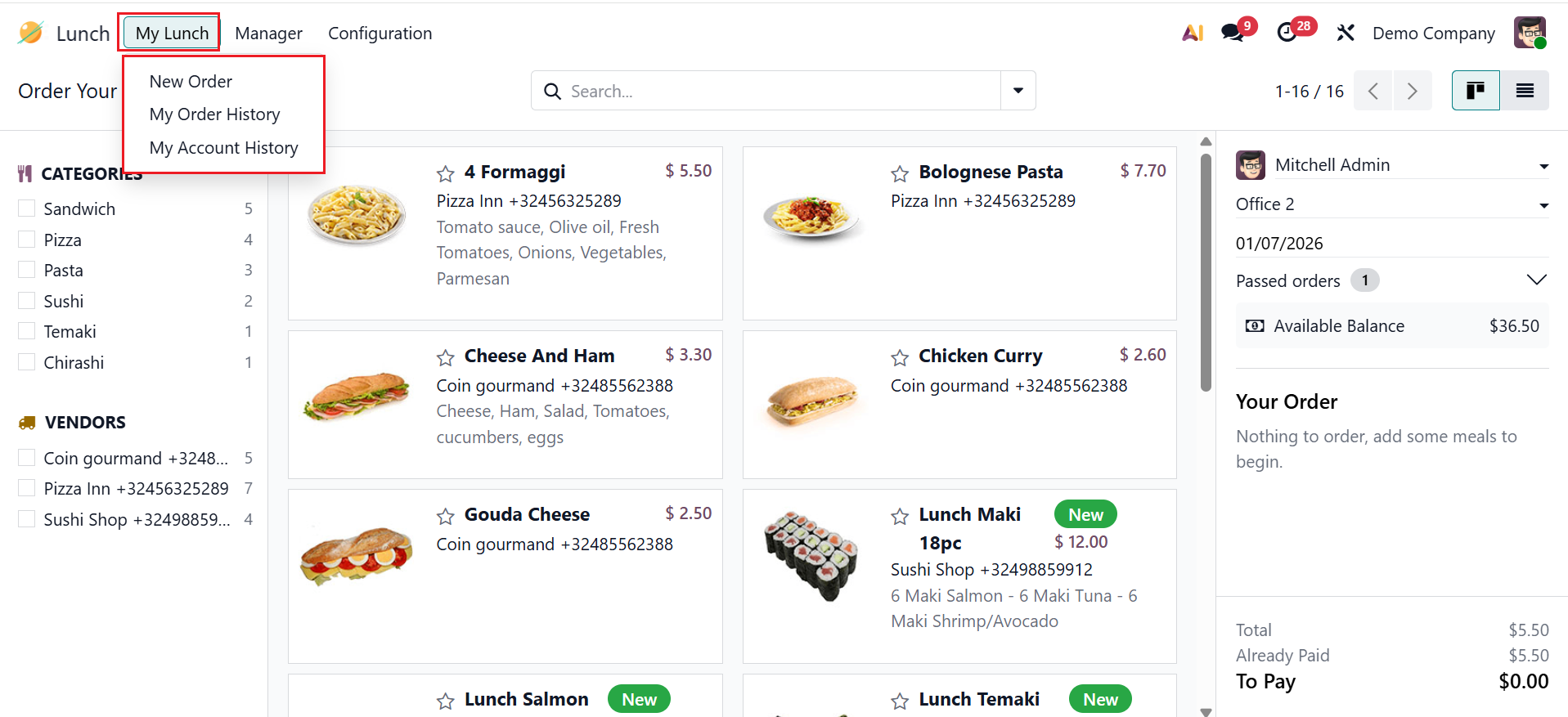
By default, My Lunch menu is the main dashboard of the Odoo 19 Lunch module. Here, the employees can order and manage their personal lunch orders. From the My Lunch menu, you can access New Order, My Order History, and My Account History.
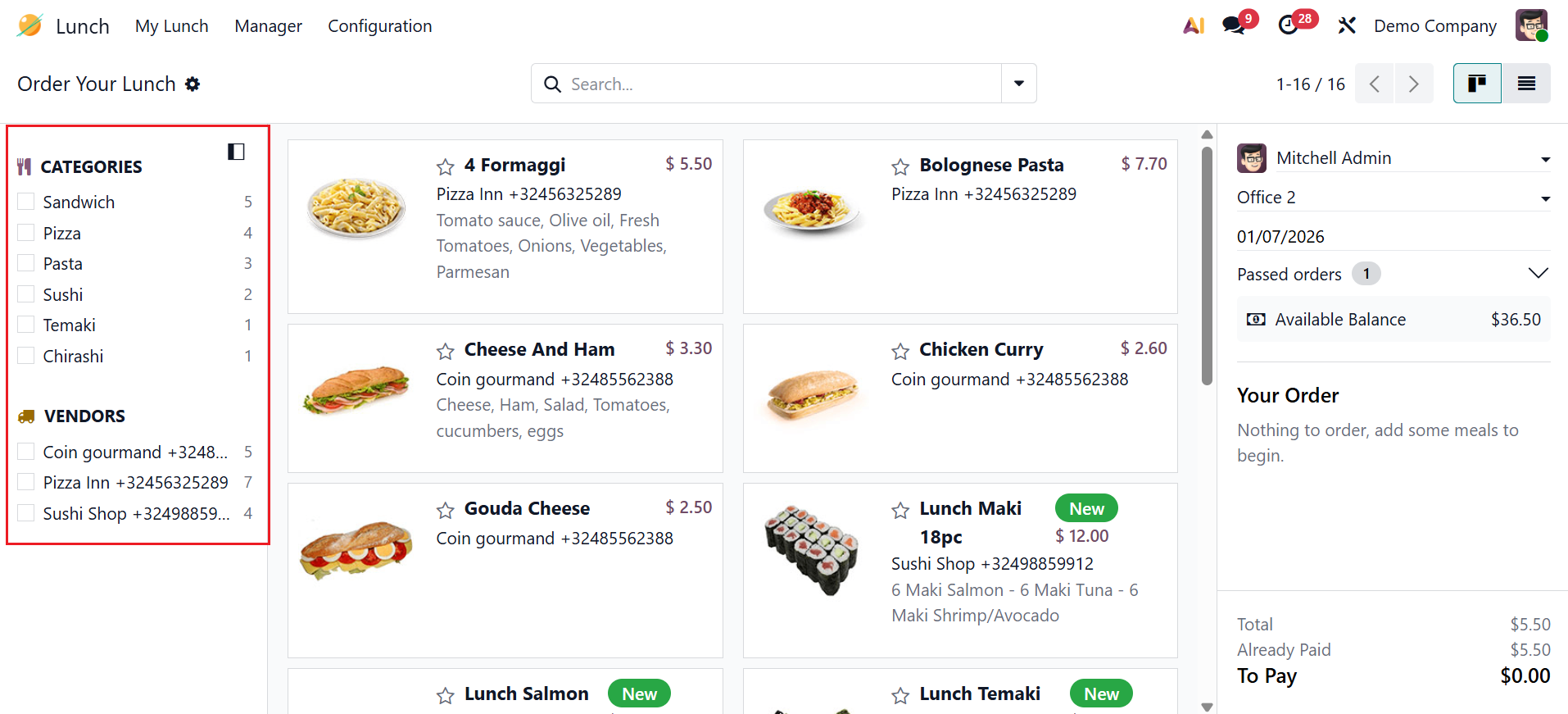
The left panel of the dashboard displays all available products organized by category. Under the Vendors section, you can see that the names of the sellers supplying the product.
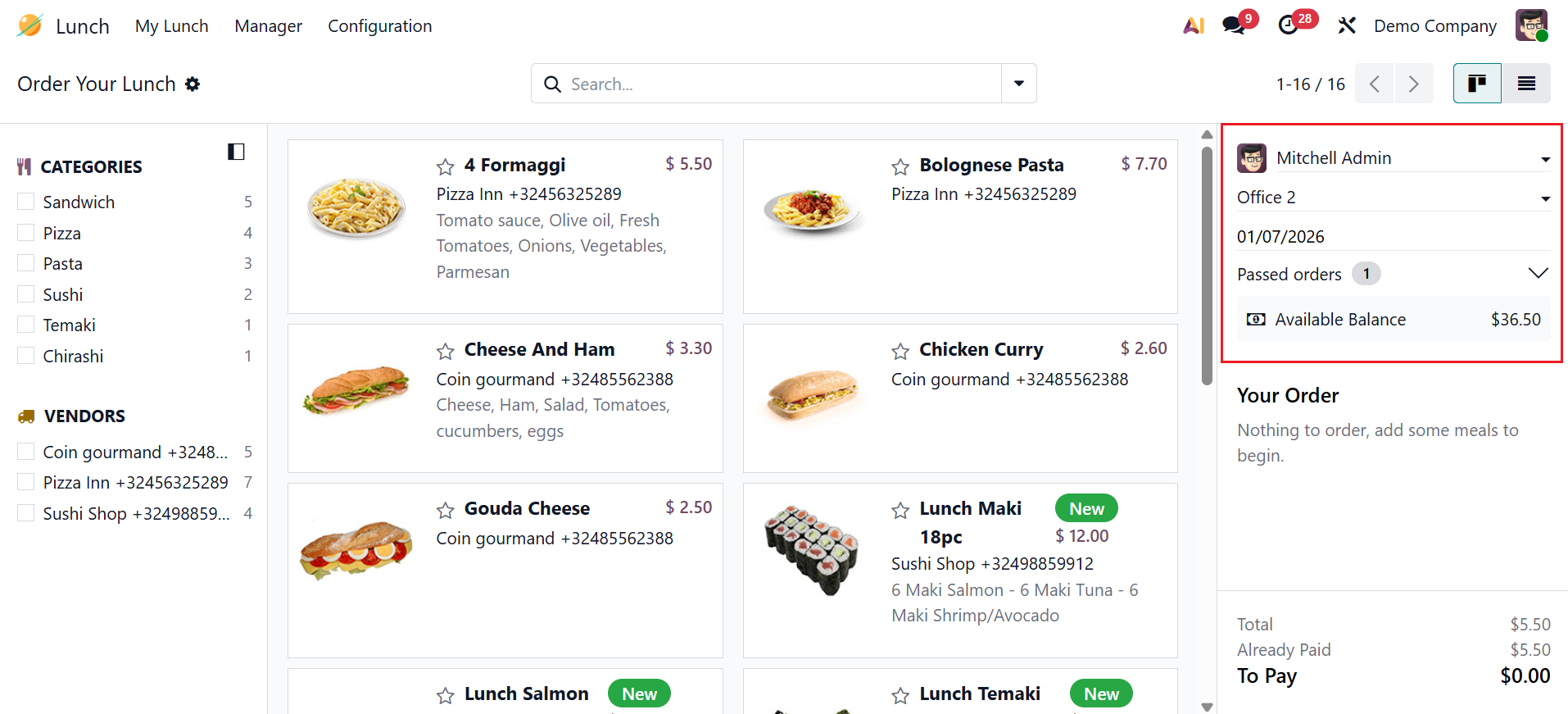
As shown in the screenshot below, you can see your order profile on the right side of the dashboard with details including name, address, date, received orders, and balance amount.
1.1 New Order:
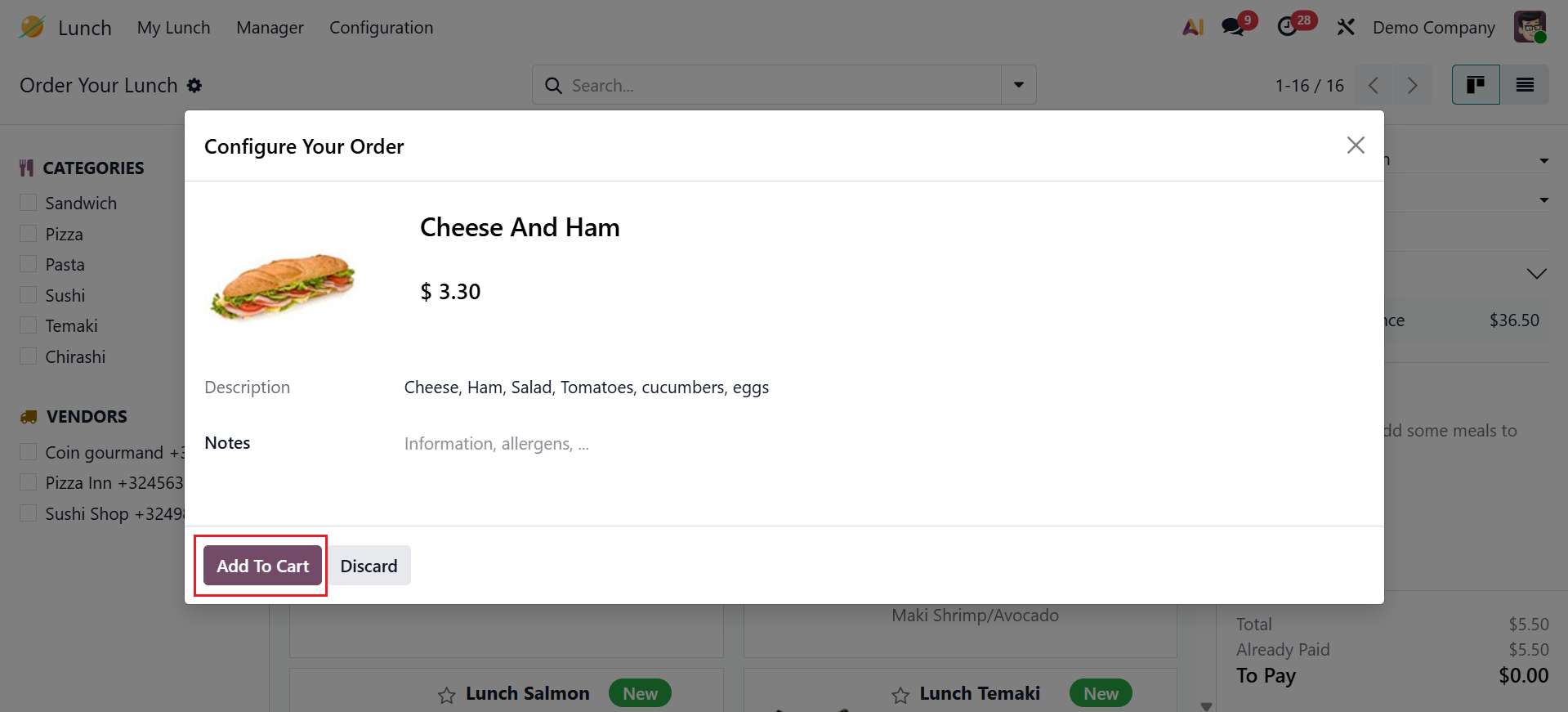
You can see the food items are arranged as cards, including details such as vendors, ingredients, and price. To configure an order, click on the specific food item. A pop-up window will then appear, as illustrated below. There, you can view the selected product's details, and you can add any extra information in the Notes field. To place the item in the shopping cart, click the Add to Cart button.
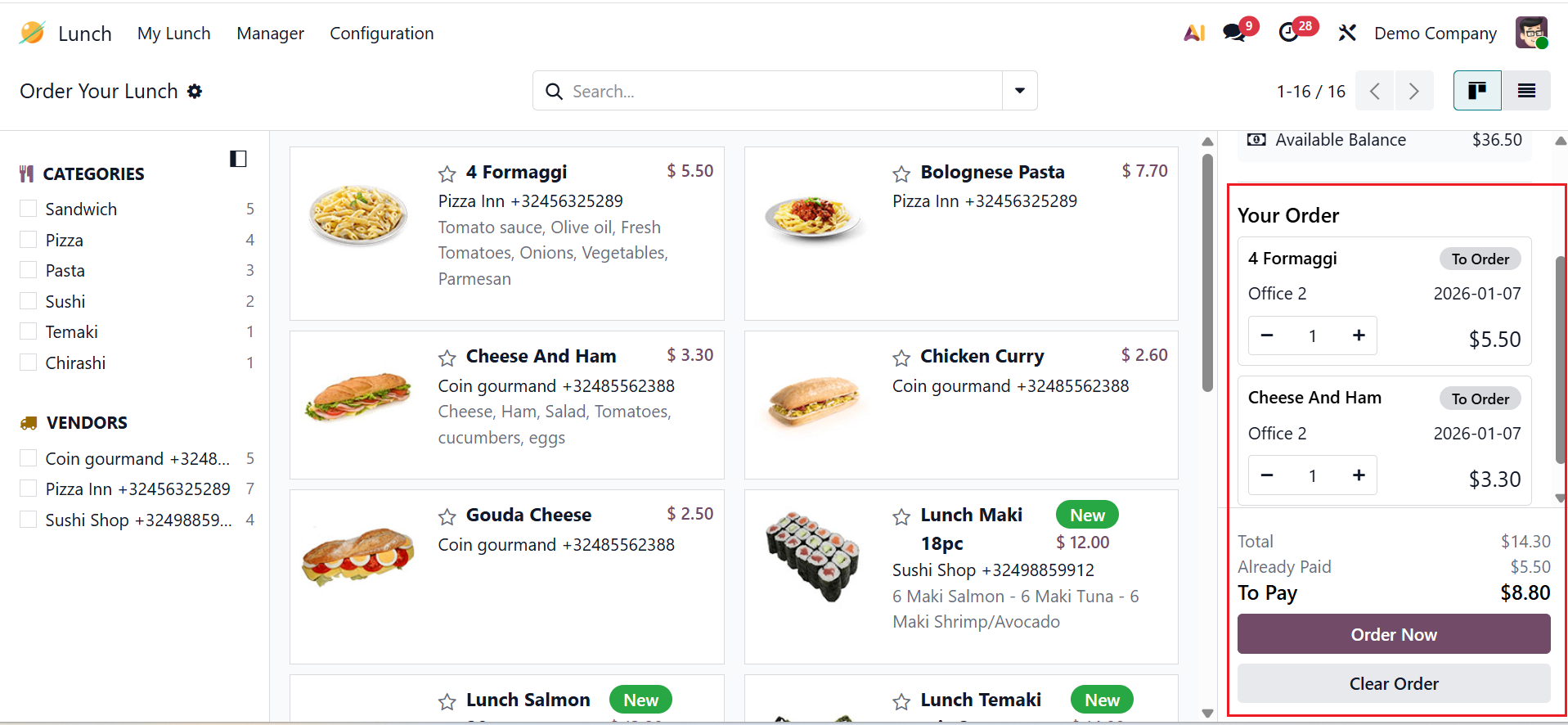
On the right side of the dashboard, you can see the order details under the Your Order section. This section displays a full overview of your order. Select the + button to increase the item quantity. You can also analyze the total, the already paid, and the to-pay amounts of your order. When you’re ready, click Order Now to place your order, or Clear Order to cancel it.
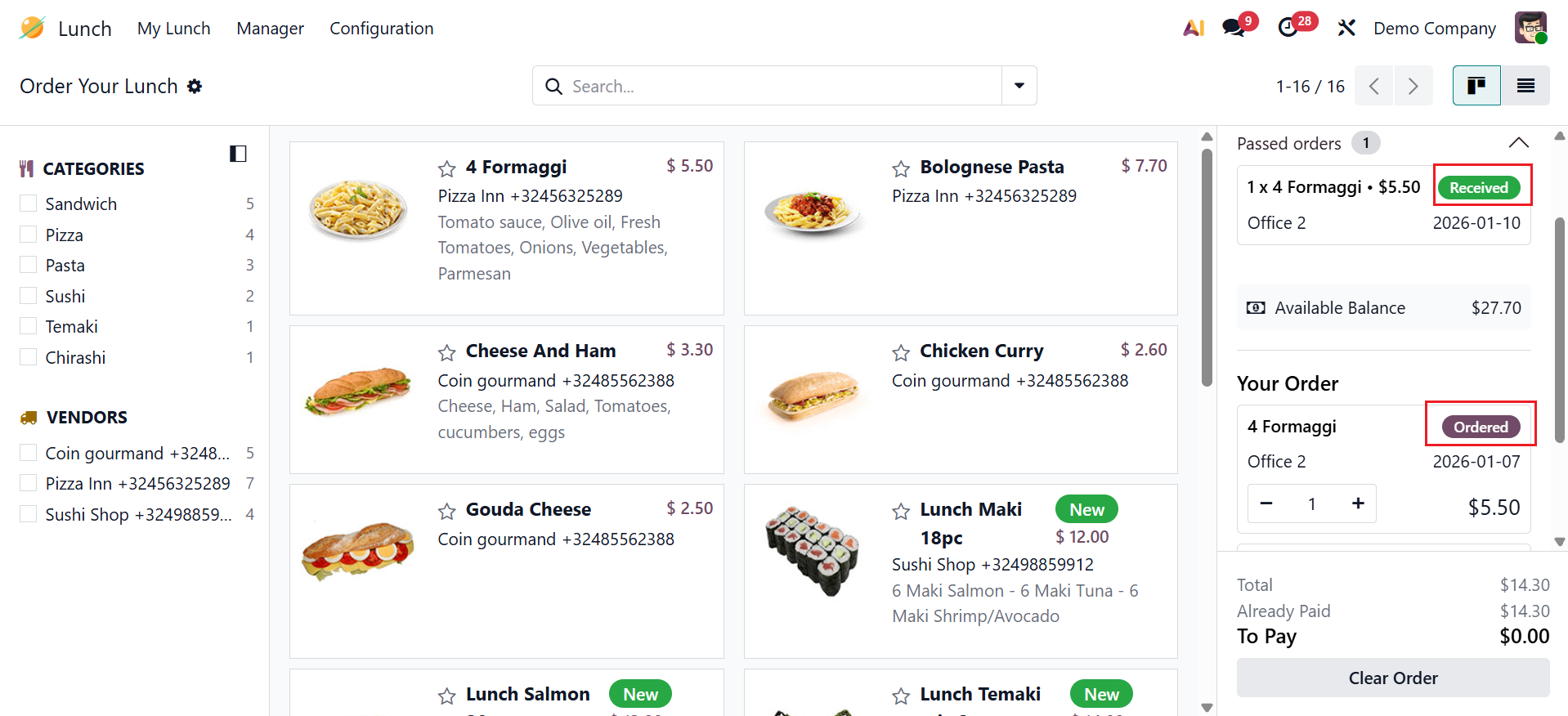
The payment will automatically be deducted from your account after ordering. Then, you can see the To Order stage change to the Ordered stage as shown below:
1.2 My Order History:
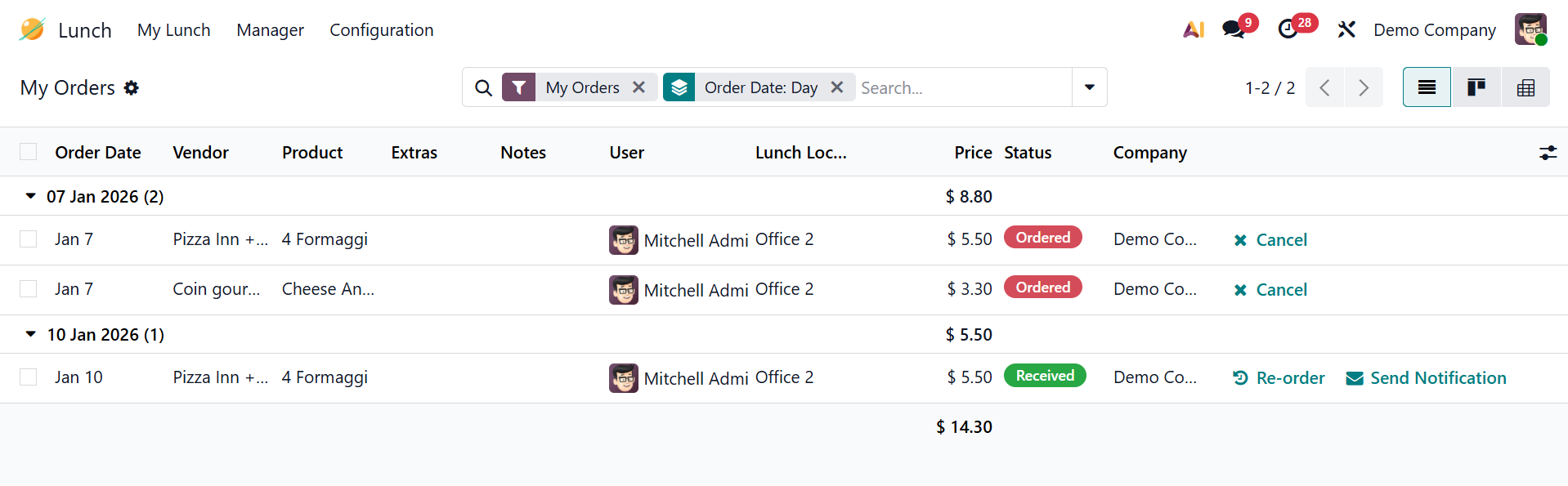
Under the My Order History option, you can review all the meal orders. Detailed information for each meal order, including Order Date, Vendor, Product, Extras, Notes, User, Lunch Location, Price, Status, and Company, is presented on the dashboard.
Orders may be canceled by selecting the Cancel button. Click on the Reorder button to place a new order from the previously placed orders. Notifications can be sent to vendors by selecting the Send Notification button.
1.3 My Account History:
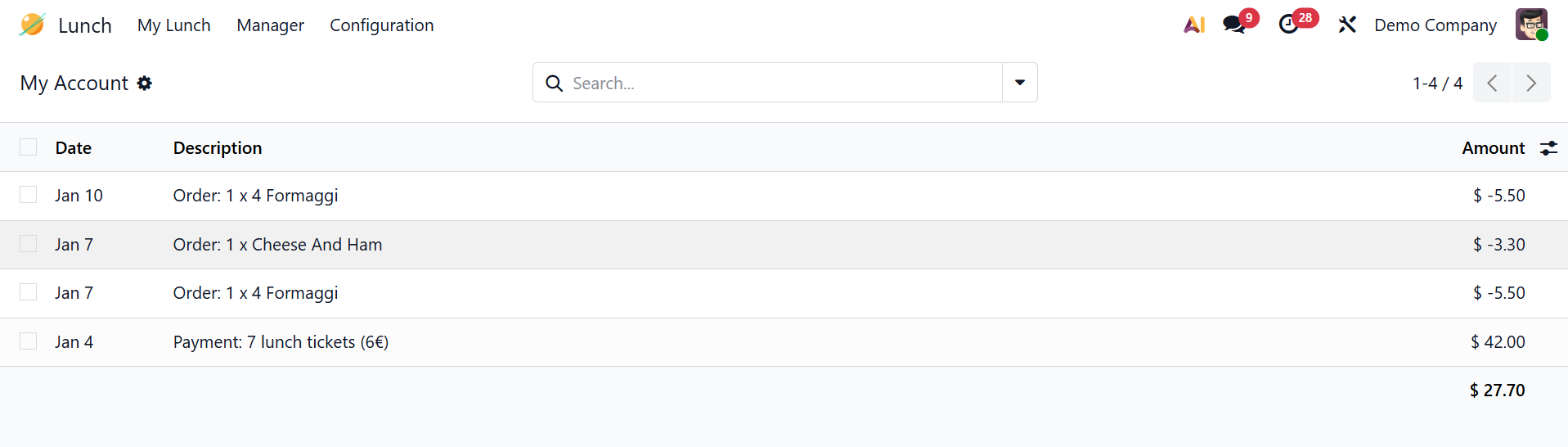
Under the My Account History option, you can view the account details of your orders with details such as Date, Description, and Amount.