Odoo 19 Manufacturing module streamlines business operations by making it easier to plan, schedule, monitor, and carry out manufacturing processes effectively. For manufacturing companies, this module is essential since it makes it possible to manage production orders, invoices, and follow each step of the manufacturing process with ease. Its primary objective is to uphold stringent manufacturing standards in order to offer high-quality products. Organizations may efficiently control and optimize their production operations, leading to increased efficiency and superior output, by utilizing the features of Odoo ERP software. The module includes features for handling manufacturing orders, bills of materials, equipment upkeep, scrap management, repairs, and other crucial manufacturing processes.
Overview
Finding premium raw materials, setting up workstations, managing product flow, and putting quality control procedures into place are all part of manufacturing. Based on particular product settings, Odoo generates a Manufacturing Order (MO) to start production. There are two main ways to build MOs: either by concentrating on distinct production stages or by modifying work centers to set up certain processes. These procedures are essential to guaranteeing the quality of the finished product. Users are shown a dashboard with current production orders when they enter the manufacturing module.
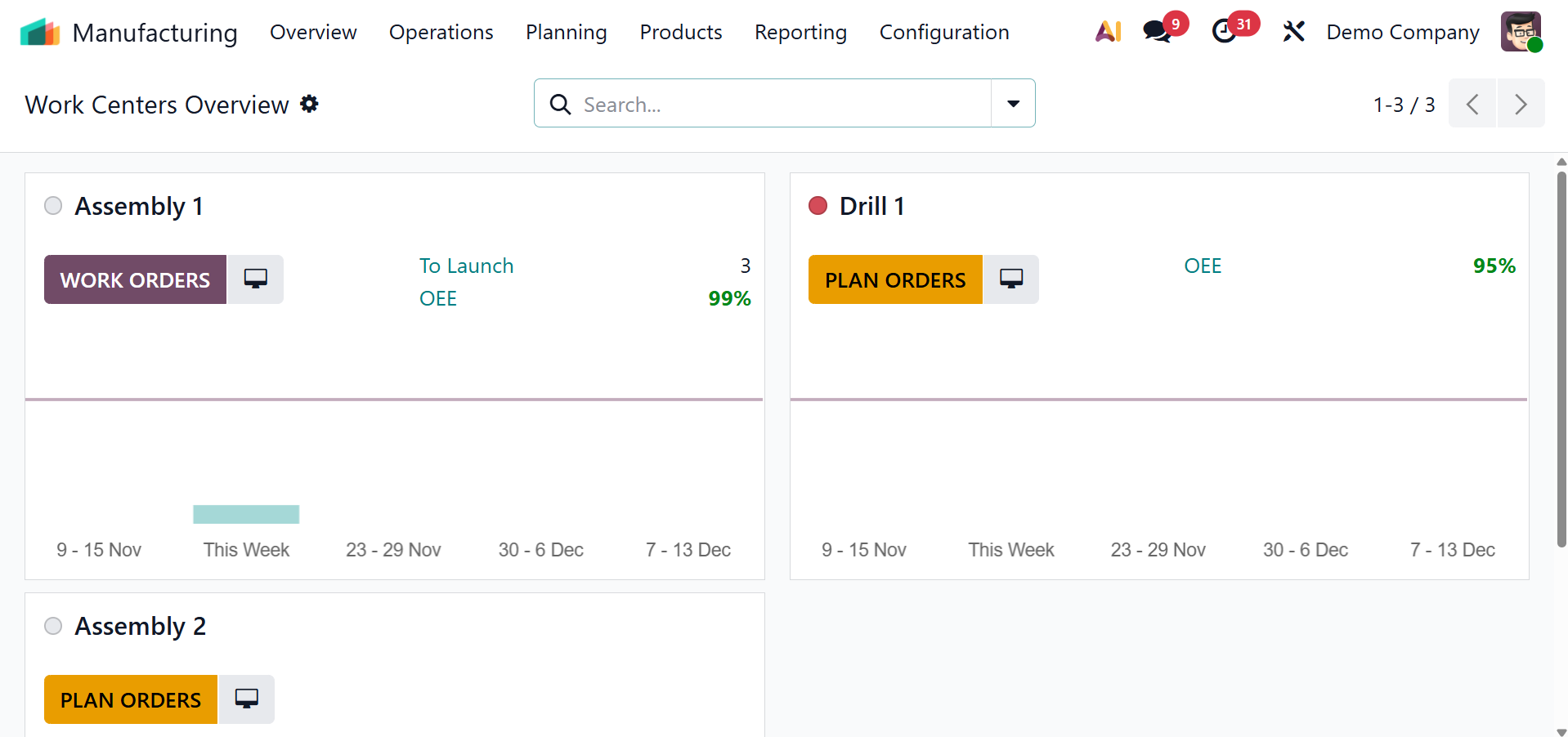
Important pre-configured information is displayed on the dashboard, such as plan order and work order.
- Plan order: By generating planned production orders that have not yet begun but are set aside for future execution, Plan Orders are used to plan and arrange future manufacturing activity.
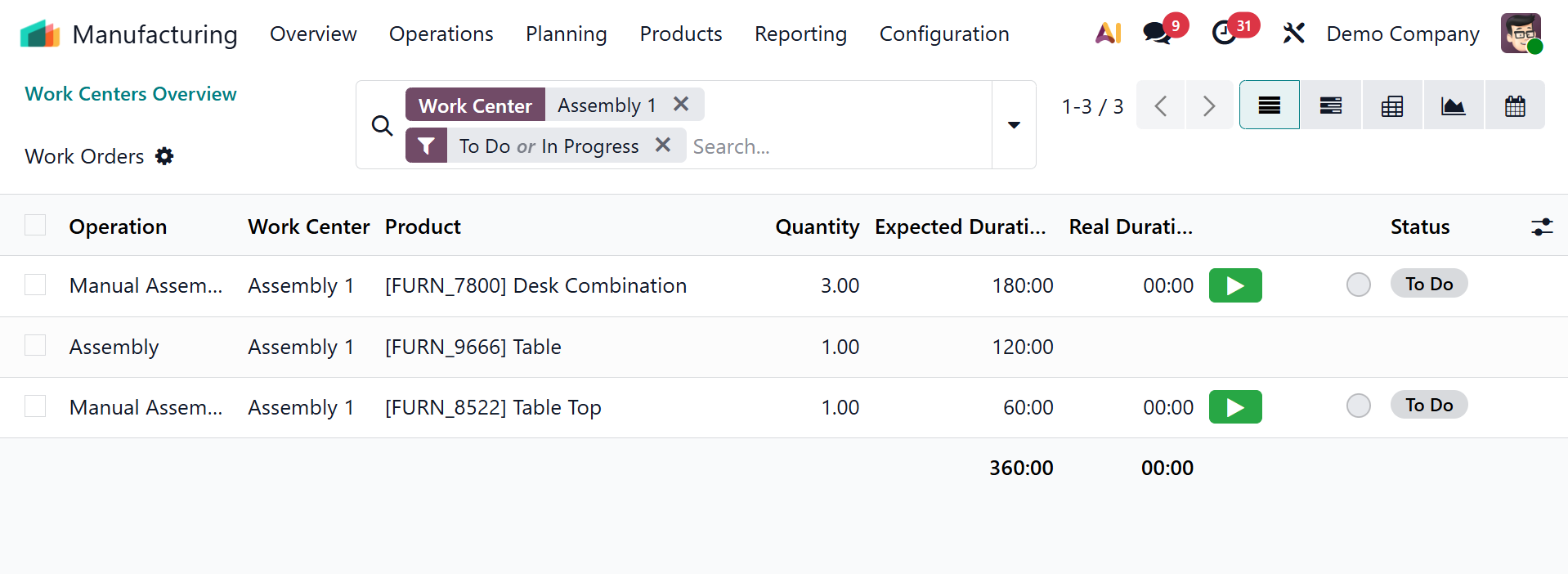
- Work order: A work order is a task that must be completed to fulfill a manufacturing order. Operations are either directly added to the manufacturing order or specified in the bill of materials. Upon opening the icon, you will see a list of work orders to be completed.
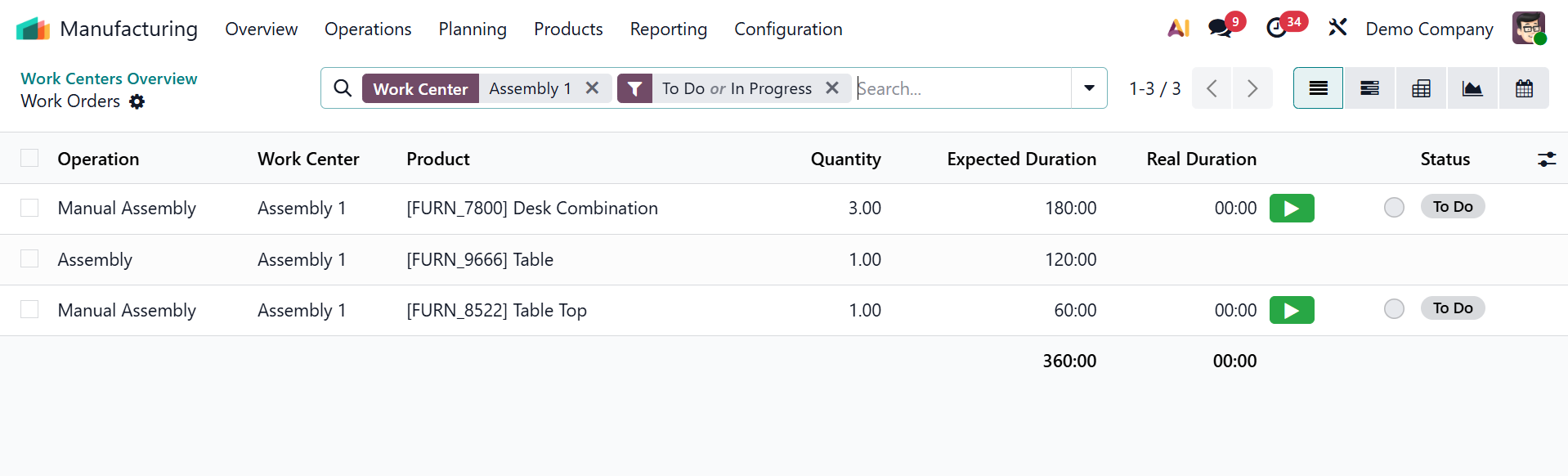
Multiple views, such as Kanban, List, Calendar, Activity, and Pivot, allow users to access this data, enabling better reporting and analysis. And it will be available on selecting a particular work order. Furthermore, manufacturing orders can be sorted by product type, scheduling date, material availability, and status (e.g., draft, confirmed, in process, or completed).