Dashboard
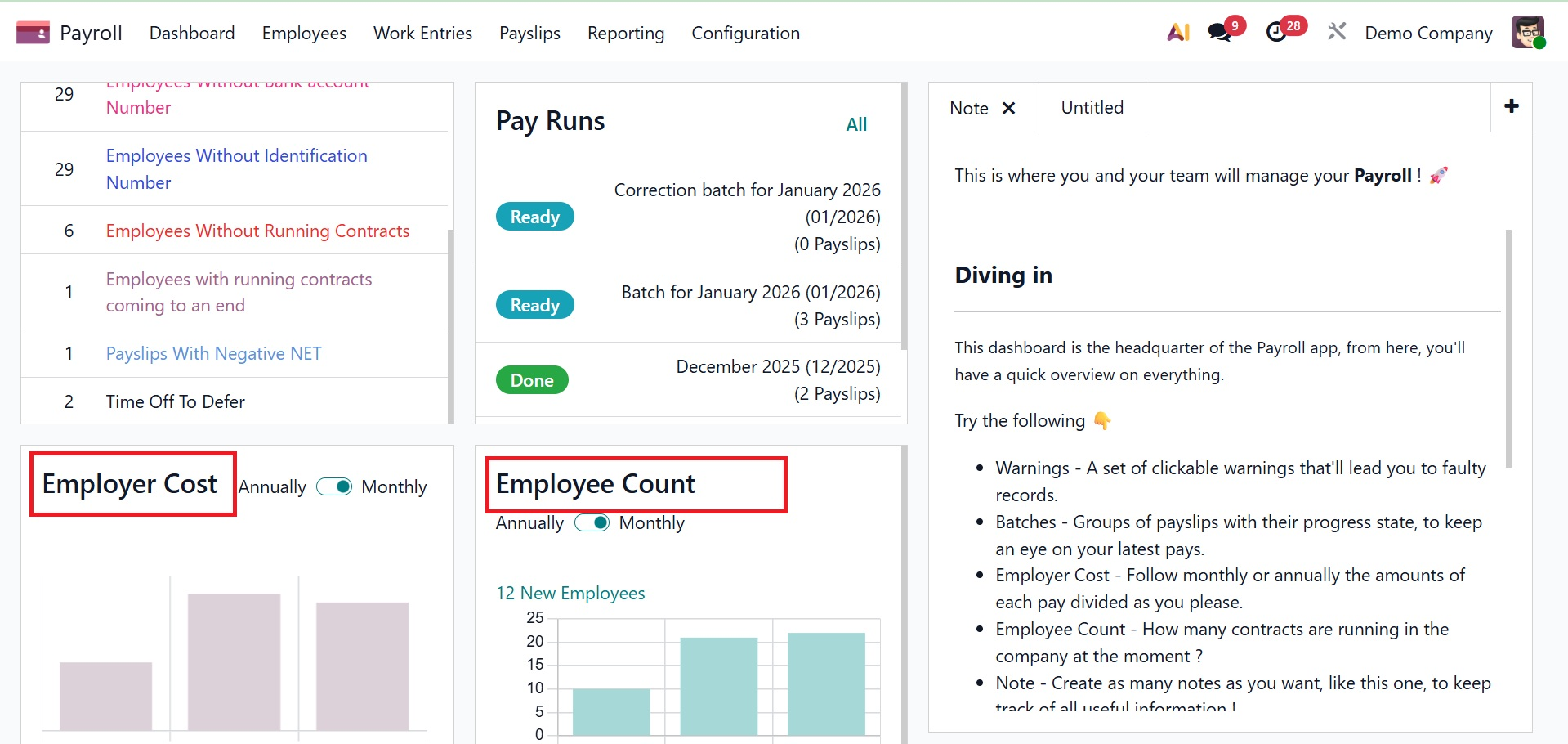
Employee trends, employer cost visual displays, batches, warnings, and notes are all defined by the Odoo 19 Payroll dashboard. Beneath the Warnings section are the relevant warnings about employee contracts. The most recent or validated payroll for the employees in the batches is available to us.
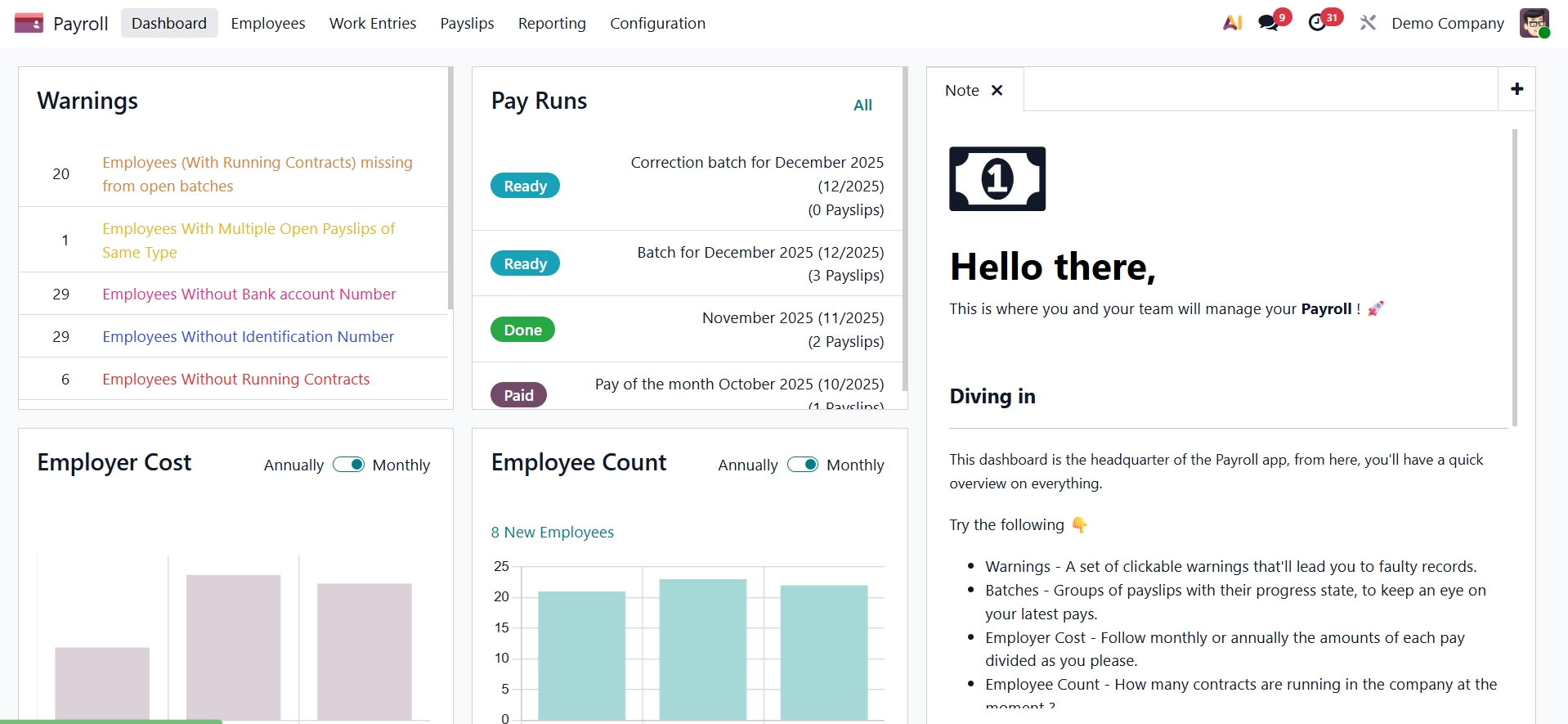
You can obtain comprehensive payroll insights augmented with interactive features and visual components via the "Dashboard" option. When the "Dashboard" window is launched, they see a well-organized layout with:
- Alerts and warnings.
- Payroll Batches according to Status
- Internal Remarks
- Summaries of employer costs
- Employee Statistics and Trends
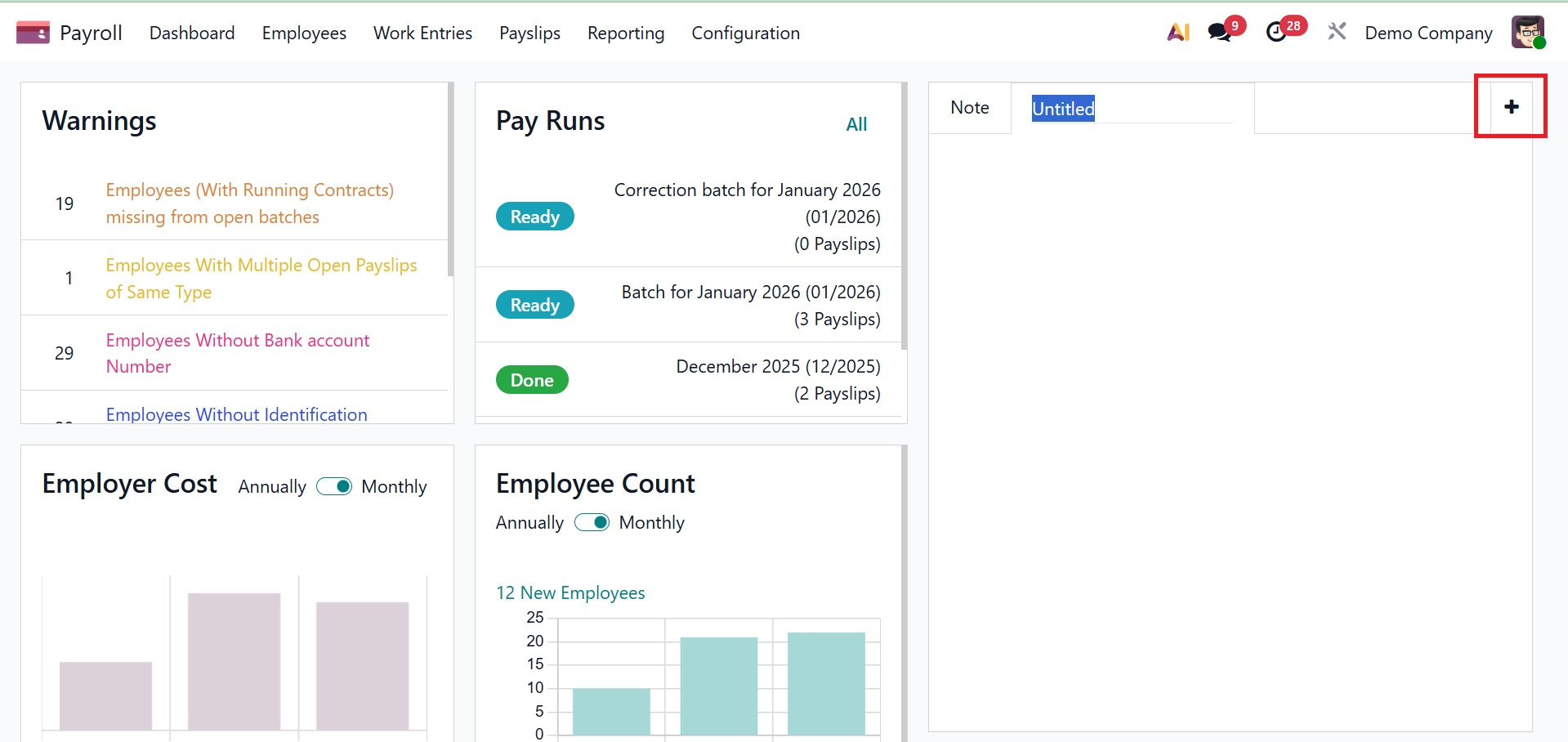
The Note tab makes it simple to get more payroll flow summaries. You can add a new remark about the payroll data by using the plus icon on the right end.
You can add thorough remarks, summaries, or explanations on payroll-related tasks using the Notes tab. During the payroll cycle, this function is particularly useful for recording significant choices or ideas.
On a monthly or annual basis, we can also impartially assess employer costs and trends. As a result, examining the amount of workers' compensation is made simple by the graphical representation.
Important alerts about employment contracts are recorded in the Warnings section. These warnings are immediately manageable by users on the dashboard. As shown in the screenshot below, you can examine, update, or create additional alerts by clicking on a particular warning from the dashboard, which takes you straight to the pertinent contract or record.
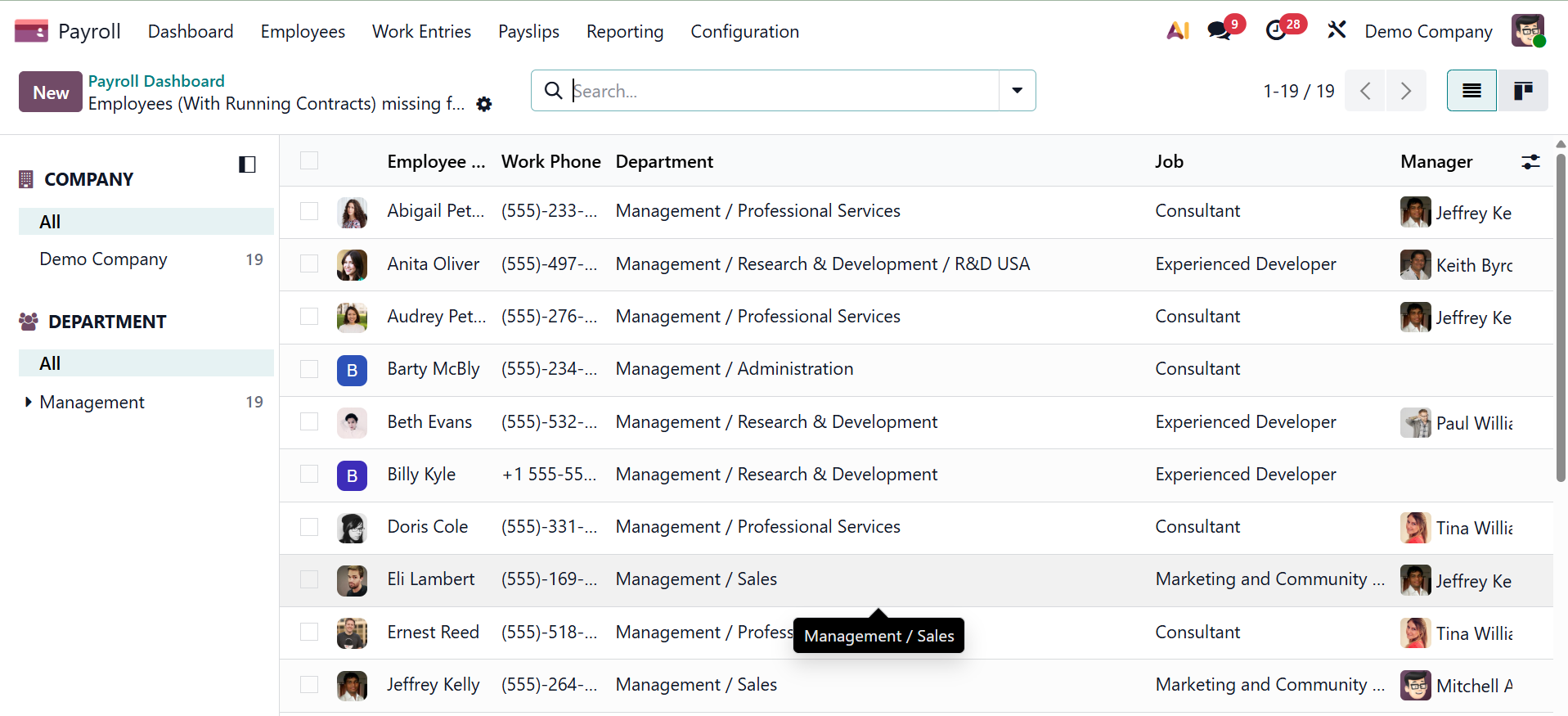
These messages can be customized for a number of situations, including contract expiration dates, missing tax information, or benefit issues. This maintains the accuracy and legal compliance of the payroll process. Because it saves time and makes it easier to discover issues without reading through each record manually, payroll personnel and HR managers especially benefit from it.
Pay slip groups, divided into "New," "Confirmed," "Done," and "Paid" stages, are shown in the Batches section. Users can click to view individual batch dashboards or select "All" to view the entire list, as demonstrated below. Each category displays the number of batches it contains.
Businesses can monitor employee-related costs with monthly and annual breakdowns in the Employer Cost tab. Visual charts that aid in budget management and financial forecasting are included in this section. To evaluate shifts and patterns in worker spending, users can quickly switch between several time periods.