Employees
The Odoo Payroll module's Employee menu is used to view, generate, and manage employee payroll records. It links each employee to contracts, wage structures, and personal information needed for precise payslip creation and salary computation. On opening the page, you can see the page, as shown below.
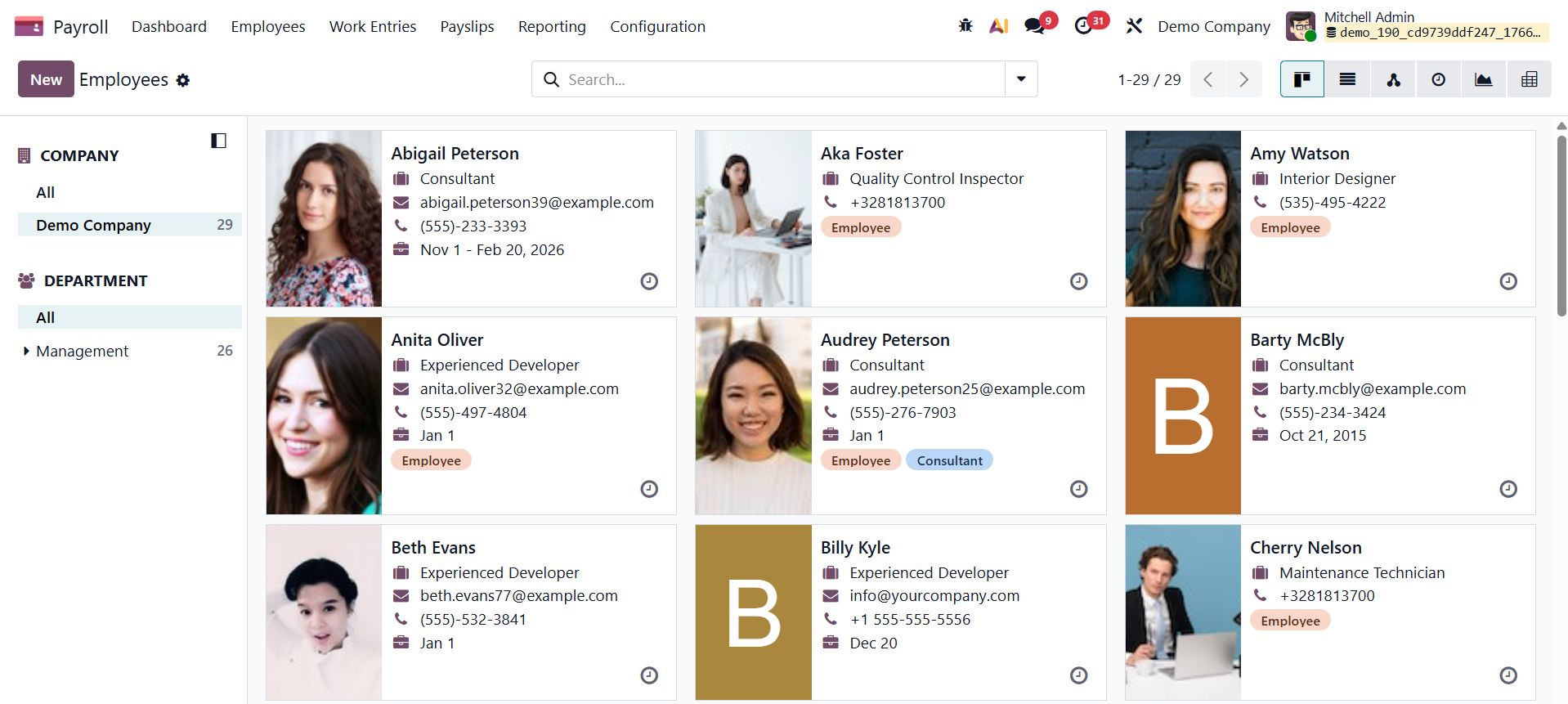
Under this menu, you have the options like, employee, employee record, salary adjustment, salary calculator, and offer.
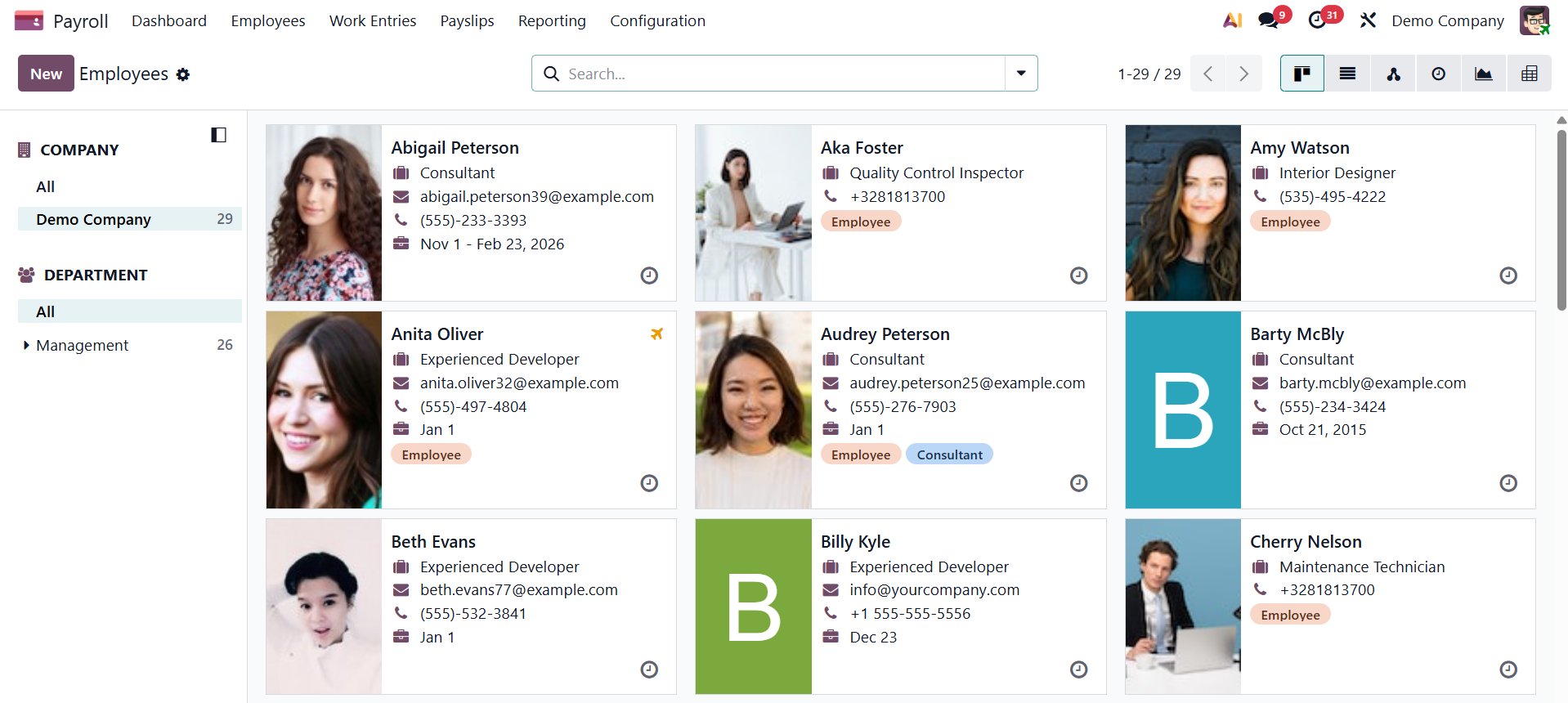
Employee
Employee records are connected to contracts, salary structures, work entries, and payslips for precise payroll processing. The Employee option under the Employee menu of the Odoo Payroll module is used to see and manage individual employee payroll profiles.
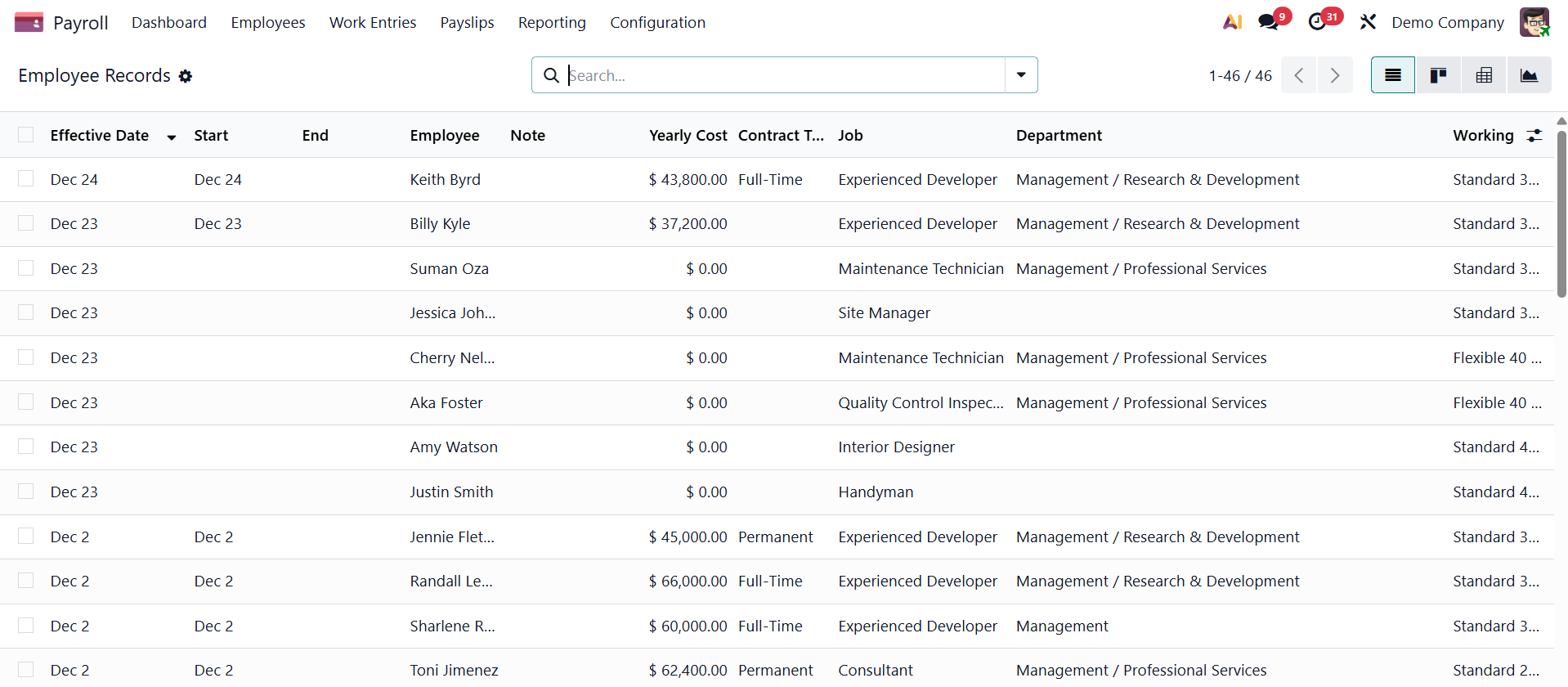
Employee Records
The Employee Record option under the Employee menu of the Odoo Payroll module provides a detailed payroll-specific profile of each employee, containing contracts, salary details, work entries, and payroll history required to generate and manage payslips accurately.
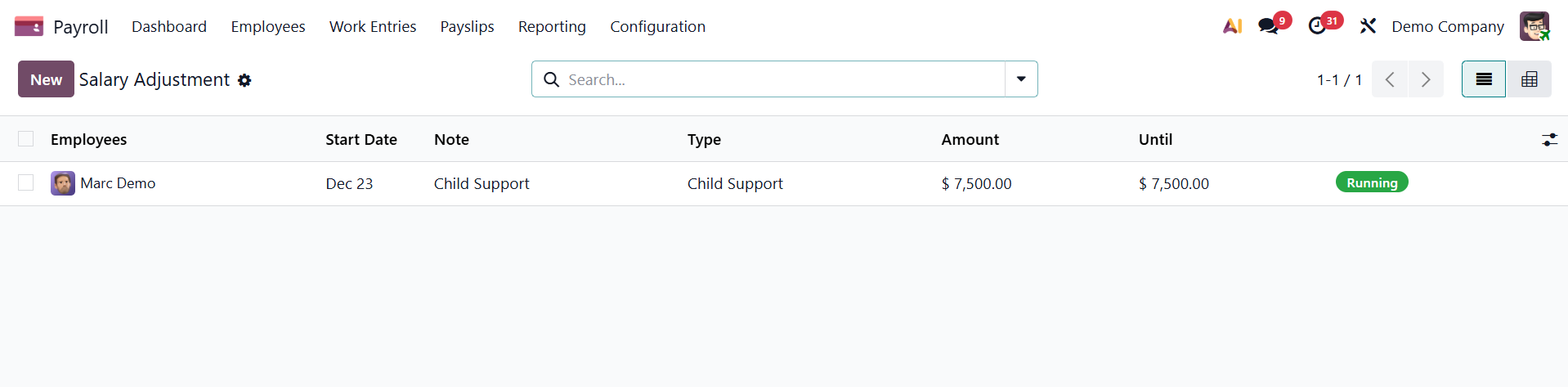
Salary adjustment
The Salary Adjustment option under the Employee menu of the Odoo Payroll module is used to apply and track changes to an employee’s salary, such as decrements, corrections, or one-time adjustments, ensuring accurate payroll calculations and payslip generation.
A blank Payslip Other Input Types form loads when you click the New button to make a new kind of salary adjustment.
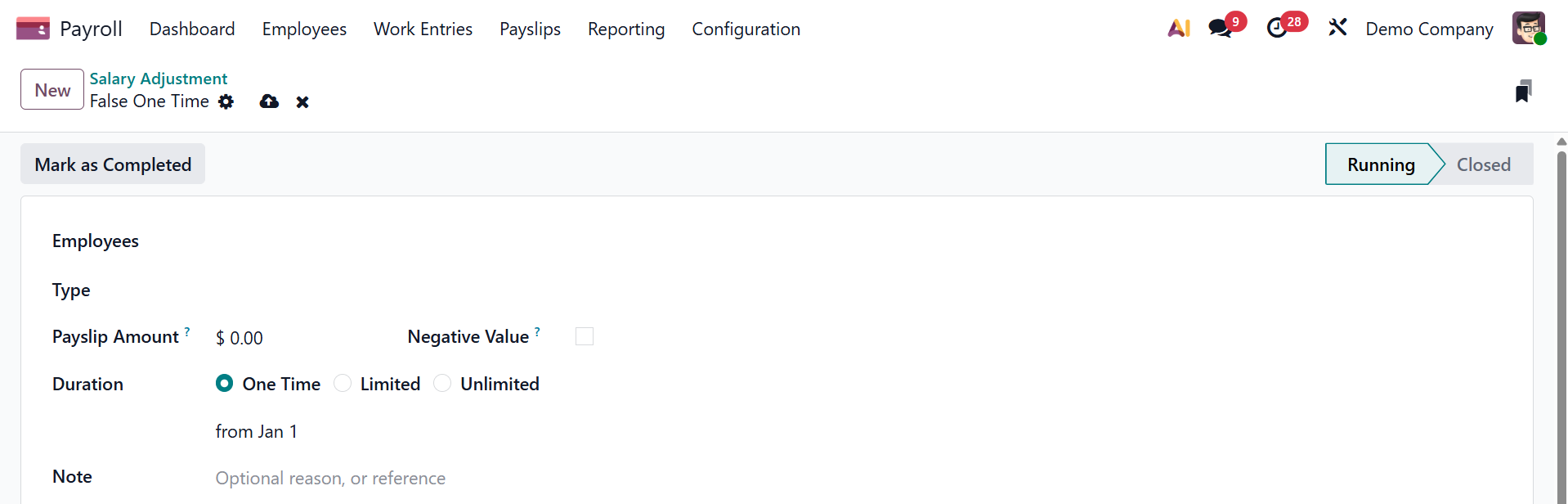
In the appropriate field, type the description of the new type of compensation adjustment. Here, select the employee, type, payslip amount, negative value, duration to be set as one time, limited, or unlimited, and finally notes.
Salary Calculator
The Salary Calculator option under the Employee menu of the Odoo Payroll module allows users to simulate and estimate an employee’s salary based on selected salary structures, rules, and contract details before applying the values to actual payroll records.
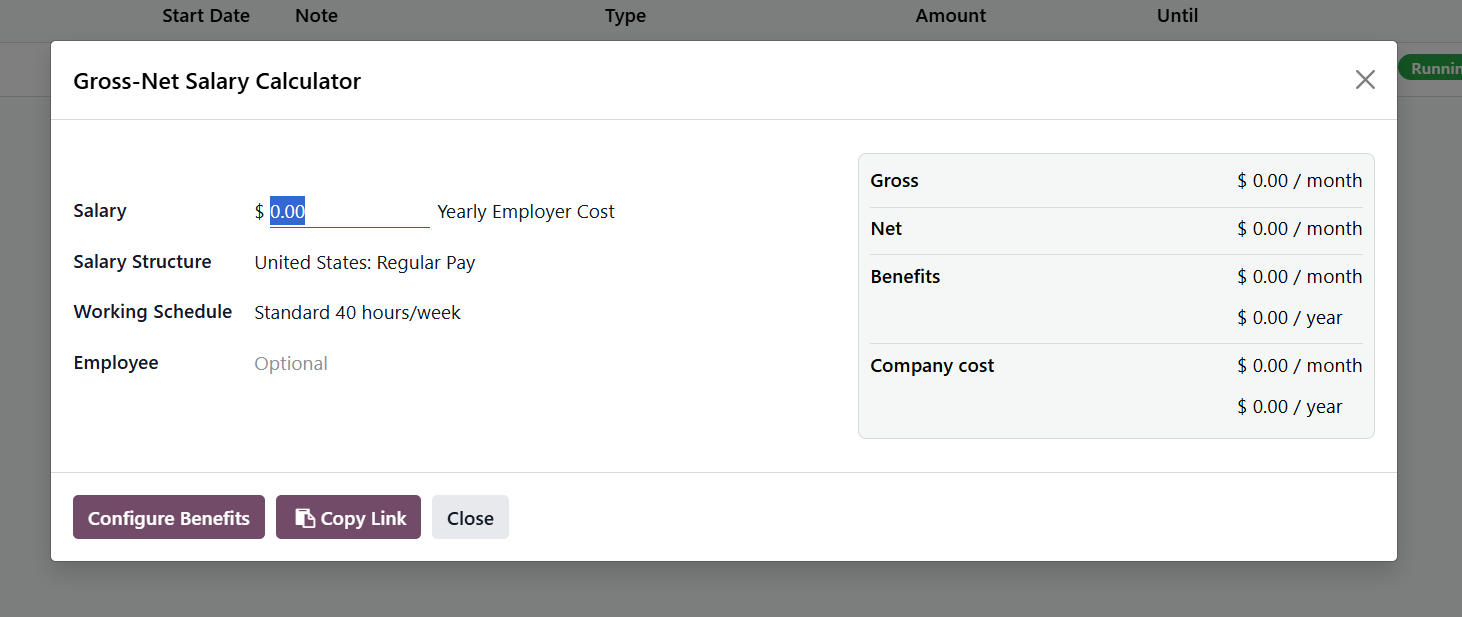
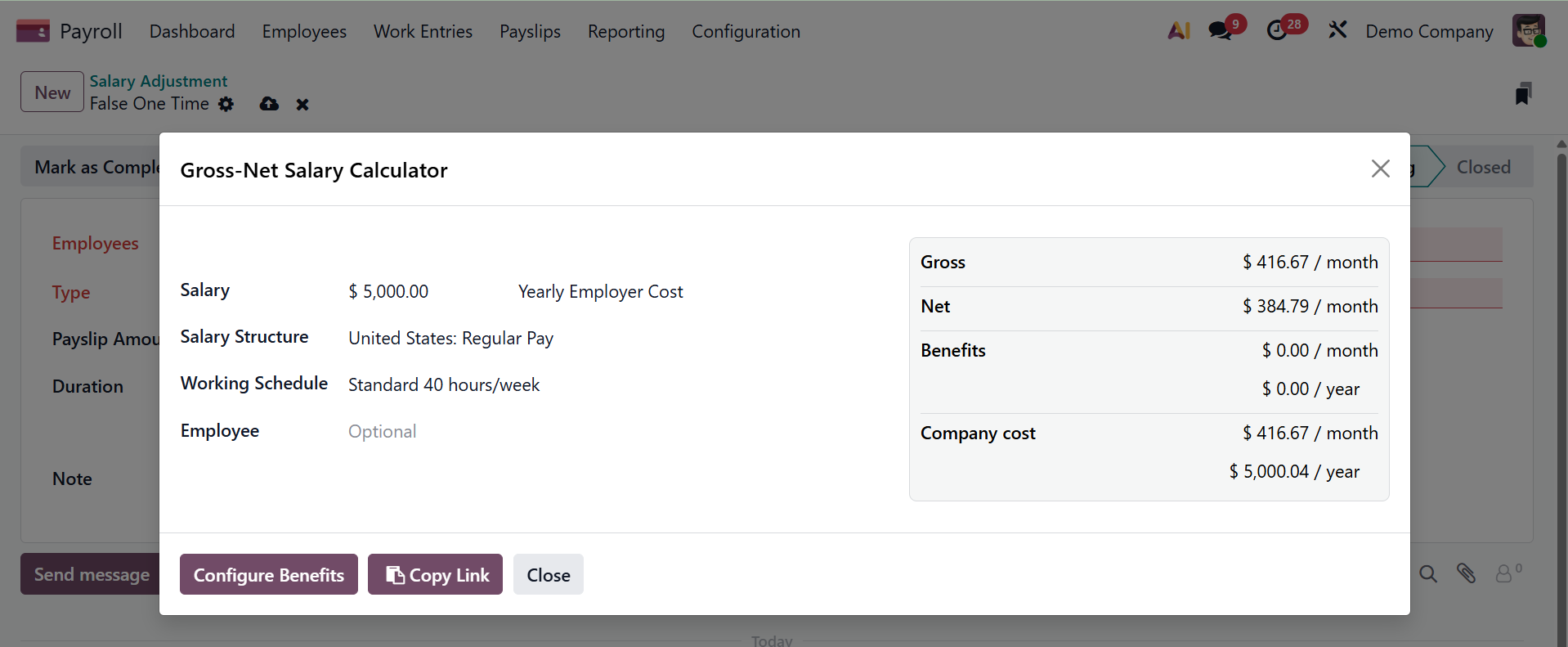
Here, If the Salary added, according to the selected salary structure, the Gross, Net, Benefits, and company cost will update.
Offer
The Offer option under the Employee menu of the Odoo Payroll module is used to create and manage salary offer details for employees or candidates, defining proposed compensation components before confirming contracts or generating payroll records.
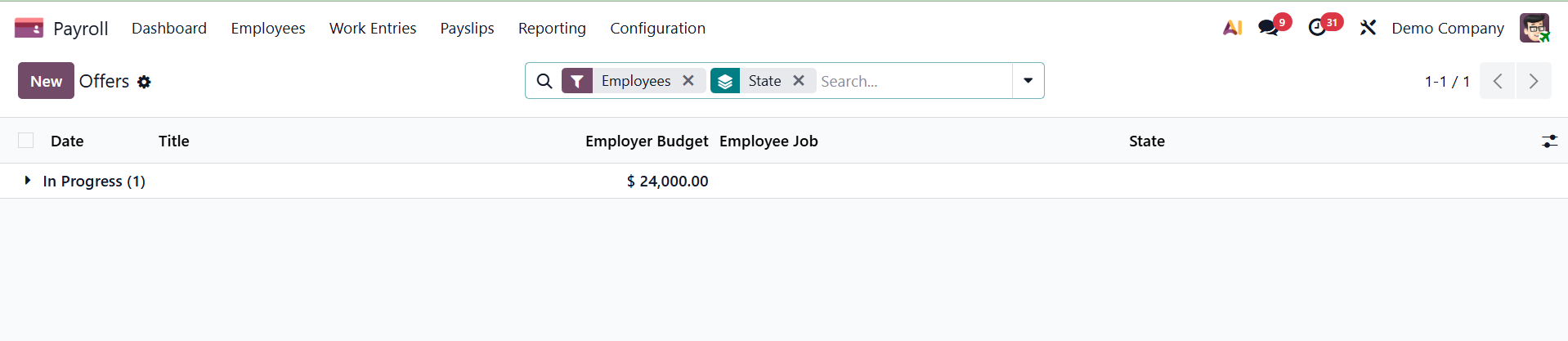
Now, the New option helps you create a new offer.
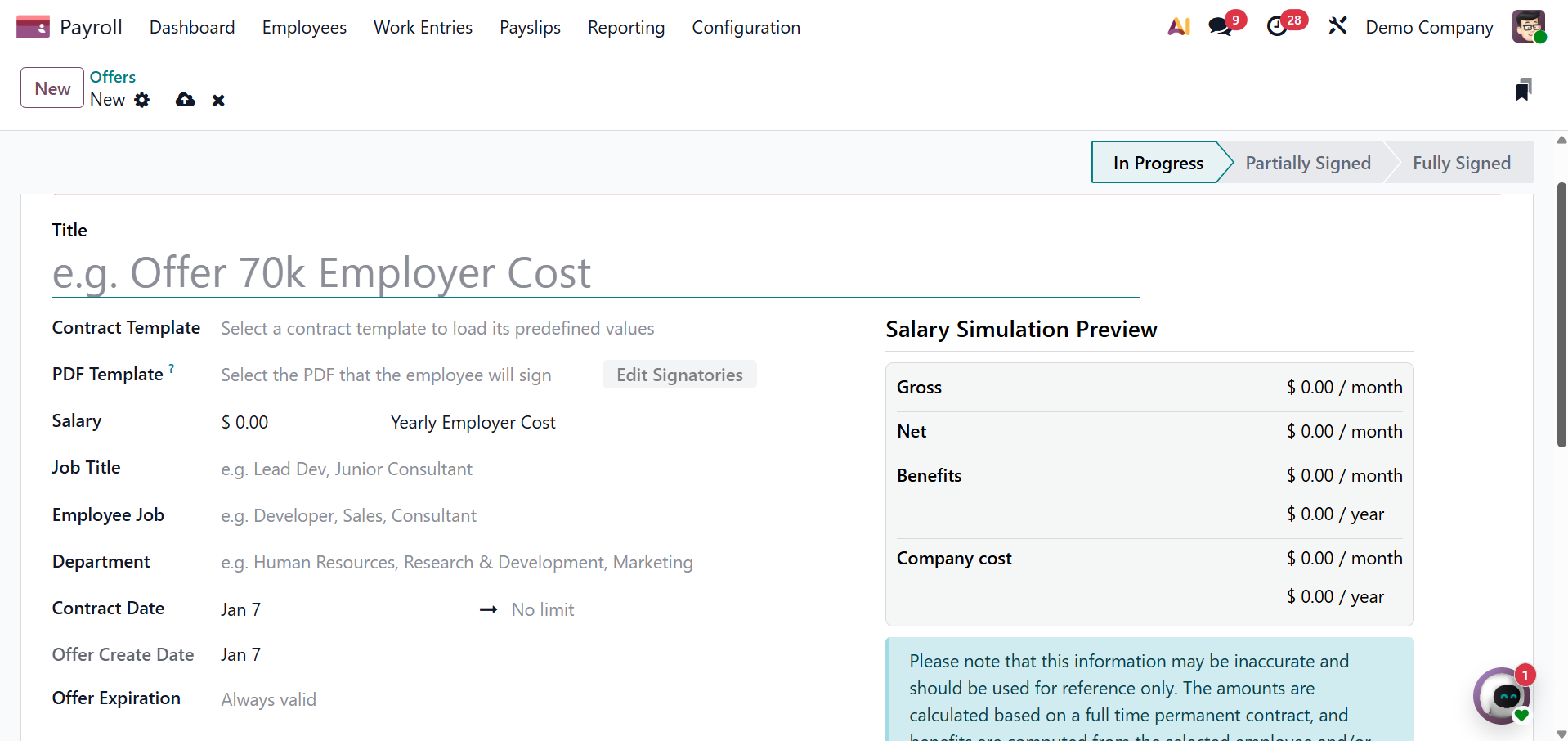
- Contract Template: Currently, the Offer for (applicant's email) page is filled in using this template. If you would want to choose a different Contract Template, use the drop-down menu.
- job Title: This box is automatically filled up by the chosen Employee Job. The title can be changed to add more information and fit the job of the particular applicant.
- Employee Job: The title of the position that the candidate is being offered. The options in the drop-down menu match the job position that is set up on the main dashboard of the Recruitment app.
- Department: The department to which the position belongs.
- Contract Start Date: The proposed contract's effective date. The current date is the default date. Clicking on the displayed date will open a calendar popover window where you can change the date. Click the day to choose the date after navigating to the preferred month.
- Offer Create Date: The day the offer is generated. This field is automatically filled in with the current date and cannot be changed.
- Offer Validity Date: The final day of the offer's validity. The contract cannot be signed beyond this date.