Products
Depending on their industry, each company offers a variety of goods to customers. Information about every product in your company may be easily protected with the help of the Odoo 19 Quality module.
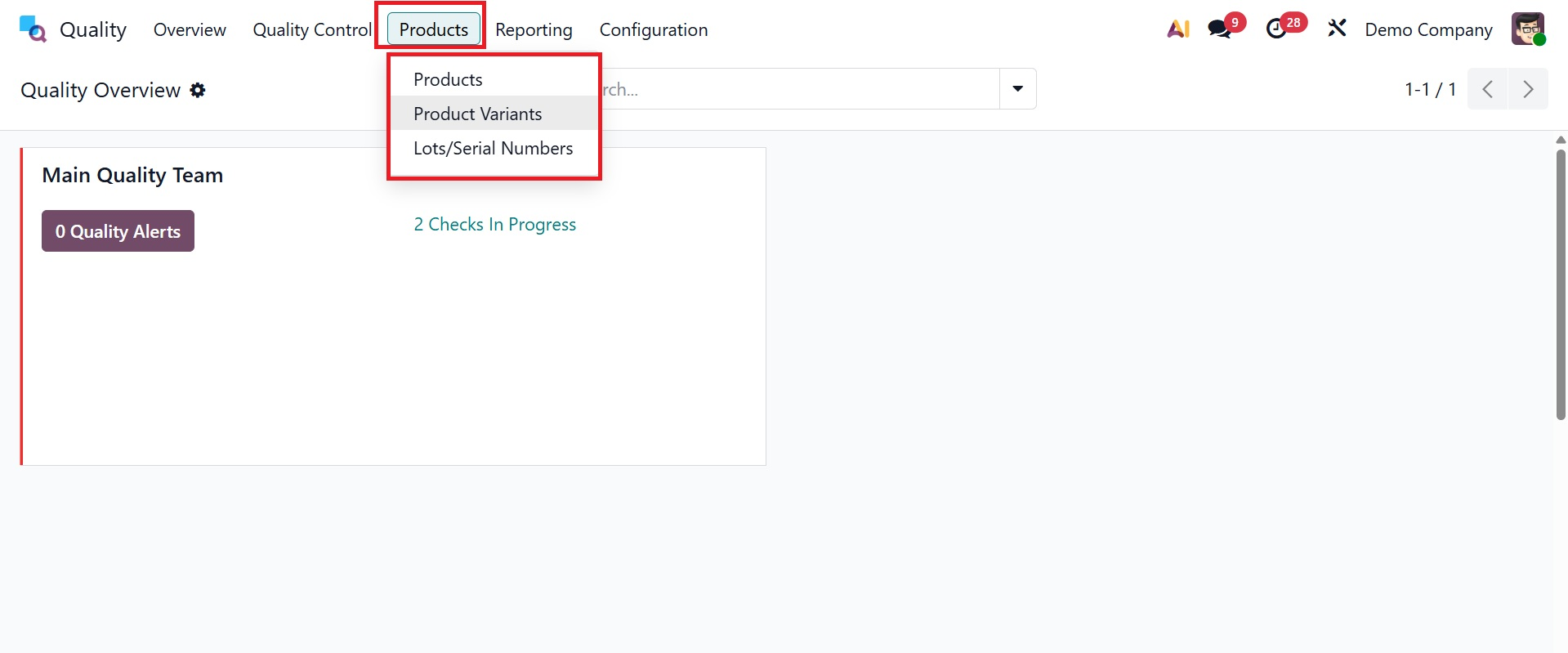
1.1 Products
Products, product variations, and lot/serial numbers are defined on the Product tab of the Odoo 19 Quality module. Select the Products menu from the Products tab to purchase everything your business sells. Each product's price, stock level, internal reference, and other details are displayed on the Kanban screen. By selecting the product from the Products window, the user can see all of its details.
After choosing the New icon, you may specify the specifics of the new product.
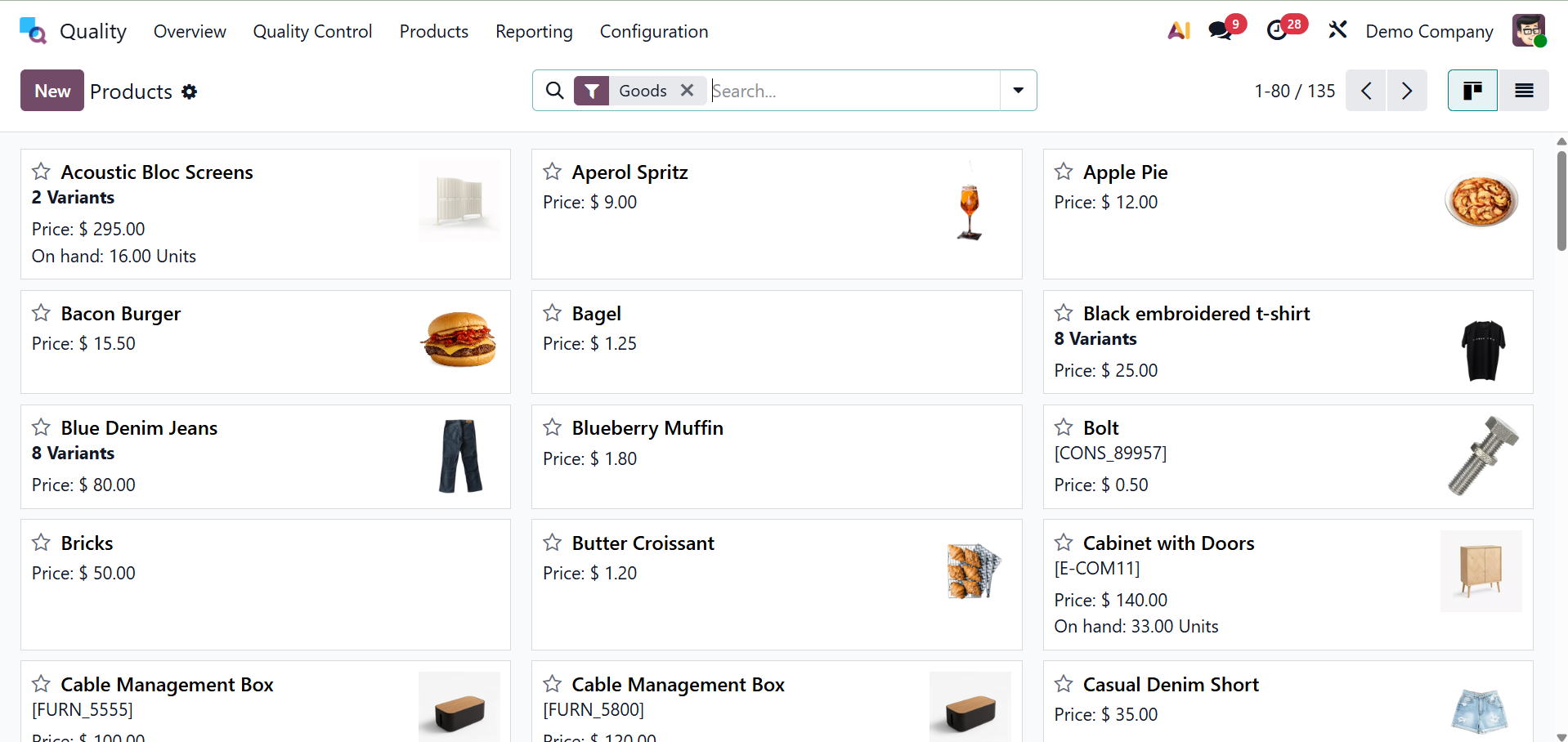
By using the Product Versions link located under the items tab, you can access several versions of a company's items.
1.2 Product Variants
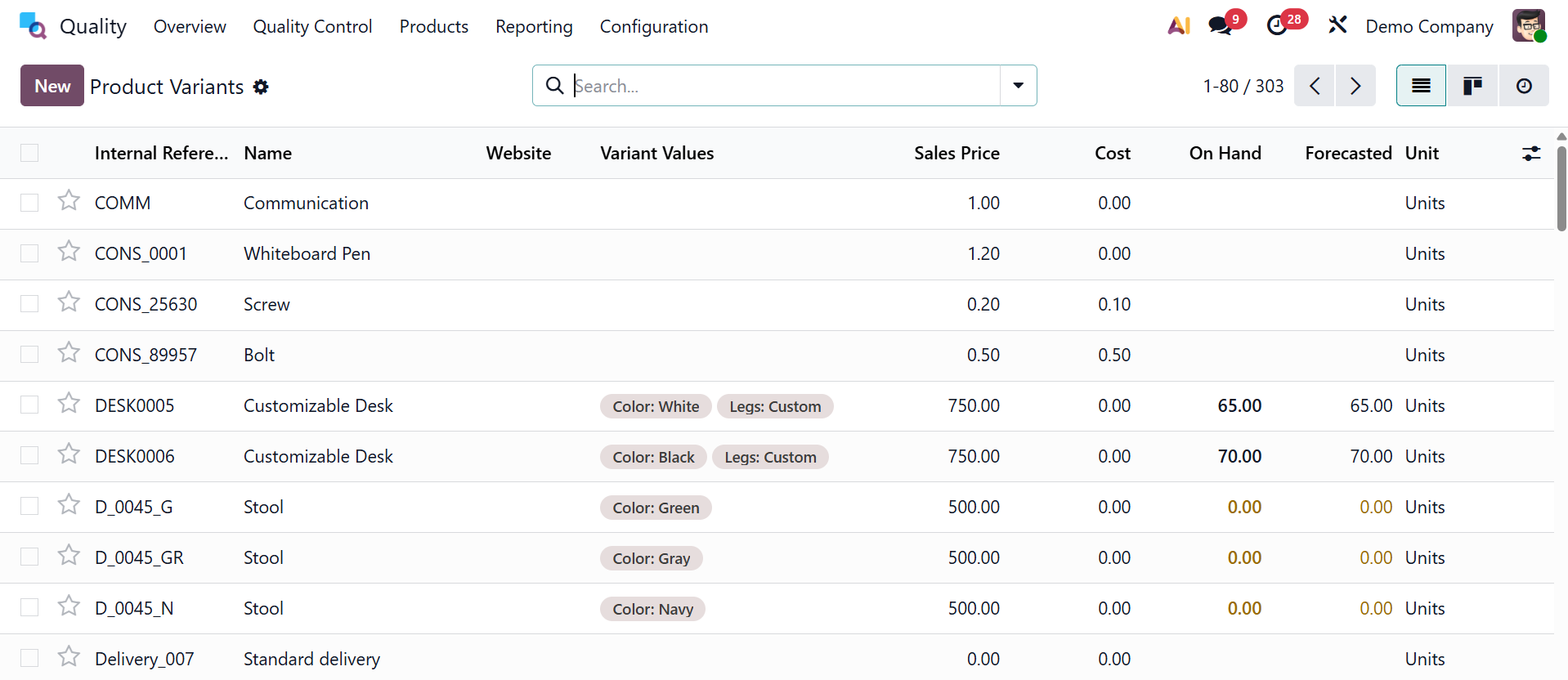
Product variants are variations on a master product's material, price, color, and other characteristics. A stool, for instance, is made up of various alternative values in hues like red, dark blue, and gray. All of an item's variant values are available in the Product Variants window.
To add a new variant value for a product, click the New icon.
1.3 Lot/Serial Numbers
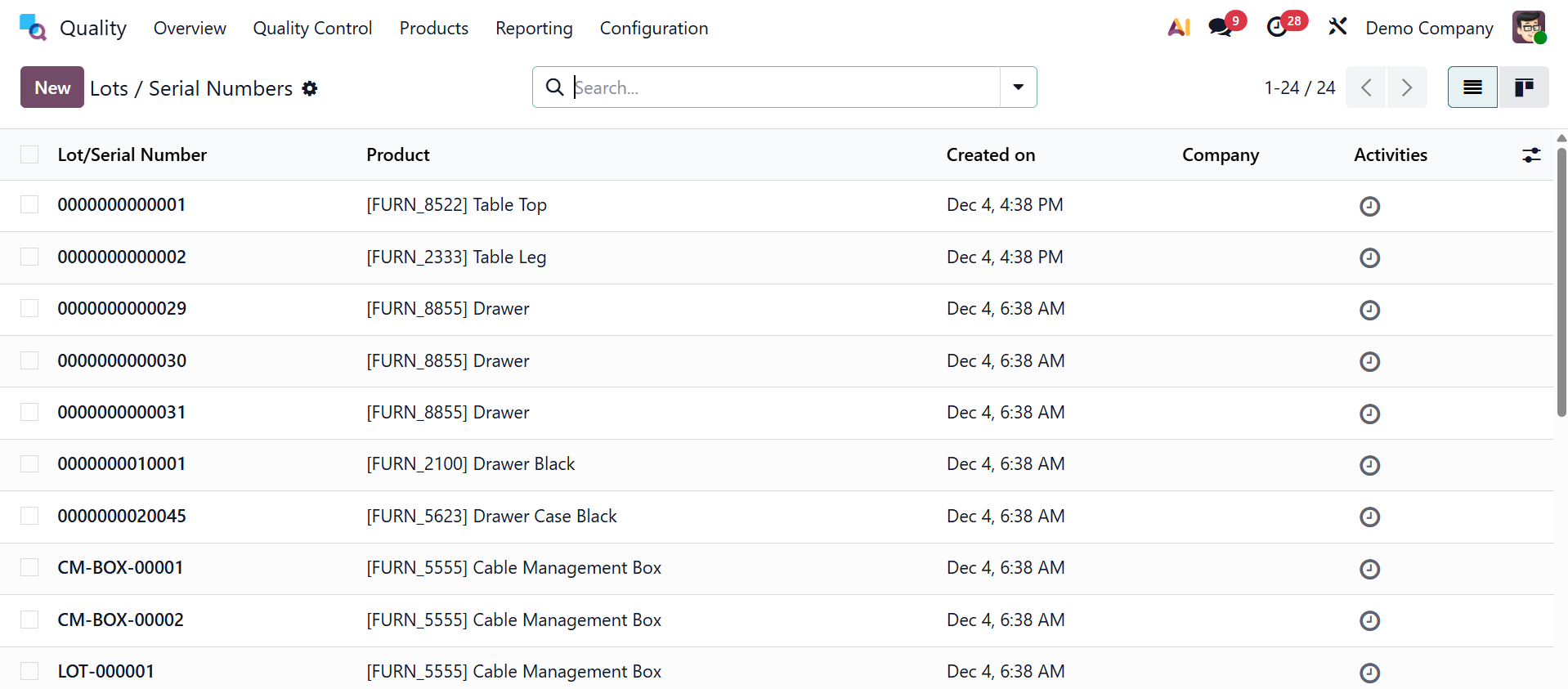
Products are assigned lots or serial numbers as they are being manufactured. Each product in a corporation has a distinct number that distinguishes it from the others. By choosing the Lot/Serial Numbers option under the Items menu, a user can see all created serial numbers for products in a company. Users can examine details about each commodities lot/serial number, including Product, Company, Created Date, etc. By selecting the New button, a product can be assigned a new lot or serial number.
Enter a distinct product number in the Lots/Serial Number field on the screen that appears. Enter the product with your lot or serial number in the Product field. Additionally, you may use the Quantity option to input the units for your particular product.
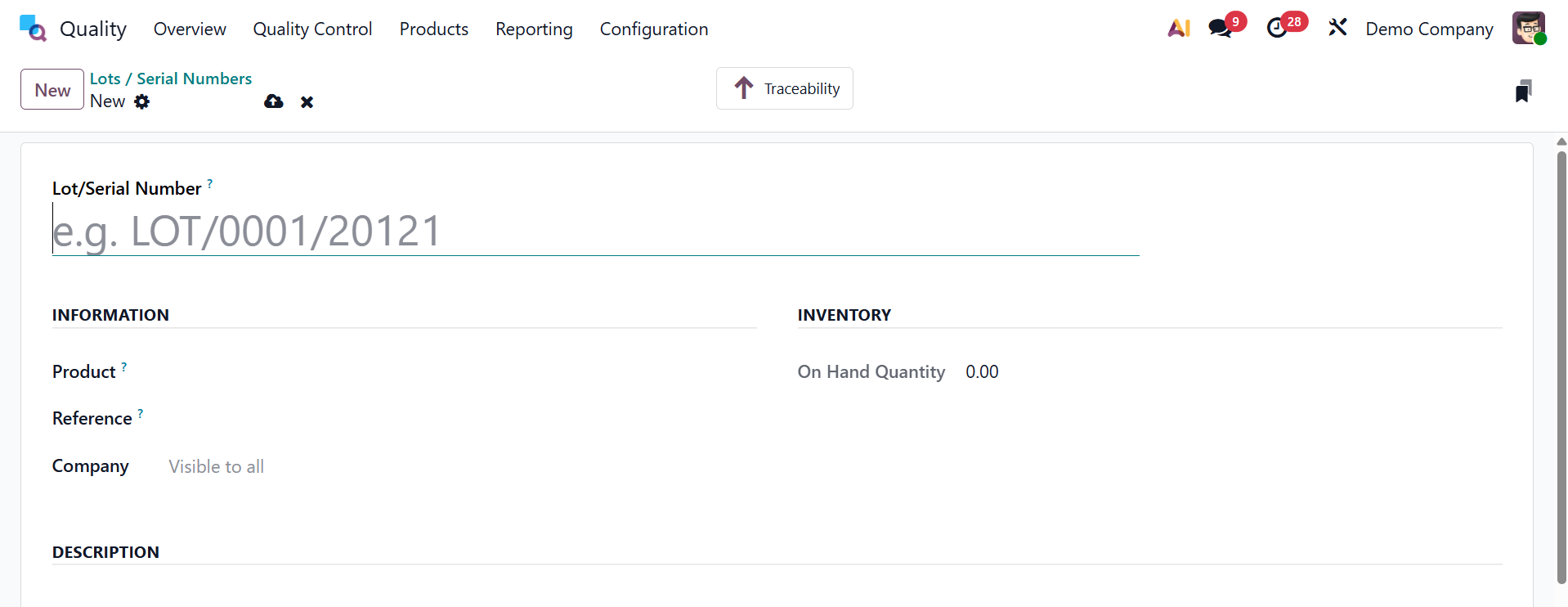
Customers may request the reference number if it differs from the batches or serial numbers supplied by the manufacturer. After entering the internal reference number, select the name of your business in the Company area.
In the Description tab, you can also provide further details about product batches and serial numbers.
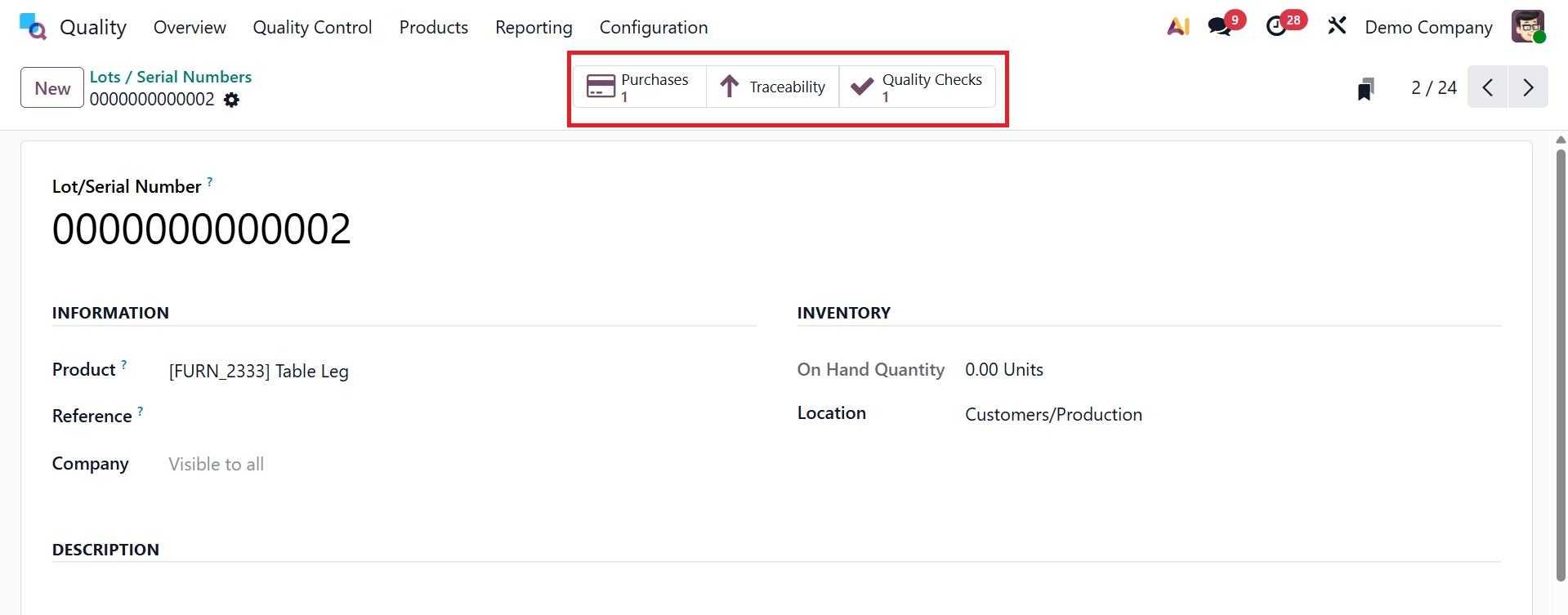
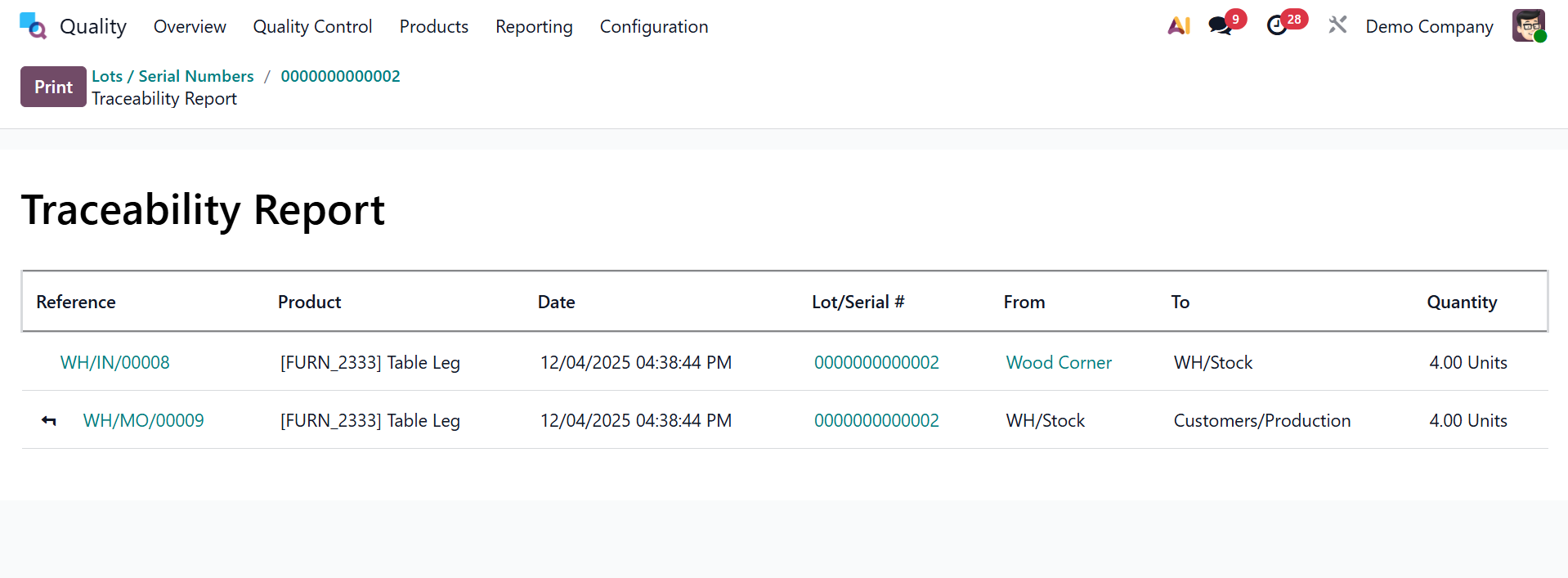
The operation report can be accessed using the Traceability smart menu by using the product serial number. In Odoo 19, all serial number-related data is manually saved.
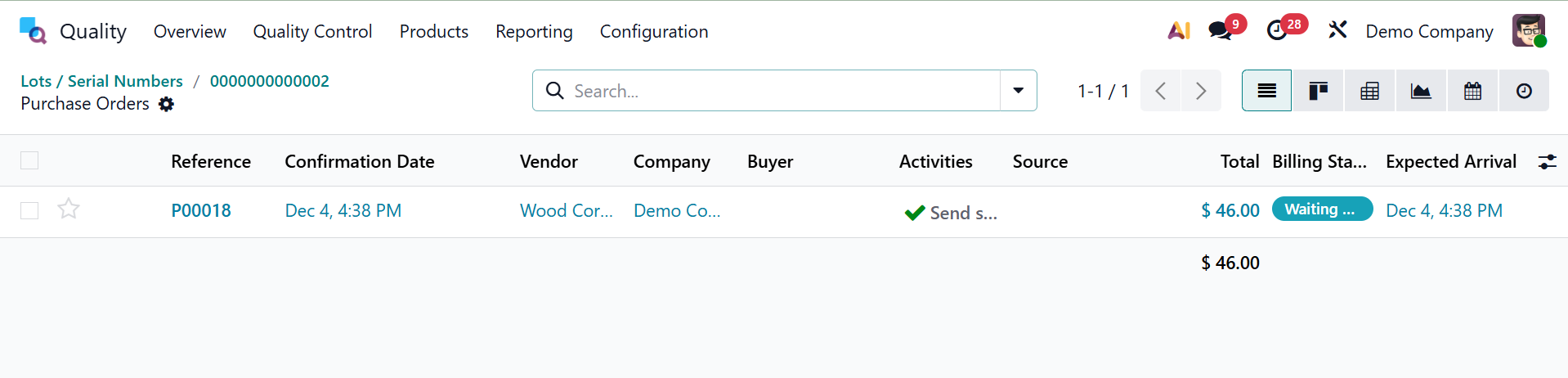
- Purchase Smart Button – Opens the related purchase order from which the quality check was created, allowing traceability to the original vendor transaction.
- Quality Check Smart Button – Displays the linked quality check record where inspection results, control points, and pass/fail status are recorded.
