Reporting
Odoo 19 offers several reporting options for each module based on the logged actions. Quality Check and Quality Alert reports are displayed by the Odoo 19 Quality module's reporting capability.
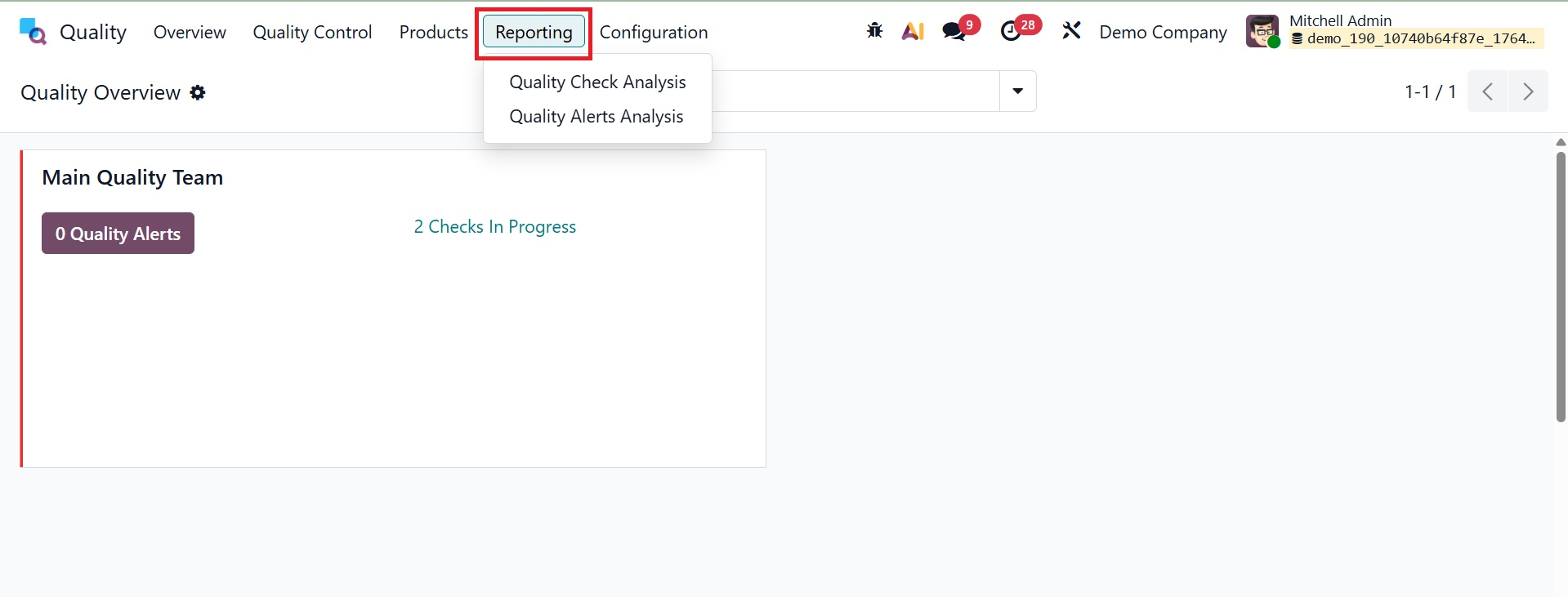
1.1 Quality Check Analysis
To open a new window with a graphical representation of the quality check status, select Quality Checks from the Reporting menu. The graph view shows count data on the Y-axis and status data on the X-axis. Plotting various measures on graphical displays allows customers to review quality checks. By choosing the Measures icon, we may interact with values like Done, Measure, Finished Product Sequence Number, and Quantity Tested.
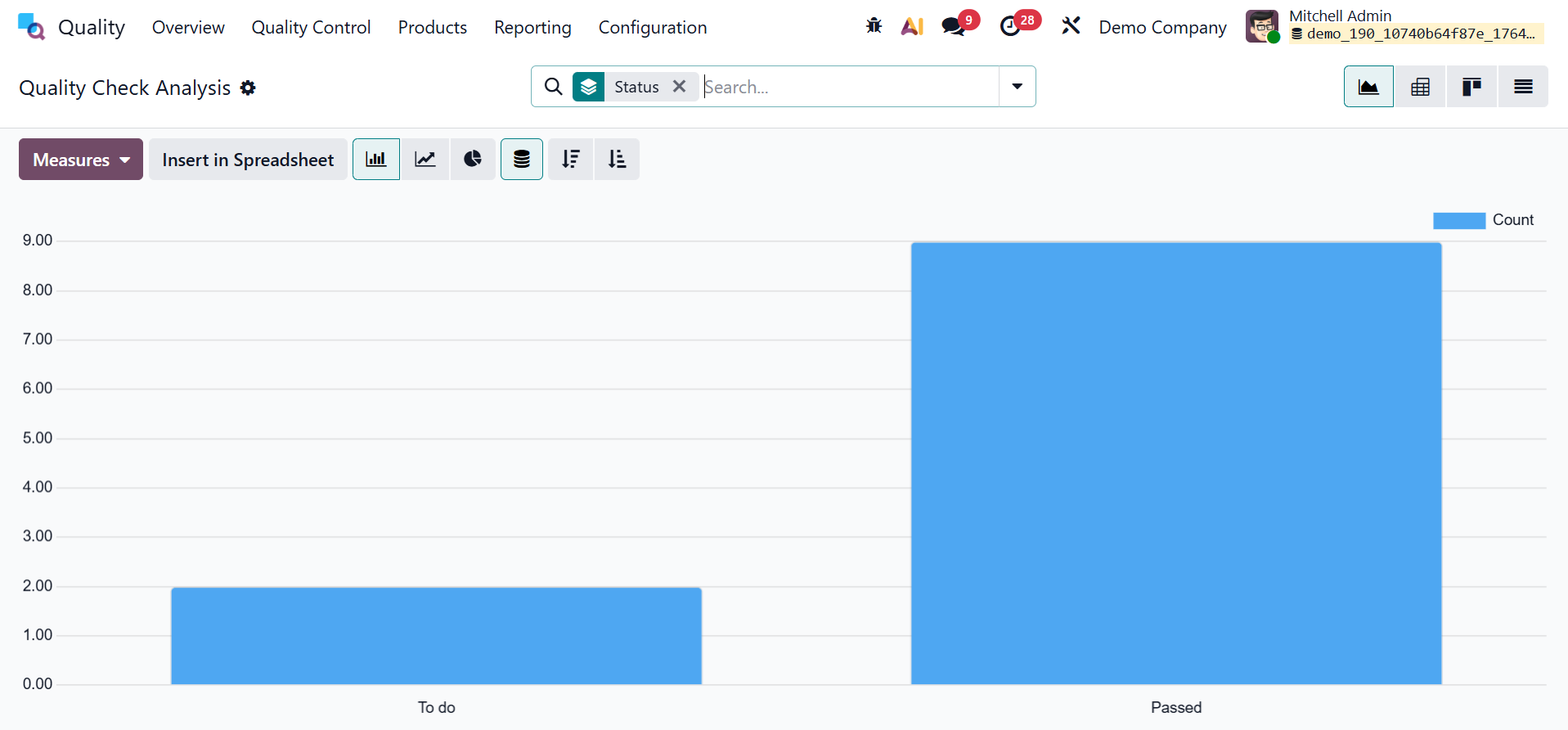
Here, these quality checks are organized according to their state. Additionally, Add Custom Group, Control Point, Team, Finished Lot/Serial, and other criteria can be used to group quality tests. You can add this data to the graph by selecting the Group menu.
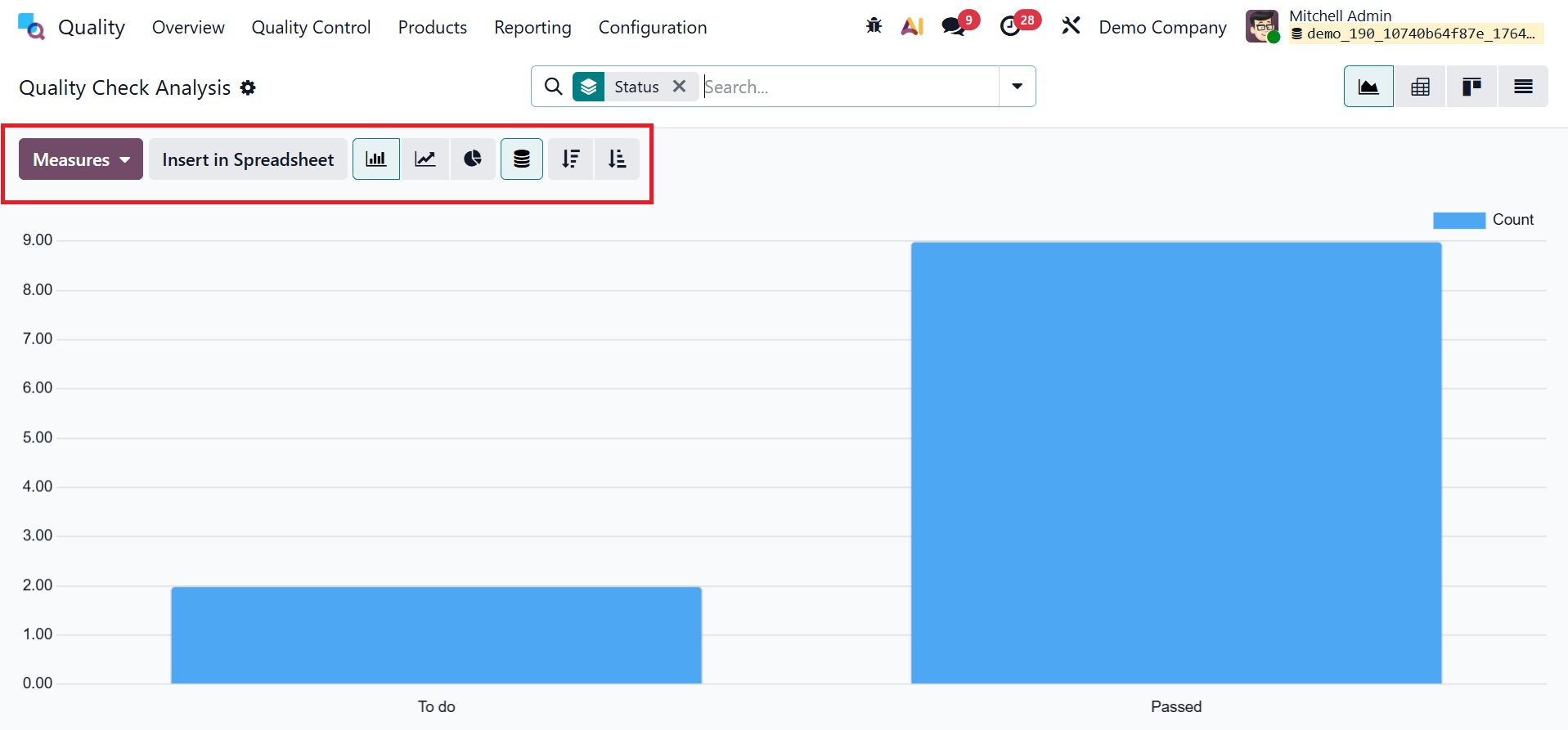
Additionally, the graph is offered in pie, bar, and line chart styles. To assess an alarm, select the Quality Alerts option from the Reporting tab. The root cause is the only basis for the quality alert report on the specified page. After reading the report, you can pinpoint the issues and implement solutions.
1.2 Quality Alert Analysis
A new window with a chart showing the quality alert status appears when you select Quality Alerts from the Reporting menu. By loading many measurements across graphical representations, users can also examine quality checks. Here, the quality alerts are arranged according to their status.
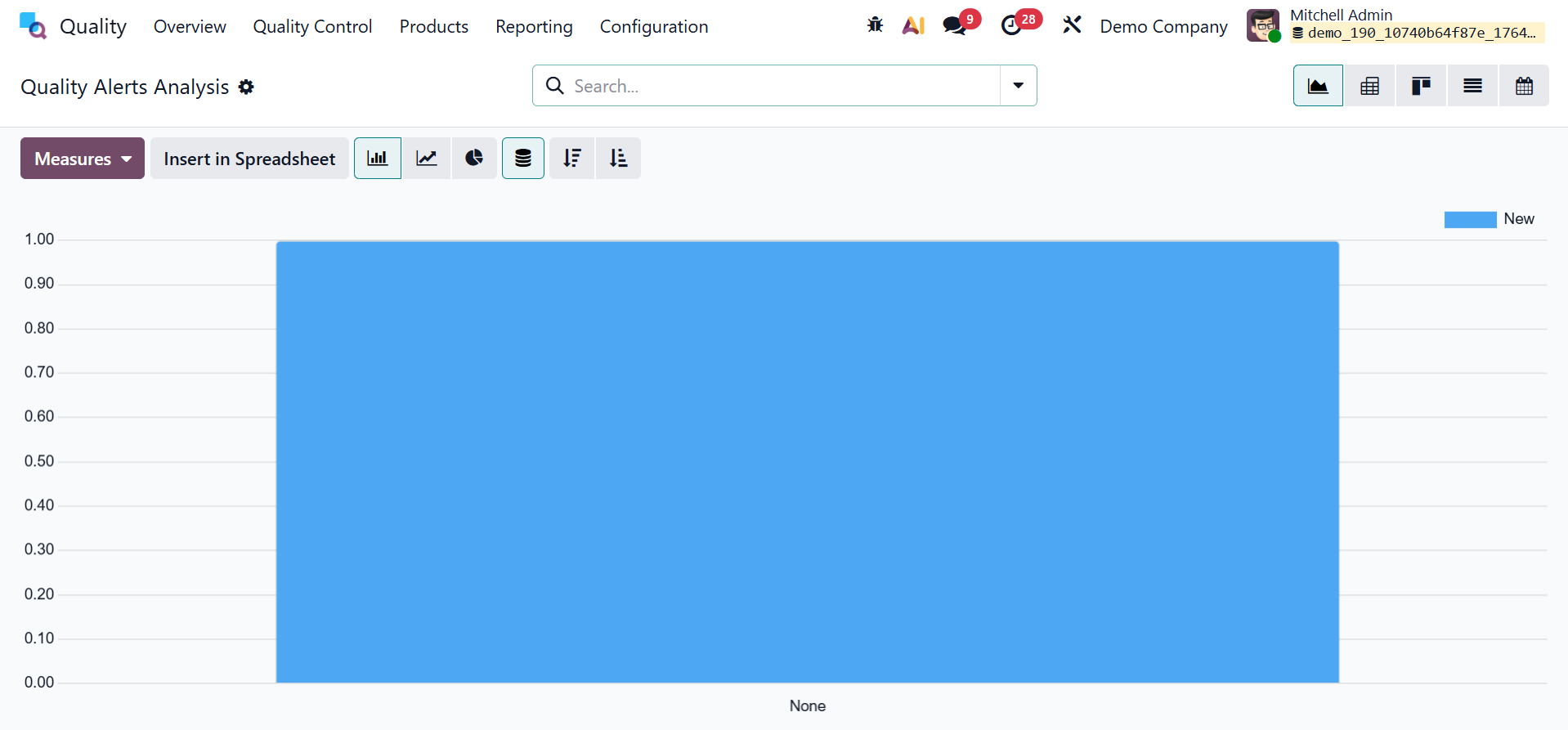
Quality checks can also be added to custom groups and arranged based on root causes and stages. You can add this data to the graph by selecting the Group menu.
Providing every consumer with high-quality items is essential for business success. To achieve the best result in the end, a number of procedures enhance product quality. From the beginning to the final production process, numerous steps are involved. Every product is guaranteed quality inspections, control points, and alarms at different levels via the Odoo 19 Quality module.