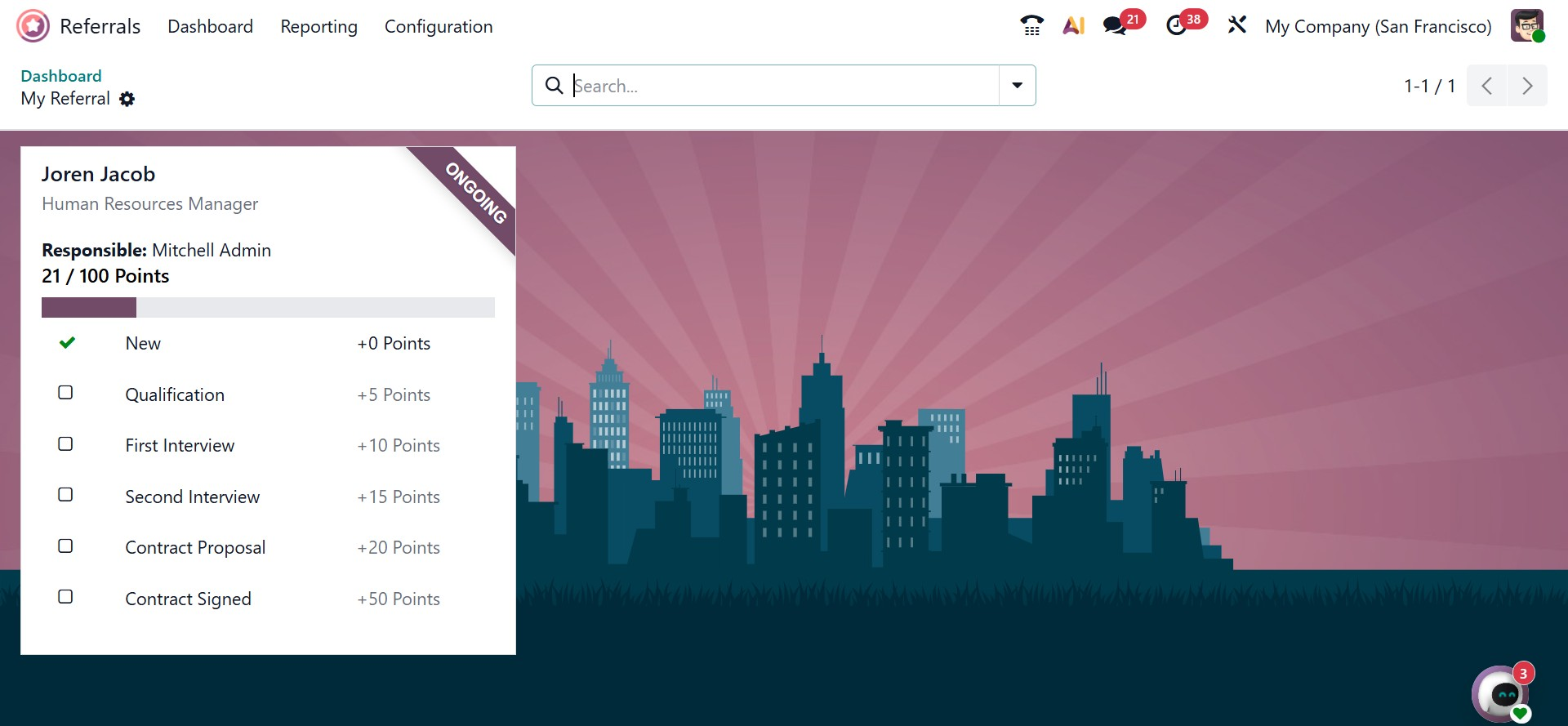
Dashboard
When you select the Dashboard menu, the Odoo 19 Referral module's main screen appears. The dashboard is designed to be easy to use and visually engaging. As shown on the screen, the Skip and Next buttons guide users through the onboarding process.
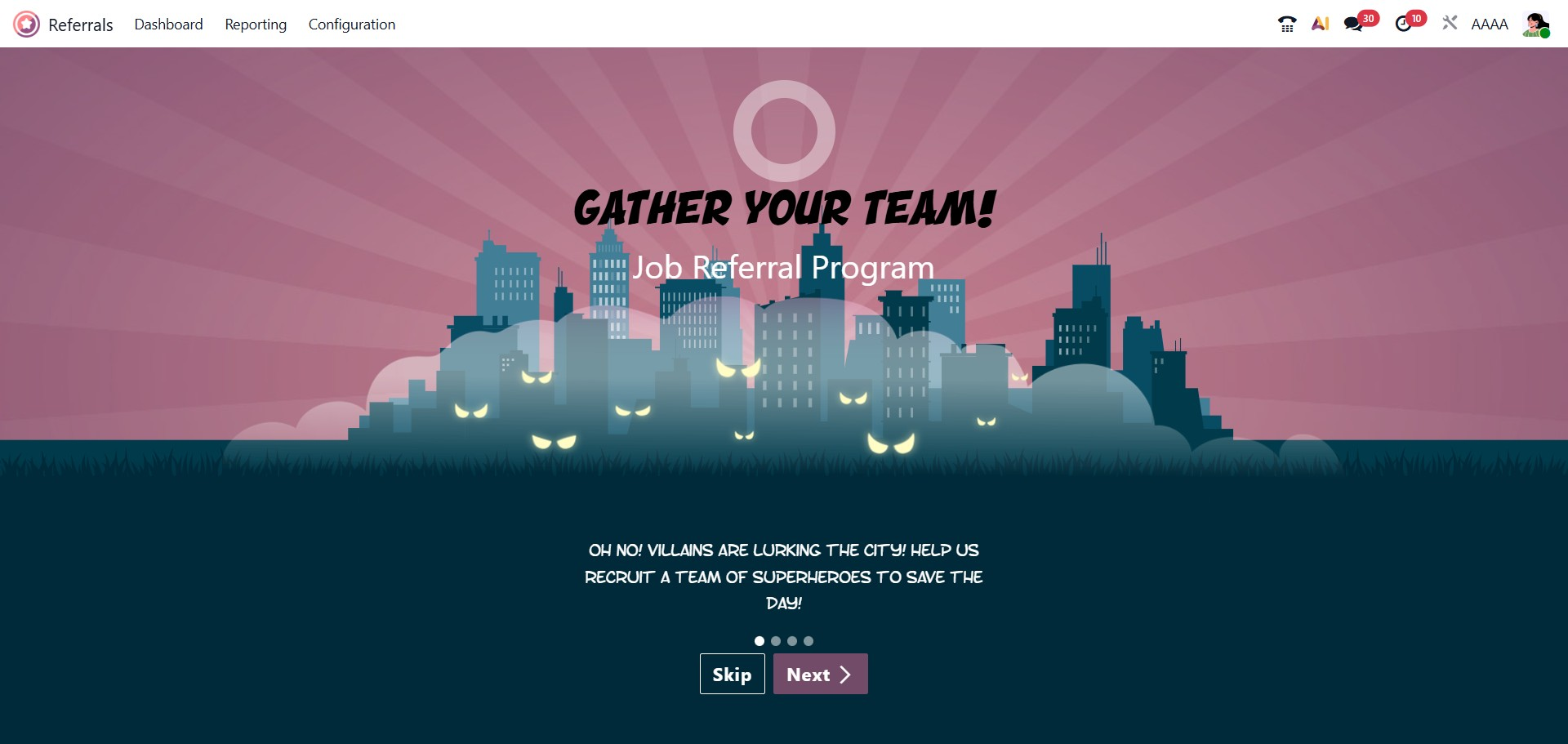
Clicking the Next button opens a new page with onboarding instructions that explain how the referral program works. This helps users understand the steps involved in referring candidates. If you click Skip, the system directly opens the main dashboard.
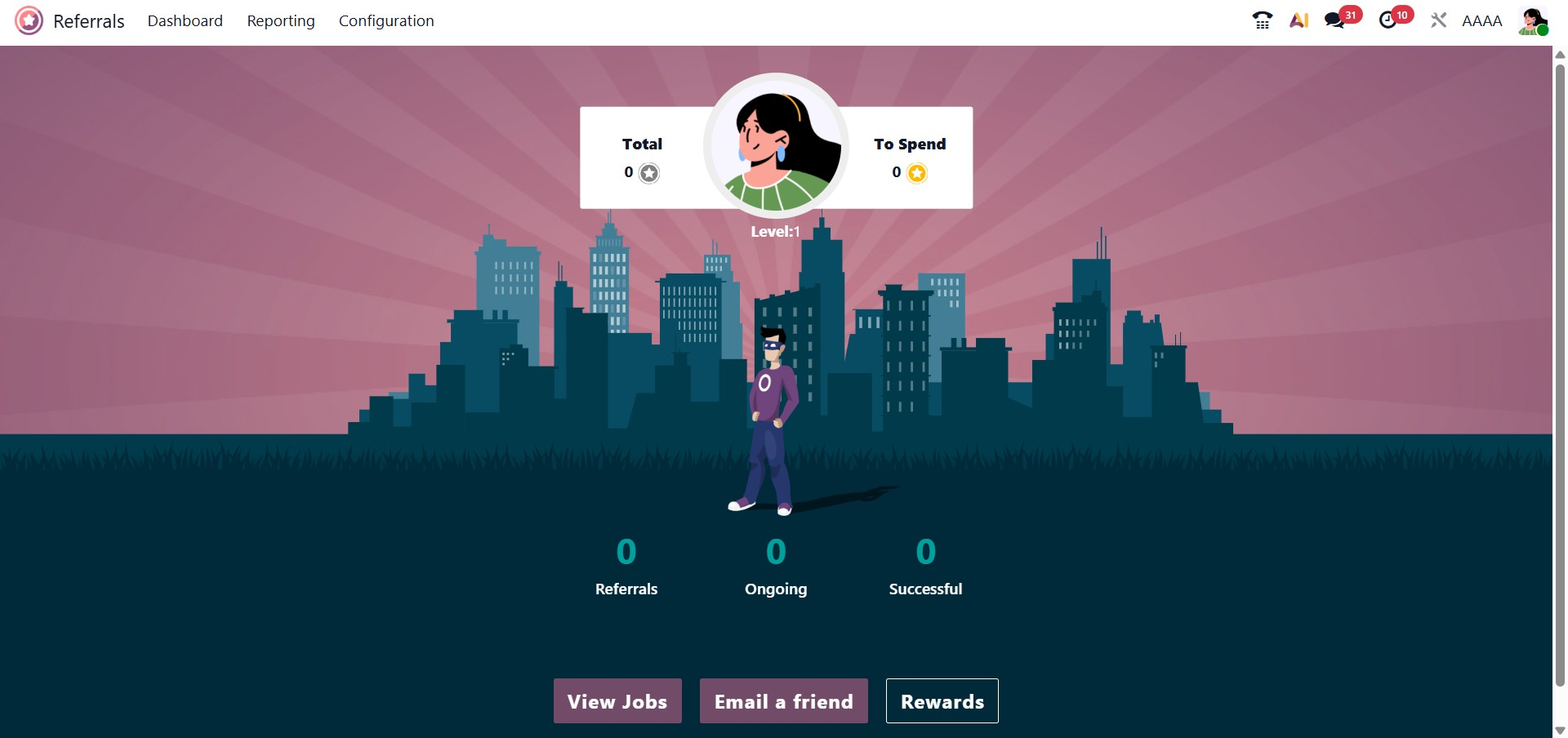
On the dashboard, users can view the total number of referrals, including ongoing and successful ones. At Level 1, icons such as View Jobs, Rewards, and Email a Friend are displayed.
By clicking the View Jobs option, users can access all available job openings. The Job Vacancies page shows details such as the number of open positions, job descriptions, reward points, and options to refer the job to a friend.
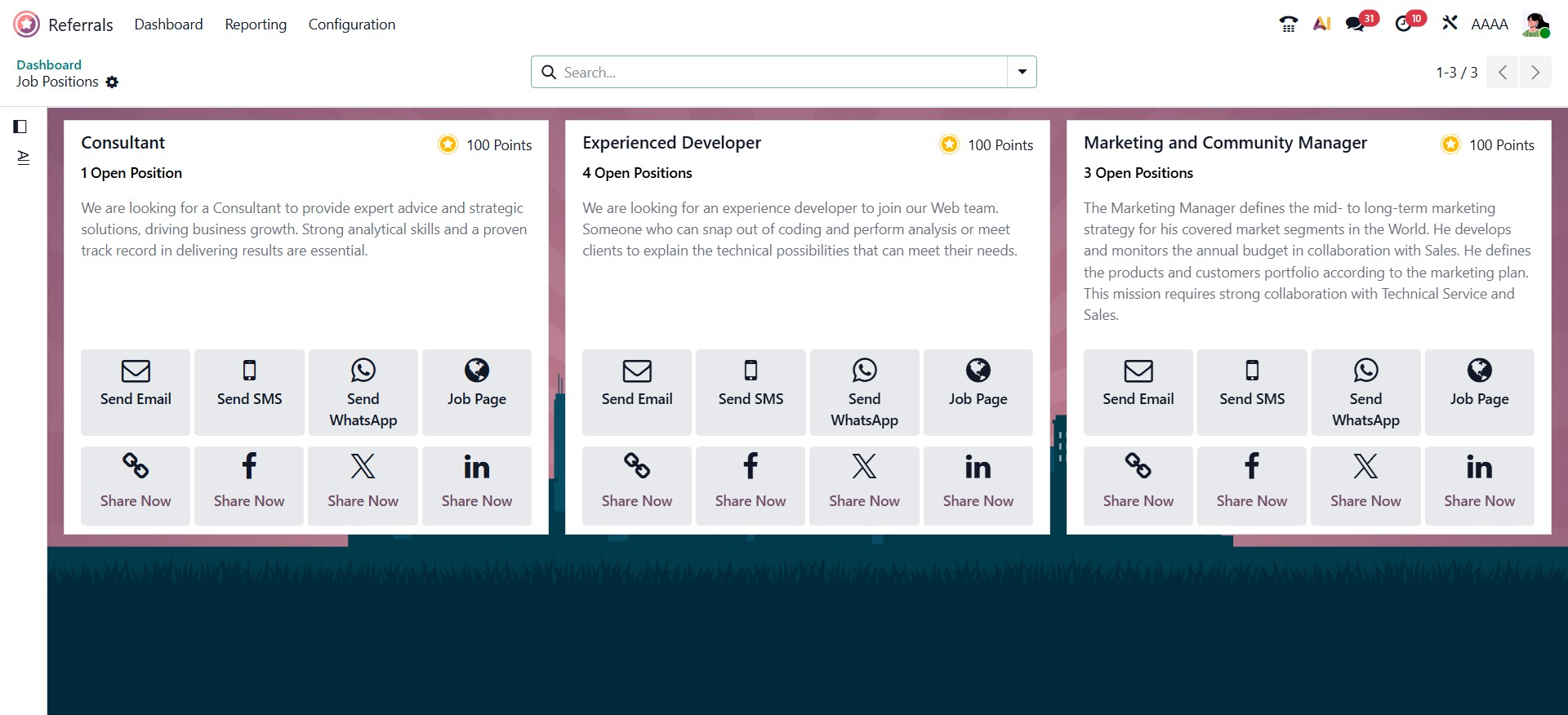
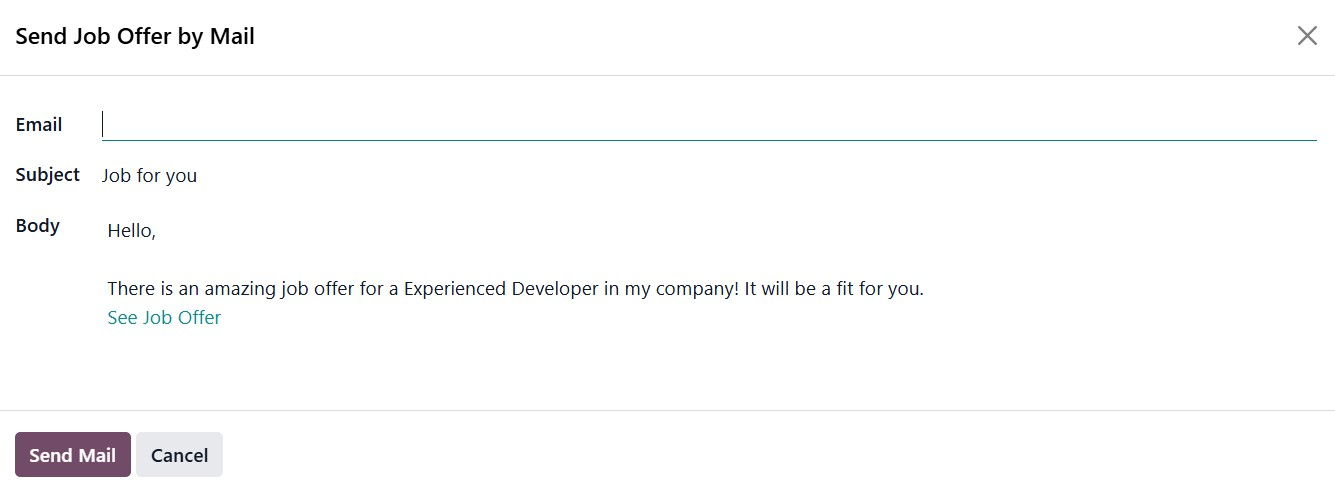
Users can also share job openings on platforms like Twitter, Facebook, and LinkedIn. The Email a Friend option allows users to send job offers via email. In the Send Job Offer by Mail window, users can enter the recipient’s email address, subject, and message content.
Once all required details are filled in, clicking the Send Mail button sends the job offer to the selected contact.
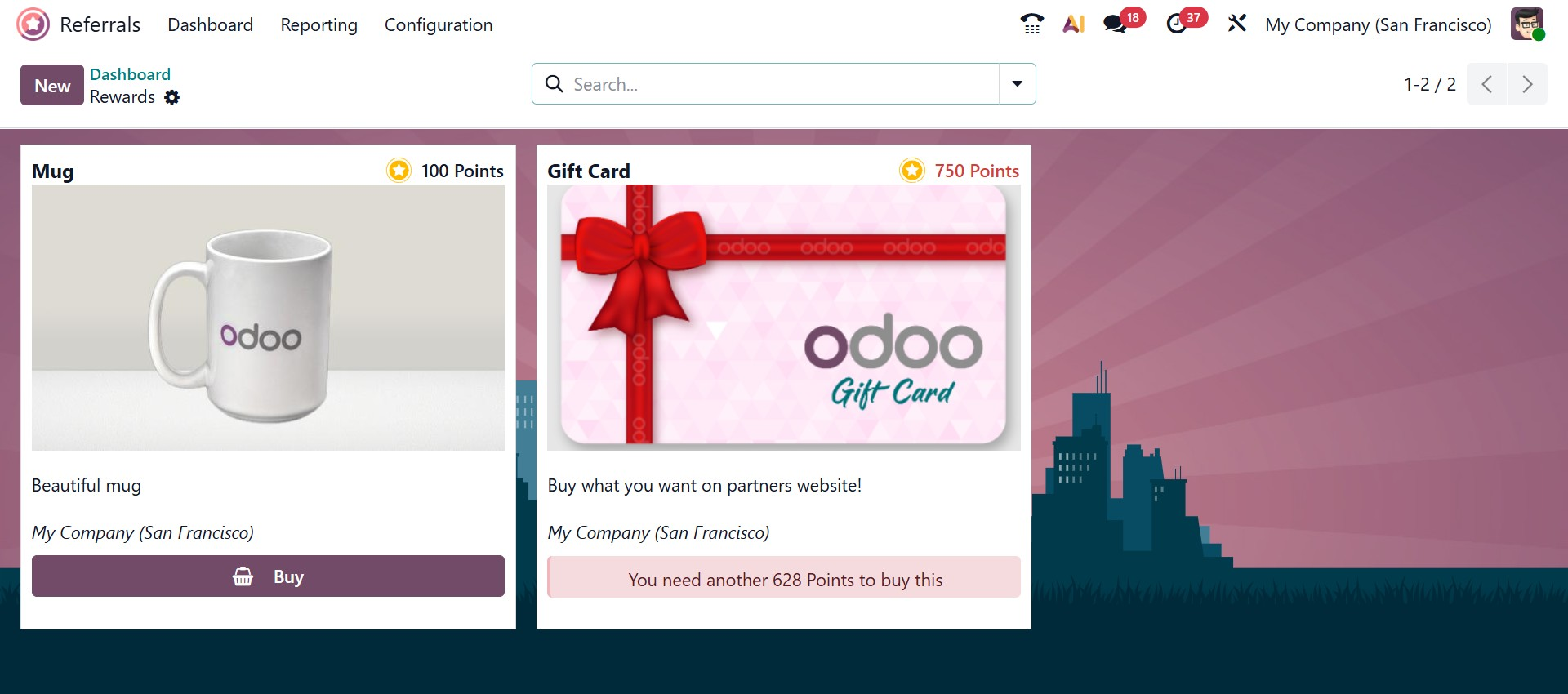
Selecting the Rewards icon shows the total rewards available to the user. In the Rewards section, users can view the points required for each reward, a short description, and the option to redeem the gift.
To understand how the Odoo 19 Referral module works in detail, return to the Dashboard. At the top of the dashboard, a LEVEL UP button is displayed for each employee profile. As referred candidates move forward in the recruitment process, the referring employee earns points and progresses to higher levels. The dashboard also displays Total Points and to Spend, and users can increase their level using the LEVEL UP option.
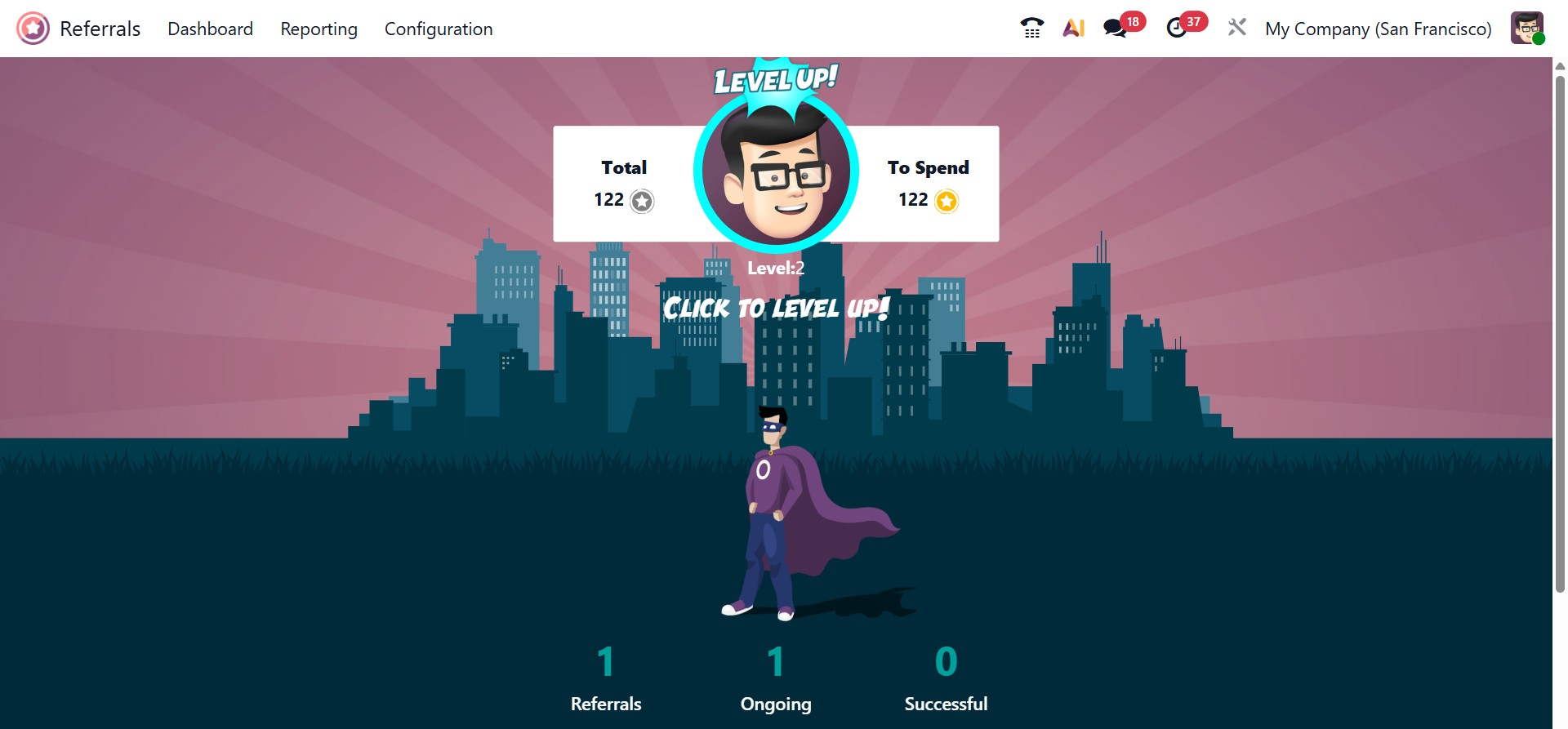
The dashboard also shows the referral status, including the total number of successful, ongoing, and pending referrals.
When the Referrals option is selected, all employee referrals are listed. The My Referrals section displays details of referred candidates, such as their name, department, job position, and points earned. Points are awarded at different recruitment stages, including initial screening, interviews, contract signing, and other selection steps.