2. Validating the Barcode for a
Product
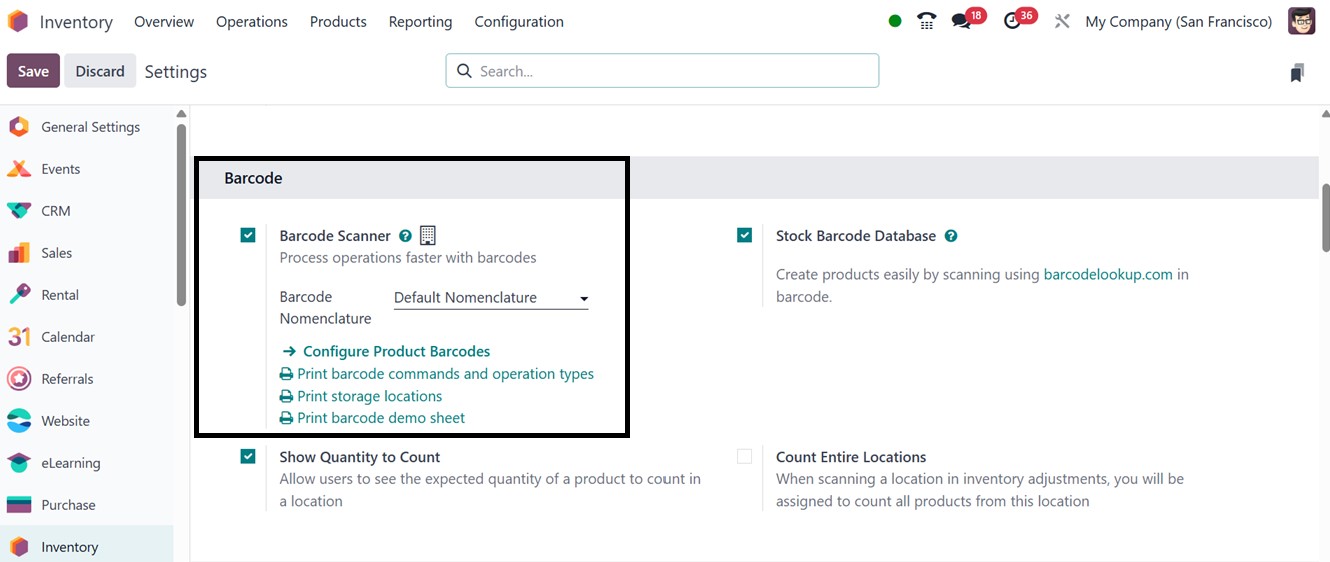
Users in Odoo 18 can quickly validate a product’s barcode by ensuring
the Inventory Module is installed. They need to navigate to the
Operations Settings area of the Inventory Module’s Configuration
menu. Then, enable the Barcode option, and click on Configure
Product Barcode to proceed.
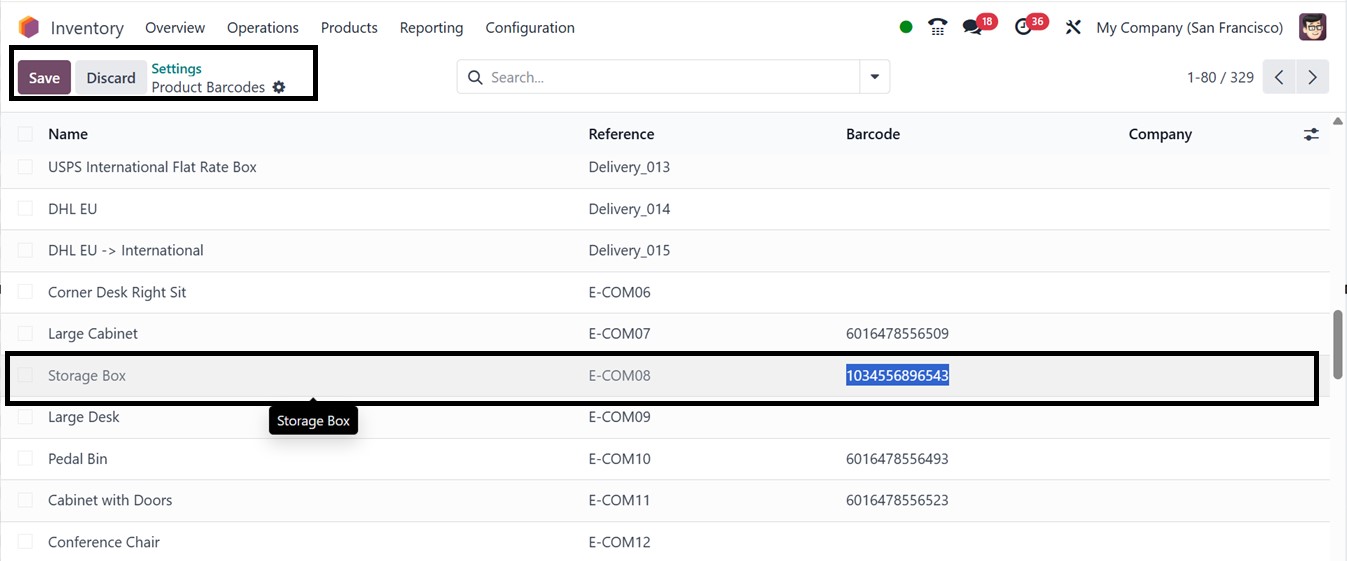
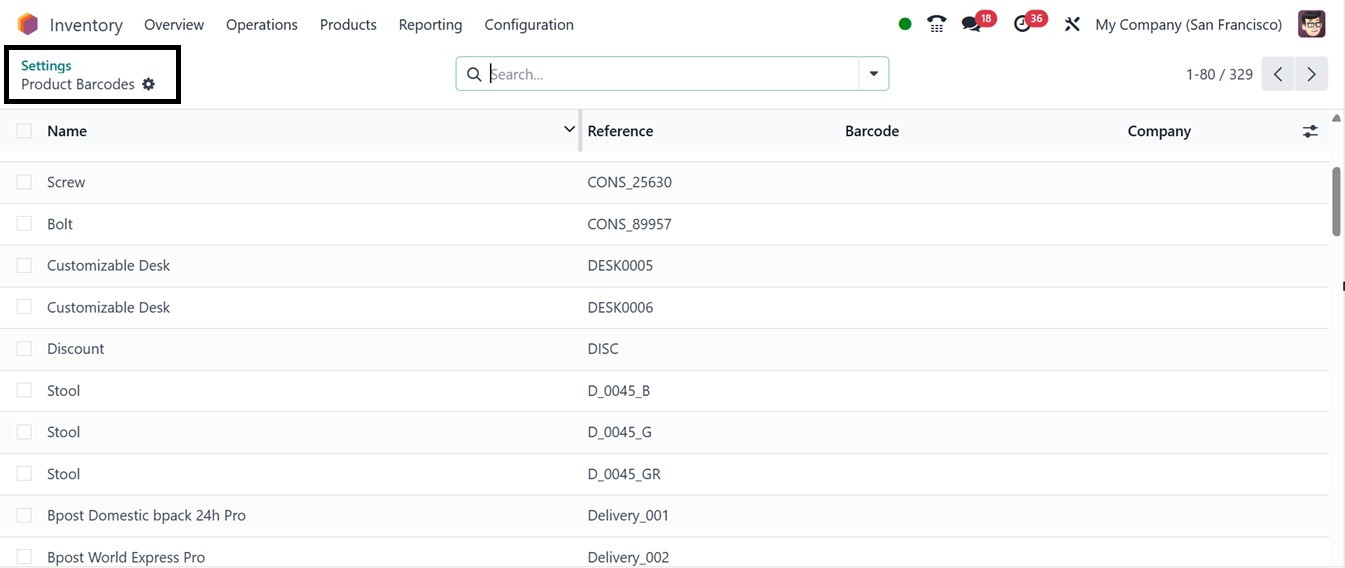
A new window will appear displaying the list of products, where users
can select products that require a barcode and enter barcode values
directly into the respective column.
Once done, clicking Save finalizes the barcode configuration. You
should then return to Settings Barcode Scanner and save the
modifications.