13. Product Tags
In Odoo 18 Sales, Product Tags play a vital role in organizing and
categorizing products, making it easier to manage, search, and
filter items efficiently. By leveraging product tags, businesses can
streamline product searches, create custom filtered views, and
enhance overall accessibility within the product catalog. These tags
provide a structured way to classify products based on various
criteria, improving workflow efficiency in sales operations.
To configure Product Tags, navigate to the Configuration menu in the
Sales module and select the Product Tags option.
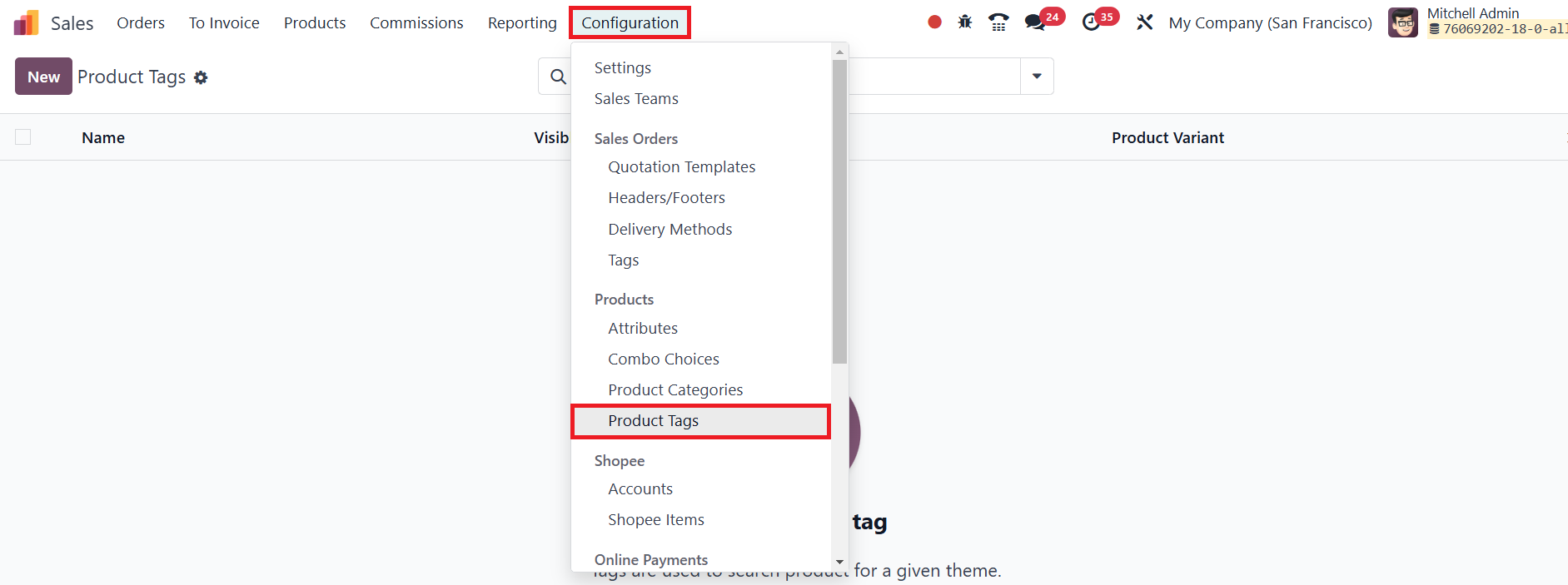
This section displays a list of all existing tags, allowing users to
edit, delete, or create new ones based on business needs.
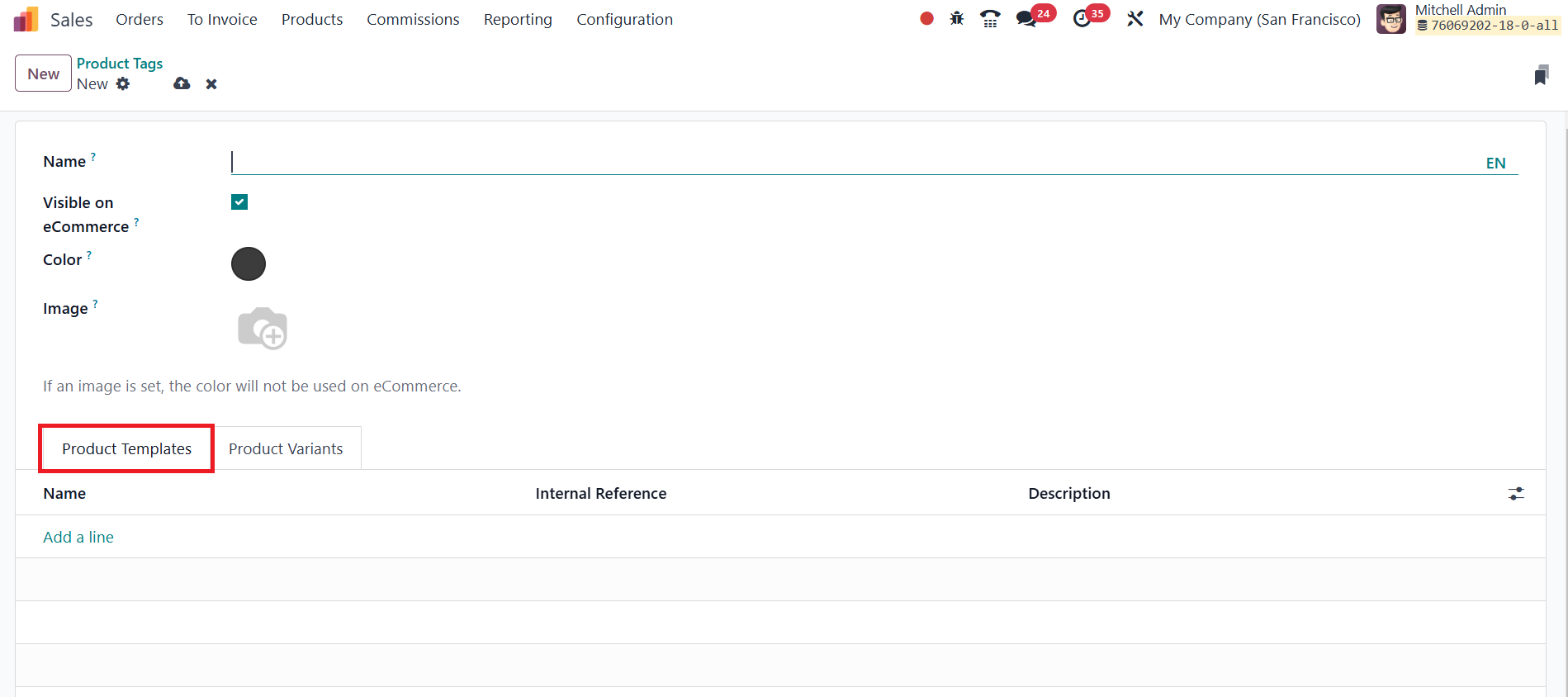
To add a new tag, click the New button, which opens a creation form
where essential details such as the Tag Name and Color can be
specified for easy identification. Additionally, users can upload an
Image to visually represent the tag, enhancing clarity in product
classification.
For businesses utilizing eCommerce, Odoo provides an option to make
product tags visible on the online store. By enabling the Visible on
eCommerce field, the selected tag will appear on the respective
product pages, helping customers filter and browse products
effortlessly. To associate specific products with a tag, use the Add
a Line option under the Product Templates section.
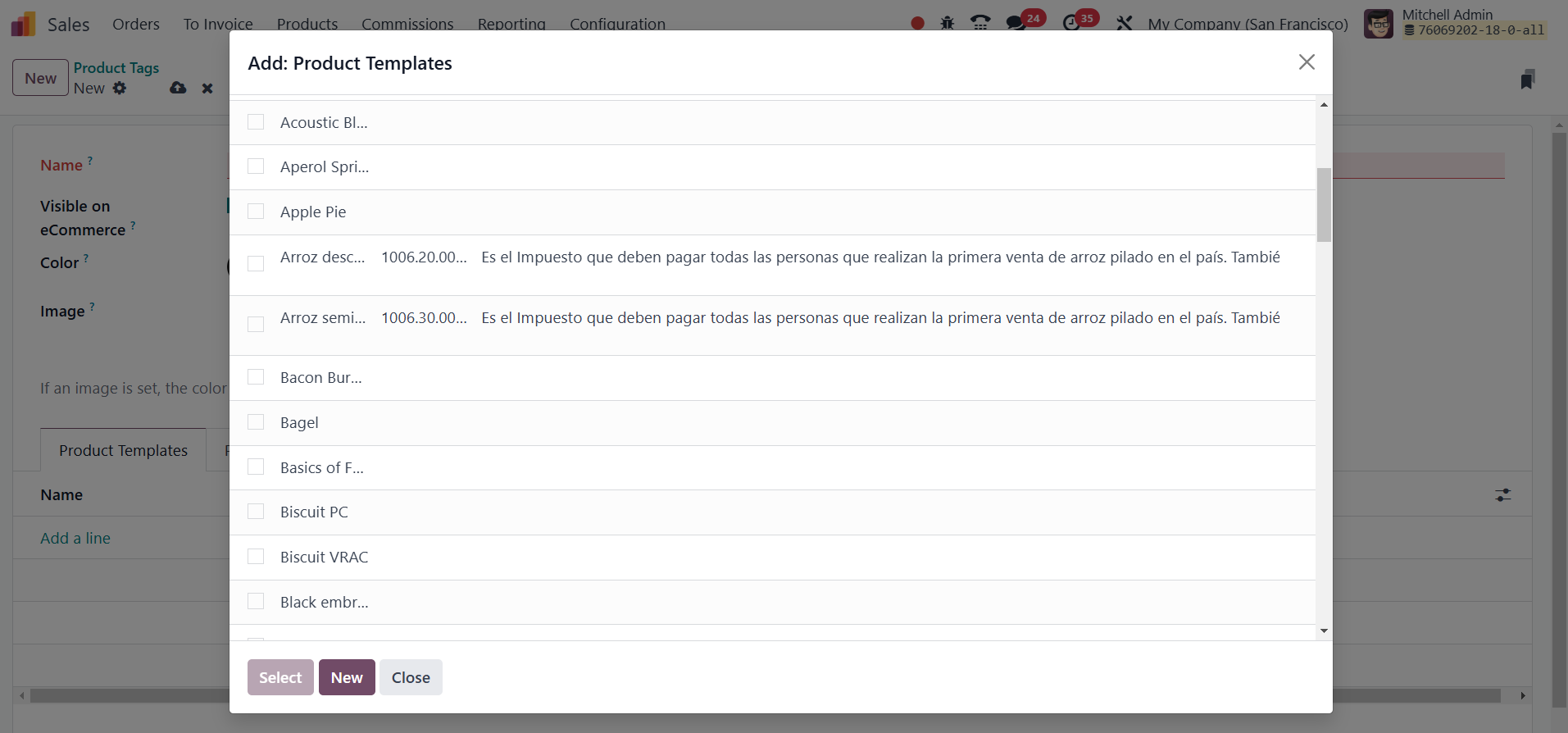
This feature allows users to assign multiple products to a single
tag, ensuring a well-structured product categorization system.
In cases where a product has multiple variations, Odoo enables the
inclusion of Product Variants within a tag. The Product Variants tab
allows users to link different product variants under a particular
tag, ensuring that all versions of a product are appropriately
categorized.

This feature is particularly useful for businesses dealing with
multiple sizes, colors, or configurations of the same product.Once
created, these tags can be assigned directly to products while
creating or editing a product entry in the Sales module.
Additionally, under the Configuration menu, the Tags field provides
an option to generate tags specifically for sales operations.
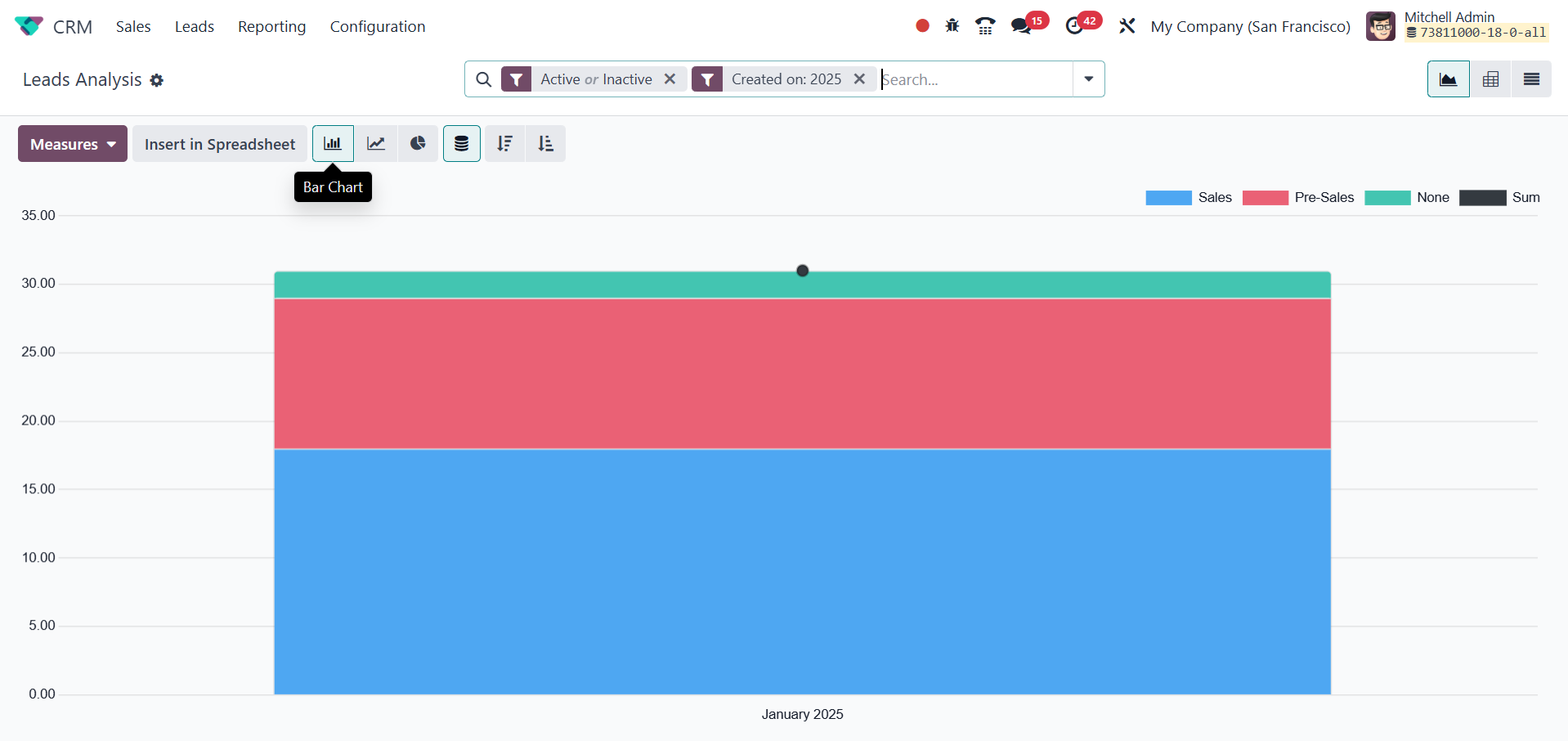
Using the Add a Line button, users can enter the Tag Name and select
a Color to distinguish the tag effectively. This ensures that
products are systematically organized, facilitating seamless sales
processes and improving the overall user experience.