2. Blacklisted Phone Numbers
To manage and remove unwanted contacts from SMS campaigns, Odoo’s SMS
Marketing module offers a convenient Blacklisted Mobile Numbers
feature. This functionality ensures that messages are not sent to
contacts who have been blacklisted, helping you maintain compliance
and avoid spamming. To access this option, navigate to the
Configuration menu on the main dashboard of the SMS Marketing
module. The blacklist page will display all previously added
blacklisted numbers.
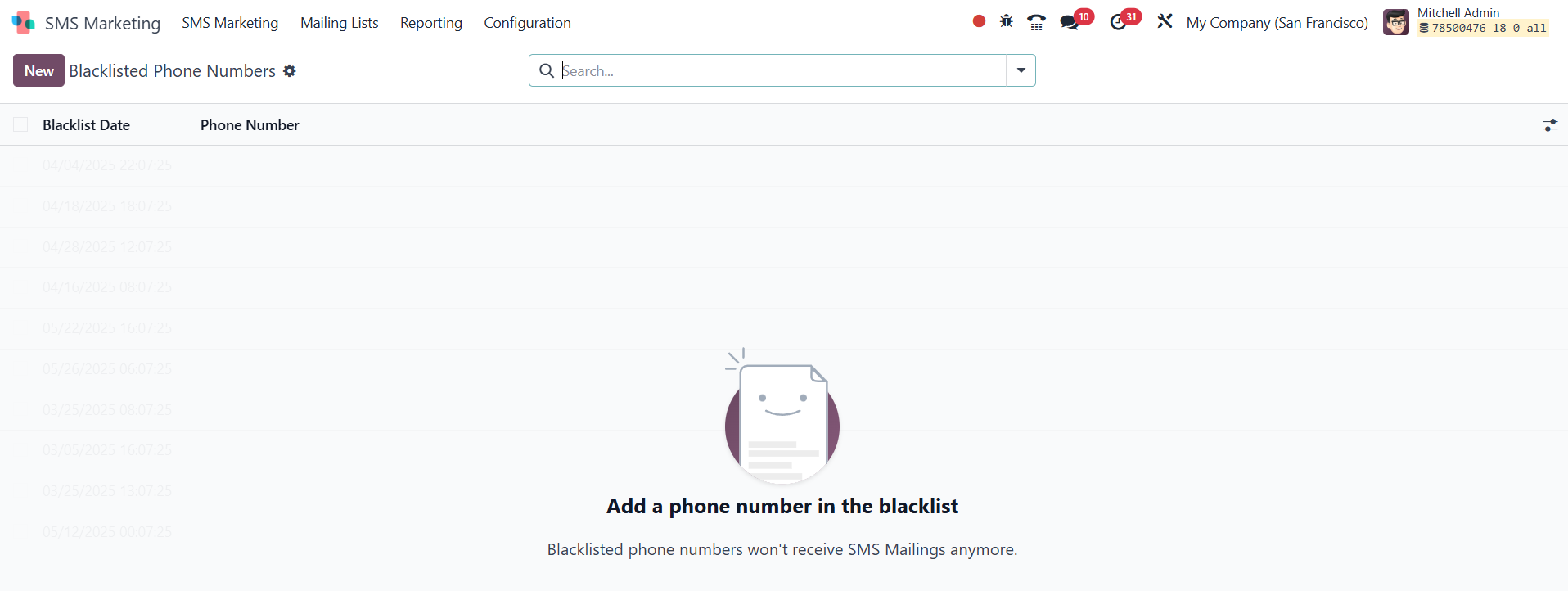
If any numbers are already blacklisted, they will be listed here. You
can use the Filters and Group By options to easily sort and manage
the entries. To add a new number to the blacklist, click the NEW
button on the left-hand side of the page, which will open a new
entry form.
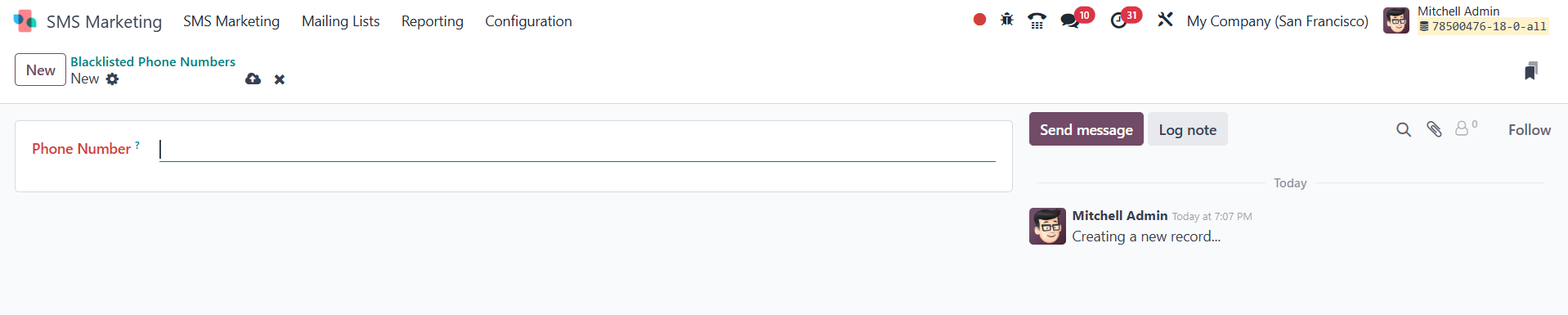
On the creation page, simply enter the phone number you wish to
blacklist. After entering the necessary details, click Save to
finalize and add the number to your blacklist.