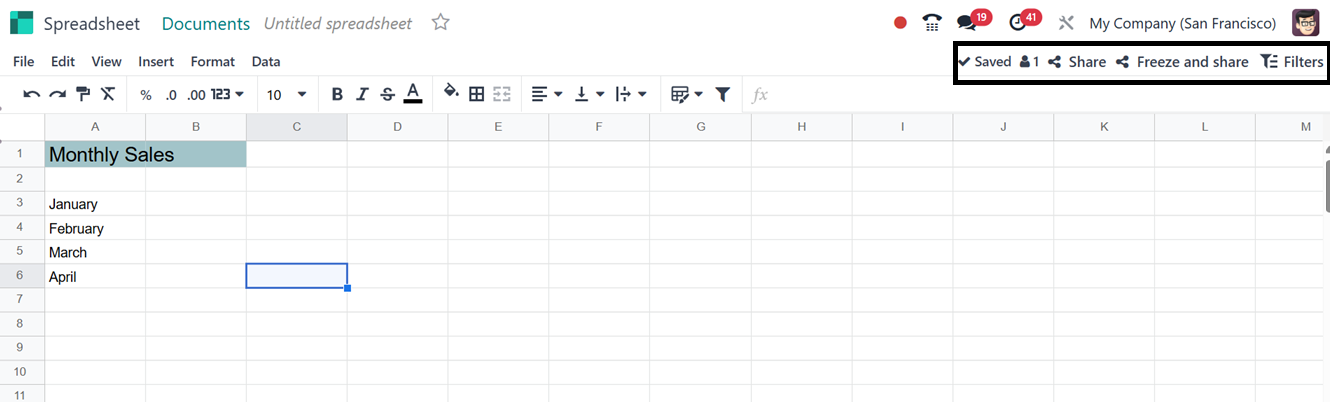
4. Create Spreadsheet
You can construct spreadsheets by clicking the ‘Spreadsheet’ button
provided under the ‘New’ button on the Document module's home screen
window.
This option is practical for gathering your related data group into a
single sheet and organizing it for analysis. When you click on this
button, you will be sent to a new window, as shown below.
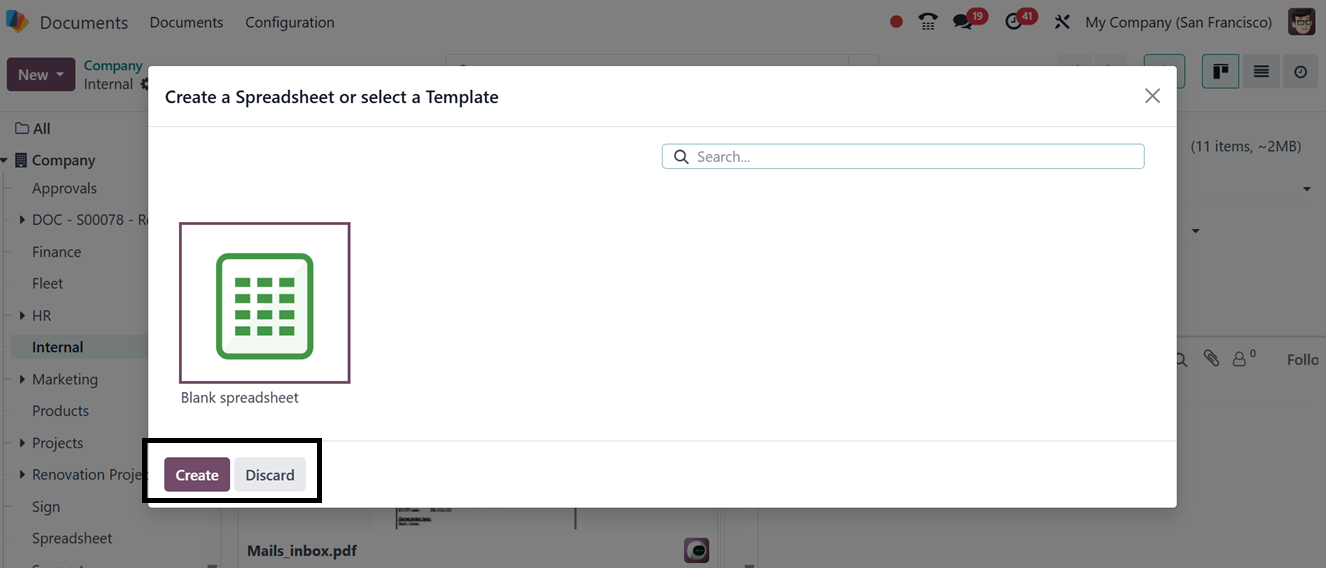
For adding various reports or files, the window has multiple
spreadsheet kinds. You can choose an appropriate model to
incorporate your data. To create a new type of spreadsheet, you can
alternatively select the empty one. The ‘Create’ button is located
in the bottom left corner of the window and can be used after
choosing the spreadsheet. After that, you can update your
spreadsheet with the pertinent information and links.