36. Disallowed Expenses
In accounting, disallowed expenses refer to those costs that cannot
be deducted from fiscal results but can be subtracted from the
bookkeeping records. Odoo 18’s Accounting module allows you to
effectively manage and report on these disallowed expenses through
the Disallowed Expenses Categories function. This feature is
accessible from the Configuration menu, allowing users to categorize
and manage these types of expenses.
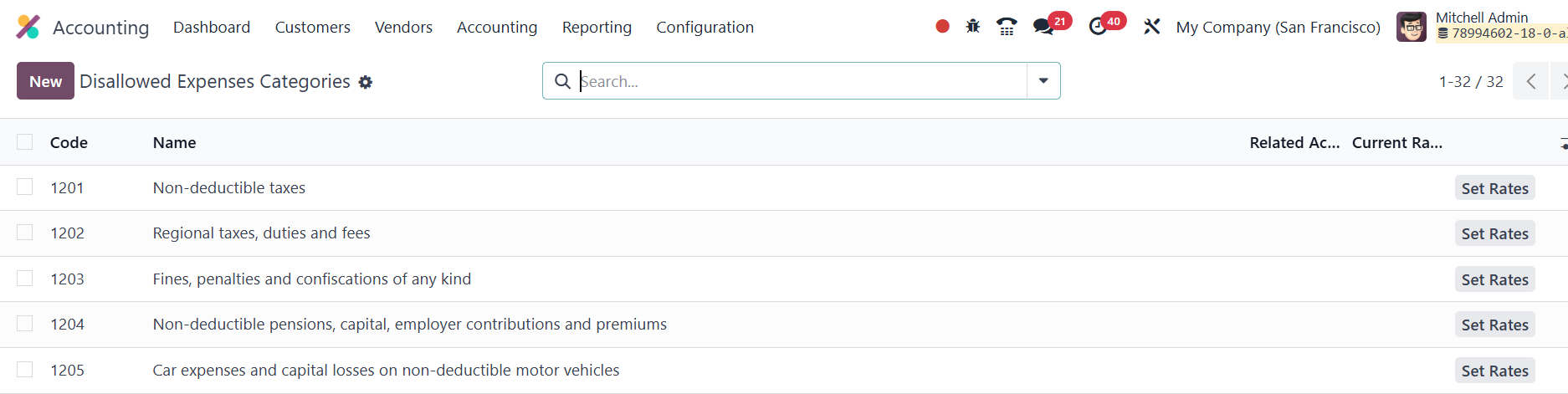
Once you navigate to the Disallowed Expenses Categories option, you
can view any pre-configured categories. By clicking the New button,
you can create new categories, specifying the Name, Related Account,
and Current Rate for the expense. This helps define the types of
expenses that should be disallowed for tax purposes but still
tracked in the company’s accounting records.
The Set Rates button enables you to define the rates for each type of
disallowed expense.
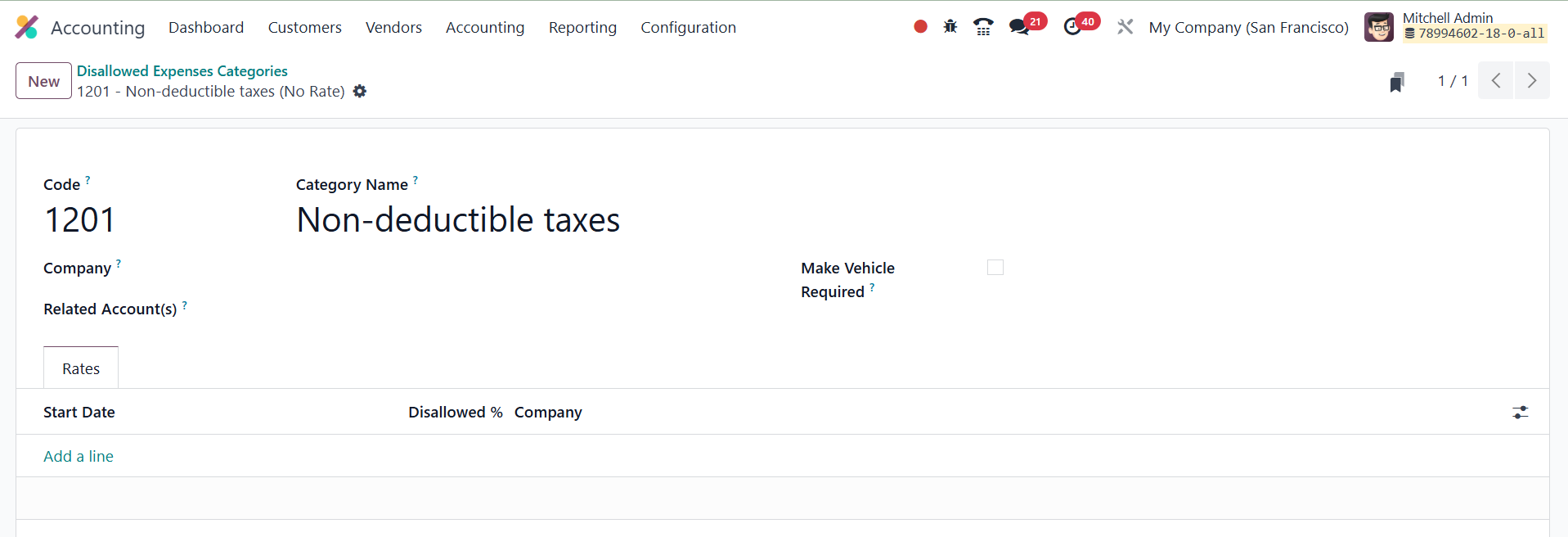
You can easily edit existing categories by clicking on them to access
the form view. Here, you can update information such as the Code,
Category Name, Company, and Related Account associated with the
category.
To apply disallowed expenses, particularly in the context of vendor
bills, you can link the Car Category form, specifying the relevant
start date, Disallowed %, and company. This ensures that any new
expense recorded with this account automatically calculates the
disallowed portion based on the rate defined in the category.
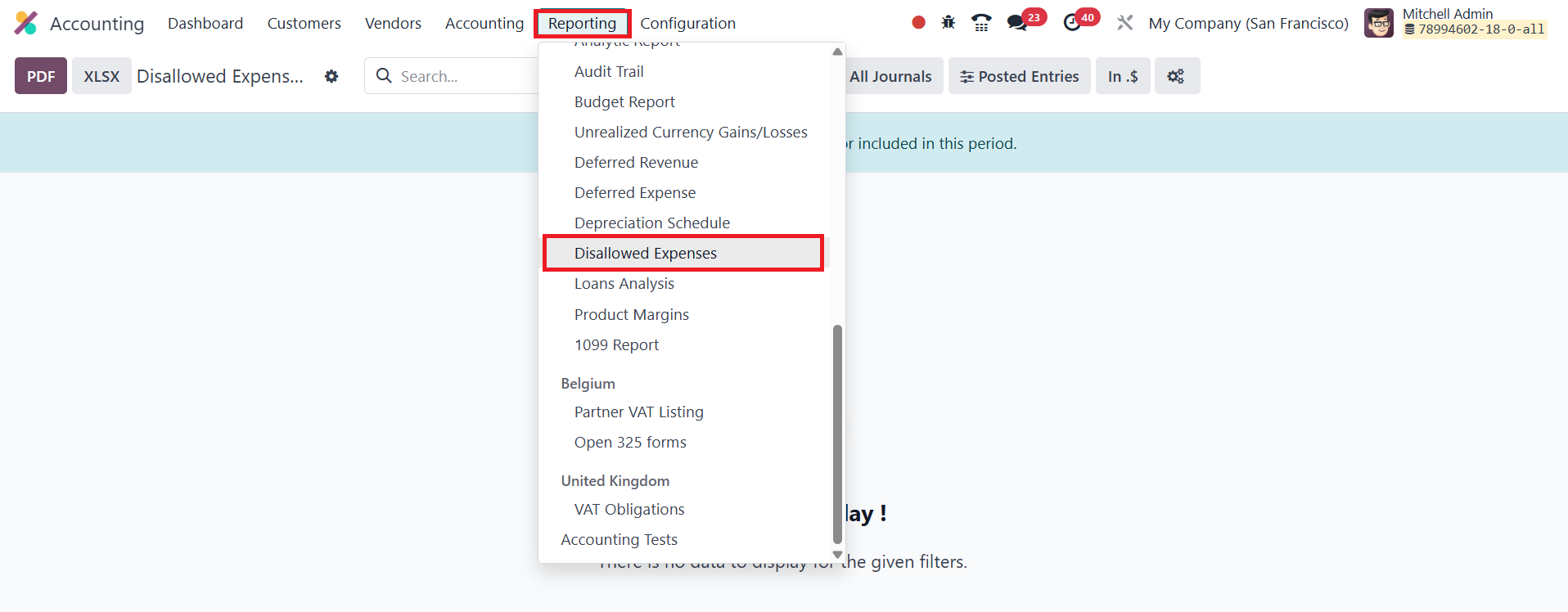
Once your disallowed expenses categories are set, you can generate
real-time financial reports through the Reporting option. The
reports can be easily exported to PDF or XLSX formats using the
corresponding buttons on the screen.
This functionality in Odoo 18 provides a streamlined way to manage
and report on disallowed expenses, offering full visibility and
compliance for your business's financial operations.