32. Horizontal Groups
The Odoo 18 Accounting module offers the Horizontal Group, which
allows users to add horizontal groups to reports for a more tailored
and efficient analysis of business data. This feature is
particularly useful when you need to quickly generate reports based
on specific criteria. By using horizontal groups, you can easily
customize and review reports according to your specific needs.

To begin creating balance sheet reports for a company, navigate to
the Configuration menu within the Accounting module and select
Horizontal Groups from the Accounting tab. This will lead you to a
list of previously configured horizontal groups, where you can see
each group's name and associated reports. To create a new horizontal
group, click the New button, which opens a configuration window
where you can enter the group’s name.
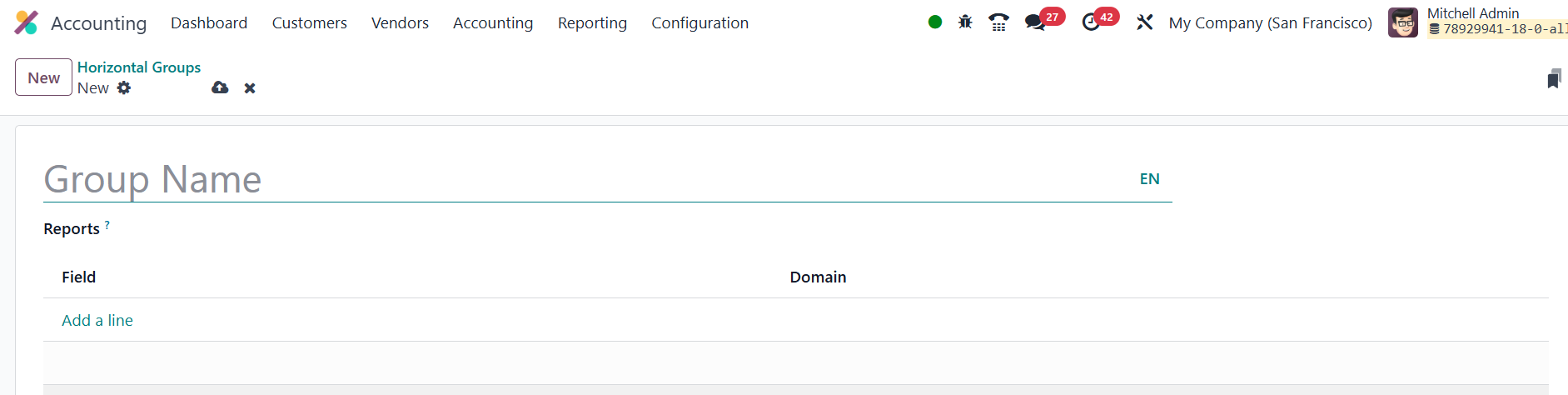
In the configuration window, you can specify the reports to which
this horizontal group will be added. By clicking the Add a Line
button, you can define the domain and field name of the new
horizontal group.
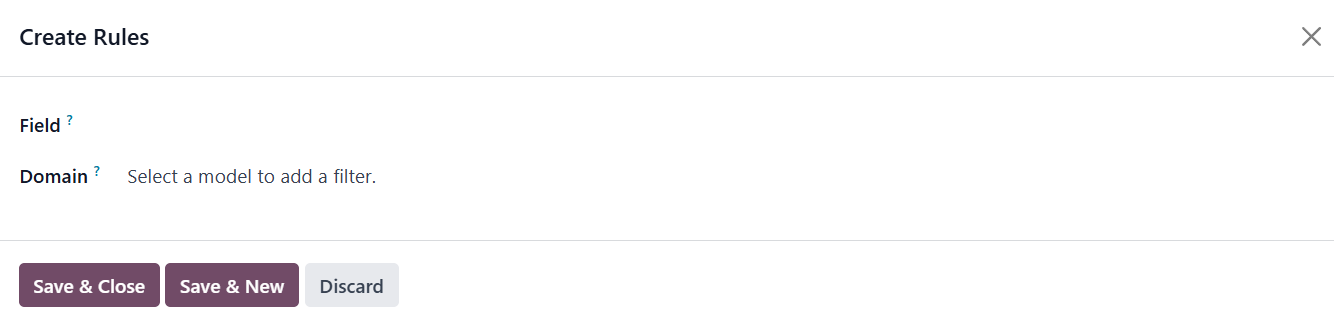
A pop-up window will appear where you can write rules, specify the
field’s name, and set the field’s domain. Once done, click the Save
& Close button to include this field in the horizontal group.
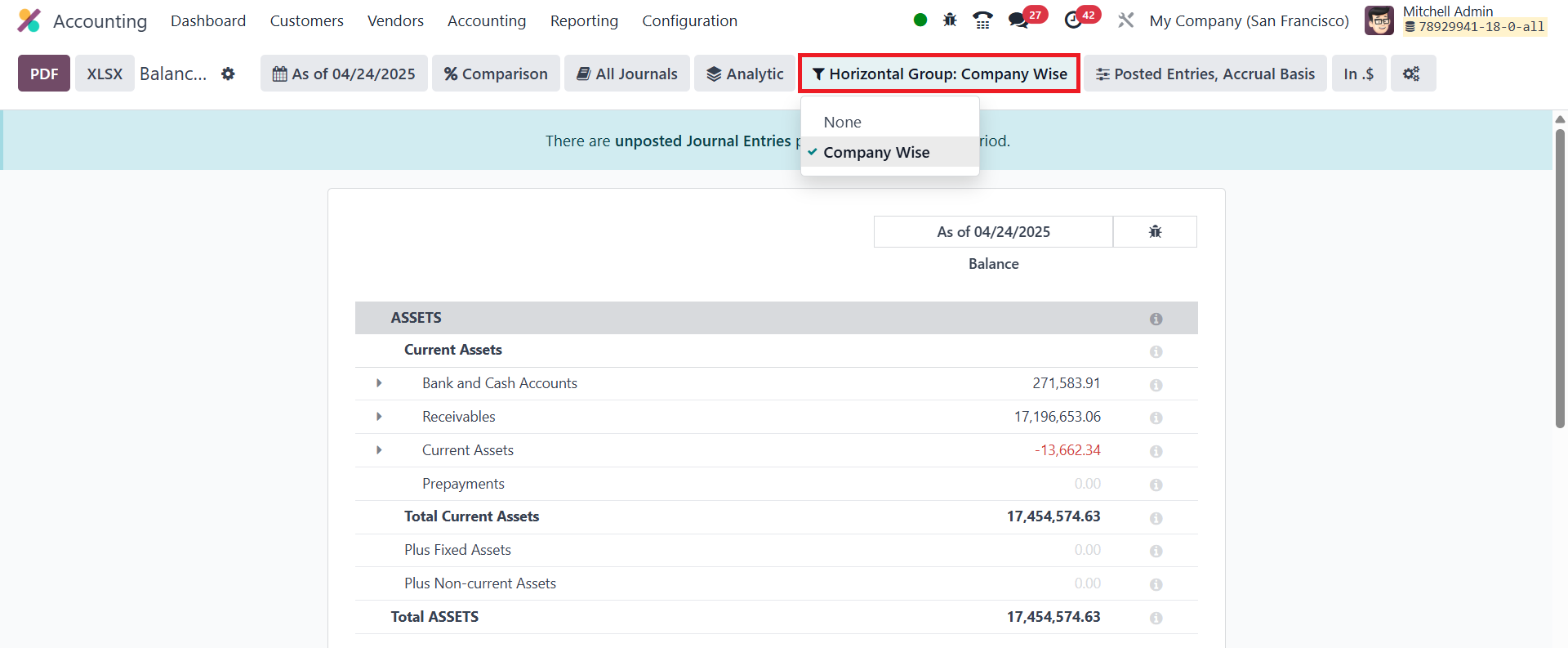
After setting up the horizontal group, you can generate a Report by
going to the Reporting menu. The Horizontal Group option will now be
available in the report, where you can select from various
horizontal groups.